Latest Comments



Understanding WiMAX: Key Features and Benefits
WiMAX is a broadband wireless technology that delivers high-speed internet over distances of up to 50 kilometers. It supports both fixed and mobile access, making[…]
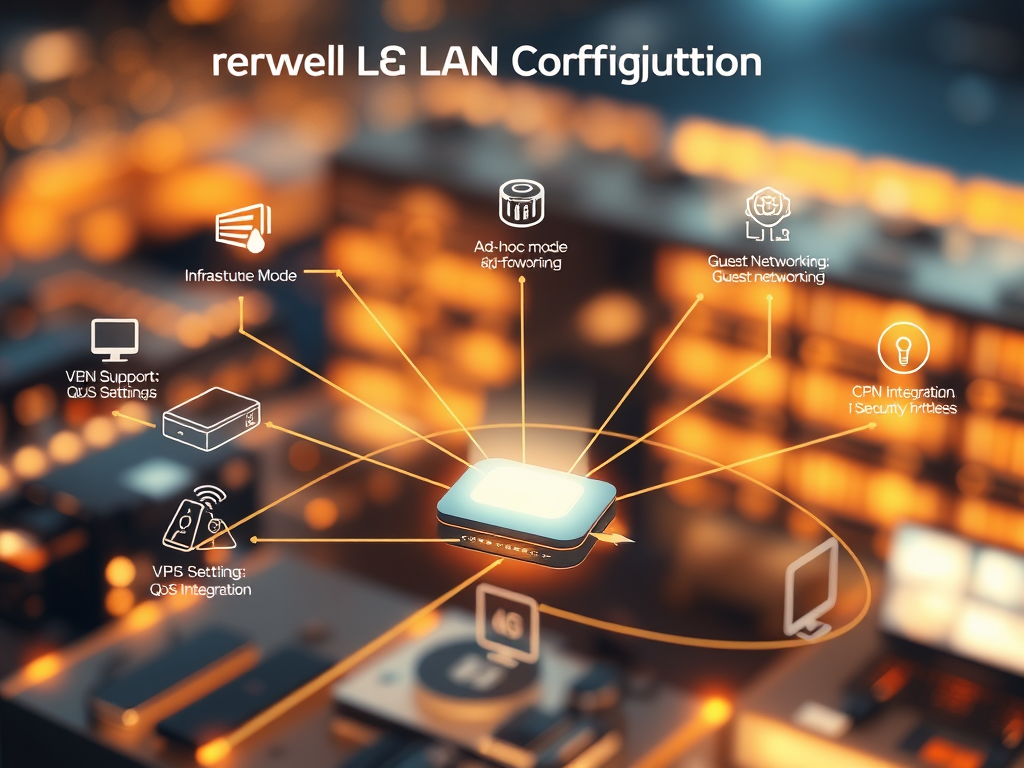
Essential Wireless LAN Configurations Explained
Wireless LAN configurations vary widely based on network design and requirements. Key setups include Infrastructure Mode with single or multiple access points, Ad-Hoc connections, Mesh[…]
Understanding MAC Layer Access Methods
The MAC layer employs various methods to manage network access, ensuring efficient communication. Common methods include CSMA (with its CSMA/CD and CSMA/CA variants), TDMA, FDMA,[…]

Are there any examples of the standard WI-FI devices
The post outlines standard Wi-Fi devices used in homes and offices, including Wi-Fi routers, extenders, mesh systems, network adapters, smartphones, smart home devices, Wi-Fi printers,[…]
What is a wireless network?
A wireless network allows devices to connect and communicate without physical cables, using radio frequency signals. It facilitates resource sharing and internet access in various[…]
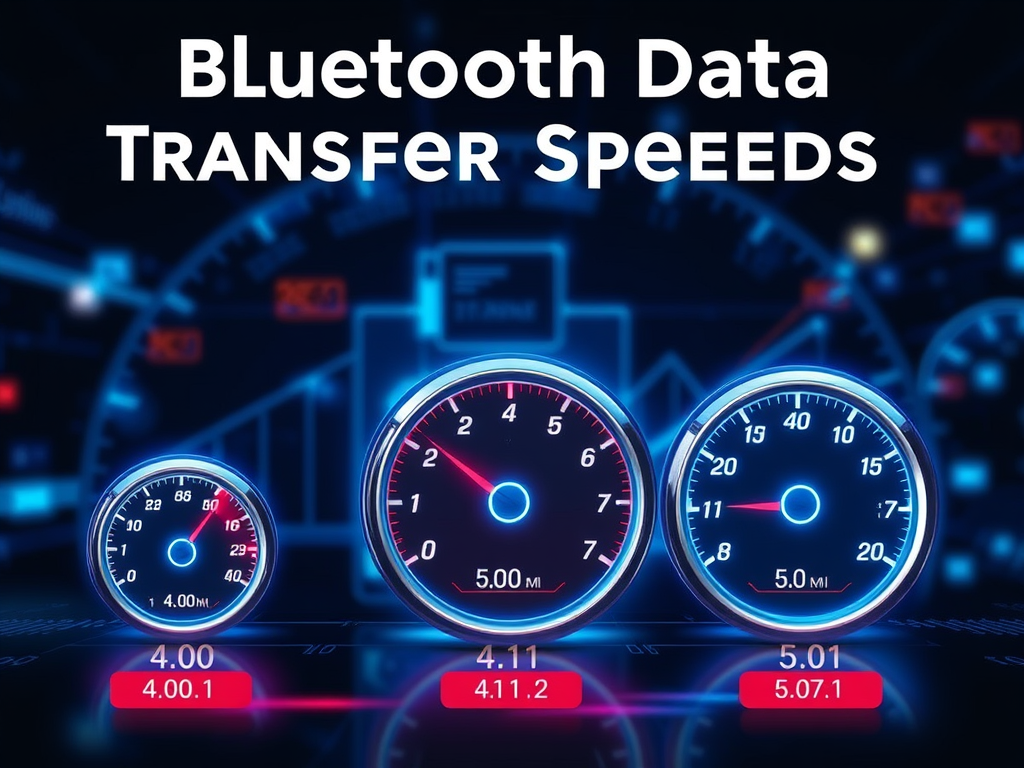
What is the data transfer speed of Devices That Are Connected to Bluetooth?
Bluetooth data transfer speeds are influenced by the version used. Bluetooth 4.0 supports up to 25 Mbps, while 4.1 offers similar speeds with enhancements. Bluetooth[…]
Understanding USB Data Transfer Speeds
USB technology has evolved through various standards, enhancing data transfer speeds significantly. These include USB 1.1 (1.5-12 Mbps), USB 2.0 (up to 480 Mbps), USB[…]

The WI-FI uses standard specifications
Wi-Fi technology relies on standardized specifications developed by IEEE under the 802.11 family, ensuring device compatibility, security, and performance. Key aspects include various standards like[…]
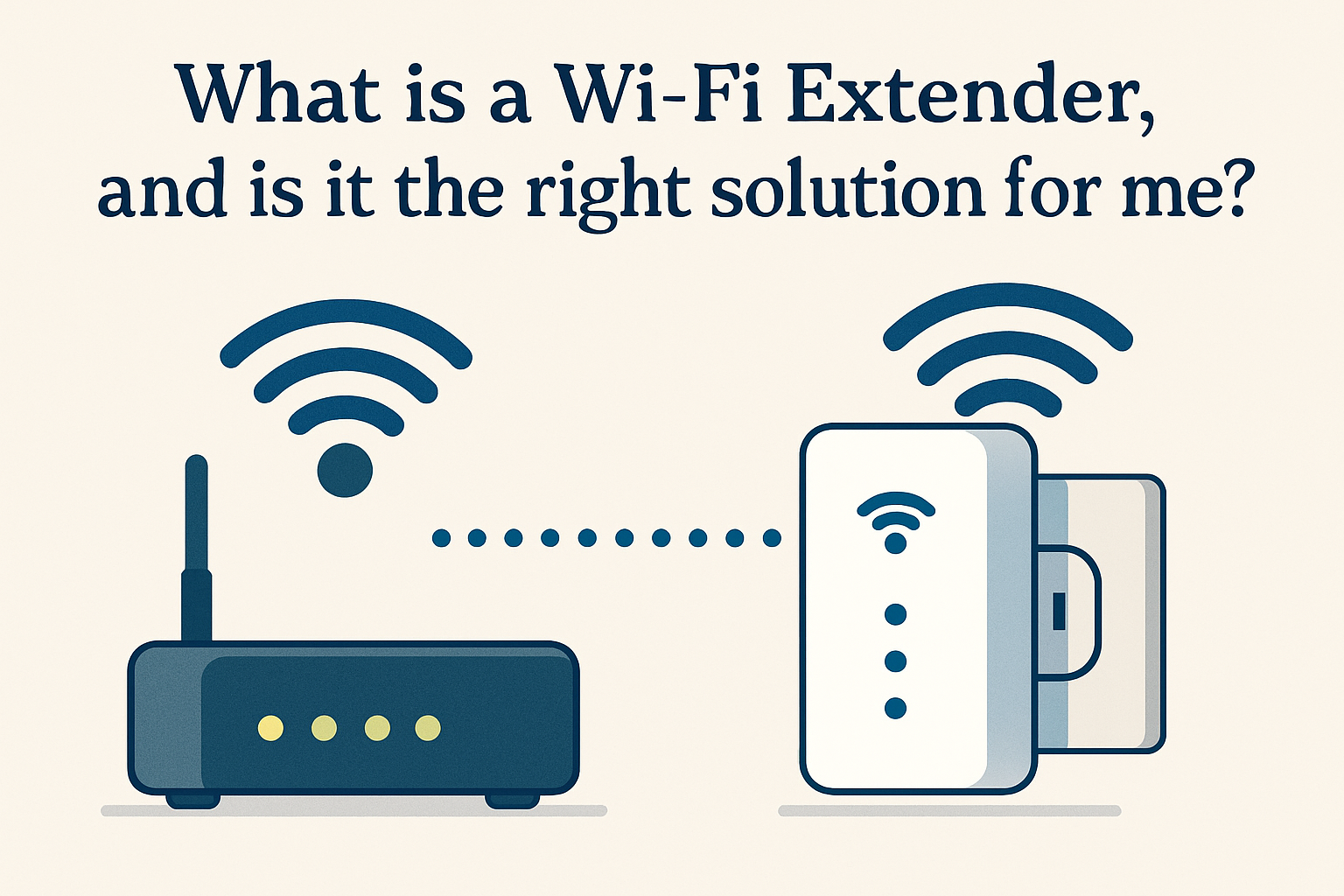
Maximize Wi-Fi Coverage with Extenders
Maximize Wi-Fi Coverage with Extenders A Wi-Fi extender, also known as a Wi-Fi repeater or booster, is a device designed to amplify and extend the[…]
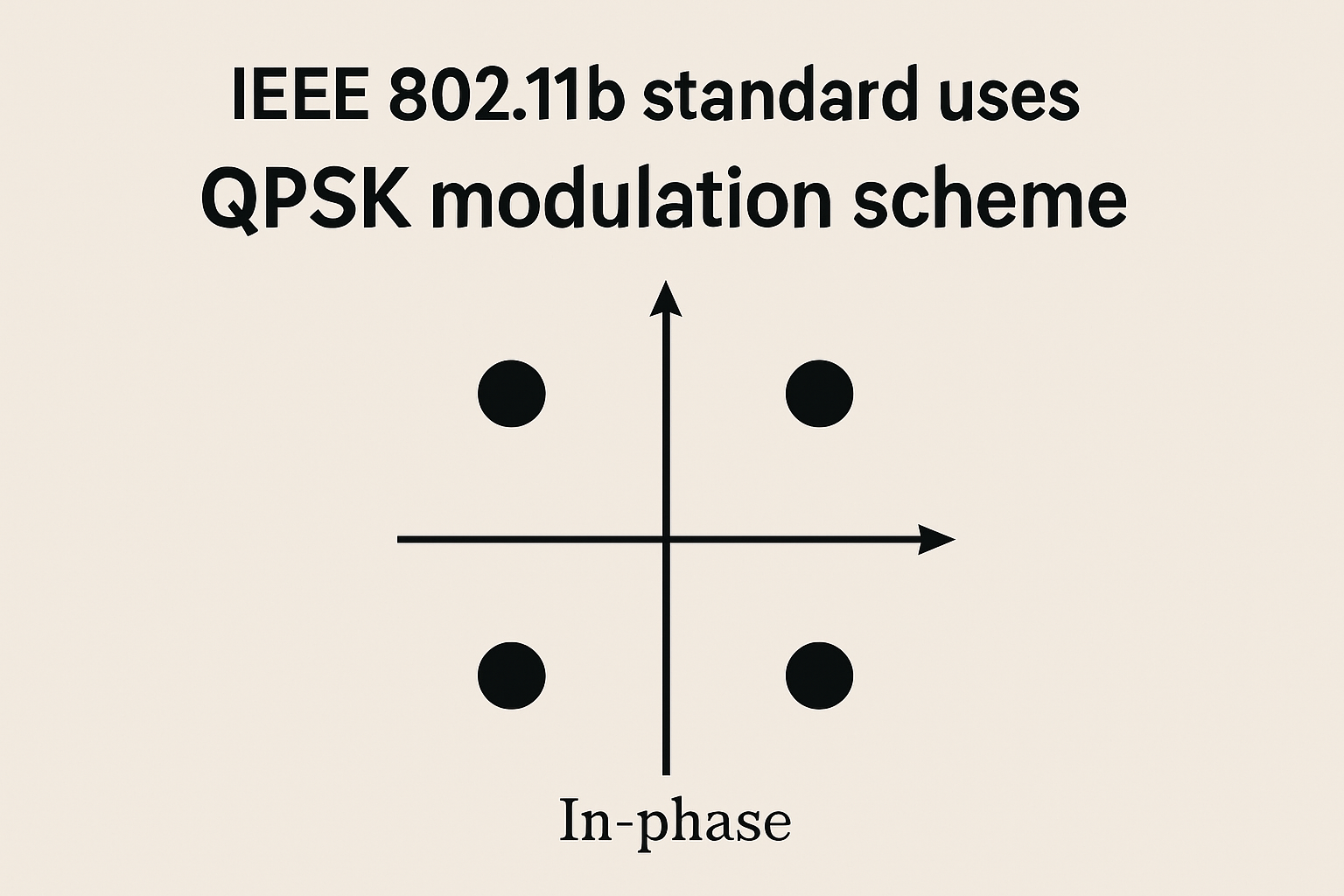
The Role of Key Modulation Techniques in IEEE 802.11b
IEEE 802.11b, part of the WLAN standards, utilizes key modulation techniques like Direct Sequence Spread Spectrum (DSSS) and Complementary Code Keying (CCK). DSSS enhances interference[…]
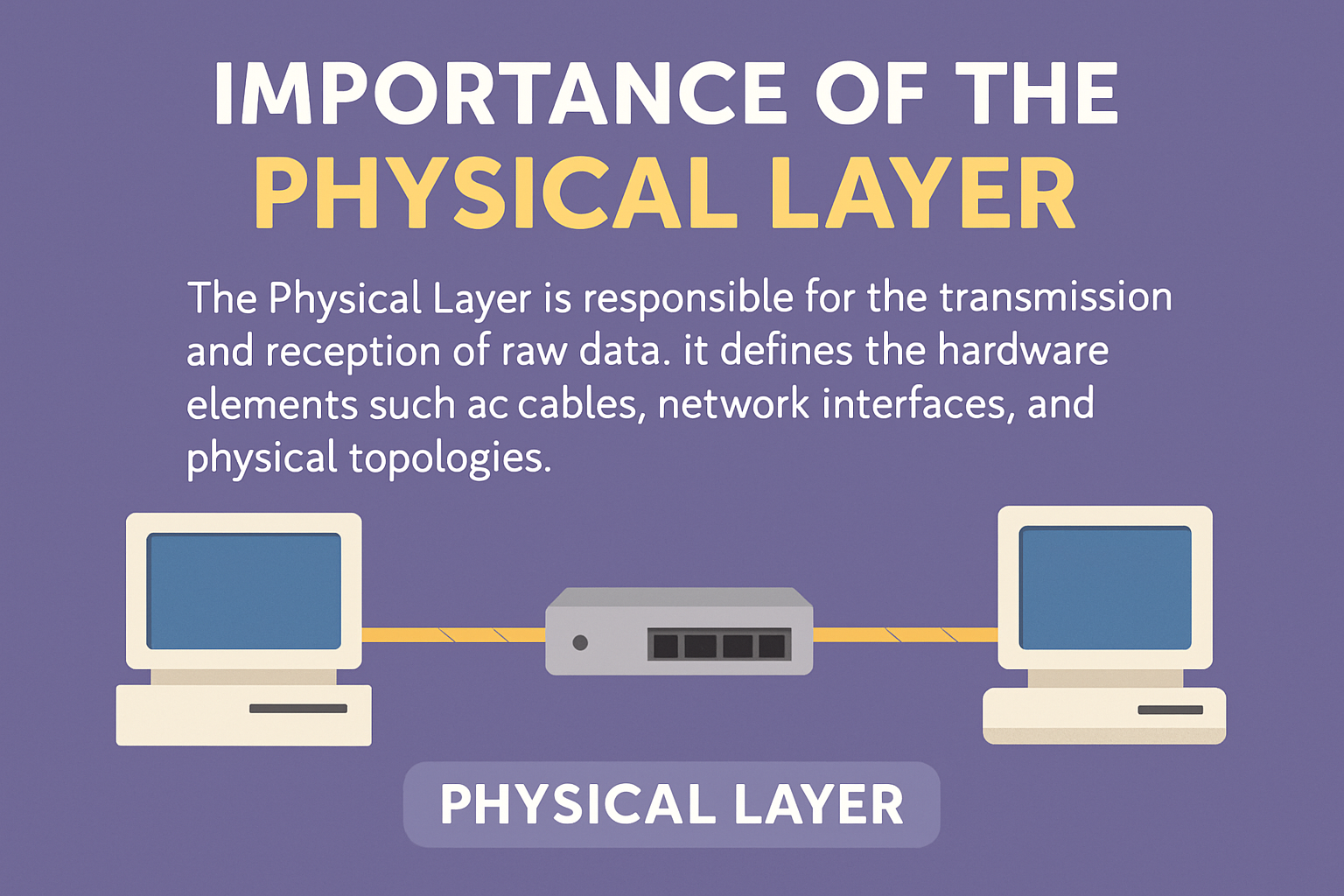
Understanding the Physical Layer in Networking
Understanding the Physical Layer in Networking The physical layer serves as the foundational component of any communication network, responsible for the transmission and reception of[…]
What is ID when the wireless MANs?
What is ID when the wireless MANs? In the context of Wireless MANs (Metropolitan Area Network) the term “” typically refers to a unique identifier[…]
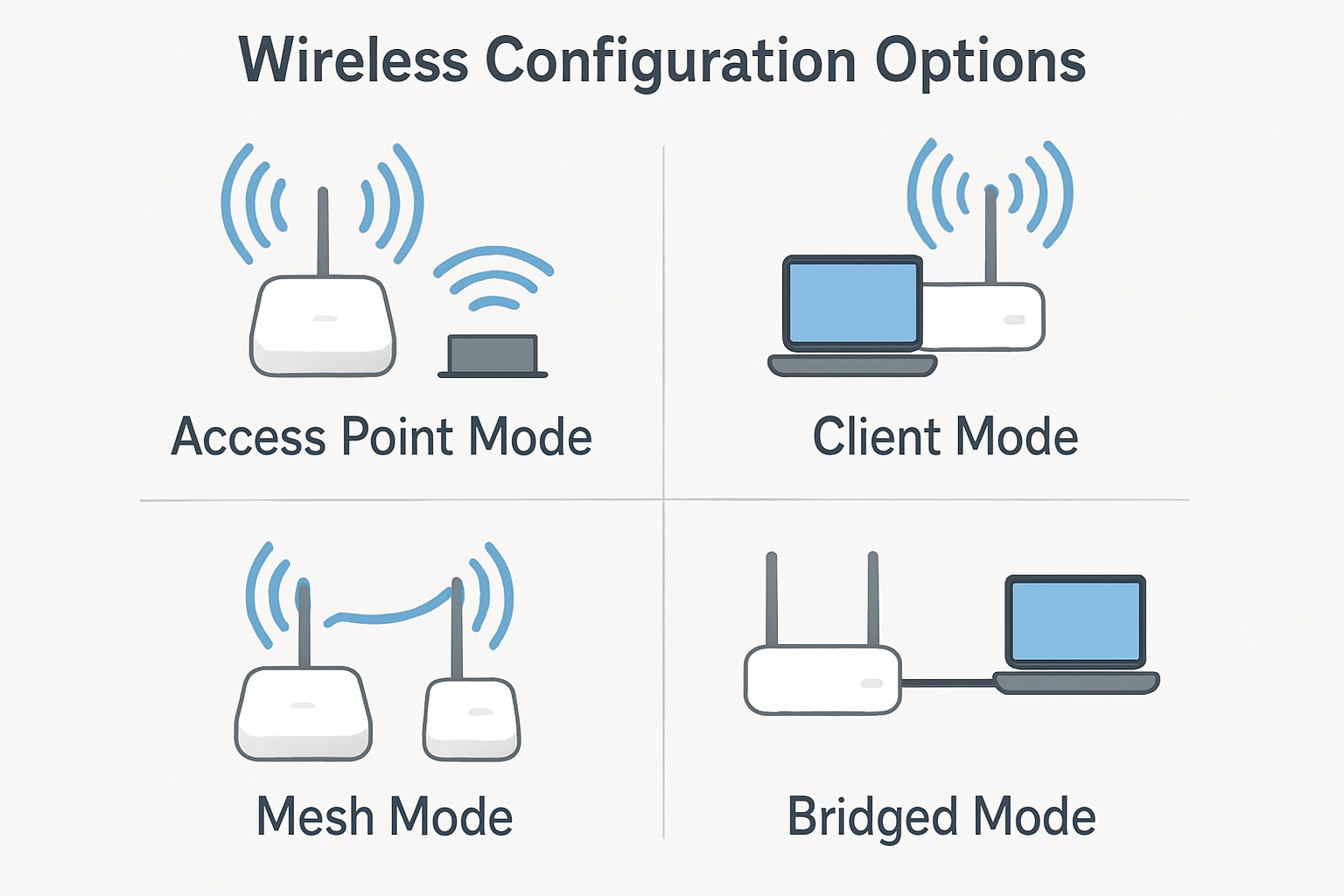
Maximize Wireless Network Configurations
Maximize Wireless Network Configurations The configuration of wireless stations, including access points and clients, can vary significantly based on several factors such as hardware capabilities,[…]
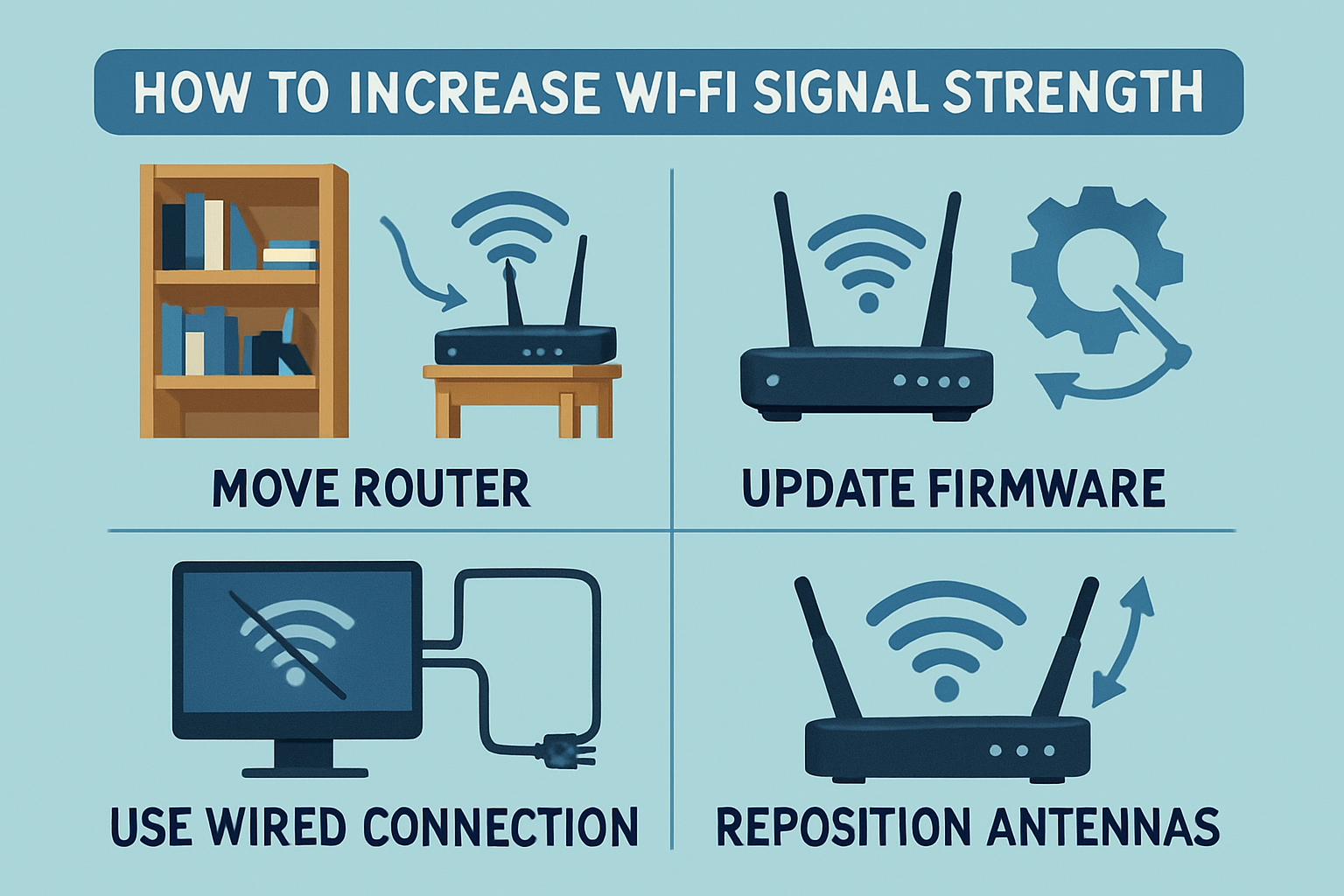
How can I increase my Wi-Fi signal strength?
How can I increase my Wi-Fi signal strength? 1. Optimal Router Placement Position your router in a central location within your residence or office, elevated[…]
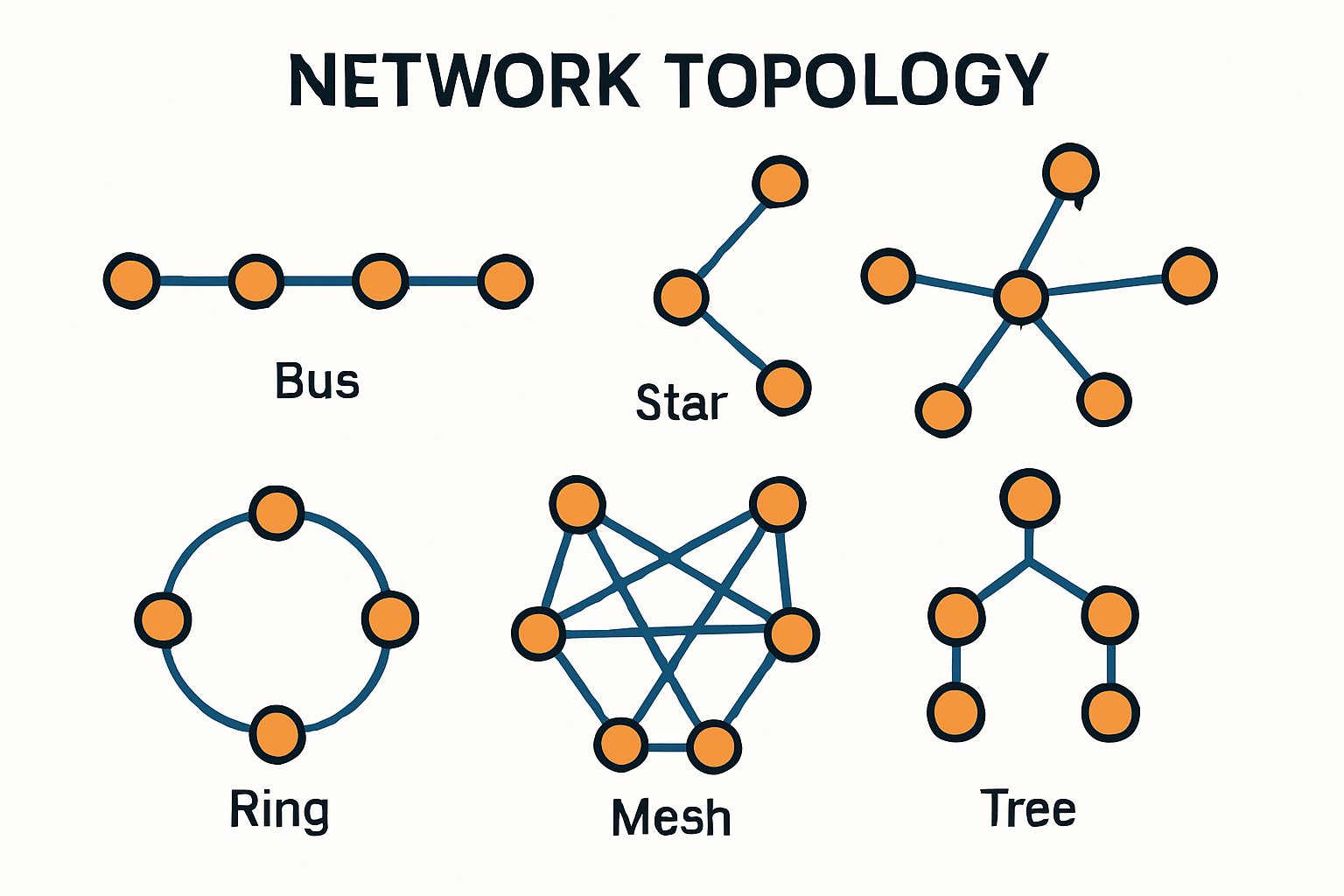
What is a network topology?
What is a network topology? A network topology refers to the physical or logical arrangement of various elements within a computer network. It defines how[…]
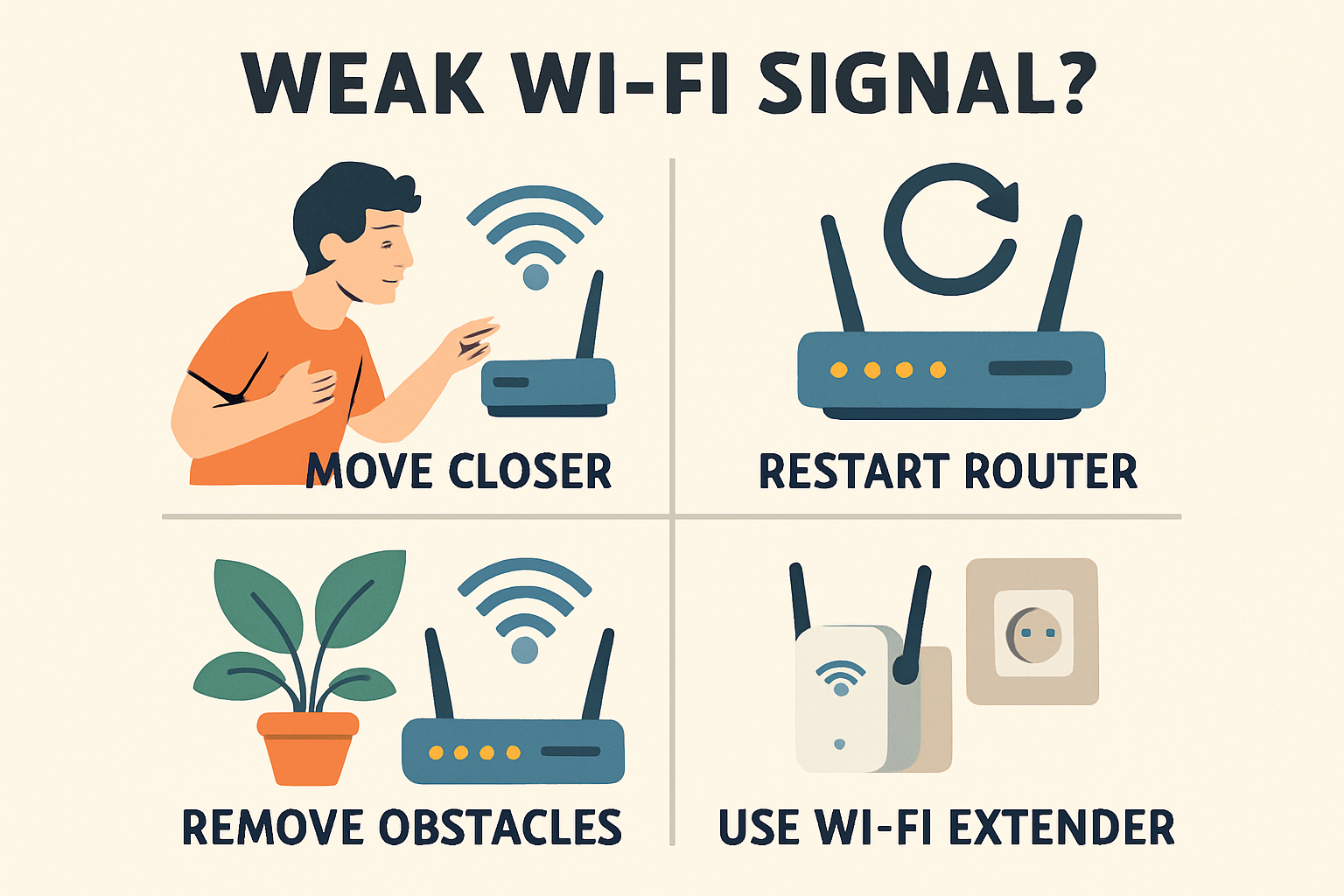
What can I do if my Wi-Fi signal is weak?
What can I do if my Wi-Fi signal is weak? A weak Wi-Fi signal can significantly hinder your online experience, causing slow speeds and connectivity[…]
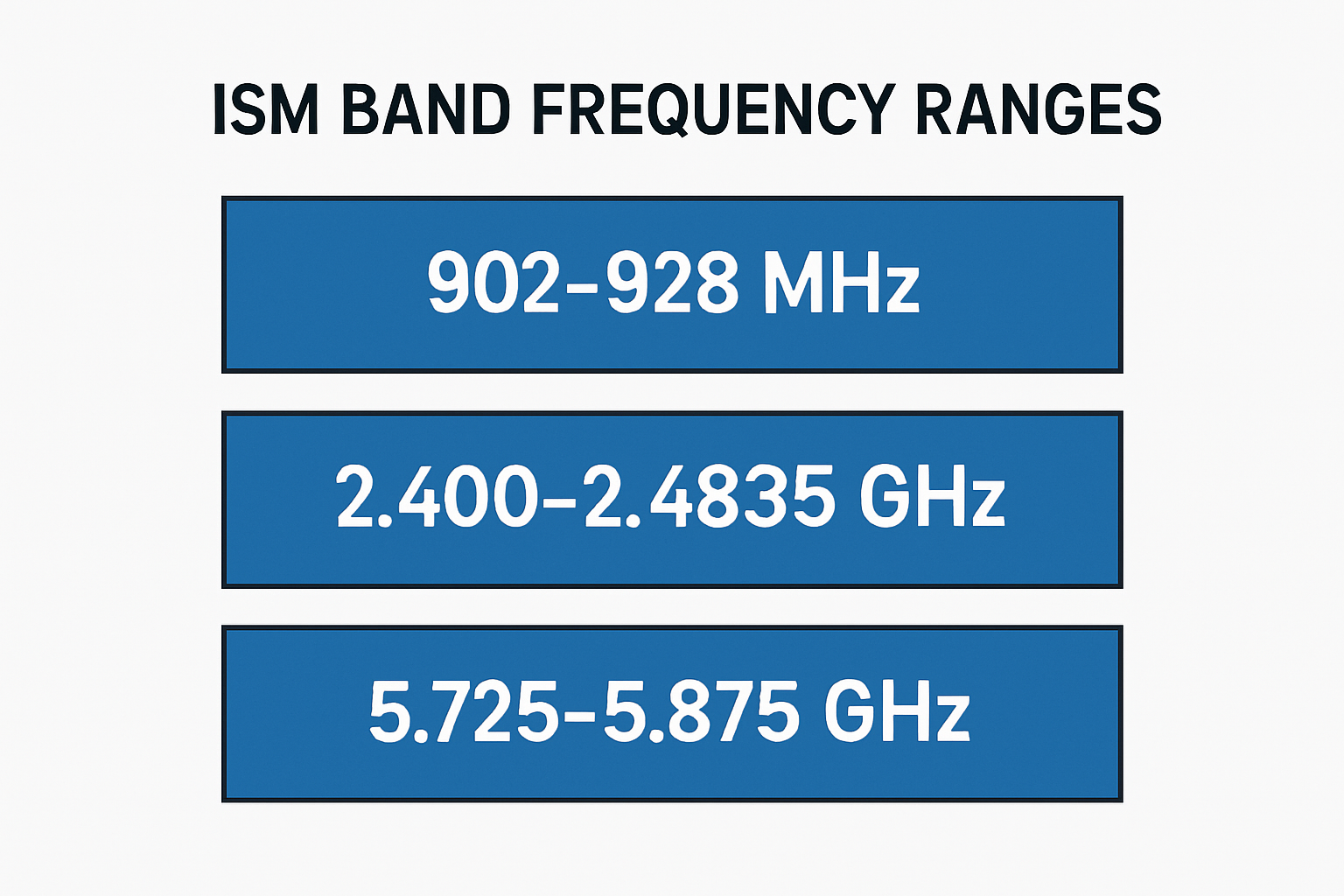
How many ranges does the ISM band have?
How many ranges does the ISM band have? The Industrial, Scientific, and Medical ISM band is divided into several frequency ranges that are designated for[…]
Discover how Wi-Fi technology revolutionizes connectivity with seamless wireless access, enhancing mobility, flexibility, and convenience in everyday life.
Discover how Wi-Fi technology revolutionizes connectivity with seamless wireless access, enhancing mobility, flexibility, and convenience in everyday life. Benefits of Wi-Fi Technology Wi-Fi technology enables[…]
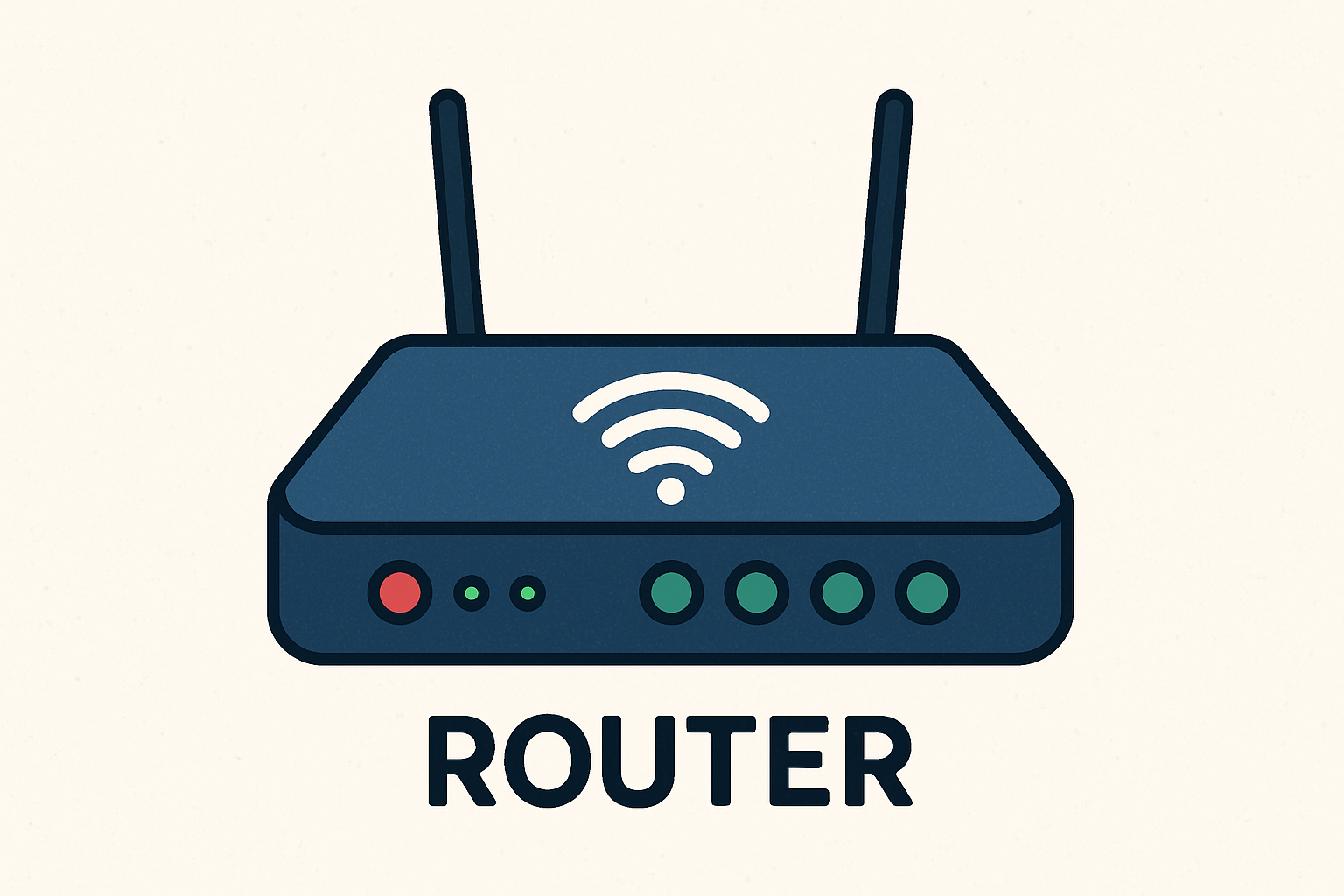
What are routers?
What are routers? Understanding Routers: Key Devices for Modern Data Communication Routers are essential devices in modern networking that facilitate the transfer of data packets[…]
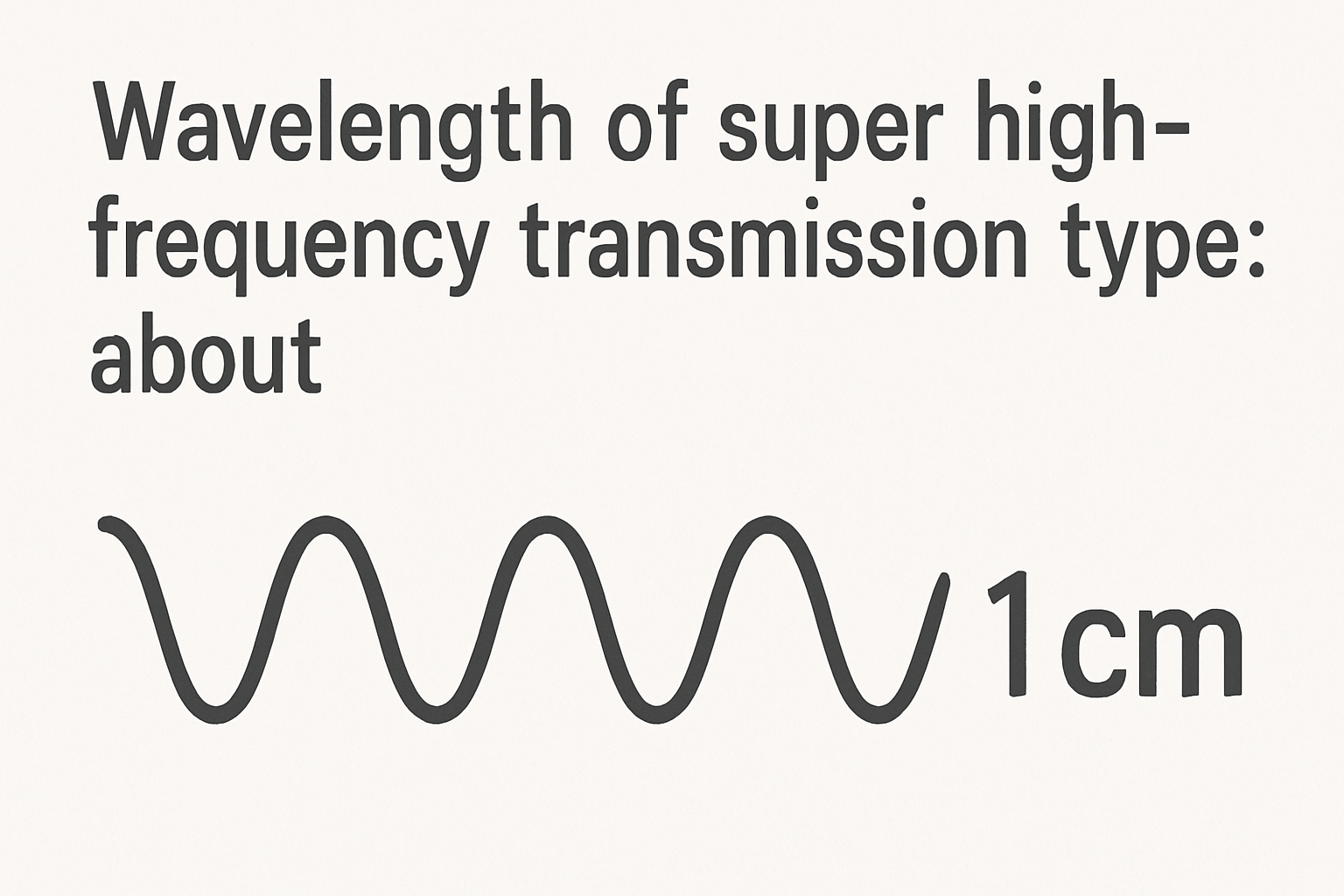
SHF Wavelengths Explained: Key Insights for Communications
Super High-Frequency (SHF) transmissions, operating between 3 GHz and 30 GHz, have wavelengths ranging from 1 to 10 centimeters. This understanding is essential for the[…]
How to Strengthen Your Home Wi-Fi Security
To secure your home Wi-Fi network, change default admin credentials, enable WPA3 encryption, create a guest network, disable WPS, and rename your SSID. Regularly update[…]
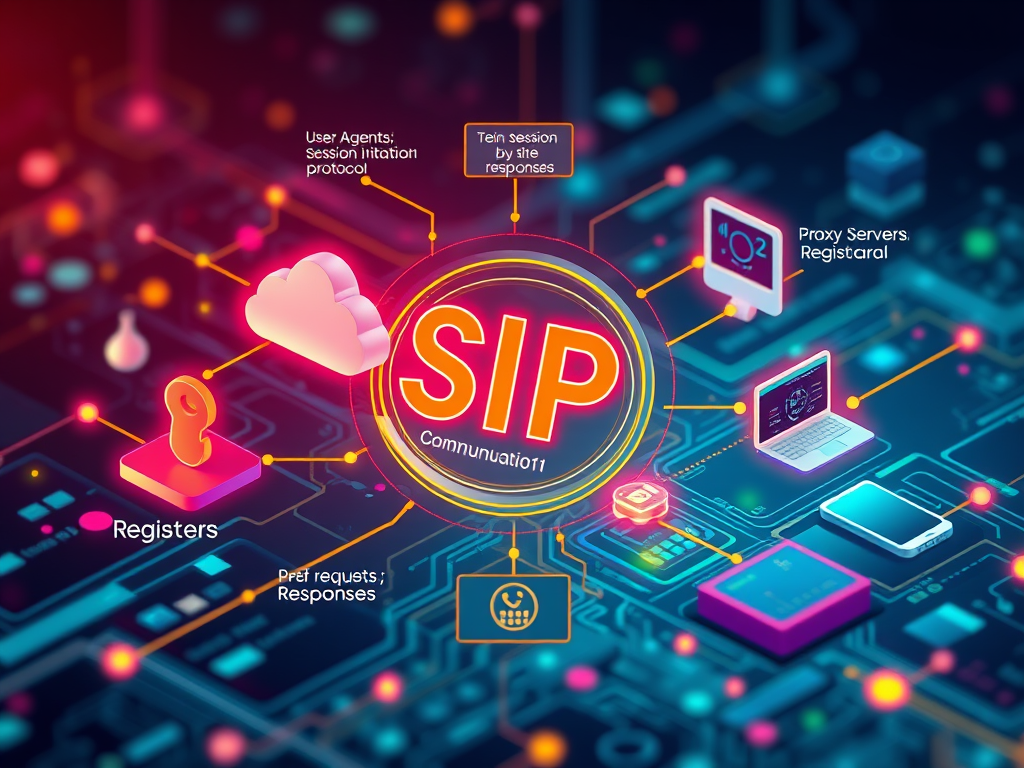
Understanding SIP: Key Components for Real-Time Communication
The Session Initiation Protocol (SIP) is essential for real-time communication, managing sessions in voice and video calls. Key components include User Agents (initiating and responding[…]
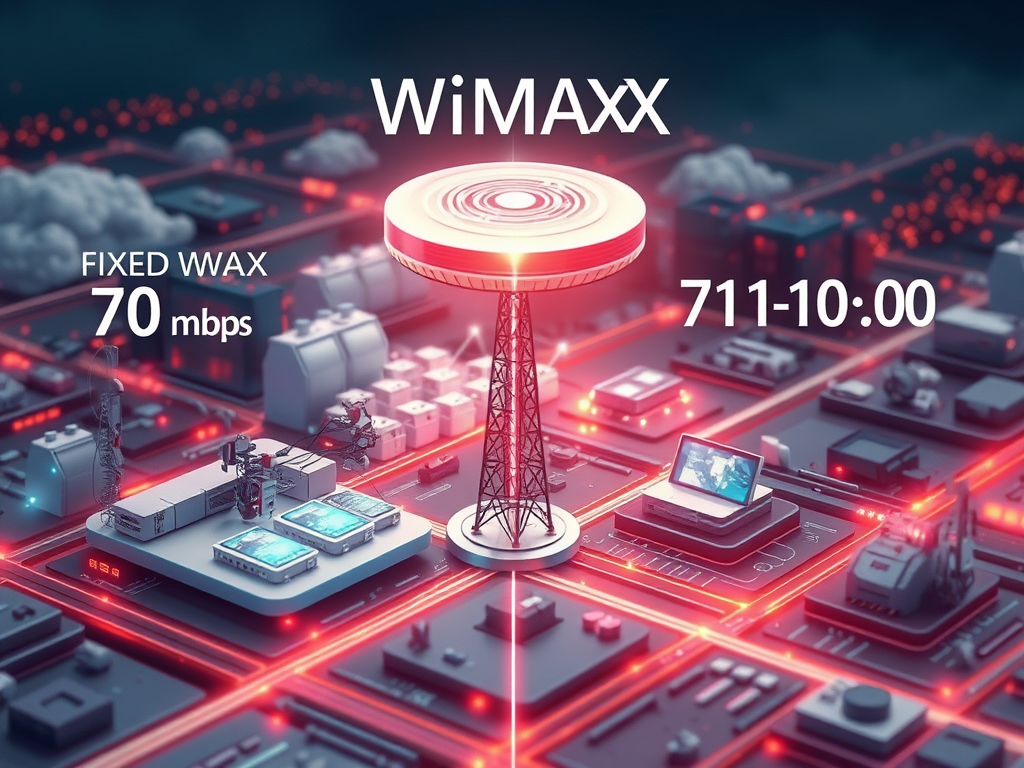
Understanding WiMAX Throughput Rates
WiMAX throughput varies based on network configuration, frequency, and users. Fixed WiMAX can achieve up to 70 Mbps under ideal conditions, while Mobile WiMAX typically[…]
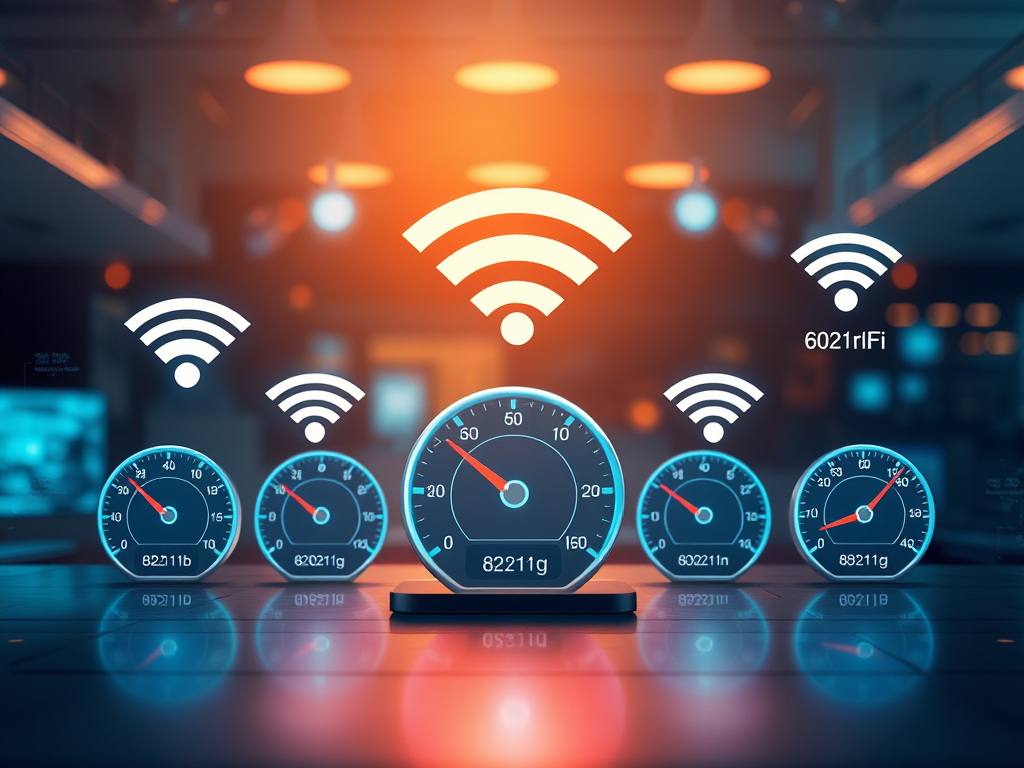
Understanding Wi-Fi Speed: A Guide to Standards
Wi-Fi data transfer speeds vary by standards and conditions. Key standards include 802.11b (11 Mbps), 802.11g (54 Mbps), 802.11n (600 Mbps), 802.11ac (1.3 Gbps), and[…]

Benefits of Wi-Fi in Low-Density Areas
Wi-Fi in low-density areas offers enhanced connectivity and cost-effective solutions for internet access, benefiting residents and businesses alike. It promotes economic growth, improves education opportunities,[…]
