Latest Comments


Understanding WPA2: Secure Your Wireless Network
WPA2 (Wi-Fi Protected Access II) is crucial for wireless network security, employing the Advanced Encryption Standard (AES) for high-level data encryption. It features two authentication[…]
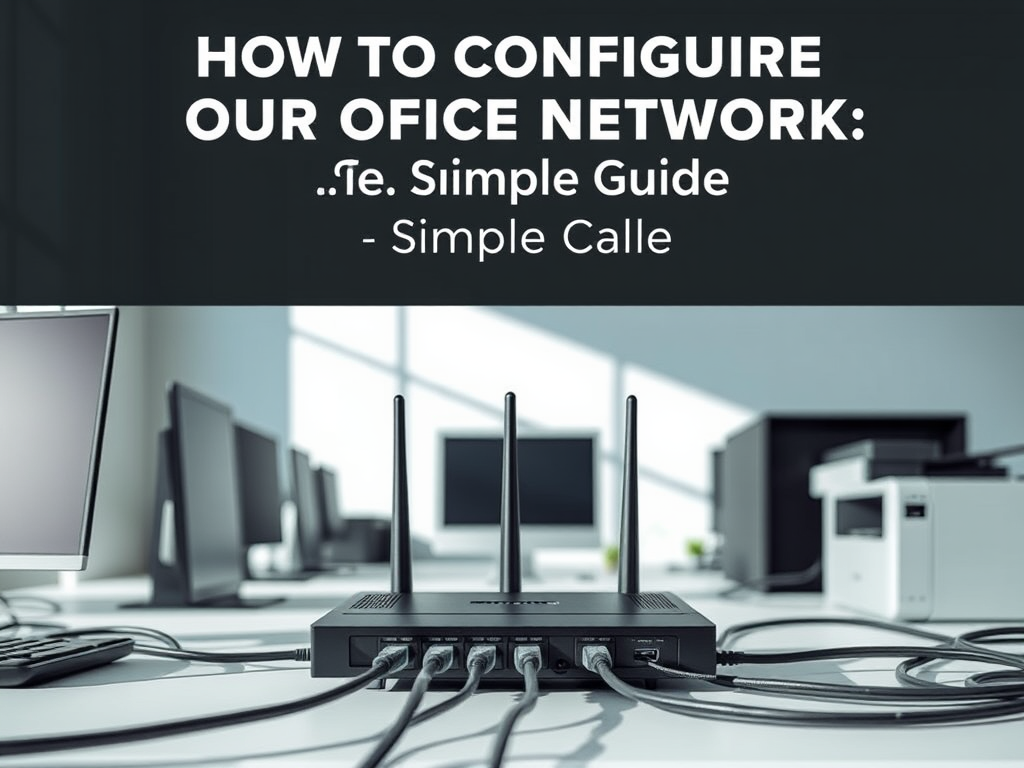
How to Configure Your Office Network: A Simple Guide
Setting up an office network can be straightforward with a structured approach. Start by gathering essential equipment, including a router, modem, cables, and devices. Connect[…]
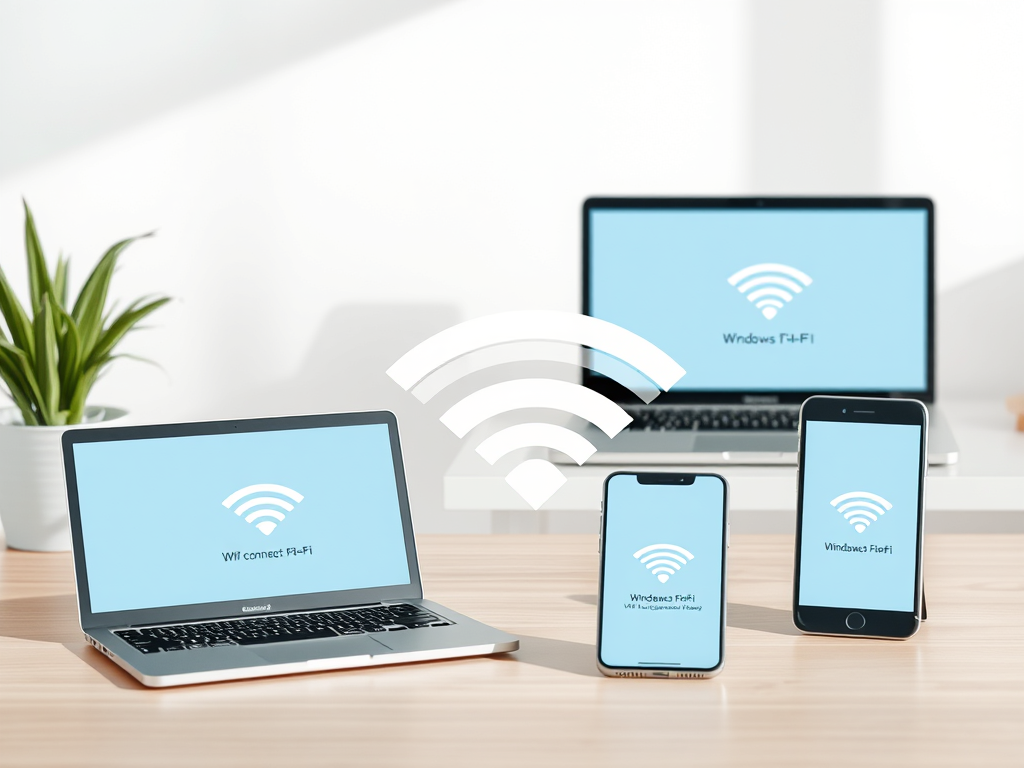
How to Connect to Wi-Fi on Any Device
To connect to a Wi-Fi network, users should follow specific steps for their devices. On Windows, click the Wi-Fi icon in the system tray, select[…]

Applications of VHF: TV, FM Radio, and More
The very high-frequency (VHF) transmission range, which extends from 30 MHz to 300 MHz, is utilized in various applications, including television broadcasts, FM radio, and[…]
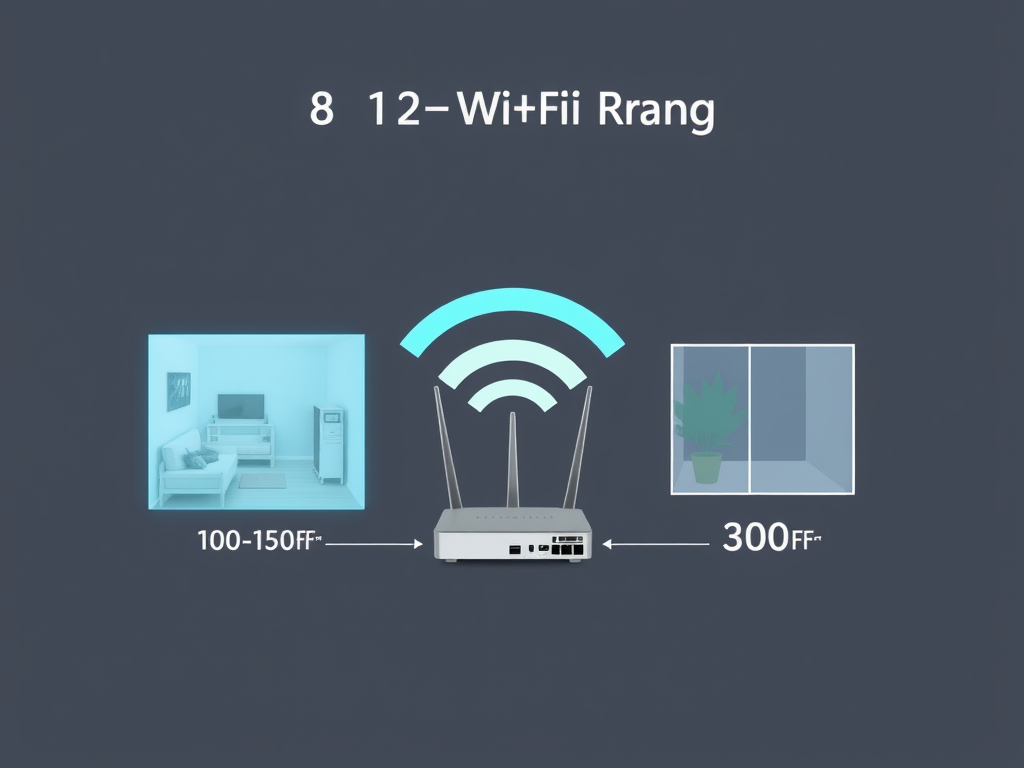
Understanding 802.11b Range: Key Insights
802.11b Range Explained: How Far Can Wi-Fi 802.11b Reach? The 802.11b Wi-Fi standard can typically provide a range of around 100 to 150 feet (30[…]
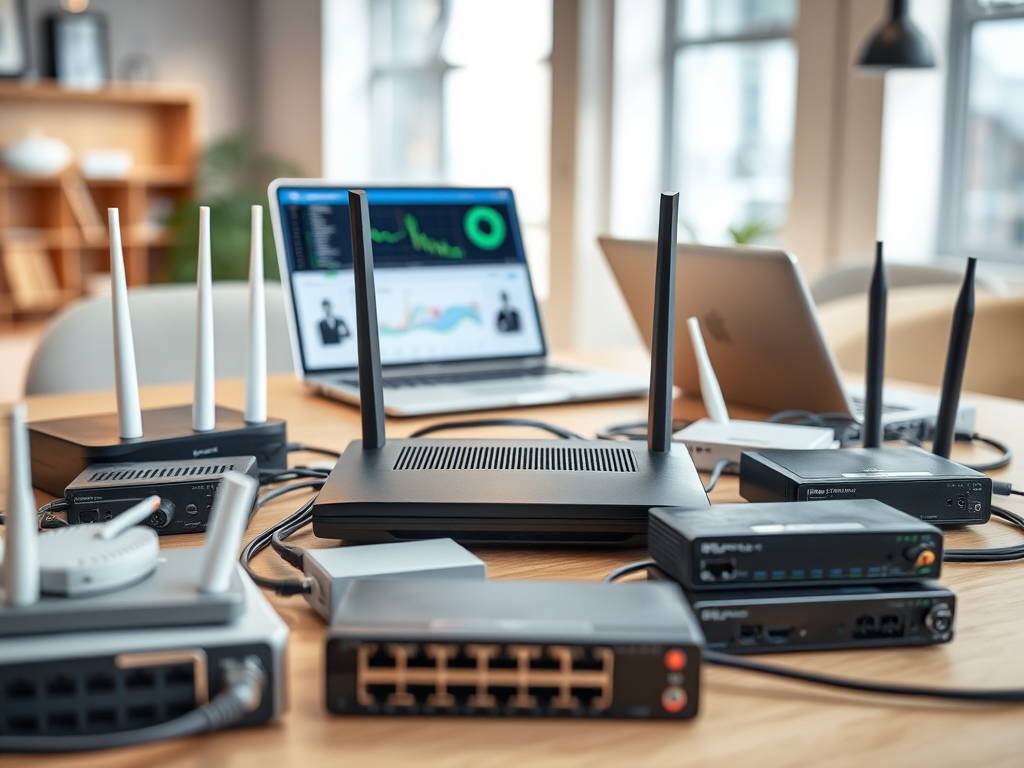
Guide to Building an Efficient Network for Your New Office
To set up an efficient, secure, and scalable network for a new office, choose a reliable ISP and connection type. Invest in high-performance routers, switches,[…]

Why You Should Use Multiple Locations for Data Backup
Storing backups in multiple locations offers several advantages. It enhances disaster recovery by safeguarding data against local catastrophes like fires or floods. Redundancy ensures data[…]

Understanding WiMAX Throughput: Key Factors and Metrics
The throughput of the IEEE standard 802.16d, known as WiMAX, can fluctuate based on factors like network configuration, signal quality, and user density. In ideal[…]
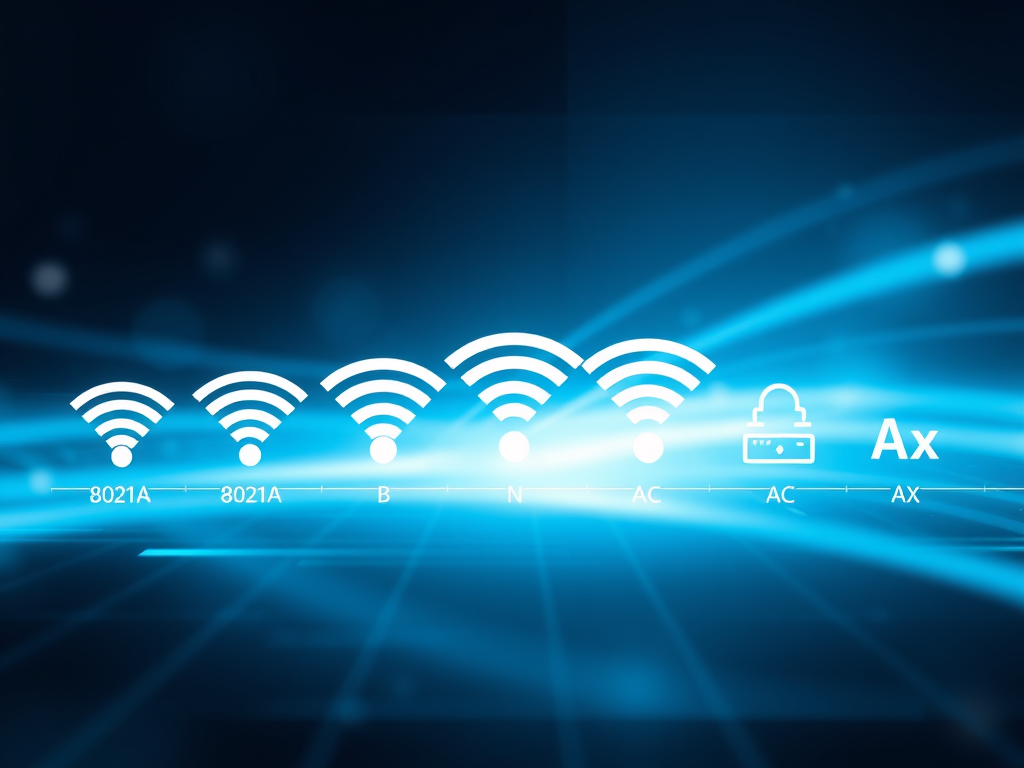
Understanding Wi-Fi Standards: A Complete Guide
Wi-Fi technology operates on standards defined by the IEEE 802.11 family, supporting wireless local area networks (WLANs). The key standards include 802.11a (5 GHz, 54[…]
What To Do If Your Computer Stops Working After A Recent Software Update.
If your computer malfunctions after a software update, several troubleshooting steps can help. First, restart your computer to clear temporary glitches. Next, check for any[…]

Risks of Wi-Fi: What You Need to Know
Wi-Fi technology enhances connectivity but poses several risks. These include security vulnerabilities leading to data breaches, privacy concerns through user tracking, malware risks from compromised[…]
Wi-Fi Challenges: Range, Interference, and Security Risks
Wi-Fi technology has several notable limitations. Its range is typically confined to 30 to 100 feet indoors, decreasing further outdoors due to obstacles. Interference from[…]
How to Build a Reliable Small Office Network
To create an effective small office network, essential components include a reliable router with strong security features, a network switch for additional ports, Ethernet cables[…]

Essential Backup Strategies to Minimize Downtime
To minimize system downtime, it’s essential to implement effective backup and recovery strategies. Regular backups should include full, incremental, and differential types. Choose appropriate storage[…]
A Comparison of Leading Operating Systems: Features and Benefits
A Comparison of Leading Operating Systems: Features and Benefits The most commonly used operating systems include: These operating systems cater to various user needs, from[…]

Top Affordable POS Systems for Small Shops
This article outlines affordable point of sale (POS) systems for small shops. Key options include Square POS, which is free with transaction fees; Vend, starting[…]

How Much Internet Speed Do You Need for Multiple Users?
To determine the appropriate internet speed for four users, consider their typical activities. For casual browsing and streaming, a speed of at least 25 Mbps[…]

The Pros and Cons of Local and Cloud Backup Solutions
Local backups and remote storage each offer distinct advantages and disadvantages. Local backups provide faster data access, full control, and do not require internet, but[…]
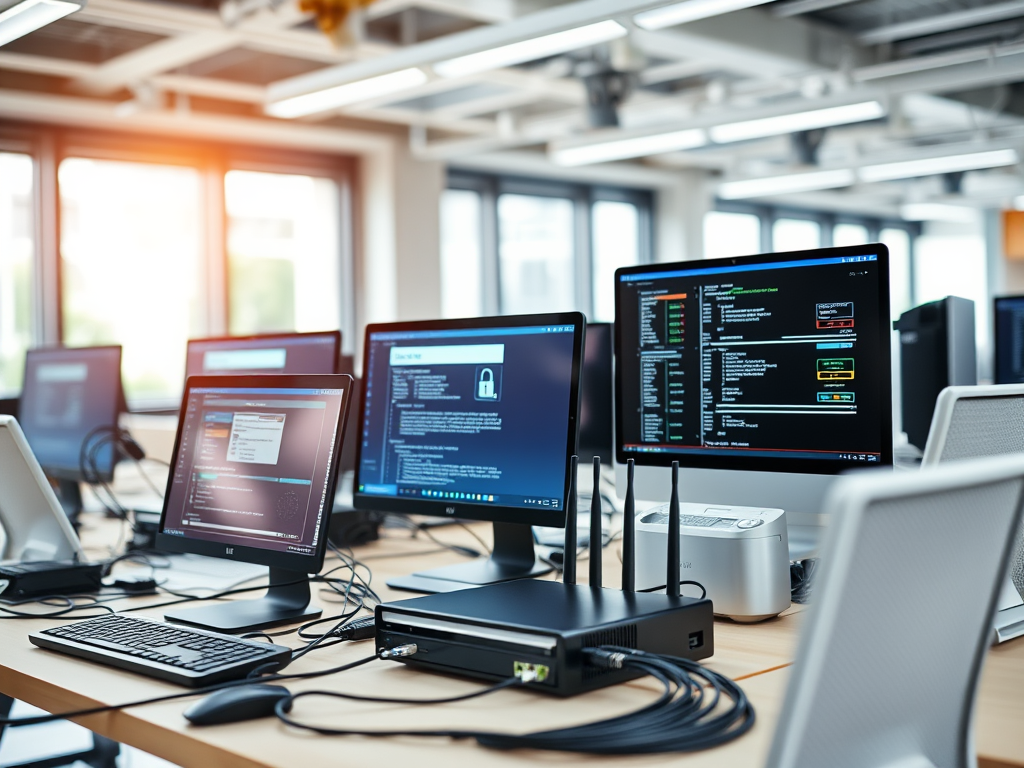
Guide to Building a Reliable Office Network
Guide to Building a Reliable Office Network When creating a basic office network, consider the following key factors: 1. Network Requirements 2. Network Topology 3.[…]

Troubleshooting BSOD: A Step-by-Step Guide
If you encounter a “Blue Screen of Death” (BSOD) on your Windows computer, begin troubleshooting by noting any error messages displayed. Restarting the computer can[…]

10 Effective Solutions to Fix a Slow Network
10 Effective Solutions to Fix a Slow Network Ways to Troubleshoot a Slow Network By following these steps, you can effectively troubleshoot and identify the[…]

Top Network Connectivity Solutions for Businesses
To connect multiple networks across various locations, several approaches can be considered. A Virtual Private Network (VPN) ensures secure internet connections and data encryption. Site-to-Site[…]
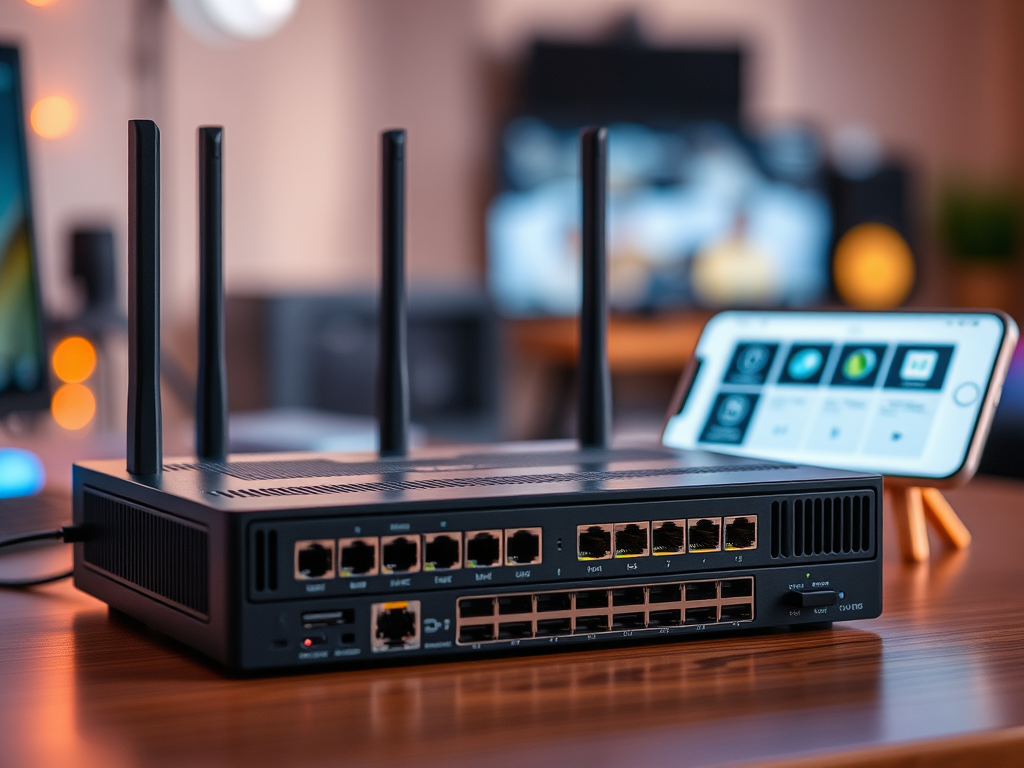
Guide to Choosing the Best Router and Switch Combo
When selecting an all-in-one network router and switching system, key factors must be considered. Prioritize performance requirements, including speed, bandwidth capacity for multiple users, and[…]
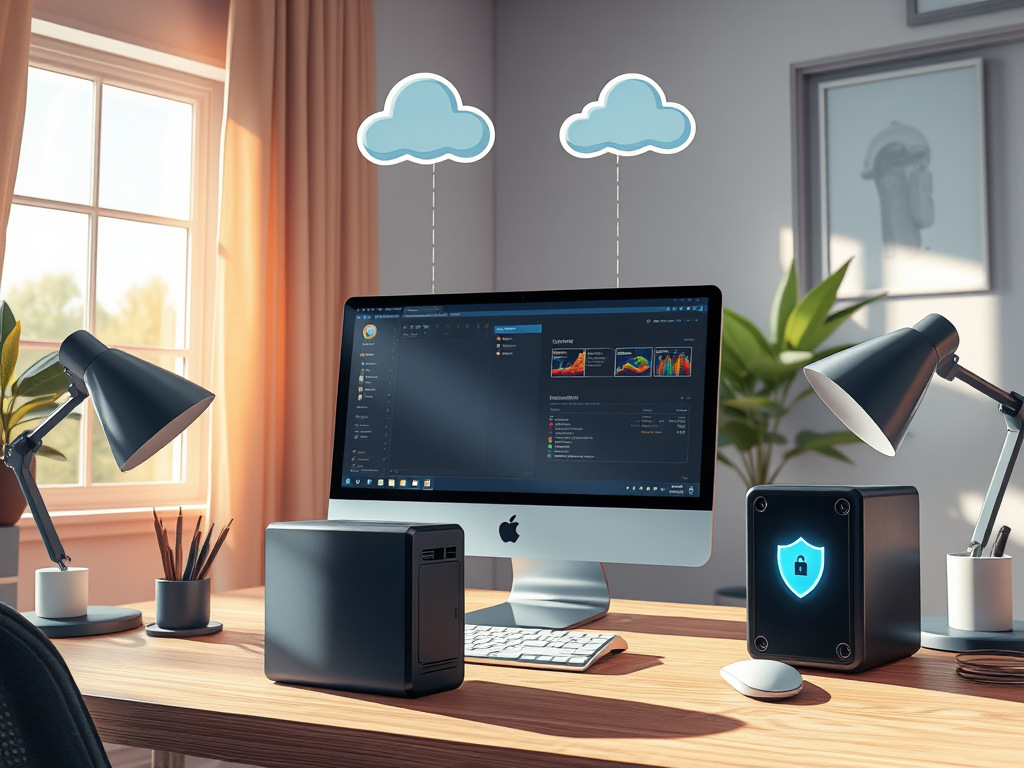
Best Remote Backup Solutions for Your Computer
Best Remote Backup Solutions for Your Computer What are the best remote backup solutions for your computer? Overall, remote backup is an essential practice for[…]

Comprehensive IT Solutions for Multi-Location Businesses
Comprehensive IT Solutions for Multi-Location Businesses Multi-Location IT Support Services Across North America In today’s fast-paced digital landscape, businesses require robust IT support that can[…]
