Latest Comments


The maximum length of an Ethernet cable?
The maximum length of an Ethernet cable depends on the type of cable and the network specifications. For standard twisted-pair Ethernet cables, such as Cat5e[…]

Understanding OFDM and MIMO in Wireless Communication
OFDM (Orthogonal Frequency Division Multiplexing) is a digital modulation technique that improves data transmission over various channels by splitting streams into sub-streams sent over different[…]
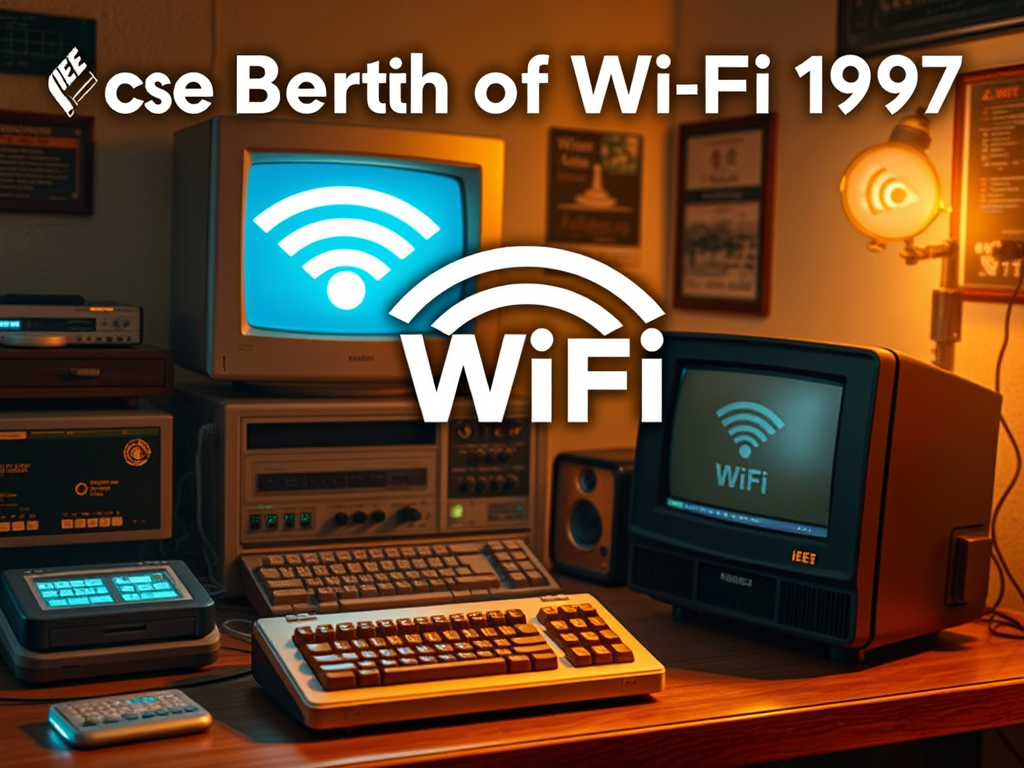
The Birth of Wi-Fi: A 1997 Milestone in Wireless Networking
Wi-Fi was created in 1997 when the Institute of Electrical and Electronics Engineers (IEEE) established the 802.11 standards for wireless networking, which laid the foundation[…]

Key Requirements for a Successful MVP
An effective Minimum Viable Product (MVP) requires core functionality focused on solving user problems, user-centric design for ease of use, a feedback mechanism for insights,[…]
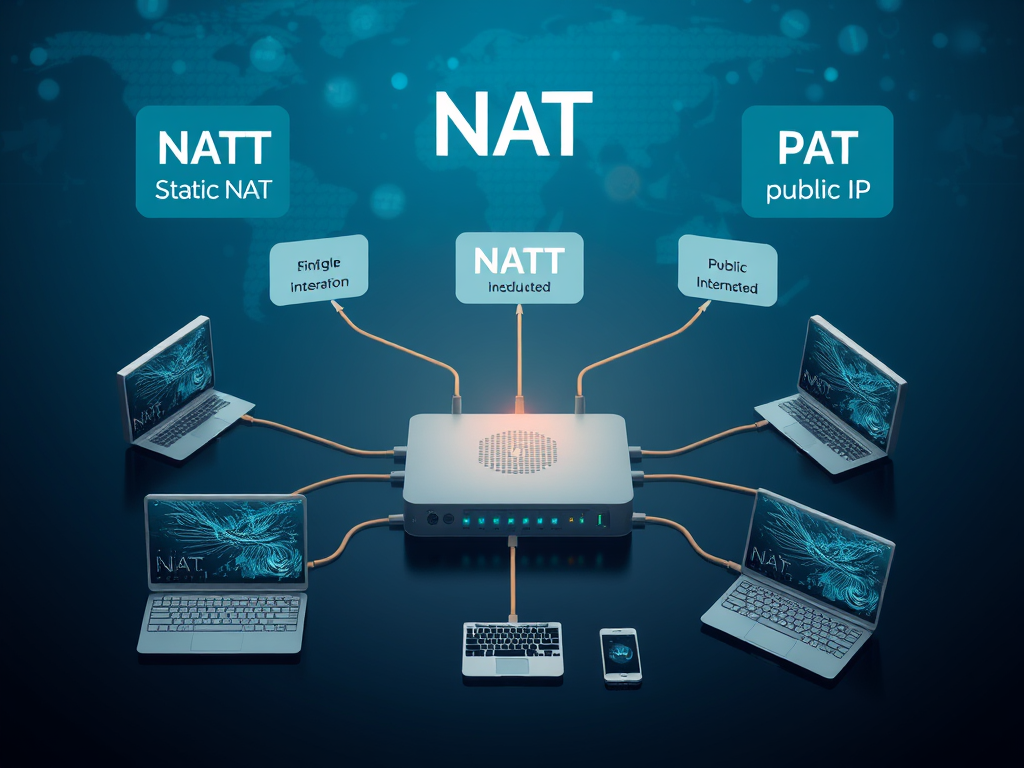
Understanding Network Address Translation (NAT)
NAT, or Network Address Translation, allows multiple devices on a local network to share a single public IP address, conserving IP addresses and enhancing security.[…]
Signs Your Computer Needs an Upgrade
Signs that your computer may require an upgrade include slow performance, frequent crashes, software incompatibility, insufficient RAM, outdated hardware, overheating, limited storage space, graphical issues,[…]

Benefits of Multi-Language IT Support
Having multi-language IT support can be beneficial depending on your organization’s needs. Here are a few reasons to consider: Evaluating the demographics of your users[…]
Can Your Wi-Fi Be Accessed Remotely? Essential Tips
Wi-Fi networks can be accessed remotely under specific conditions, mainly due to poor security settings, such as weak passwords or outdated encryption methods. Additionally, routers[…]
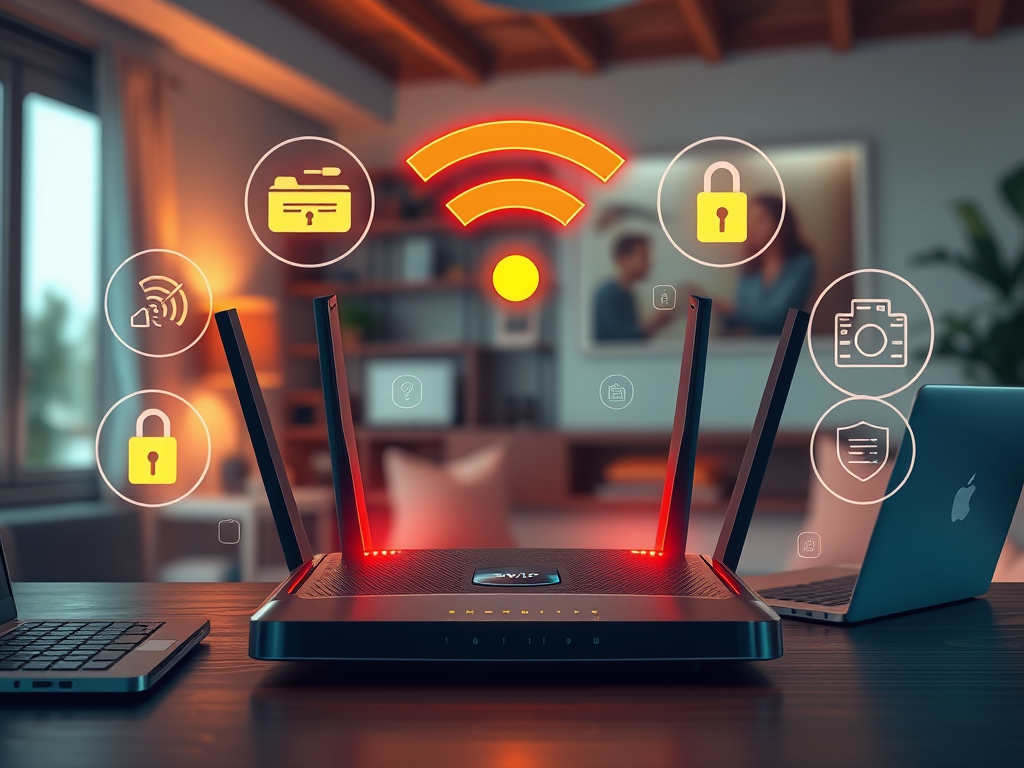
How to Protect Your Wi-Fi: Top Security Measures
To secure your Wi-Fi network, change the default password, enable WPA3 or WPA2 encryption, disable SSID broadcasting, and implement MAC address filtering. Limit DHCP leases,[…]
Can I use a VPN on my home network?
Yes, using a VPN on your home network is possible by setting it up directly on your router, which ensures that all devices connected to[…]
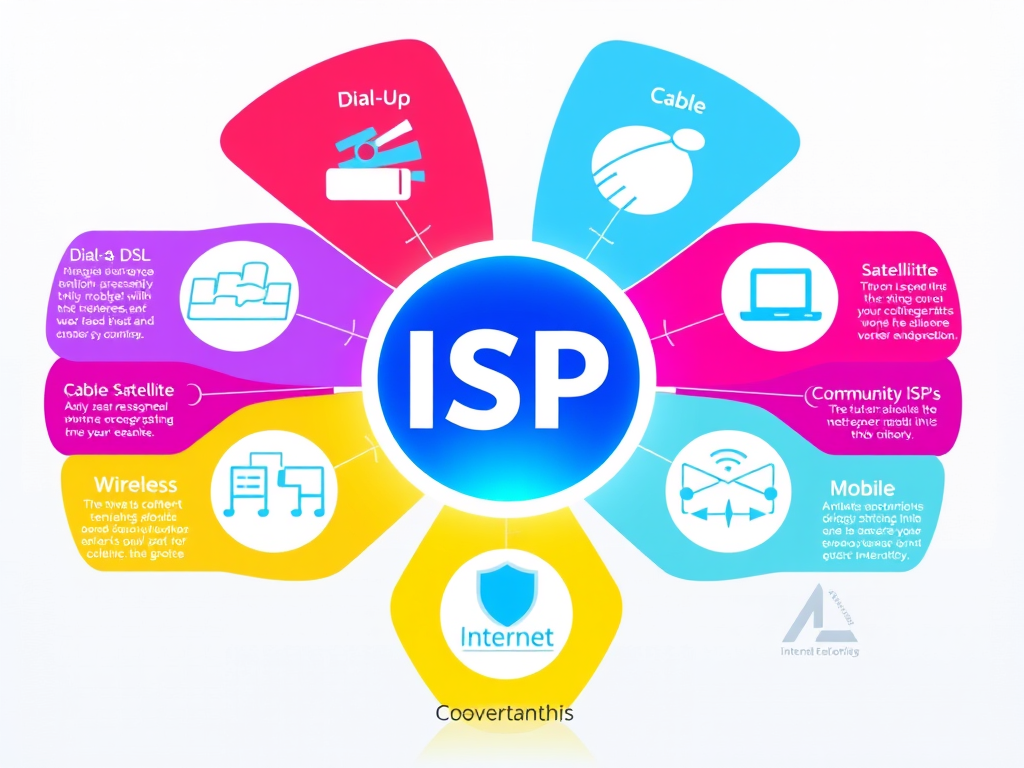
Understanding Different Types of Internet Service Providers
There are various types of Internet Service Providers (ISPs) tailored to different user needs. Dial-Up ISPs connect via telephone lines, providing slower speeds for light[…]

Essential IT Functionality for Organizations
To identify necessary IT functionalities, focus on several key areas: infrastructure management (servers, storage, networking), security (firewalls, antivirus, encryption), software development (IDEs, version control), support[…]
Understanding Wi-Fi Technology and Its Key Components
Wi-Fi technology enables wireless communication over a local area network (LAN). Here’s a breakdown of how Wi-Fi works and its key components: What is Wi-Fi?[…]
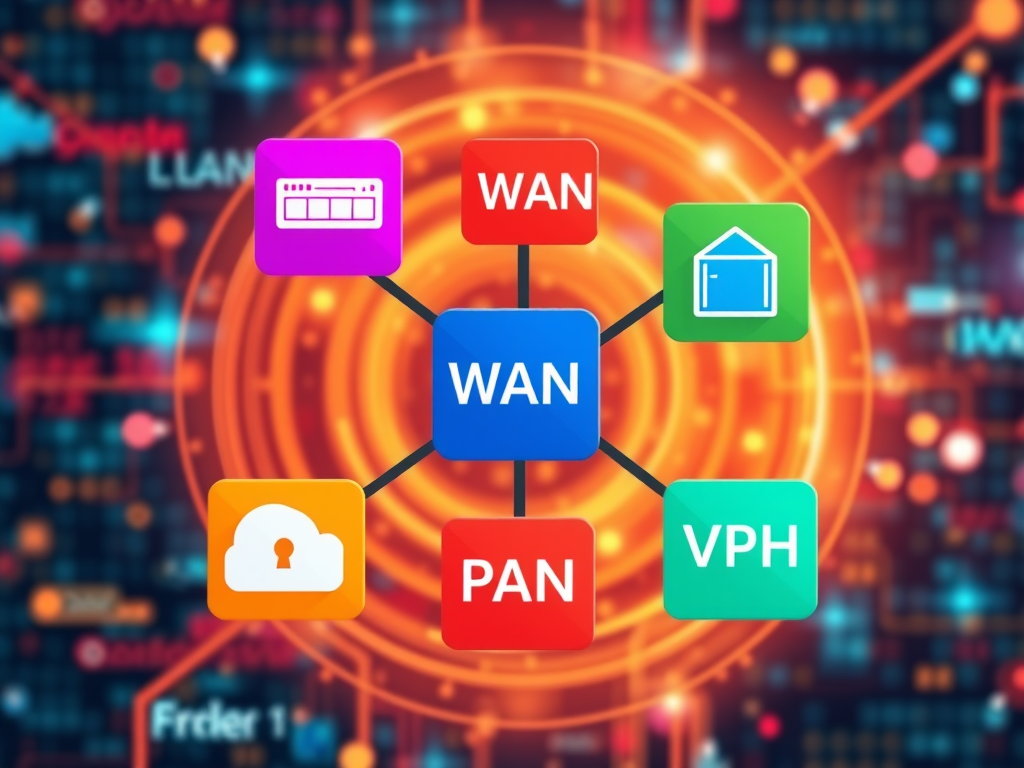
Understanding LAN, WAN, MAN, PAN, and VPN Networks
This content outlines the advantages and disadvantages of five different network types: LAN, WAN, MAN, PAN, and VPN. LANs provide high speeds and cost-effectiveness but[…]
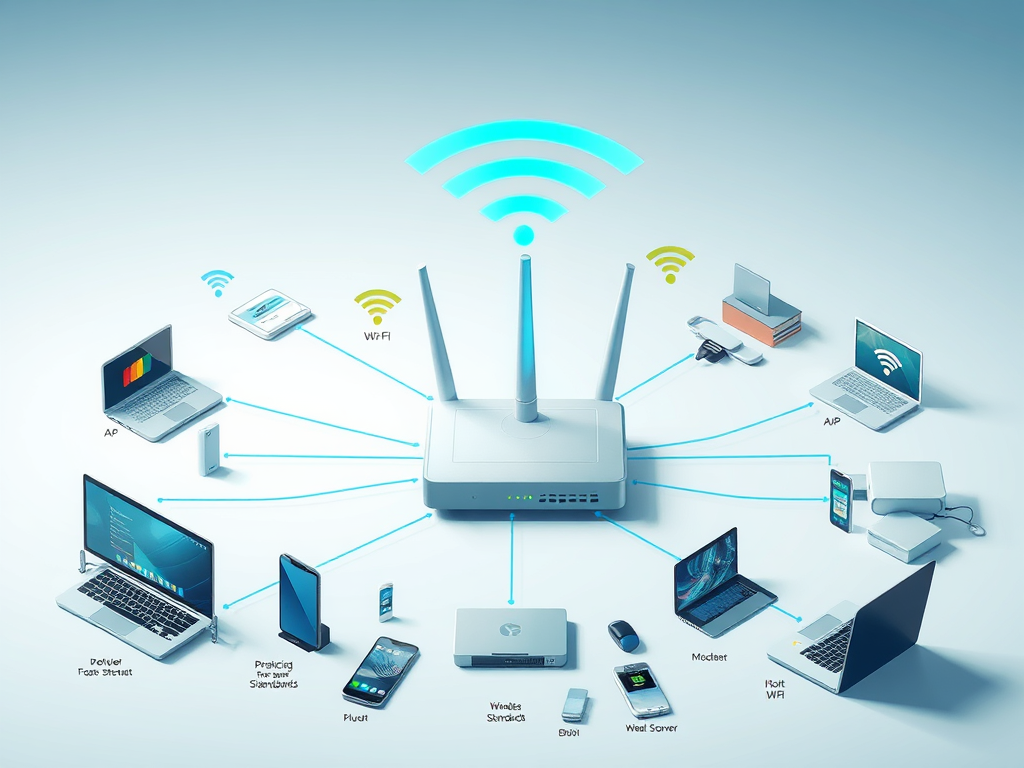
Key Elements of a Wi-Fi Network Explained
A Wi-Fi network consists of several key elements: an Access Point (AP) creates a wireless local area network (WLAN) for device connectivity, while a router[…]

Understanding UHF Transmission Wavelengths
Ultra high-frequency (UHF) transmission operates within a wavelength range of about 1 meter to 10 centimeters, corresponding to frequencies from 300 MHz to 3 GHz.[…]
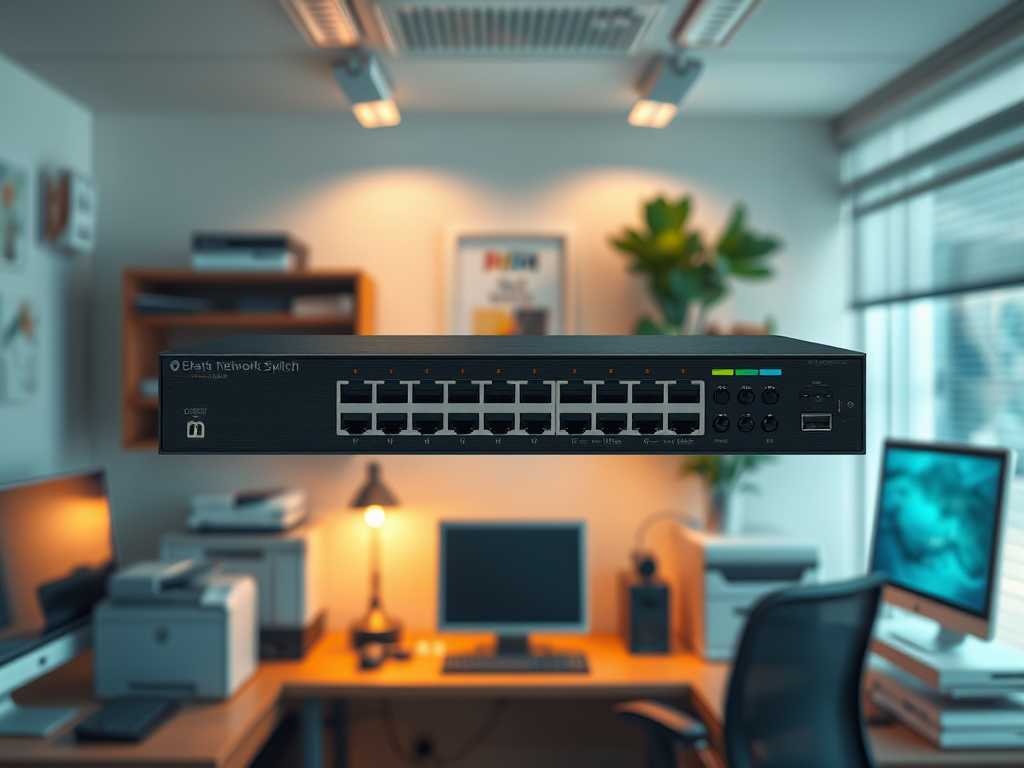
Top Benefits of Using a Switch in Your Small Network
Choosing a network switch for your small network presents several advantages. Firstly, it increases the number of ports available, enabling connections for multiple devices such[…]

Understanding the Internet: Structure and Function
The internet is a global network composed of interconnected private, public, academic, business, and government networks. It includes various types of networks like LANs and[…]

Health Impacts of Wi-Fi: What the Research Says
The debate surrounding the health effects of Wi-Fi is ongoing, with some studies indicating potential biological impacts from long-term exposure to radiofrequency electromagnetic fields. However,[…]

Understanding IEEE 802.11g Throughput
The IEEE 802.11g standard has a theoretical maximum throughput of 54 Mbps under ideal conditions. In real-world situations, this throughput is generally reduced due to[…]
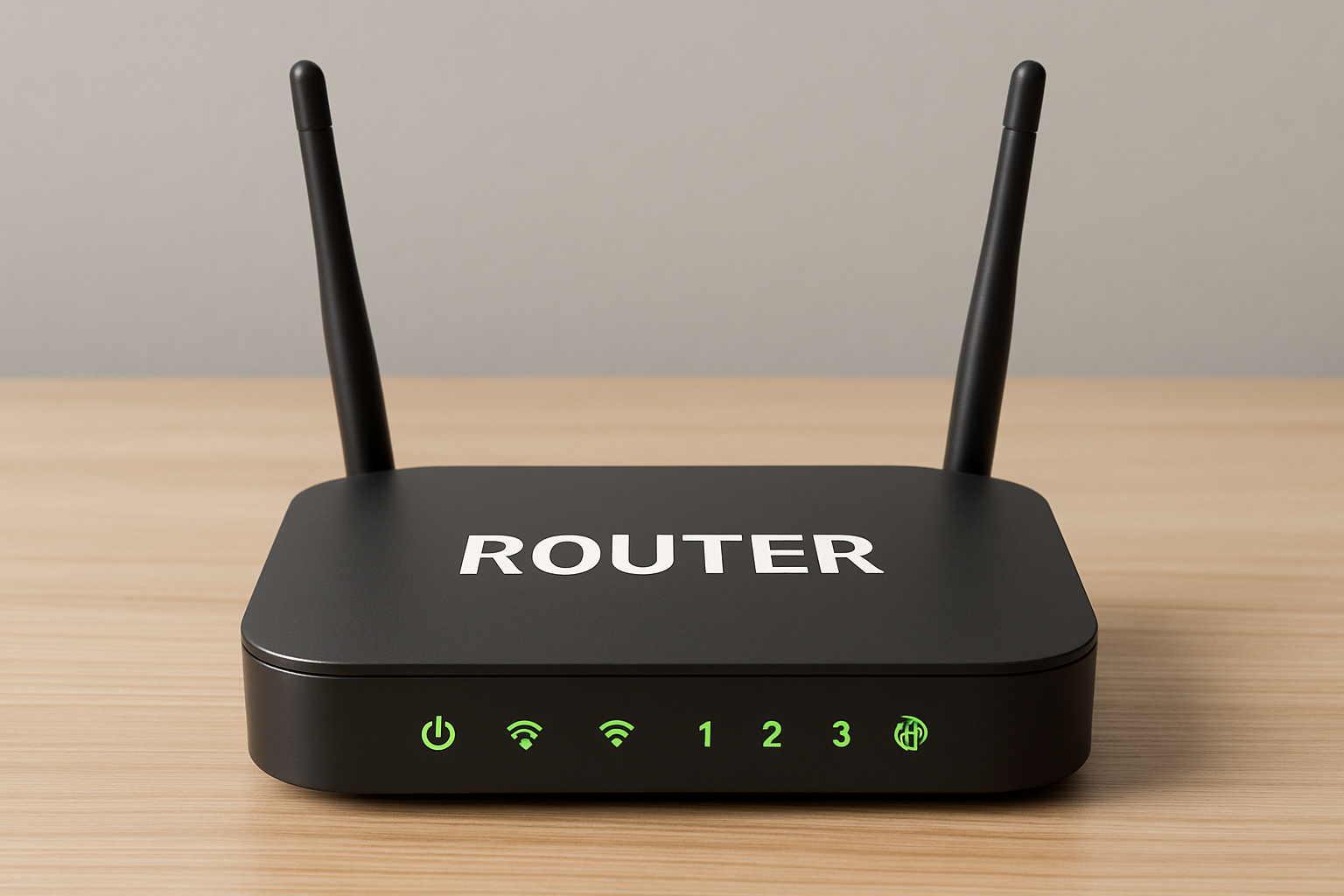
What is a router?
A router is a networking device that directs data packets between computer. It functions by analyzing the destination IP addresses of incoming data and determining[…]

The Evolution of 3G Wireless Technology
Wireless technology 3G was developed in the late 1990s, culminating in the completion of initial standards by the International Telecommunication Union (ITU) in 1998. The[…]

Understanding WPA2: Secure Your Wireless Network
WPA2 (Wi-Fi Protected Access II) is crucial for wireless network security, employing the Advanced Encryption Standard (AES) for high-level data encryption. It features two authentication[…]

How to Configure Your Office Network: A Simple Guide
Setting up an office network can be straightforward with a structured approach. Start by gathering essential equipment, including a router, modem, cables, and devices. Connect[…]
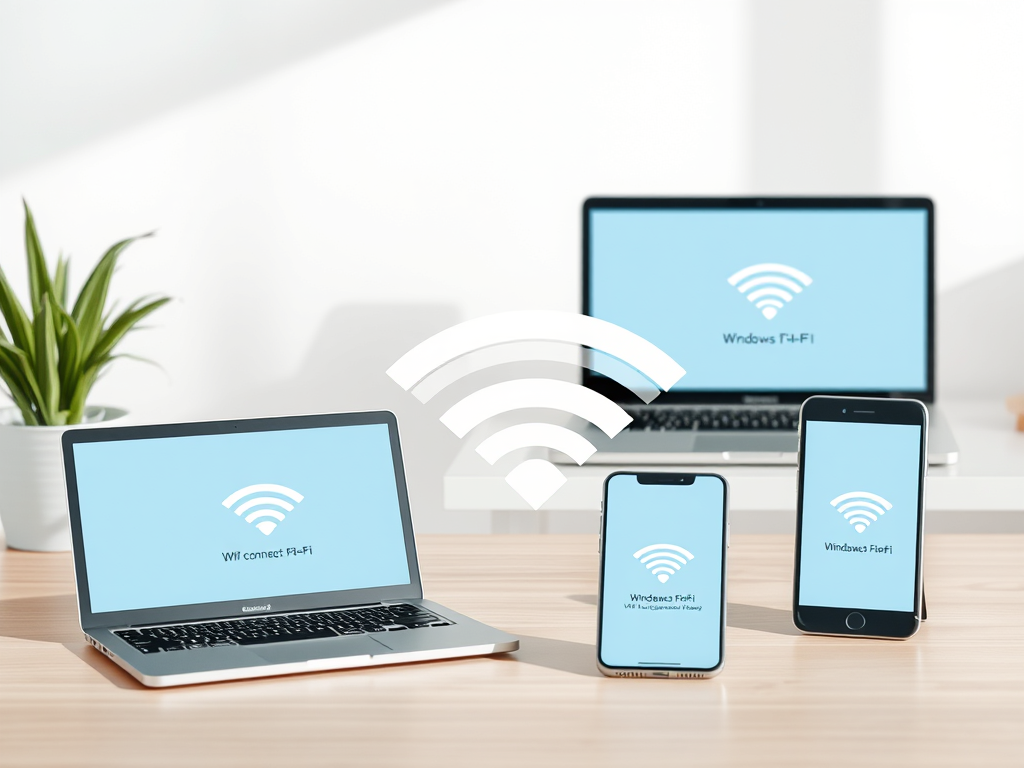
How to Connect to Wi-Fi on Any Device
To connect to a Wi-Fi network, users should follow specific steps for their devices. On Windows, click the Wi-Fi icon in the system tray, select[…]