What Is a GPU? How Graphics Processing Units Work
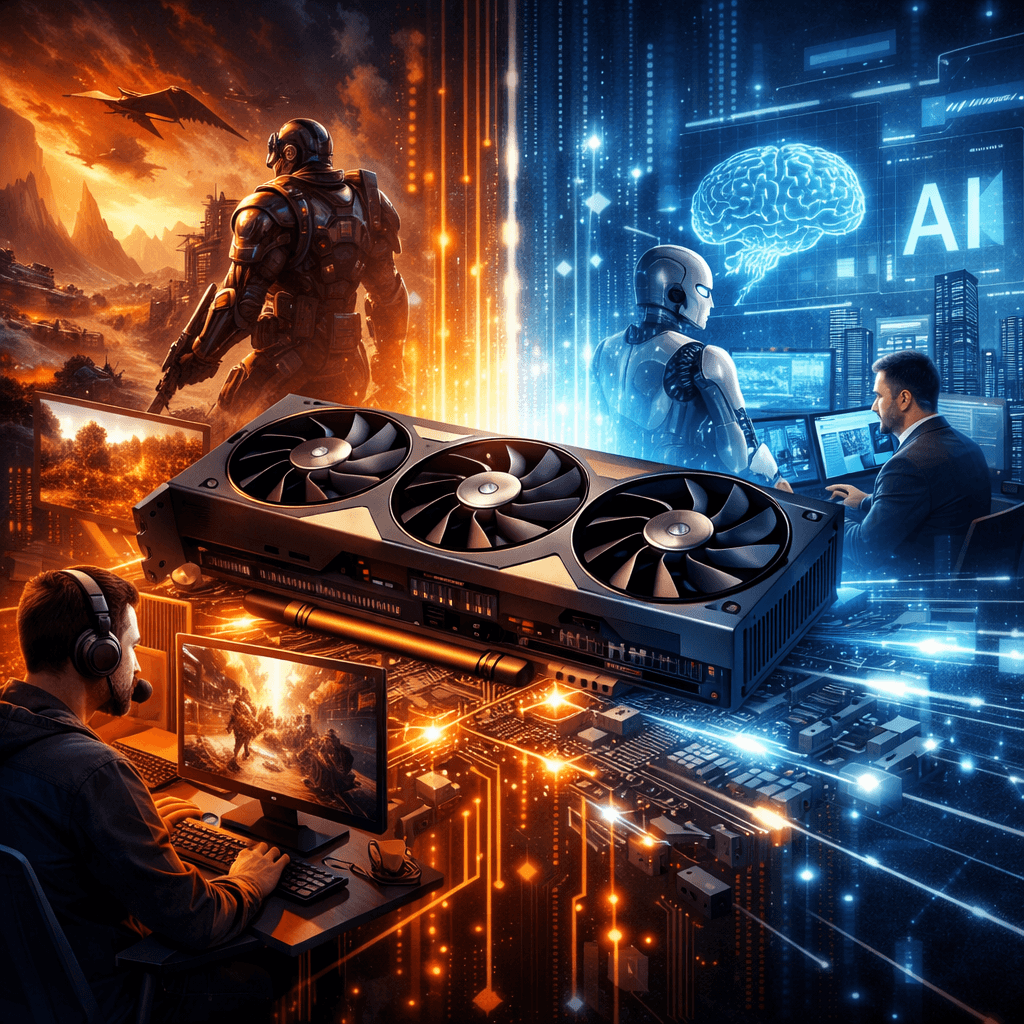
A GPU (Graphics Processing Unit) is a processor designed to perform many calculations simultaneously. GPUs were originally developed to handle computer graphics and image rendering, but they are now also widely used for artificial intelligence, machine learning, video editing, scientific computing, and other workloads that benefit from parallel processing.
You may encounter GPUs in desktop computers, laptops, workstations, gaming systems, servers, and cloud computing environments. Understanding what a GPU does can help you determine whether your computer needs a dedicated graphics card or whether the graphics capabilities built into your processor are sufficient.
What Does a GPU Do?
A GPU performs calculations that can be carried out simultaneously across many processing elements. This makes it particularly effective for workloads involving large amounts of similar mathematical operations.
Graphics rendering is one of the most familiar examples. When you play a game or use a 3D application, the GPU processes information needed to display images, textures, lighting, shadows, and other visual elements on your screen.
GPUs are also used for tasks such as:
- 3D rendering
- Video editing and encoding
- Artificial intelligence and machine learning
- Scientific and engineering simulations
- Data processing
- Cryptocurrency mining
- Professional visualization
- Certain cybersecurity and computational workloads
The GPU does not replace the CPU. Instead, the two processors are designed to handle different types of workloads and commonly work together.
GPU vs. CPU: What Is the Difference?
A CPU (Central Processing Unit) is a general-purpose processor designed to handle a broad range of computing tasks. It typically has a smaller number of powerful cores that can execute different instructions and tasks efficiently.
A GPU contains many processing elements optimized for executing large numbers of similar operations in parallel.
| Feature | CPU | GPU |
|---|---|---|
| Primary role | General-purpose computing | Parallel processing and graphics |
| Typical workloads | Operating systems, applications, logic | Graphics, AI, rendering, parallel calculations |
| Core design | Fewer, more powerful cores | Many smaller processing elements |
| Best suited for | Diverse and sequential workloads | Highly parallel workloads |
| Common applications | Office software, web browsing, operating systems | Gaming, 3D rendering, AI, video processing |
The distinction is not simply that a GPU is “faster” than a CPU. The right processor depends on the workload. Many applications benefit from having both.
Integrated vs. Dedicated GPUs
There are two common types of GPU configurations: integrated graphics and dedicated graphics.
Integrated GPU
An integrated GPU is built into the processor or system-on-chip and generally shares system memory with the CPU.
Integrated graphics are often sufficient for:
- Web browsing
- Office applications
- Streaming video
- Basic photo editing
- Everyday computer use
- Some lightweight games
They can also provide advantages such as lower power consumption and reduced hardware cost.
Dedicated GPU
A dedicated GPU is a separate graphics processor, commonly installed as a graphics card in a desktop computer or included as dedicated hardware in some laptops and workstations.
Dedicated GPUs generally have their own high-speed video memory, known as VRAM.
They are useful for demanding workloads such as:
- Modern PC gaming
- 3D modeling
- Professional video editing
- CAD applications
- AI and machine learning
- 3D rendering
- Large-scale visual processing
Whether you need a dedicated GPU depends on the applications you use and their hardware requirements.
How GPUs Are Used for Artificial Intelligence
GPUs have become important in artificial intelligence and machine learning because many AI workloads involve performing large numbers of mathematical operations in parallel.
Machine-learning frameworks can use GPU acceleration for workloads such as:
- Training neural networks
- Running trained models
- Image recognition
- Computer vision
- Generative AI
- Large-scale data processing
However, not every AI workload requires a powerful GPU. The appropriate hardware depends on the model, dataset, software framework, available memory, and whether the workload is being run locally or through cloud infrastructure.
For businesses considering AI-related workloads, selecting hardware based on the actual application is more useful than simply purchasing the most powerful GPU available.
Why GPU Memory Matters
One of the specifications to consider when comparing GPUs is VRAM, or video random-access memory.
VRAM stores data that the GPU needs to access quickly, including:
- Textures
- Frame buffers
- 3D assets
- Video data
- AI model data
- Other computational information
Having more VRAM does not automatically make a GPU faster. However, applications with large datasets, high-resolution graphics, complex 3D scenes, or large AI models may require additional GPU memory.
A GPU can also become constrained when its workload exceeds available VRAM, potentially resulting in reduced performance or application errors.
When Should You Upgrade Your GPU?
A GPU upgrade may make sense when your existing hardware cannot adequately handle the applications you use.
Consider an upgrade if:
- Games consistently perform below your desired frame rate.
- Video rendering takes too long.
- 3D applications struggle with complex scenes.
- Your software requires a newer GPU feature.
- AI applications exceed your available GPU memory.
- Your existing graphics hardware no longer meets the application’s recommended specifications.
Before buying a new GPU, check the requirements of the specific software you use. You should also check your computer’s power supply, available physical space, cooling capacity, motherboard compatibility, and other hardware requirements.
For laptops, upgrading the GPU is usually much more limited than upgrading a desktop graphics card.
How to Troubleshoot GPU Performance Problems
If your computer suddenly develops graphics or GPU performance problems, start with the basics.
1. Update the GPU driver
Outdated or corrupted graphics drivers can cause crashes, graphical errors, or performance problems. Download drivers from the GPU manufacturer’s official website.
2. Check GPU temperatures
Excessive temperatures can cause a GPU to reduce its performance to protect the hardware.
Check whether the computer has adequate airflow and make sure dust is not blocking cooling components.
3. Check GPU utilization
Task Manager and other hardware-monitoring tools can show whether the GPU is being heavily used.
High utilization is not necessarily a problem. It may simply mean that the application is using the GPU as intended.
4. Check available VRAM
If an application is consistently running out of graphics memory, reducing graphics settings or upgrading to a GPU with more VRAM may help.
5. Check the power supply
A high-performance dedicated GPU can require substantially more power than integrated graphics. A suitable power supply and correctly connected power cables are important for stable operation.
6. Check the application settings
Some applications allow you to choose whether workloads should use the CPU, GPU, or hardware acceleration. Make sure the appropriate option is enabled.
Do Small Businesses Need a Powerful GPU?
Not necessarily.
Most businesses performing everyday tasks such as email, web browsing, accounting, document management, and standard office applications do not require a high-end dedicated GPU.
A more powerful GPU may be worthwhile for businesses involved in:
- Video production
- Graphic design
- Architecture and CAD
- Engineering
- 3D visualization
- AI development
- Data science
- Scientific computing
The best approach is to start with the software and workloads your employees actually use, then select hardware that meets those requirements.
For businesses that need help evaluating workstations, servers, networking, or broader technology requirements, Archer IT Solutions provides managed IT services.
Frequently Asked Questions
What is a GPU in simple terms?
A GPU is a processor that is particularly good at performing many calculations at the same time. It is commonly used for graphics but can also accelerate AI, video processing, simulations, and other parallel workloads.
Is a GPU the same as a graphics card?
Not exactly. The GPU is the processor responsible for graphics and parallel computation. A graphics card is the complete expansion board that may contain the GPU, VRAM, cooling system, power circuitry, and other components.
Do all computers have a GPU?
Most modern computers have some form of graphics processing capability. Some use integrated graphics built into the processor, while others have a separate dedicated GPU.
Is a GPU more powerful than a CPU?
Not in a general sense. CPUs and GPUs are optimized for different types of workloads. GPUs can be much more efficient for highly parallel calculations, while CPUs are better suited to many general-purpose and sequential tasks.
How much GPU memory do I need?
It depends on what you are doing. Basic office and everyday computing require relatively little graphics memory, while modern games, professional 3D applications, video production, and AI workloads may require considerably more.
Final Thoughts
A GPU is much more than a component used to improve gaming graphics. Its ability to perform large numbers of calculations in parallel makes it valuable for graphics rendering, video production, artificial intelligence, scientific computing, and other demanding workloads.
However, buying a more powerful GPU is not always the best solution. The right choice depends on the applications you use, their hardware requirements, available memory, power consumption, and the rest of your computer system.
If your business needs help determining whether its computers or workstations have the right hardware for its workloads, Archer IT Solutions can help evaluate your IT environment and recommend practical improvements.
Contact Archer IT Solutions: https://www.archer-its.com/contact-us/


No responses yet