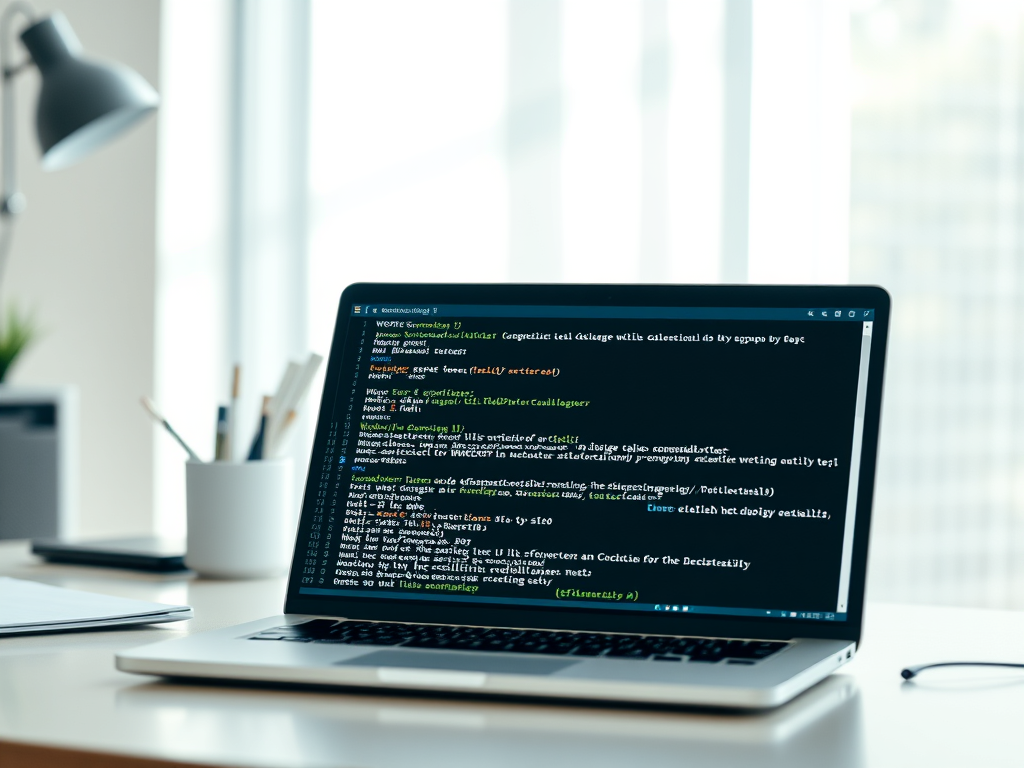
Understanding WP‑CLI and Why It Matters for You
WP‑CLI (WordPress Command Line Interface) is a powerful tool that allows users to manage their WordPress websites directly from the command line. Instead of clicking through the WordPress dashboard, website owners and developers can execute commands for updates, installations, and content management faster and more efficiently. For those who manage multiple sites or need to automate tasks, WP‑CLI is a true time‑saver that can transform productive workflows.
Exploring What WP‑CLI Is and How It Empowers Users

WP‑CLI stands for WordPress Command Line Interface, an open‑source project maintained by the WordPress community. It provides a text‑based alternative to the graphical dashboard, enabling users to perform administration tasks by typing commands into the terminal. This tool is especially loved by developers and system administrators who manage WordPress websites at scale. Tasks like installing plugins, updating WordPress core, managing themes, or creating backups can all be performed without touching your browser.
The power of WP‑CLI lies in its efficiency and automation. Instead of spending minutes navigating menus, one line of command can update plugins across multiple sites. This improves consistency and reduces human error. It also integrates smoothly with scripts and DevOps tools, making it ideal for those managing complex setups or multiple WordPress installations. For small businesses or website owners working with managed hosting providers like Archer IT Solutions, using WP‑CLI with hosting platforms can further streamline processes such as backups and migrations.
From a learning perspective, WP‑CLI helps users develop a deeper understanding of how WordPress operates under the hood. By interacting directly with the site’s files and database, users gain insights into WordPress architecture. This leads to better troubleshooting and customization skills. For newcomers, resources like the official WP‑CLI Handbook are excellent starting points for getting comfortable with basic and advanced commands.
Section Summary: WP‑CLI gives you command‑level control over WordPress, offering speed, automation, and deeper insight into your site’s operations.
Practical Benefits and Common Issues When Using WP‑CLI

Using WP‑CLI comes with numerous pros: speed, automation, and scalability. You can quickly install plugins (wp plugin install), update core files (wp core update), or even batch‑manage multiple sites. For developers, it integrates seamlessly into deployment workflows and backup scripts. On the other hand, one con is that WP‑CLI requires basic command‑line familiarity. Users who prefer visual management might find it less intuitive at first. Another potential drawback is that when run with improper permissions or incorrect parameters, commands can unintentionally break site configurations.
Common issues users encounter often relate to plugin compatibility and environment configuration. Some plugins aren’t fully compatible with WP‑CLI commands, especially older or custom‑built ones. If a command fails, check whether the plugin supports CLI access. Review the error logs for PHP or database issues, and ensure your hosting environment allows command‑line access. Users of managed hosting services like Archer IT Solutions Web Hosting can contact support@archer-its.com for help verifying compatibility or resolving specific errors.
When troubleshooting WP‑CLI, the best approach includes testing in a staging environment before deploying commands live. Run commands with the --dry-run parameter to preview changes. Always back up your site before making global updates. For deeper learning, external references like Learn WordPress or WPBeginner’s WP‑CLI Guide can assist. If command‑line challenges persist, Archer IT Solutions Managed IT Support can provide professional integration and remediation support.
Section Summary: WP‑CLI provides major operational advantages, but understanding plugin compatibility and safety practices ensures smooth, confident usage.

In summary, WP‑CLI is more than just a convenience—it’s a path toward greater control, faster workflows, and scalable management for WordPress users. Whether you’re a website owner, developer, or IT manager, learning to use WP‑CLI can sharpen your efficiency and elevate your site maintenance process. Ready to take charge of your WordPress operations? Consider exploring it today and see how it fits your workflow.
If you’d like technical assistance or want to integrate WP‑CLI with your hosting setup, reach out to Archer IT Solutions. Visit www.archer-its.com/ticket/ or email support@archer-its.com — their support team typically responds within 24 hours. Reflect on your current process: Would a command‑line advantage accelerate your productivity? Now’s the perfect time to find out.
Total Word Count: ~790 words


No responses yet