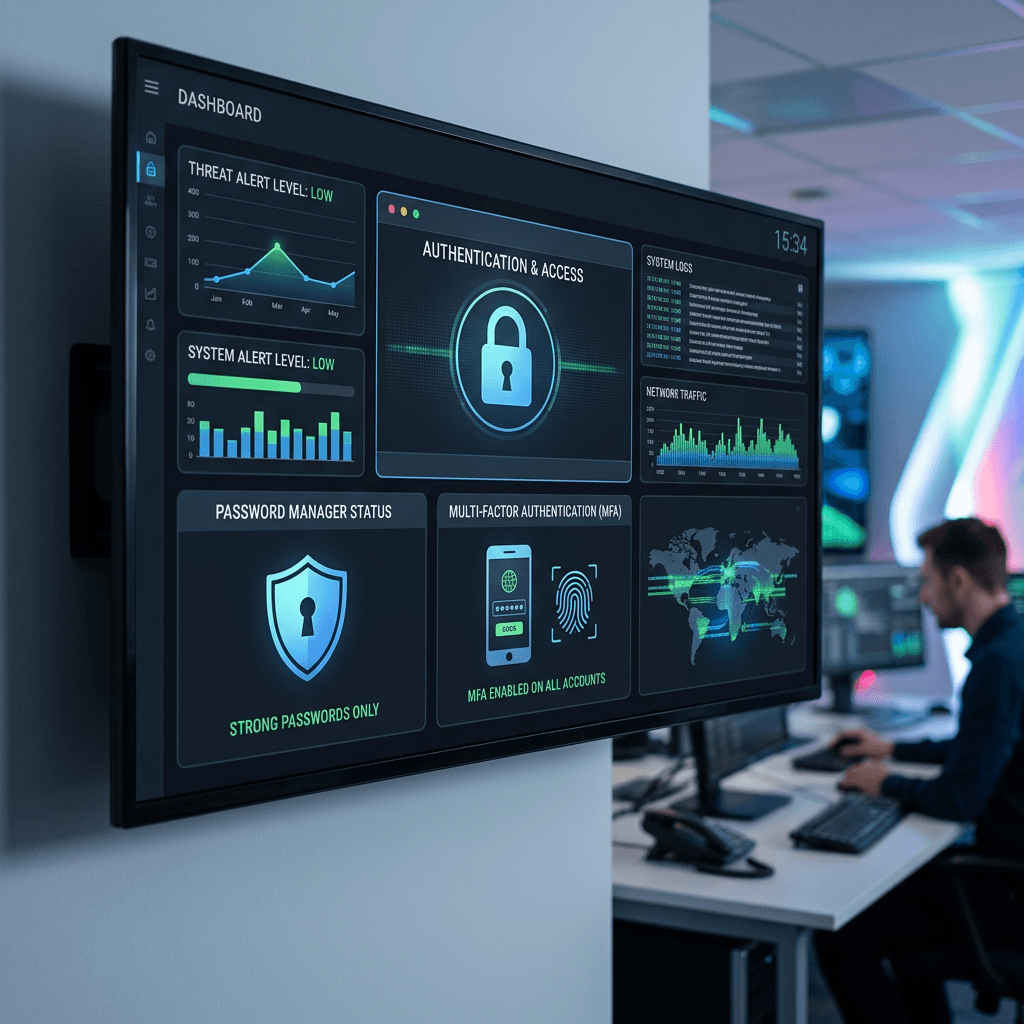
Strong Password Guide: Easy Steps to Stay Secure Online
A strong password is one of the simplest ways to protect your email, website, financial accounts, cloud storage, and business systems. The best passwords are long, unique, and difficult for attackers to guess. They should also be protected with additional security measures such as multi-factor authentication (MFA) or passkeys whenever available.
For individuals and small businesses, password security is especially important because one compromised account can lead to much bigger problems. If an attacker gains access to your email, for example, they may be able to reset passwords for other services, access confidential information, or impersonate you.
This guide explains how to create a strong password, how to store passwords safely, common mistakes to avoid, and when you should change a password.
Need help protecting your business accounts? Contact Archer IT Solutions for practical security guidance and reliable IT support.
Quick Answer: What Makes a Strong Password?
A strong password should be long, random, and unique to one account. Aim for at least 16 characters and use a trusted password manager to generate and store passwords whenever possible. Avoid names, birthdays, company information, common phrases, keyboard patterns, and reused passwords.
For important accounts, add multi-factor authentication (MFA) or a passkey. This provides another layer of protection if your password is ever exposed.
Why Strong Passwords Matter for Businesses
Passwords protect some of the most important systems a business uses every day. These may include email accounts, websites, hosting dashboards, cloud storage, accounting software, payment platforms, social media accounts, and customer databases.
A weak password can become a serious security problem when it is guessed, stolen through phishing, or exposed during a data breach.
The risk becomes even greater when the same password is used across several accounts. If one service suffers a breach, attackers may try the exposed credentials on other websites. This is known as credential stuffing.
For example, if an employee uses the same password for their company email and a website account that later suffers a breach, an attacker may attempt that same email address and password against the company’s email system.
Strong, unique passwords help reduce this risk.
For business owners, password security should therefore be part of a wider security strategy that includes MFA, access controls, employee account management, software updates, and regular security reviews.
What Makes a Password Strong?
A strong password has several important characteristics.
1. It is long
Length is one of the most important factors in password security. A practical minimum is 16 characters, with longer passwords being preferable for important accounts.
Avoid relying on short passwords simply because they contain uppercase letters, numbers, and symbols.
For example, a password such as:
Summer2026!
may look complicated, but it contains predictable information that attackers commonly test.
2. It is unique
Never use the same password for multiple important accounts.
Your email, banking, hosting, social media, and business software should all have separate passwords.
3. It is difficult to predict
Avoid information that other people can easily discover, including:
- Your name
- Birthday
- Phone number
- Business name
- Children’s names
- Pet names
- Favorite sports team
- Common phrases
- Keyboard patterns
- Sequential numbers
Attackers can use publicly available information to make password attacks more effective.
4. It is stored securely
You should not have to memorize dozens of complicated passwords.
A reputable password manager can generate, store, and automatically fill strong passwords for your accounts.
How to Create a Strong Password
The easiest approach is to let a trusted password manager generate a random password for you.
A simple process is:
- Choose a reputable password manager.
- Generate a password of at least 16 characters.
- Use a different password for every account.
- Save the password directly in the password manager.
- Enable MFA or a passkey where available.
- Never share the password through email or ordinary chat messages.
If you need to remember a password, such as the master password for your password manager, use a long passphrase made from several unrelated words rather than a short, predictable password.
Do not use an example password from an online article as your actual password. Once a password has been published publicly, it should be considered known.
Common Password Mistakes to Avoid
Even people who understand password security can make mistakes that weaken their accounts.
Reusing the same password
Using one password for several accounts creates a domino effect. If one account is compromised, attackers can try the same credentials elsewhere.
Better approach: Use a unique password for every important account.
Using predictable information
Names, birthdays, company names, and familiar phrases are easier to guess than randomly generated passwords.
Better approach: Use a password manager to generate random passwords.
Sending passwords through email or chat
Passwords sent through ordinary communication channels can remain in message histories or be exposed if an account is compromised.
Better approach: Use secure password-sharing features provided by your password manager when credentials genuinely need to be shared.
Keeping shared company passwords
A single shared password makes it difficult to know who accessed an account and creates problems when an employee leaves.
Better approach: Give employees individual accounts and permissions whenever the service supports them.
Ignoring MFA
A strong password is valuable, but it should not be your only layer of protection.
Better approach: Enable MFA, passkeys, or security keys on important accounts.
Writing passwords in unsecured places
Saving passwords in plain-text documents, spreadsheets, sticky notes, or unprotected phone notes creates another security risk.
Better approach: Store credentials in a reputable password manager.
Strong Password vs. Passphrase: Which Is Better?
A password can be a random combination of letters, numbers, and symbols generated by a password manager.
A passphrase is typically a longer sequence of unrelated words that is easier for a person to remember.
For example, instead of creating a short password with predictable substitutions, you could use a long, randomly generated passphrase.
The important factor is not whether you call it a password or passphrase. Length, unpredictability, and uniqueness matter most.
For accounts where you need to remember the credential yourself, a long passphrase can be practical. For most other accounts, letting a password manager generate and store a random password is usually easier and more secure.
When Should You Change a Password?
You do not necessarily need to change a strong, unique password every few months simply because a calendar reminder says so.
Change a password when there is a specific security reason, such as:
- The password was exposed in a data breach.
- You entered it on a suspicious website.
- You received an unexpected login alert.
- Someone else knows or may know the password.
- The password has been reused on another service.
- An employee who knew a shared credential has left the business.
- You suspect unauthorized access.
If you believe an account has been compromised, change the password from a trusted device and review the account’s recent activity and security settings. Enable MFA if it is available.
Protect Your Password Manager
A password manager can protect dozens or even hundreds of credentials, so securing the password manager itself is extremely important.
Use a strong, unique master passphrase and enable MFA where available.
You should also:
- Keep the password manager updated.
- Protect recovery information carefully.
- Avoid sharing your master password.
- Review connected devices and sessions.
- Remove access from devices you no longer use.
For businesses, administrators should also review employee access regularly and remove accounts or permissions when employees leave.
Add MFA or a Passkey for Extra Protection
Passwords are only one layer of account security.
Multi-factor authentication (MFA) requires an additional verification method after the password. Depending on the service, this might be an authenticator app, security key, biometric verification, or another approved method.
Passkeys provide another modern way to authenticate without relying on a traditional password in the same way.
Whenever a business service supports MFA or passkeys, enabling them can significantly strengthen account security.
Prioritize your most important accounts first, especially:
- Business email
- Website and hosting accounts
- Banking and payment platforms
- Cloud storage
- Password manager
- Social media accounts
- Accounting software
- Domain registrar accounts
Your primary email account deserves particular attention because it can often be used to reset passwords for other services.
What Should Businesses Do About Employee Passwords?
Password security becomes more complicated as a business grows.
Instead of asking employees to remember or share company passwords, businesses should use individual accounts and role-based access wherever possible.
A good business password policy should include:
- Unique credentials for employees
- MFA for important systems
- Password manager usage
- Regular access reviews
- Immediate removal of former employee access
- Limited administrator privileges
- Secure credential-sharing procedures
- Monitoring for suspicious account activity
This approach makes it easier to control who has access to business systems and reduces the risk associated with shared credentials.
If your business needs help reviewing account security, access controls, or employee permissions, Archer IT Solutions can provide technical support and managed IT services.
What to Do If Your Password Has Been Exposed
If you discover that a password has been exposed, don’t panic, but act quickly.
Start by changing the affected password to a new, unique password. If you reused that password anywhere else, change it on those accounts too.
Then:
- Sign out of other sessions where possible.
- Enable MFA.
- Review recent account activity.
- Check recovery email addresses and phone numbers.
- Remove unfamiliar devices or applications.
- Look for suspicious password-reset messages.
- Check whether other accounts used the same password.
If the affected account is connected to your business systems, website, email, or financial services, consider getting professional assistance.
Free Strong Password Checklist
Before considering an important account secure, ask:
- Is the password at least 16 characters?
- Is it unique to this account?
- Is it difficult to predict?
- Was it generated or stored securely?
- Am I using a password manager?
- Is MFA or a passkey enabled?
- Have I checked for suspicious account activity?
- Does anyone else unnecessarily have access?
- Have former employees lost access to business systems?
- Have I avoided storing passwords in plain-text documents?
If you answered no to any of these questions, there may be an opportunity to improve your account security.
Strong Password FAQ
What makes a strong password?
A strong password is long, random, difficult to predict, and unique to one account. Aim for at least 16 characters and avoid names, dates, common phrases, keyboard patterns, and predictable substitutions.
How often should I change my passwords?
Change a password when it has been exposed, reused, shared, entered on a suspicious website, or associated with unauthorized activity. A secure, unique password does not necessarily need to be changed on an arbitrary schedule.
Are password managers safe?
A reputable password manager is generally safer than reusing passwords or storing credentials in unsecured notes and spreadsheets. Use a strong master passphrase, enable MFA, keep the software updated, and protect your recovery information.
Is a passphrase better than a password?
A long, unpredictable passphrase can be very secure and may be easier to remember. For most accounts, however, a password manager can generate longer random passwords that you do not need to memorize.
Should I use the same password for my email and other accounts?
No. Your email account should have its own unique password because it can often be used to reset access to your other accounts.
What should I do if I think someone knows my password?
Change the password immediately, preferably from a trusted device. Enable MFA, review recent account activity, sign out unfamiliar sessions, and check whether the same password was used anywhere else.
Final Takeaway
A strong password does not have to be complicated to be effective. The most important principles are length, uniqueness, randomness, and secure storage.
Use a trusted password manager to generate and store passwords, avoid reusing credentials, enable MFA or passkeys, and respond quickly if an account may have been compromised.
For businesses, password security should also include individual employee accounts, controlled access, regular permission reviews, and a clear process for removing access when employees leave.
If you need help securing your business accounts, email, website, cloud services, or employee access, Archer IT Solutions can help you put practical security measures in place without the technical headache. Contact Archer IT Solutions or submit a support request for assistance.


No responses yet