Essential Steps to Set Up and Secure Your Home Network
Setting up a home network may seem simple at first glance, but achieving a secure, efficient, and stable connection requires careful planning. From connecting your devices to implementing strong security measures, every step counts toward creating a dependable digital environment. This article guides you through essential steps to set up and protect your home network so you can browse, stream, and work with peace of mind.
Step-by-Step Guide to Setting Up Your Home Network
A successful home network begins with choosing the right hardware. Start with a high-quality modem and router that fit your household needs. If your internet provider supplies a modem-router combo, you can often enhance performance with your own router for greater customization. Consider mesh Wi-Fi systems if you live in a large home or experience dead zones, as they distribute signals evenly across all areas.
Next, configure your router by accessing its web interface. Set up a unique network name (SSID) and choose a strong password — avoid defaults like “admin.” Position your router in a central location, away from interference sources such as microwaves or thick walls. Label each device connection to make troubleshooting easier later on.
Once your network is online, connect all your devices one at a time. Confirm each device is automatically obtaining an IP address and can access the internet. Run a speed test to check that performance meets your subscription plan. If you encounter connectivity inconsistencies, Archer IT Solutions offers onsite or remote computer support to help optimize your configuration and signal placement efficiently.
Pros and Cons of Building Your Own Network
Pros:
- Full control over security and device access
- Customizable speed and coverage
- Easier integration with smart home systems
Cons:
- Requires technical knowledge for optimal configuration
- Potential maintenance or troubleshooting needs
- May need hardware upgrades for faster speeds
If you’re new to networking, our Managed IT Support can assist with setup and ongoing maintenance to prevent downtime and enhance network performance.
Key Security Measures to Protect Your Home Network
Once your home network is live, securing it should be your top priority. Start by enabling WPA3 encryption if available, or WPA2 as a minimum. Disable remote management unless necessary, and change default admin credentials immediately. Keeping your router’s firmware updated fixes vulnerabilities that attackers often exploit. Schedule automatic updates whenever possible.
Advanced security involves setting up a dedicated guest network for visitors. This prevents outsiders from accessing sensitive data or shared drives on your main network. You can also use parental controls or device prioritization features to regulate bandwidth use and limit potential exposure to unsafe sites. If you’re managing multiple devices, consider professional help like Archer IT Solutions’ Managed IT Services to monitor and secure your home or small business systems remotely.
For maximum safety, pair your firewall with additional anti-virus software and enable network monitoring. Tools like OpenDNS and Wireshark allow you to oversee data traffic and detect suspicious behavior. Regularly test your Wi-Fi password strength and remove any outdated connected devices or IoT units that no longer receive security updates.
Troubleshooting Common Network Issues
Occasionally, your home network may face problems like dropped signals or slow speeds. Begin troubleshooting by restarting your router and checking cable connections. If performance remains inconsistent, reduce signal interference — move devices away from thick objects and switch your Wi-Fi channel in the router settings.
You can also clear DNS cache or reset your network configuration to restore connectivity stability. Archer IT Solutions provides remote support to diagnose connection issues quickly without interrupting your workflow. If you frequently handle web-based projects or hosting, consider upgrading to our Web Hosting Solutions for faster performance and proactive monitoring.
Still facing slowdowns? Check online resources like PCMag’s Home Networking Guide or How-to Geek’s Network Tutorials for updated troubleshooting methods. Simple fixes like changing your Wi-Fi channel or resetting TCP/IP settings often solve recurring connection issues.

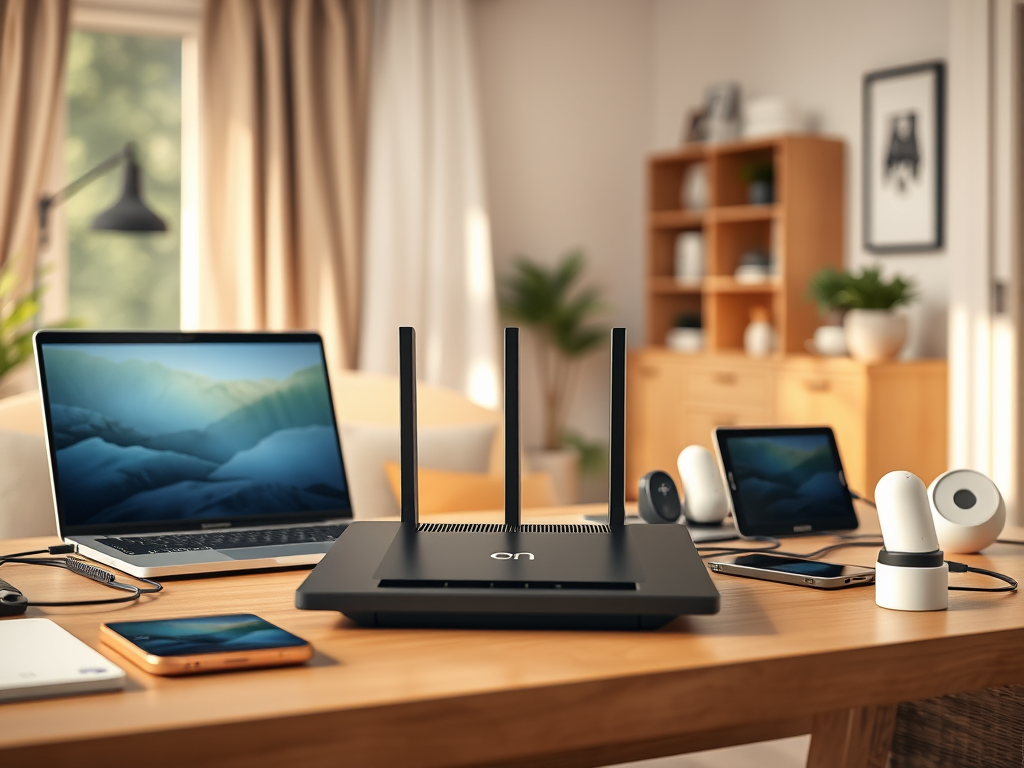
Image: Secure home Wi-Fi setup with password protection.
Building and securing your home network doesn’t have to be complicated. With the right hardware, configuration, and protective measures in place, you can enjoy seamless internet connectivity and safe browsing for every household member. For expert advice, maintenance, or 24/7 support, visit Archer IT Solutions or email support@archer-its.com. Our team is dedicated to ensuring your home network stays fast, reliable, and secure.
Call to Action:
Need help setting up or troubleshooting your network? Contact Archer IT Solutions today for friendly, professional IT support — onsite or remote — tailored to your home or business!
Discover more from Archer IT Solutons
Subscribe to get the latest posts sent to your email.

No responses yet