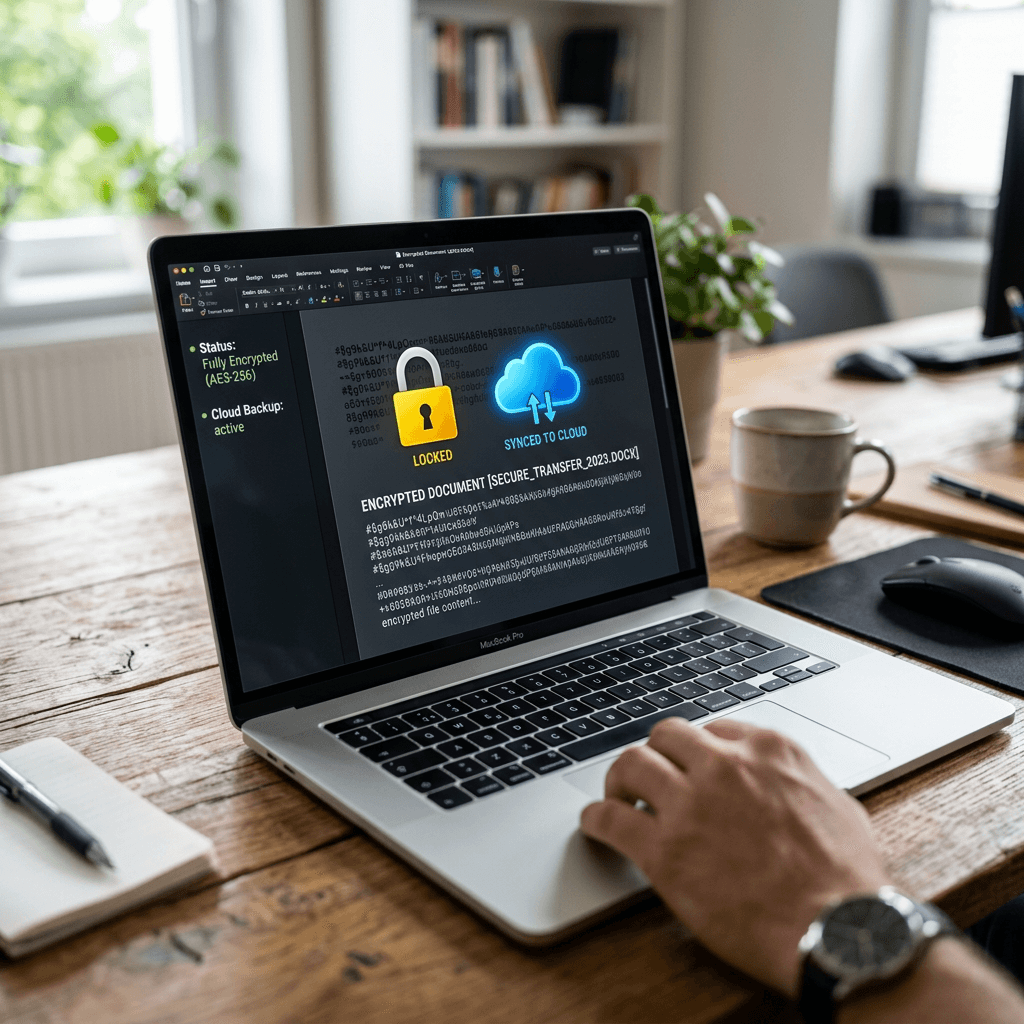
How to Encrypt a File and Share It Securely
Encrypting a file before sharing it is one of the simplest ways to protect sensitive business information from unauthorized access. Whether you’re sending contracts, financial records, client information, or confidential documents, file encryption ensures that only the intended recipient can open the file. This guide explains how to encrypt files safely, the best tools to use, common mistakes to avoid, and secure ways to share passwords without exposing your data.
What Is File Encryption?
File encryption is the process of converting readable information into unreadable data using a mathematical algorithm. Only someone with the correct password, encryption key, or authentication method can decrypt and open the file.
Encryption protects confidential information even if the file is intercepted, accidentally shared with the wrong person, or accessed by unauthorized users.
For businesses, file encryption helps protect:
- Customer information
- Financial records
- Contracts and legal documents
- Employee files
- Password backups
- Intellectual property
Many organizations also use encryption to help meet industry security and compliance requirements.
When Should You Encrypt a File?
Not every document requires encryption, but any file containing confidential or sensitive information should be protected before it is shared.
Consider encrypting files when sending:
- Client contracts
- Financial reports
- Payroll information
- Tax documents
- Login credentials
- Medical records
- Legal documents
- Employee information
- Customer databases
- Business proposals
Even if you trust the recipient, encryption provides an additional layer of protection in case emails, cloud accounts, or devices are compromised.
Create File
│
▼
Encrypt File
(AES-256)
│
▼
Upload or Email File
│
▼
Send Password
(by phone, SMS, or secure messaging)
│
▼
Recipient Opens File
How to Share the Encrypted File Without Risk
After you encrypt the file, the next step is sharing it safely. The biggest mistake people make is sending the encrypted file and password in the same email or message. If someone compromises that inbox, they get everything they need. Instead, send the encrypted file through one channel, such as a secure cloud link or email attachment, and send the password through a different channel, such as a phone call, secure messaging app, or verified SMS message.
Use access controls whenever possible. If you share through Google Drive, OneDrive, Dropbox, or another cloud service, avoid public links when the file is sensitive. Choose named-user access, disable downloads if appropriate, set an expiration date, and remove access after the recipient confirms they have the file. Before sending, double-check the recipient’s email address and avoid sending confidential files over public Wi-Fi unless you are using a trusted VPN.
A real-world example: if a small business needs to send payroll documents to an accountant, the business owner should encrypt the file first, upload it to a secure cloud folder, share access only with the accountant’s verified email, and provide the password by phone. That simple separation greatly reduces risk. If your business regularly sends private files, Archer IT Solutions can help set up secure cloud sharing, employee permissions, password management, and managed IT support so your team does not have to guess.
Common Encryption Mistakes to Avoid
Even when people encrypt their files, simple mistakes can leave sensitive information exposed. Understanding these common errors can help you avoid unnecessary security risks and ensure your confidential files stay protected.
Reusing the Same Password
Using the same password for multiple encrypted files or accounts increases your risk if that password is ever compromised. If one password is exposed, attackers may gain access to every file protected with it. Create a unique passphrase for each highly sensitive file or project whenever possible.
Sending the Password in the Same Email
One of the biggest mistakes is attaching an encrypted file to an email and including the password in the same message. If someone gains access to that email account, they have everything needed to open the file. Instead, send the password through a different communication channel, such as a phone call, SMS, or secure messaging app.
Sharing Public Cloud Links
Public sharing links allow anyone with the link to access your file, especially if no authentication is required. For confidential documents, always restrict access to specific users, require sign-in where possible, and avoid using public links unless absolutely necessary.
Forgetting to Remove Access
Many people leave shared files accessible long after the recipient has finished using them. If the file is no longer needed, remove sharing permissions or set automatic expiration dates to reduce the risk of unauthorized access later.
Using Outdated Encryption Software
Older software may contain security vulnerabilities or use weaker encryption methods. Keep your encryption tools updated so you benefit from the latest security improvements, bug fixes, and stronger encryption standards.
Assuming ZIP Compression Means Encryption
Compressing a file into a ZIP archive does not automatically encrypt it. Unless you specifically enable password protection and choose a strong encryption method such as AES-256, anyone can still open the compressed file. Always verify that encryption is enabled before sharing sensitive information.
Best Practices for Secure File Sharing
| Pros | Cons |
|---|---|
| Protects sensitive information if the file is intercepted | Requires password management |
| Helps reduce business security risk | Recipient must know how to open it |
| Works with email, cloud storage, and USB drives | Weak passwords can reduce protection |
| Useful for compliance-focused industries | Some tools require setup |
Recommended Secure Sharing Workflow
- Choose a trusted encryption tool.
- Encrypt the file using strong encryption, preferably AES-256.
- Create a unique password or passphrase.
- Upload or send the encrypted file through a secure method.
- Send the password separately.
- Confirm the recipient received and opened the file.
- Remove access when the file is no longer needed.
Common File Sharing Issues We Help Businesses Resolve
At Archer IT Solutions, we often assist businesses that accidentally expose sensitive files through public cloud links, weak passwords, or misconfigured sharing permissions. In many cases, simple changes—such as encrypting files before sending and restricting link access—significantly reduce security risks and help protect confidential business information.
FAQ
What is the best way to encrypt a file?
The best way to encrypt a file is to use a trusted tool with strong encryption, such as AES-256, and protect the file with a unique password or passphrase.
Can I email an encrypted file safely?
Yes, but do not send the password in the same email. Send the encrypted file by email and provide the password through a separate method, such as a phone call or secure message.
Is a password-protected PDF enough?
Sometimes, but not always. Some PDF password protection is weaker than full file encryption. For sensitive business data, use stronger encryption or ask an IT professional.
Should I use cloud storage to share encrypted files?
Yes, secure cloud storage can be a good option if you limit access, avoid public links, set expiration dates, and remove permissions after the file is received.
Can Archer IT Solutions help my business set up secure file sharing?
Yes. Archer IT Solutions can help configure secure file sharing, cloud permissions, password management, employee access, and managed IT security support.
Free Checklist: Safe File Sharing Before You Click Send
- Is the file encrypted?
- Is the password strong and unique?
- Is the password sent separately?
- Is the recipient verified?
- Is the cloud link private?
- Is access limited or set to expire?
- Did you remove access after completion?
Encrypting files before sharing them is one of the easiest and most effective ways to protect sensitive business information. By combining strong encryption, unique passwords, secure sharing methods, and access controls, businesses can significantly reduce the risk of unauthorized access and data breaches.
Whether you’re sending contracts, financial records, employee documents, or confidential client information, taking a few extra minutes to encrypt your files can prevent costly security incidents.
If your organization needs help implementing secure file sharing, cloud security, or business cybersecurity solutions, Archer IT Solutions can help you build a safer and more reliable IT environment. Contact us or Email support@archer-its.com.
- CISA Cybersecurity Guidance
- NIST Cybersecurity Framework
- Microsoft Security Documentation
- Google Safety Center


No responses yet