In today’s digital world, people often use the terms “Wi-Fi” and “Internet” interchangeably, but they are not the same thing. Understanding the distinction between the two is essential for solving connectivity issues, improving your online experience, and making smart technology decisions. This article explores what makes Wi-Fi and the Internet different, how they work together, and real-world examples that help clarify their unique roles.
Understanding Wi-Fi and the Internet in Everyday Life
Wi-Fi is a wireless networking technology that allows devices like laptops, smartphones, and tablets to connect to a local network without physical cables. It transmits data through radio waves, connecting your device to a router or access point. However, Wi-Fi on its own doesn’t provide access to the global web—it only connects devices within a local network. For example, you could be connected to Wi-Fi and still be offline if that network has no Internet connection.
The Internet, on the other hand, is a vast global system of interconnected networks that enables devices worldwide to exchange information. Accessing the Internet requires an Internet Service Provider (ISP), such as Spectrum, Verizon, or BT, which connects your local network to the worldwide web. So, while Wi-Fi connects devices locally, the Internet connects networks globally. They work hand-in-hand—Wi-Fi provides the link to your router, while your router provides the gateway to the Internet.
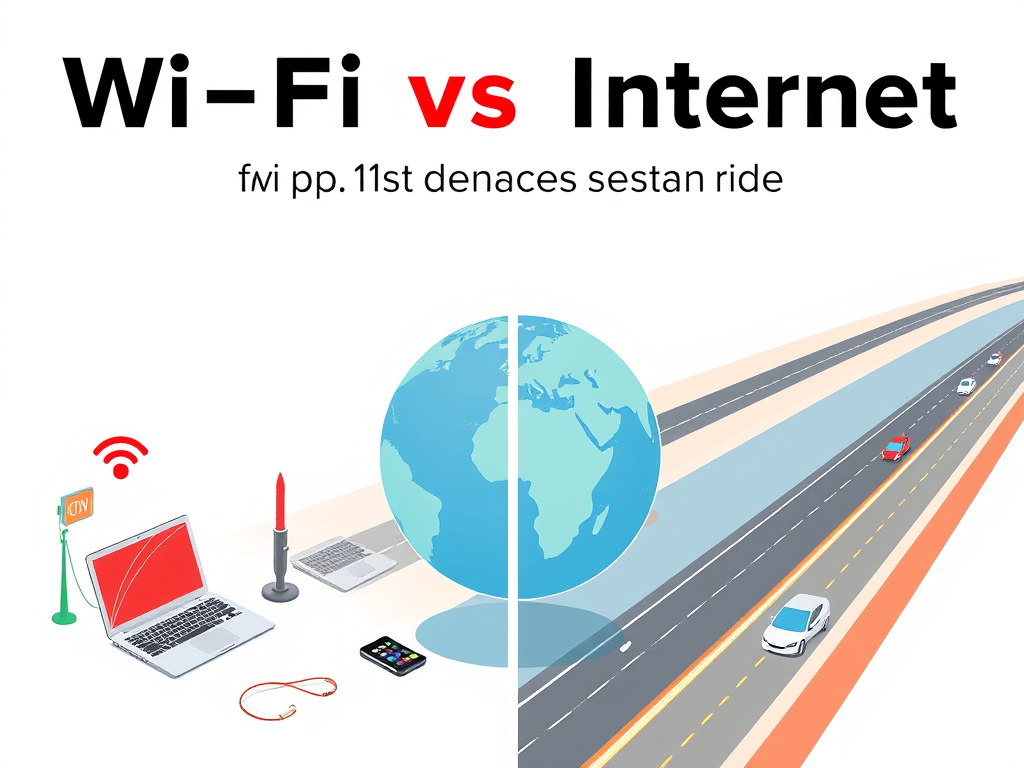
A simple way to visualize their relationship is to think of Wi-Fi as a wireless bridge, and the Internet as the highway filled with data that travels across the world. You can have Wi-Fi with no Internet (for example, sharing files between computers on the same network), or Internet without Wi-Fi (for instance, using a mobile data connection). Understanding this distinction helps troubleshoot why your device might say “Connected to Wi-Fi” but still show “No Internet access.”
Key takeaways:
- Wi-Fi = local connection (wireless signal between devices and a router).
- Internet = global connection (data transfer between worldwide networks).
- One can exist without the other, but both work best when connected together.
Real-World Examples Showing How Wi-Fi Differs from the Internet
Consider a café offering free Wi-Fi. When you connect your phone to the café’s Wi-Fi network, you’re using wireless technology to link your device to the café’s router. If their Internet provider experiences an outage, you’ll still be on their Wi-Fi network—but you won’t be able to load websites or stream videos. This example highlights that Wi-Fi gives connectivity, while the Internet gives accessibility to global online resources.
In another scenario, imagine a company that uses a local Wi-Fi network to connect printers, computers, and servers. Even if the Internet goes down, employees can still send documents to printers or share files within the office because they’re connected via Wi-Fi. A 2023 Statista report showed that over 5 billion people use the Internet worldwide, yet local Wi-Fi networks remain vital for internal communication and business efficiency even when external Internet access fails.
Case Study: The city of Tallinn, Estonia, implemented public Wi-Fi zones to support digital accessibility. Residents connect to local Wi-Fi networks, which then route traffic through the city’s high-speed Internet backbone. This project improved local communication and digital literacy across the community (Visit Estonia Official Site). Meanwhile, similar initiatives in libraries and public parks worldwide demonstrate how Wi-Fi serves as the bridge between users and the Internet.
Key takeaways:
- Businesses use Wi-Fi internally even when the Internet is unavailable.
- Public Wi-Fi expands Internet access but relies on ISPs to go online.
- Real-world case studies show that Wi-Fi enhances accessibility, but the Internet remains the ultimate source of data and communication.

Image Source: Wikimedia Commons
Wi-Fi and the Internet are distinct but deeply interconnected technologies. Wi-Fi provides the local wireless path, while the Internet delivers the global network experience. Recognizing this difference helps you troubleshoot issues and appreciate the separate roles each plays in digital communication. Next time your device shows “Connected but no Internet,” you’ll know that your Wi-Fi link is fine—the problem might just be the bigger network beyond your router.
Reflect on your setup: Do you rely on Wi-Fi for all your connections, or do you use mobile data and wired networks too? Understanding how your devices connect can help you optimize speed, reliability, and security in your daily digital life.
Discover more from Archer IT Solutons
Subscribe to get the latest posts sent to your email.


No responses yet