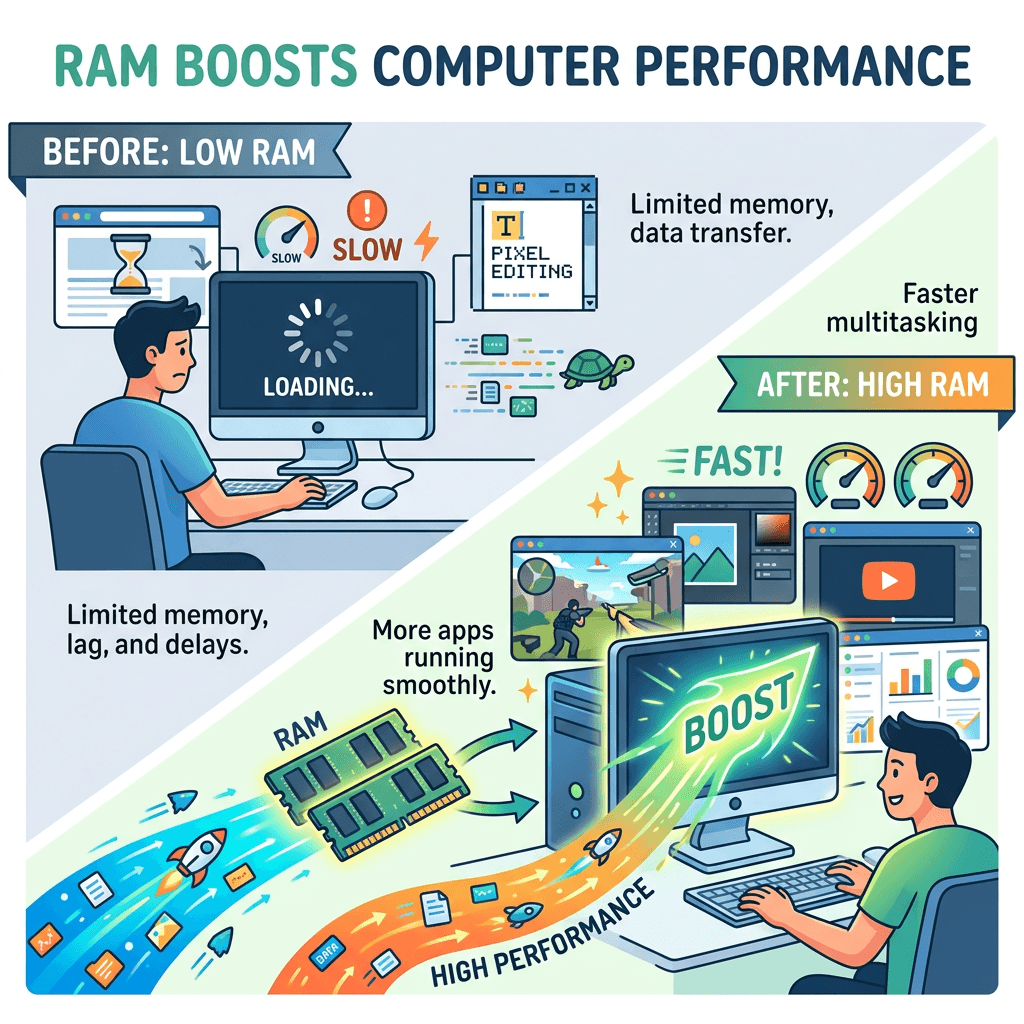
If you’ve ever wondered, “What does RAM do?”, the simple answer is this: RAM helps your computer think quickly. It gives your device temporary working space so apps, browser tabs, files, and programs can run smoothly while you use them. Without enough RAM, your computer may feel slow, freeze often, or struggle when too many things are open at once.
What Does RAM Do? A Simple Beginner’s Guide
RAM stands for Random Access Memory. It is short-term memory your computer uses while it is turned on. When you open a browser, edit a document, stream a video, or run a program, your computer loads the active information into RAM so it can access it quickly. This is much faster than constantly pulling data from your hard drive or SSD.
A simple way to understand RAM is to think of it like a desk. Your storage drive is like a filing cabinet where everything is kept long-term. RAM is the desk space where you place the things you are actively working on. The bigger your desk, the more papers, tools, and projects you can use at the same time without feeling crowded.
RAM does not permanently save your files. When you shut down your computer, the information in RAM is cleared. Your documents, photos, apps, and system files stay on your storage drive instead. That is why RAM affects how fast your computer works right now, while storage affects how much data your computer can keep.
How RAM Helps Your Computer Run Faster Daily
RAM helps your computer run faster by making multitasking easier. If you have enough RAM, you can keep several browser tabs open, use email, edit documents, join video calls, and run background apps without major slowdowns. If you do not have enough RAM, your computer may start using storage as backup memory, which is much slower.
For beginners, common signs of low RAM include apps taking a long time to open, browser tabs reloading often, video calls freezing, or your computer becoming slow when multiple programs are open. A basic laptop may work fine with 8GB of RAM for everyday tasks, while 16GB is better for heavier multitasking, business use, photo editing, or running modern work apps.
If your computer feels slow, try closing unused apps, reducing browser tabs, restarting your device, removing unnecessary startup programs, or upgrading your RAM if your computer supports it. For small businesses, slow computers can waste time and hurt productivity. If you need help choosing the right setup, Archer IT Solutions provides practical IT support, managed services, and reliable business technology help without the tech headaches.
RAM is one of the most important parts of your computer because it controls how smoothly your device handles active tasks. More RAM usually means better multitasking, fewer slowdowns, and a smoother daily experience. If your computer or business systems feel slow, you do not have to figure it out alone. Get help from Archer IT Solutions here: https://www.archer-its.com/contact-us/


No responses yet