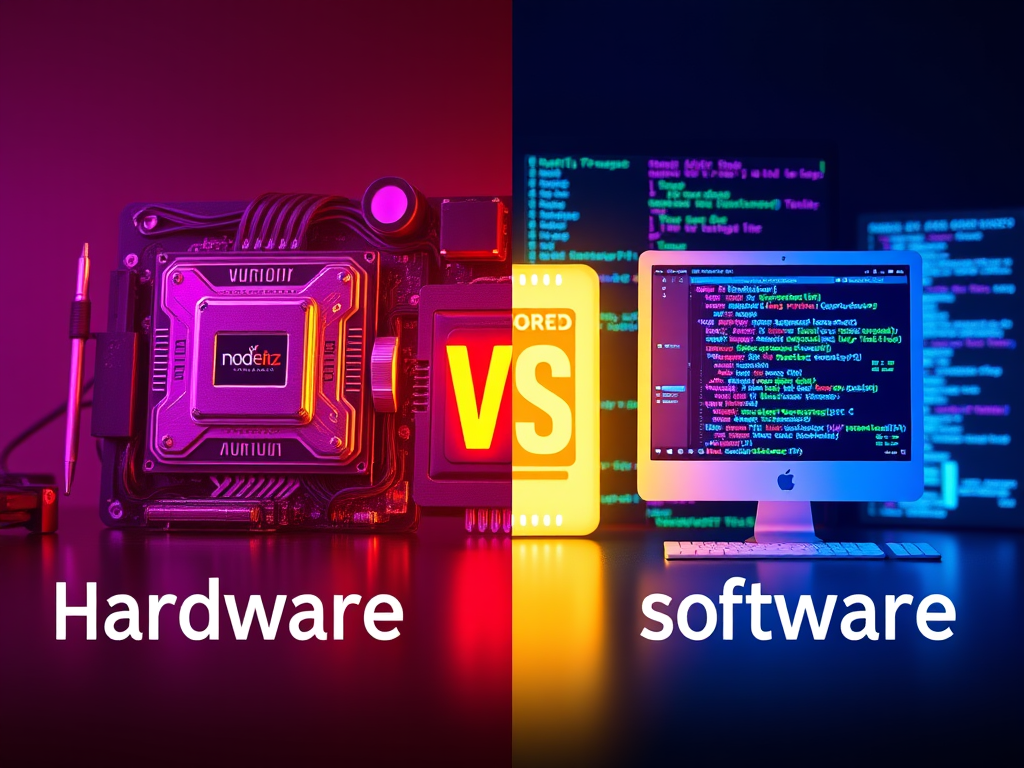
Understanding the Differences Between Hardware and Software in Technology
Introduction
In the realm of technology, hardware and software play distinct yet complementary roles. Understanding these differences is essential for anyone looking to navigate the tech landscape effectively.
What is Hardware?
Hardware refers to the physical components of a computer or other electronic devices. These tangible elements enable the execution of software operations. Key aspects include:
- Physical Components: Items such as the central processing unit (CPU), hard drives, RAM, and peripheral devices (e.g., keyboard, mouse).
- Performance: The capabilities and specifications of hardware directly influence the speed and efficiency of a device.
- Maintenance: Hardware may require physical upgrades or repairs, which can incur costs and require technical know-how.
What is Software?
Software encompasses the programs and operating systems that instruct hardware on what tasks to perform. Key elements include:
- Types of Software: System software (like operating systems) and application software (like word processors).
- Execution: Software runs on hardware, transforming command inputs into useful outputs.
- Upgrades: Software can typically be updated or patched without replacing physical components.
Key Takeaways
- Hardware is tangible; software is intangible.
- Hardware requires physical upgrades, while software can be updated digitally.
Visual Hierarchy and User Engagement
When presenting information about hardware and software, structuring content in a visually engaging way enhances user experience. Consider the following:
- Headlines: Use clear, descriptive titles for each section.
- White Space: Avoid clutter by giving space between sections.
- Focus Points: Highlight keywords or critical facts with different font weights or colors.
Common Issues with Hardware and Software Compatibility
- Driver Conflicts: Ensure all hardware drivers are compatible with your current software. Research compatibility before upgrades.
- Software Compatibility: Verify that new software versions are designed for your hardware specifications.
Troubleshooting Tips
- Check for Updates: Regular software updates can often resolve compatibility issues.
- Consult Documentation: Device manuals or websites often provide solutions for common conflicts.
Pros and Cons
Pros:
- Hardware: Improved performance with upgrades.
- Software: Easier to update and modify.
Cons:
- Hardware: Can be expensive and complex to upgrade.
- Software: May require constant updates and can be prone to bugs.
Conclusion
Reflect on your own tech needs: Are you more focused on upgrading hardware or streamlining software? This distinction can guide your purchases and improvements. For more insights into optimizing your tech setup, consider external resources like HowStuffWorks and TechRadar for in-depth articles.
Meta Description
Explore the key differences between hardware and software in technology. Understand their roles, pros and cons, and how they impact your tech experience.
Meta Topic
Hardware vs Software: Understanding the Essentials of Technology

No responses yet