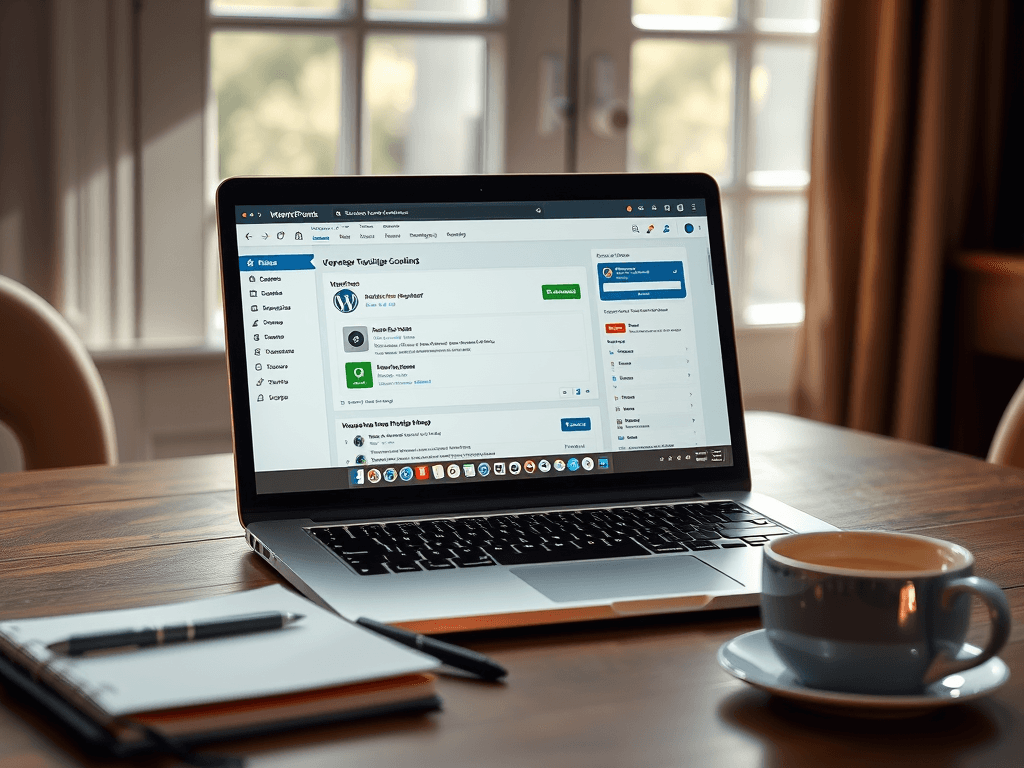
How to Fix WordPress Plugin Conflicts Fast and Easy
When your WordPress website suddenly starts loading slowly, throws random errors, or certain features break after a plugin update, you’re likely facing a WordPress plugin conflicts fix situation. These conflicts are common in WordPress hosting environments where multiple plugins interact with the same scripts or settings. Understanding how to identify and fix them quickly can save you time, frustration, and potential website downtime.
Whether you’re running a small business site or managing client projects, plugin compatibility is a vital part of WordPress maintenance. This guide from Archer IT Solutions walks you through diagnosing and resolving conflicts swiftly while offering professional support options when you need expert help.
Quick Steps to Diagnose WordPress Plugin Conflicts
The first step toward any WordPress plugin conflicts fix is identifying the source of the issue. Start by deactivating all your plugins via your admin dashboard or FTP access. Then, reactivate them one at a time, refreshing your site after each step. This process helps pinpoint the exact plugin causing the problem. You can also switch temporarily to a default WordPress theme such as “Twenty Twenty‑Four” to ensure the issue isn’t theme-related.
You may use the Health Check & Troubleshooting plugin for a more efficient method. It lets you simulate plugin deactivations safely without affecting your site visitors. This way, you can troubleshoot conflicts in a staging environment or directly from your live WordPress hosting setup.
Common conflict signs include broken layouts, white screens, missing menus, or script errors in the browser console. Keep an eye on these indicators. When you’ve discovered the culprit, take notes of plugin versions, recent updates, and potential overlapping functions—it will help you or your Local IT support technician troubleshoot faster.
🔗 Related Reading:
Easy Fixes to Resolve WordPress Plugin Issues Fast
Once the offending plugin is identified, check the developer’s website for updates or known issues. Updating both your WordPress core and all plugins often resolves conflicts automatically. If that fails, contact the plugin developer or post on their WordPress support forum for assistance. Compatibility fixes may already be available.
Another effective WordPress plugin conflicts fix is restoring your site from a backup prior to the issue. If you use managed WordPress hosting from Archer IT Solutions, automated backups can help you revert instantly without losing any data. Additionally, clear your caching plugins and server cache to ensure you’re not loading outdated files that cause perceived conflicts.
If problems persist, seek help from professional support like Archer IT Solutions. Their Local IT support team can perform a deep plugin audit, scan for malware, and rebuild functionality if a plugin is beyond repair. Contact support anytime at support@archer-its.com or open a ticket at www.archer-its.com/ticket/.
✅ Pros and Cons of Fixing Plugin Conflicts Yourself
Pros:
- Quick DIY troubleshooting can save service costs.
- Helps increase your understanding of WordPress plugin behavior.
- Immediate control over plugin updates and activations.
Cons:
- Risk of data corruption if changes are not backed up.
- Time-consuming without technical expertise.
- Missing deeper issues such as PHP or database conflicts.
🔧 Troubleshooting Tips
- Always perform plugin updates in a staging environment.
- Clear browser and site caches after every change.
- Use server error logs to reveal specific PHP conflicts.
- Maintain consistent plugin maintenance schedules.
- Partner with professional managed IT and web hosting providers for peace of mind.
🌐 Also check WP Engine’s Guide on Plugin Management for developer insights.
💡 Real-Life Example
A mid‑sized e‑commerce company hosted on Archer IT Solutions’ WordPress hosting plan noticed product pages breaking after a plugin update. The problem stemmed from a caching plugin conflicting with WooCommerce scripts. Through systematic deactivation and plugin replacement, Archer’s team resolved the issue in under an hour—saving valuable sales time.
WordPress plugin conflicts don’t have to ruin your day. With the right approach and a reliable WordPress plugin conflicts fix plan, you can minimize downtime and restore performance in minutes. Regular maintenance, plugin audits, and managed Local IT support from Archer IT Solutions keep your website running smoothly.
Need help fast? Visit www.archer-its.com/web-hosting for professional WordPress hosting solutions or contact support@archer-its.com for direct assistance.
FAQ on WordPress Plugin Conflicts Fix
Q1: What causes most WordPress plugin conflicts?
A1: Typically, incompatibilities between plugins or outdated code clashing with the latest WordPress version.
Q2: Can I use more than 20 plugins without issues?
A2: Yes, but always ensure plugins are lightweight, actively updated, and tested together.
Q3: How do I know if a plugin conflict affects my SEO?
A3: Plugin conflicts causing site speed slowdown or critical errors may negatively impact search rankings.
Q4: Who can professionally help fix plugin conflicts?
A4: Archer IT Solutions offers expert audit and recovery services.
Internal Links:
- The Complete Guide to Server Administration
- Web Hosting Services
- Onsite Service Support
- Managed IT Services
- Submit a Support Ticket
External Helpful Resources:
- WPBeginner – Plugin Troubleshooting
- Kinsta – WordPress Plugin Guide
- WP Engine – Plugin Management
- WordPress.org Forums
This post was prepared by Archer IT Solutions — your partner for web hosting, WordPress maintenance, and Local IT support across both onsite and remote service models.
Fast, Secure Website Hosting & IT Support for Small Businesses
Keep your website online, secure, and running at peak performance with reliable web hosting, proactive IT support, free SSL certificates, professional email, automatic backups, and expert technical assistance.
Whether you’re launching a new website or moving from another provider, Archer IT Solutions makes hosting simple, secure, and stress-free.
WHY CHOOSE ARCHER IT?
Everything You Need to Keep Your Website Running Smoothly
| ✔ 99.9% Uptime Guarantee ✔ Free SSL Certificates ✔ Professional Business Email ✔ One-Click WordPress Installation | ✔ Automatic Daily Backups ✔ Fast SSD Storage ✔ 24/7 Technical Support ✔ Website Migration Assistance |
|
🔥 Most Popular Standard Plan |
Domain Only | |
|---|---|---|
|
$9.99/month Limited-time offer | Secure your business name online | |
|
Affordable yearly pricing | |
Reseller Hosting (For Agencies & Developers)
| ||
|
Reseller 1 |
Reseller 2 |
Reseller 3 |
| $20/month | $37.50/month | $50/month |
|
|
|
|
✔ 99.9% uptime • ✔ Secure • ✔ Easy setup • ✔ Local support | ||
BUILT FOR GROWING BUSINESSES
Whether you’re creating your first website or managing multiple client websites, Archer IT Solutions provides dependable hosting that grows with your business.
Our hosting solutions deliver
- Lightning-fast performance
- Enterprise-grade security
- Reliable uptime
- Easy website management
- Local expert support
WHY BUSINESSES CHOOSE ARCHER IT HOSTING
Enterprise Security
Protect your website with free SSL certificates, malware protection, and secure servers.
Lightning Fast Performance
Optimized SSD servers deliver fast loading speeds for a better user experience.
Expert IT Support
Receive friendly, knowledgeable assistance whenever you need help.
Automatic Daily Backups
Your website is backed up regularly, making recovery simple if needed.
Professional Business Email
Build credibility with branded email addresses for your business.
One-Click WordPress Installation
Launch your WordPress website in minutes with quick and easy installation.
15-DAY MONEY-BACK GUARANTEE
Try Archer IT Hosting Risk-Free
We’re confident you’ll love our hosting services.
If you’re not completely satisfied within the first 15 days, we’ll provide a full refund.
No hidden fees.
No complicated process.
REAL PEOPLE. REAL SUPPORT.
Unlike many hosting providers, Archer IT Solutions believes customer support should be personal.
When you need help, you’ll speak with experienced IT professionals—not automated bots.
Our team can help with
- Website migration
- Email setup
- WordPress support
- Website troubleshooting
- Hosting management
FREQUENTLY ASKED QUESTIONS
What is web hosting?
Web hosting is the service that stores your website files and makes your website accessible on the internet.
Do you migrate existing websites?
Yes. We can migrate your existing website to Archer IT Solutions with minimal downtime.
Is SSL included?
Yes. Every hosting package includes a free SSL certificate to protect your website and visitors.
Can I install WordPress?
Absolutely. Our hosting plans include one-click WordPress installation for quick setup.
What happens if my website grows?
You can upgrade your hosting plan at any time as your business expands.
Do you provide IT support?
Yes. In addition to web hosting, Archer IT Solutions offers professional IT support services to help keep your systems running smoothly.
Ready to Build or Grow Your Online Presence?
Whether you need reliable web hosting, professional IT support, or a secure home for your business website, Archer IT Solutions has you covered.
Let us help you get online with confidence.


2 Responses
Deactivating plugins one at a time is a simple but effective way to identify which one is causing a conflict. Creating a backup first and testing changes on a staging site can prevent additional problems on the live website. It is also helpful to check recent updates and error logs before replacing a plugin completely.
Thank you for addressing WordPress plugin conflicts. They can be frustrating, especially when they interrupt an otherwise working website. I appreciate your focus on making troubleshooting easier to understand and helping website owners approach these problems with more confidence.