How to Enforce MFA for Secure Web Hosting Access
Securing web hosting accounts is no longer optional—it’s essential. Multi-Factor Authentication (MFA) adds an extra wall of defense between your hosting environment and potential attackers. In this article, we’ll explore practical steps for enabling MFA, common setup issues, and how partnering with professional Local IT support like Archer IT Solutions can simplify the process while safeguarding your hosting environment.

Steps to Enforce MFA for Secure Web Hosting Access
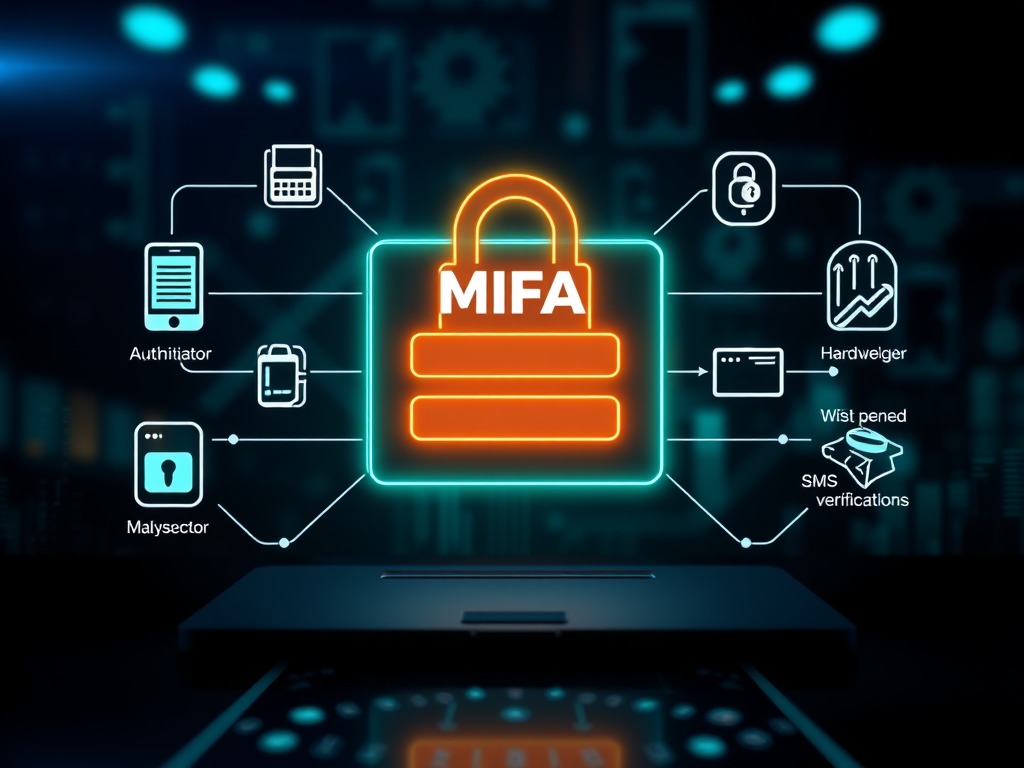
Implementing MFA on your web hosting platform begins by identifying compatible solutions. Most control panels such as cPanel, Plesk, or WordPress hosting dashboards support built‑in or third‑party MFA integrations. Common methods include authentication apps (Google Authenticator, Authy), hardware tokens (YubiKeys), or SMS verification. The first step is to activate MFA in your hosting provider’s account settings and ensure every administrator’s profile has MFA enforced by policy, not by user choice.

Second, educate your team about the importance of MFA and consistent usage across every connected service. A single unprotected account can expose your hosting environment to credential theft or server hijacking. Establish clear access control policies and document the MFA setup procedure internally. Archer IT Solutions’ Managed IT Services can help configure company‑wide MFA systems that integrate with both onsite and remote infrastructure for unified protection.
The final step involves testing your MFA implementation. Try signing in from a new device or location to verify that MFA prompts are functioning correctly. Regularly review logs for unauthorized login attempts and enforce regular app revalidation. For Web Hosting clients of Archer IT Solutions, configuration support and guidance are available at support@archer-its.com, ensuring every step of your MFA deployment is aligned with best security practices.
Pros of MFA Enforcement:
- Stronger defense against stolen credentials
- Improves trust and compliance for hosting customers
- Reduces incident response costs
Cons:
- Minor login inconvenience for users
- Occasional sync issues with authentication apps
Troubleshooting MFA Issues and Common Setup Errors
Even well‑configured MFA systems can encounter setup or usability problems. One common issue is clock desynchronization between your device and the authentication server. If your code is consistently rejected, check the time settings on your phone or adjust your authenticator app’s synchronization. Another frequent cause of failure is misconfigured backup methods—always ensure backup codes or recovery methods are stored securely offline to avoid lockout scenarios.

Additionally, hosting clients sometimes forget to enable MFA for all associated logins, such as FTP, SSH, or CMS admin dashboards. It’s vital to apply MFA uniformly across every access portal—not just your primary hosting panel. Archer IT Solutions’ Local IT support team can remotely diagnose MFA misconfigurations and reconnect locked accounts quickly through our ticket portal at www.archer-its.com/ticket/.
If problems persist, contact support@archer-its.com for real‑time assistance. Typical MFA‑related requests are resolved within 24 hours. You can also consult trusted security resources such as CISA’s Multi‑Factor Authentication Guide for additional troubleshooting frameworks. Real‑world example: a small business WordPress hosting client recently avoided a brute‑force breach thanks to enforced MFA—proof that consistent security practices truly pay off.
Example of a Successful MFA Enforcement
A regional design agency using Archer IT Solutions’ Web Hosting Services implemented MFA for all their team accounts. Within weeks, multiple unauthorized login attempts were blocked, highlighting the effectiveness of the new policy. Their management credited the MFA rollout and subsequent server‑wide hardening for a noticeable reduction in support tickets and downtime.
This case underscores how quick MFA adoption can dramatically reduce risk exposure. An enforced MFA policy also supports compliance with data security regulations applicable to industries such as finance, healthcare, and digital commerce. Whether it’s WordPress hosting or enterprise hosting, applying MFA ensures that only verified users can modify configurations or deploy website updates.
For similar outcomes, businesses can request a Free IT Consultation from Archer IT Solutions by visiting www.archer-its.com/managed-it-services. You can also take advantage of our 15‑day refund policy for Web Hosting, giving you the freedom to explore secure configurations without risk.
Enforcing MFA for secure web hosting access is one of the most effective ways to guard against unauthorized logins and data breaches. By combining systematic setup, user education, and reliable Local IT support from Archer IT Solutions, you create a resilient hosting environment that serves your business securely. For general questions, email info@archer-its.com—and remember, every account you protect through MFA is another barrier against cyber threats.
Fast, Secure Website Hosting & IT Support for Small Businesses
Keep your website online, secure, and running at peak performance with reliable web hosting, proactive IT support, free SSL certificates, professional email, automatic backups, and expert technical assistance.
Whether you’re launching a new website or moving from another provider, Archer IT Solutions makes hosting simple, secure, and stress-free.
WHY CHOOSE ARCHER IT?
Everything You Need to Keep Your Website Running Smoothly
| ✔ 99.9% Uptime Guarantee ✔ Free SSL Certificates ✔ Professional Business Email ✔ One-Click WordPress Installation | ✔ Automatic Daily Backups ✔ Fast SSD Storage ✔ 24/7 Technical Support ✔ Website Migration Assistance |
|
🔥 Most Popular Standard Plan |
Domain Only | |
|---|---|---|
|
$9.99/month Limited-time offer | Secure your business name online | |
|
Affordable yearly pricing | |
Reseller Hosting (For Agencies & Developers)
| ||
|
Reseller 1 |
Reseller 2 |
Reseller 3 |
| $20/month | $37.50/month | $50/month |
|
|
|
|
✔ 99.9% uptime • ✔ Secure • ✔ Easy setup • ✔ Local support | ||
BUILT FOR GROWING BUSINESSES
Whether you’re creating your first website or managing multiple client websites, Archer IT Solutions provides dependable hosting that grows with your business.
Our hosting solutions deliver
- Lightning-fast performance
- Enterprise-grade security
- Reliable uptime
- Easy website management
- Local expert support
WHY BUSINESSES CHOOSE ARCHER IT HOSTING
Enterprise Security
Protect your website with free SSL certificates, malware protection, and secure servers.
Lightning Fast Performance
Optimized SSD servers deliver fast loading speeds for a better user experience.
Expert IT Support
Receive friendly, knowledgeable assistance whenever you need help.
Automatic Daily Backups
Your website is backed up regularly, making recovery simple if needed.
Professional Business Email
Build credibility with branded email addresses for your business.
One-Click WordPress Installation
Launch your WordPress website in minutes with quick and easy installation.
15-DAY MONEY-BACK GUARANTEE
Try Archer IT Hosting Risk-Free
We’re confident you’ll love our hosting services.
If you’re not completely satisfied within the first 15 days, we’ll provide a full refund.
No hidden fees.
No complicated process.
REAL PEOPLE. REAL SUPPORT.
Unlike many hosting providers, Archer IT Solutions believes customer support should be personal.
When you need help, you’ll speak with experienced IT professionals—not automated bots.
Our team can help with
- Website migration
- Email setup
- WordPress support
- Website troubleshooting
- Hosting management
FREQUENTLY ASKED QUESTIONS
What is web hosting?
Web hosting is the service that stores your website files and makes your website accessible on the internet.
Do you migrate existing websites?
Yes. We can migrate your existing website to Archer IT Solutions with minimal downtime.
Is SSL included?
Yes. Every hosting package includes a free SSL certificate to protect your website and visitors.
Can I install WordPress?
Absolutely. Our hosting plans include one-click WordPress installation for quick setup.
What happens if my website grows?
You can upgrade your hosting plan at any time as your business expands.
Do you provide IT support?
Yes. In addition to web hosting, Archer IT Solutions offers professional IT support services to help keep your systems running smoothly.
Ready to Build or Grow Your Online Presence?
Whether you need reliable web hosting, professional IT support, or a secure home for your business website, Archer IT Solutions has you covered.
Let us help you get online with confidence.


No responses yet