Exploring the Many Ways to Configure a Wireless LAN
In an age where mobility and connectivity shape both personal and professional lives, wireless LAN (WLAN) technology is at the heart of modern networking. Configuring a WLAN may seem straightforward at first, but the choices and methods available can significantly affect overall network performance, security, and user experience. From small home setups to enterprise-level infrastructures, understanding the configuration options is essential for anyone aiming to create a fast, secure, and reliable wireless network.

This article explores the most common ways a wireless LAN can be configured and provides guidance on selecting the right setup for your specific needs. We’ll also touch on troubleshooting and compatibility concerns, which are crucial for maintaining a stable network environment.
Understanding Wireless LAN Configuration Options
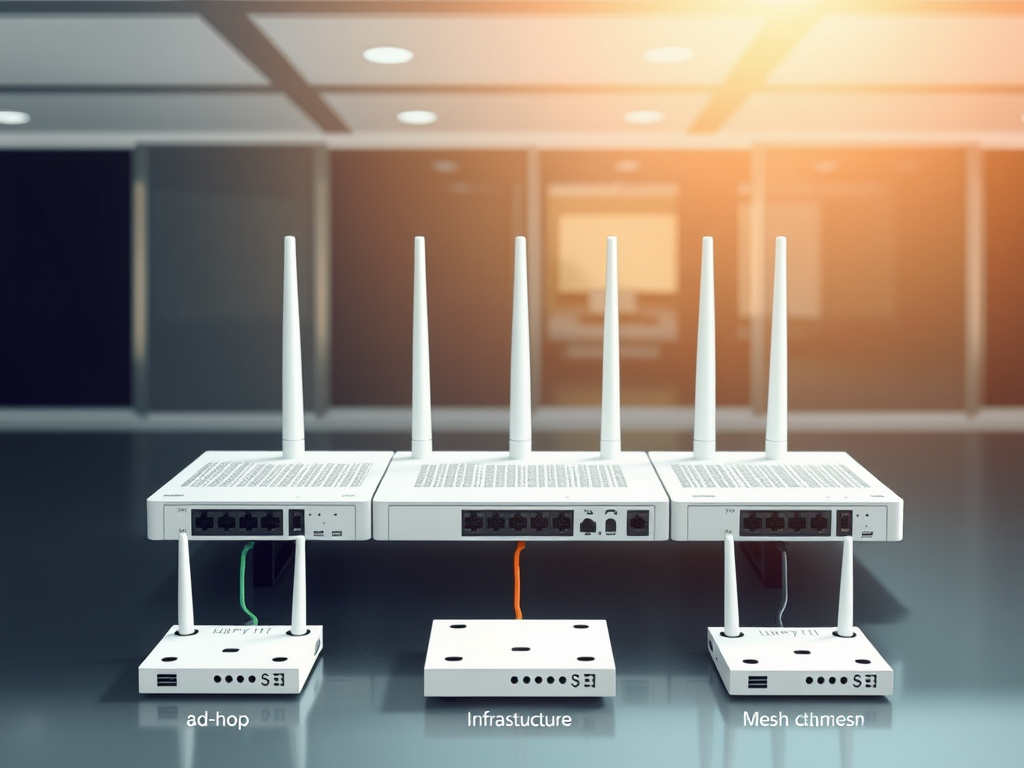
There are several ways to configure a wireless LAN, each offering distinct advantages depending on your environment and networking goals. The three main WLAN configuration types are ad-hoc (peer-to-peer), infrastructure, and mesh. Ad-hoc networks connect devices directly without a central access point, making them ideal for temporary connections or small-scale use. Infrastructure mode, the most common, uses wireless access points to connect multiple devices to a single network backbone, supporting larger deployments such as offices or campuses. Mesh networks, meanwhile, use interconnected access points to create a self-healing, wide-coverage system.

Each configuration mode comes with its own pros and cons. Ad-hoc networks are easy to set up but lack scalability and advanced security features. Infrastructure networks provide stability and managed access but require more setup effort. Mesh networks offer flexibility and redundancy but may involve higher costs and require more complex configuration. Understanding these trade-offs helps network administrators and small business owners choose setups aligned with their connectivity expectations.
Summary: WLANs can be configured in several ways, each suited for different needs. Knowing the distinctions enables strategic deployment of wireless technology that meets both performance and budget goals.
External Resource: Cisco Networking Basics: Wireless LAN
Choosing the Right WLAN Setup for Your Needs
Selecting the right WLAN configuration begins by assessing network demands, device types, and usage patterns. A small home or startup company might benefit from a simple infrastructure setup using a single router, while larger businesses should consider managed mesh systems to support higher user density and increased coverage. Archer IT Solutions, for instance, helps small businesses design network architectures that scale with growth—offering managed IT support, onsite services, and web hosting solutions to keep networks both efficient and secure.

It’s also key to ensure plugin and driver compatibility among devices. Compatibility issues often arise due to outdated firmware or mismatched security settings between access points and network adapters. Troubleshooting steps such as updating drivers, confirming correct SSID and WPA configurations, or resetting network adapters can prevent connectivity disruptions. For persistent technical issues, Archer IT Solutions offers prompt support via www.archer-its.com/ticket or through email at support@archer-its.com.
Summary: The best WLAN configuration aligns with user needs, scalability, and budget. Proper setup and compatibility management will significantly improve performance and minimize downtime.
External Resource: IEEE 802.11 Standards Overview
Wireless LANs can be configured in several ways—each serving different environments, from homes to multinational enterprises. Whether you choose an ad-hoc, infrastructure, or mesh setup, the key lies in balancing flexibility, cost, and performance. Take the time to evaluate your goals and technical constraints, and seek expert help when needed to ensure your WLAN delivers seamless performance.
For more guidance or professional IT assistance, you can contact Archer IT Solutions at sales@archer-its.com or submit a support request via www.archer-its.com/ticket.
Explore more about networking and IT solutions with authoritative sources like Network Computing and Ars Technica Networking Section. Reflect on your network’s needs—are you getting the security, performance, and reliability your environment deserves? Now’s the time to explore the possibilities and optimize your wireless LAN.
Discover more from Archer IT Solutons
Subscribe to get the latest posts sent to your email.


No responses yet