In everyday conversation, many people use the terms Wi-Fi and Internet interchangeably, often assuming they mean the same thing. However, these two concepts refer to very different technologies that work together to connect us to the online world. Understanding the distinction between them not only helps solve common connectivity issues but also improves how we set up and use our home or office networks effectively.
Understanding the Core Difference Between Wi-Fi and Internet

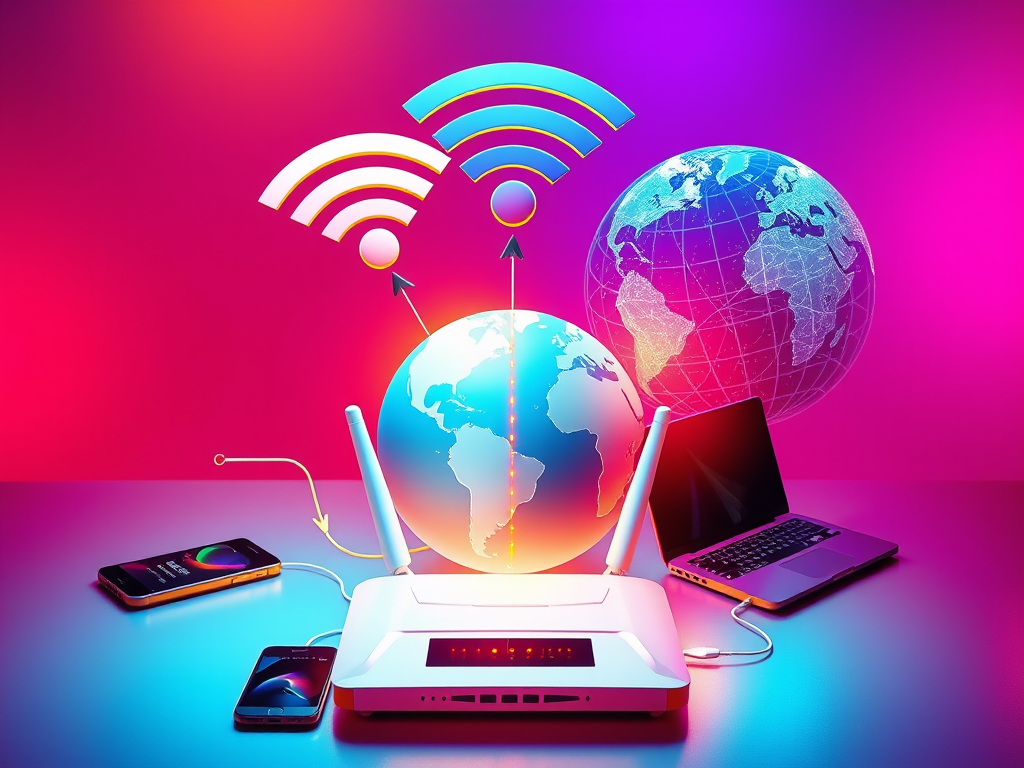
While Wi-Fi is a wireless networking technology that allows devices like smartphones, laptops, and tablets to connect to a local network, the Internet is the massive global network of networks that facilitates data exchange worldwide. In essence, Wi-Fi provides local connectivity, while the Internet delivers access to global resources such as websites, emails, and cloud services. A router in your home transmits Wi-Fi signals, and that router, in turn, connects to the Internet through your Internet Service Provider (ISP).
For example, when your Wi-Fi appears as connected but nothing loads on your browser, the underlying issue is with your Internet connection—not your Wi-Fi network. The Wi-Fi itself may be functioning correctly, but your ISP could be experiencing downtime. This highlights how these two systems depend on each other but function independently. According to a 2023 report by Statista, over 67% of global households now use wireless routers to access the Internet, underscoring Wi-Fi’s importance as a local bridge to the online world.
To summarize the key differences:
- Wi-Fi: Local wireless connection (within a home, school, or office network)
- Internet: The global system connecting millions of computers and networks
- Dependency: Wi-Fi enables wireless device connectivity; Internet provides access to global data
Real-Life Examples and Case Studies That Clarify Both

In 2021, a study conducted by Pew Research Center revealed that around 85% of Americans own smartphones, and more than 70% depend on Wi-Fi at home rather than mobile data for daily activities such as streaming or work. This real-world statistic demonstrates Wi-Fi’s role as a local network medium, not the Internet itself. Without a functioning Internet connection, your Wi-Fi still works locally—for instance, allowing wireless printing or sharing files between devices.
A case study from a university campus offers another example: the IT department installed a new Wi-Fi network that connected thousands of students. During testing, they discovered that while Wi-Fi coverage was perfect across campus, slow performance persisted. The culprit was insufficient bandwidth from their Internet provider, not the Wi-Fi infrastructure. Once they upgraded the connection, performance improved dramatically—illustrating how Wi-Fi quality and Internet access are distinct but interdependent factors.
Common tools and services that help test and optimize both:
- Wi-Fi management apps: NetSpot and Acrylic Wi-Fi Home
- Internet speed measurement: Speedtest by Ookla
- Troubleshooting resources: Google Home Support and Microsoft Network Diagnostics
In short, while Wi-Fi is your local wireless gateway, the Internet is the global information highway it connects to. A clear understanding of this difference empowers you to solve connectivity issues smarter and make better decisions regarding routers, network upgrades, and Internet service plans. Next time your video won’t load, ask yourself: is the Wi-Fi signal weak, or is the Internet connection down?
Reflect on your own setup—do you have a strong local Wi-Fi but unreliable Internet speed? Maybe it’s time to run a diagnostic or learn how both systems interact in your daily digital life.
Discover more from Archer IT Solutons
Subscribe to get the latest posts sent to your email.


No responses yet