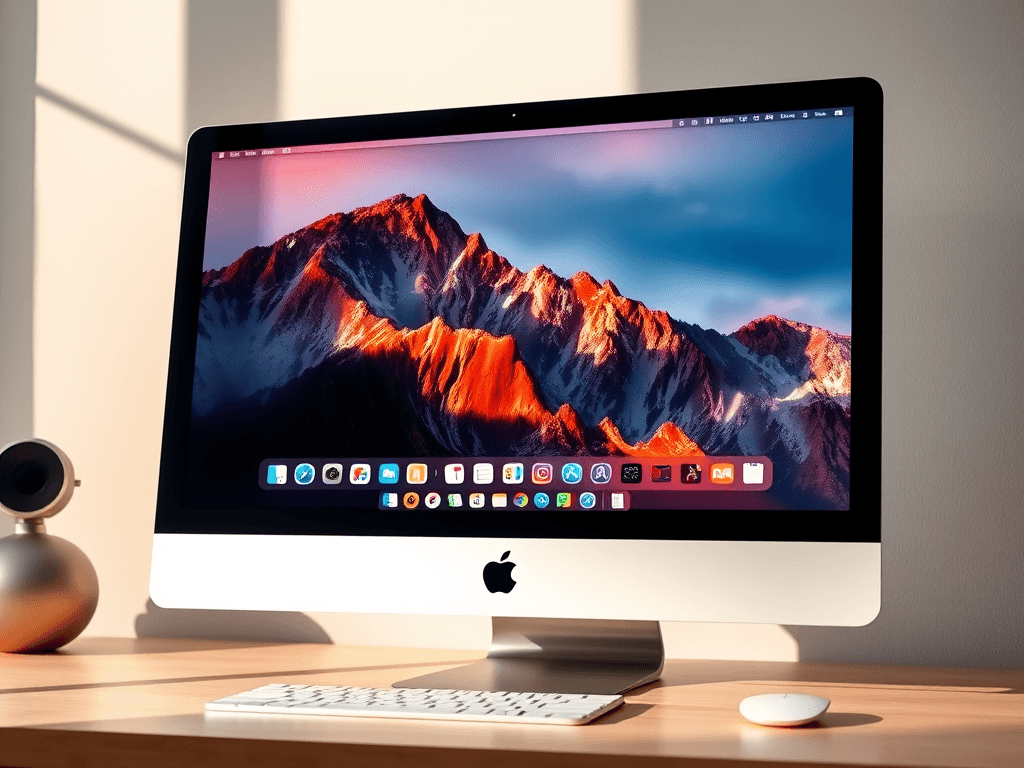
Exploring macOS: Understanding Apple’s Core System
What is macOS? If you’ve ever used an Apple computer—whether a MacBook, iMac, or Mac Mini—you’ve already interacted with it. macOS is Apple’s core operating system that powers its computers, renowned for its smooth interface, seamless integrations, and focus on security. In this guide, we explore macOS in depth: what it is, how it works, and why it’s so influential in both personal use and business, particularly for users seeking reliable, secure, and high-performance computing—all values shared by Archer IT Solutions’ approach to Local IT support and web hosting services.
What is macOS?
The Foundation of Apple Computers
macOS (formerly called Mac OS X and later OS X) is Apple’s proprietary operating system that powers all Macintosh computers. It’s built upon a UNIX foundation, giving it superior stability, advanced multitasking, and a rock-solid security core. Unlike Windows or Linux, macOS is tightly integrated with Apple hardware, ensuring that every piece of its ecosystem—from the trackpad gestures to the Retina display optimizations—works harmoniously. This level of control allows Apple to deliver a consistent, high-quality user experience unmatched in the computer industry.
For those transitioning from Windows, macOS may feel different but intuitive. Instead of a Start Menu, users interact with the Dock, Finder, and Spotlight search. The interface focuses on simplicity and efficiency, encouraging users to spend less time figuring things out and more time being productive. This is particularly appealing to web designers, developers, and creatives using platforms like WordPress hosting or cloud-based tools.
From a technical standpoint, macOS combines UNIX’s reliability with Apple’s aesthetic design. It also offers rich developer tools through Xcode and seamless performance across devices via iCloud and Continuity. This makes macOS not just a software product, but the backbone of Apple’s ecosystem.
macOS Evolution and Updates
Since its inception, macOS has evolved through several major versions—each enhancing speed, security, and usability. Notable versions include macOS High Sierra, Catalina, Big Sur, Monterey, and the latest macOS Sonoma. Each update brings better integration with other Apple devices such as iPhones and iPads, multiple layers of privacy protection, and an ever-improving ecosystem for productivity and creativity.
Apple’s commitment to regular updates ensures long-term stability—a crucial factor for businesses and managed IT providers. Archer IT Solutions leverages similar update philosophies in their Managed IT support and Local IT support services, ensuring that clients have access to efficient, updated, and reliable systems at all times.
Users are encouraged to update regularly via the Apple menu’s “Software Update” feature to keep systems secure and stable. Apple also supports older Macs for extended periods, which helps reduce hardware upgrade costs for startups and small businesses.
Why Businesses and Individuals Choose macOS
For personal and professional users alike, macOS offers reliability, performance, and elegance. Small to medium-sized businesses that prefer efficiency and low maintenance often adopt Mac ecosystems because they require less troubleshooting and fewer virus protection layers compared to other operating systems.
The built-in applications—like Pages, Numbers, Keynote, and Safari—cover most business needs without requiring third-party software. Developers benefit from Terminal and robust coding frameworks ideal for web development and IT administration. Pair these with Archer IT Solutions’ web hosting and remote IT support services, and you have an environment designed for uptime, security, and productivity.
To stay informed about new macOS updates and technology improvements, check out independent tech resources like MacRumors, AppleInsider, and 9to5Mac, which offer insights and tutorials.
Key Features That Make macOS Unique and Powerful
1. User Interface and Ecosystem Integration
The macOS interface is minimalistic, intuitive, and built for creativity. Features like Mission Control, Launchpad, and Stage Manager give users control and flexibility in multitasking. Universal Control allows seamless movement between multiple Apple devices with just a pointer drag—an innovation appreciated by multitaskers and power users.
iCloud is deeply integrated into macOS, syncing files, photos, and settings across devices. This not only makes switching devices effortless but also ensures data redundancy and collaboration efficiency. For IT professionals managing remote teams, this reduces downtime and support complexity. Archer IT Solutions often integrates similar synchronization measures in web hosting and managed services for businesses, ensuring secure data flow.
Additionally, macOS supports Handoff, AirDrop, and Continuity Camera—tools that unify the Apple experience. This makes file sharing and workflow management straightforward for creative agencies and corporate users alike.
2. Security, Privacy, and Troubleshooting
Apple’s reputation for security is built into macOS. The system’s Gatekeeper and XProtect secure users from unauthorized apps and malware. FileVault encrypts data at rest to protect sensitive information—a crucial feature for businesses handling private customer data.
Troubleshooting macOS is also relatively simple. Users can use built-in tools such as Disk Utility, Activity Monitor, and Safe Mode for diagnosing performance issues. If a problem persists, a professional Local IT support provider like Archer IT Solutions can remotely access and fix issues without data breaches. Their onsite and remote services make maintaining macOS systems both secure and convenient.
Common troubleshooting steps include resetting the SMC (System Management Controller), checking for safe boot conflicts, and keeping macOS up to date. For deep diagnostics, Apple’s online Support Portal offers official troubleshooting steps.
3. Productivity and Developer Tools
macOS caters to productivity enthusiasts, developers, and IT experts. Built-in utilities such as Automator, Terminal, and Time Machine make the system not only user-friendly but also exceptionally powerful. Designers and developers prefer macOS for its native developer environment (Xcode) and reliable UNIX-based scripting.
For web hosting users running WordPress or cloud-based infrastructures, macOS provides native SSH support and integration with Docker and other virtualization tools. When combined with Archer IT Solutions’ web design services, the result is an integrated environment for creativity, maintenance, and innovation.
Moreover, macOS integrates seamlessly with office productivity suites like Microsoft 365, Google Workspace, and Adobe Creative Cloud. This cross-platform compatibility ensures business continuity without compromising user experience.
Pros and Cons of macOS
Pros:
- Exceptional stability and performance
- Strong privacy and security architecture
- Streamlined user experience
- Seamless integration across Apple ecosystem
Cons:
- High upfront hardware cost
- Limited hardware customization
- Software compatibility restrictions for Windows-only tools
Troubleshooting Common macOS Issues
If your Mac runs slowly, follow these steps:
- Open Activity Monitor and close CPU-heavy apps.
- Check System Settings > Storage for unnecessary large files.
- Restart in Safe Mode to verify background processes.
- Keep your macOS and apps updated.
For Wi-Fi or Bluetooth issues, resetting the NVRAM or network settings usually helps. You can also use Apple’s Wireless Diagnostics Tool for advanced network troubleshooting.
For professional assistance, you can always rely on Archer IT Solutions’ Managed IT support, ensuring your Mac systems run efficiently all year round.
FAQ: Understanding macOS
Q1: Is macOS better than Windows for business?
A: macOS offers better long-term stability and fewer viruses, making it ideal for businesses prioritizing security.
Q2: Can macOS be used for web development?
A: Yes. macOS provides a UNIX-based environment and supports tools like Apache, PHP, and MySQL—perfect for developers managing WordPress hosting sites.
Q3: How does macOS handle security updates?
A: Updates install automatically or on schedule, ensuring your system remains secure with minimal manual intervention.
Q4: Can I integrate macOS with non-Apple devices?
A: Yes. macOS supports cross-platform apps like Microsoft 365, Google Workspace, and Dropbox for collaborative productivity.
Q5: Where can I get more help with macOS?
A: Visit Apple Support, or contact Archer IT Solutions via support@archer-its.com for specialized Local IT support.
macOS remains a symbol of reliability, design elegance, and robust performance—qualities that continue to attract millions of users globally. Whether you’re a web developer, business owner, or casual user, macOS delivers a platform that balances creativity with function. To maximize your systems’ potential or integrate macOS devices into your IT infrastructure, connect with Archer IT Solutions. Their commitment to Local IT support, seamless web hosting, and managed services complements Apple’s philosophy of efficiency and innovation.
Next Steps:
- Explore The Complete Guide to Web Hosting
- Discover The Complete Guide to Server Administration
- Visit Archer IT Solutions Web Hosting for reliable hosting services
- For remote Mac troubleshooting, go to Contact Us
External Resources for Further Reading:
Image Suggestions:
- A clean desk with a MacBook and iMac setup (Alt: What is macOS interface example)
- Diagram illustrating Apple ecosystem integration (Alt: What is macOS system architecture)
- Screenshot of macOS Finder interface (Alt: macOS features and tools overview)
(© 2024 Archer IT Solutions. All rights reserved.)
Discover more from Archer IT Solutons
Subscribe to get the latest posts sent to your email.

No responses yet