Discover the Secret to Faster Wi-Fi Speeds
In today’s digital age, a fast and reliable internet connection is no longer a luxury but a necessity. Whether you’re streaming your favorite shows, engaging in video calls, or gaming online, the speed of your Wi-Fi can make or break your experience. Many users are unaware that one of the simplest ways to enhance their internet speed is by optimizing their Wi-Fi channel. By understanding and selecting the best Wi-Fi channels, you can unlock the full potential of your internet connection, ensuring seamless and uninterrupted online activities.
Wi-Fi channels are like lanes on a highway. Just as traffic congestion can slow down your commute, crowded Wi-Fi channels can significantly reduce your internet speed. Most routers operate on the 2.4 GHz and 5 GHz frequency bands, each offering multiple channels. However, not all channels are created equal. By discovering the secret to faster Wi-Fi speeds through strategic channel selection, you can bypass the digital traffic jams and enjoy a smoother, faster internet experience.
Why Channel Selection Matters for Wi-Fi
Channel selection is crucial because it directly impacts the performance and speed of your Wi-Fi network. When multiple devices in your vicinity are using the same channel, interference occurs, leading to slower speeds and potential connectivity issues. This is especially common in densely populated areas where numerous networks overlap. By choosing the right channel, you can minimize interference and maximize your network’s efficiency, ensuring that your devices receive the bandwidth they need.
Moreover, the right channel selection can enhance the stability of your connection. A stable Wi-Fi connection is essential for activities that require consistent data flow, such as video conferencing and online gaming. By understanding the importance of channel selection, you can take proactive steps to optimize your network, reducing latency and packet loss. This not only improves your internet speed but also enhances the overall quality of your online interactions.
Identify the Best Wi-Fi Channels for You
Identifying the best Wi-Fi channels for your network involves understanding the frequency bands your router operates on. The 2.4 GHz band offers 11 to 14 channels, depending on your location, but only three of these channels (1, 6, and 11) are non-overlapping. These channels are typically the best choices for minimizing interference. On the other hand, the 5 GHz band provides a wider range of channels, many of which are non-overlapping, offering more flexibility and less congestion.
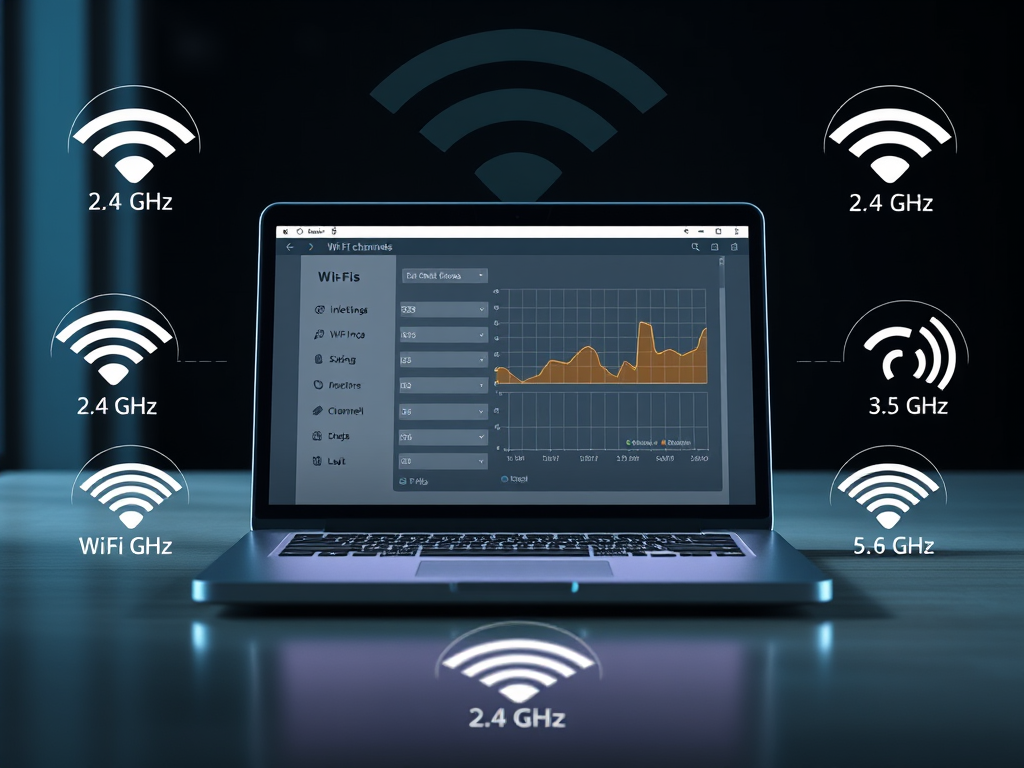
To determine the best channels for your specific environment, you can use Wi-Fi analyzer tools. These tools scan the available networks in your area and provide insights into which channels are the least crowded. By leveraging this information, you can make an informed decision about which channels to use, ensuring that your network operates on the optimal frequency for your needs. This tailored approach to channel selection can significantly enhance your internet speed and reliability.
Boost Your Internet with Optimal Channels
Boosting your internet speed is as simple as selecting the optimal Wi-Fi channels for your network. By choosing channels with minimal interference, you can ensure that your devices receive the maximum bandwidth available. This is particularly important for households with multiple users and devices, where bandwidth demand is high. By optimizing your channel selection, you can provide a faster and more reliable internet experience for everyone in your home.
In addition to improving speed, optimal channel selection can also enhance the range of your Wi-Fi network. Channels with less interference allow your router to transmit signals more effectively, extending the reach of your network. This means you can enjoy a strong and stable connection even in areas of your home that were previously dead zones. By boosting your internet with the right channels, you can transform your online experience, making it faster, more reliable, and more enjoyable.
How to Find Less Crowded Wi-Fi Channels
Finding less crowded Wi-Fi channels is a straightforward process that can significantly improve your network’s performance. Start by using a Wi-Fi analyzer app on your smartphone or computer. These apps provide a visual representation of the Wi-Fi networks in your area, showing which channels are most congested. By identifying the channels with the least traffic, you can select the ones that offer the best performance for your network.
Once you’ve identified the less crowded channels, you can change your router’s settings to switch to these channels. Most modern routers have a user-friendly interface that allows you to easily adjust the channel settings. By regularly checking for channel congestion and making adjustments as needed, you can maintain optimal performance for your Wi-Fi network. This proactive approach ensures that you always have access to the fastest and most reliable internet connection possible.
Maximize Your Wi-Fi Performance Today
Maximizing your Wi-Fi performance is within your reach, and it starts with understanding the impact of channel selection. By taking the time to analyze your network environment and choosing the best channels, you can significantly enhance your internet speed and reliability. This simple yet effective strategy can transform your online experience, making it faster and more enjoyable for all your digital activities.
Don’t let slow internet speeds hold you back any longer. By implementing the tips and strategies outlined in this article, you can take control of your Wi-Fi performance and unlock the full potential of your internet connection. Whether you’re working from home, streaming movies, or gaming online, optimizing your Wi-Fi channels is the key to a seamless and efficient online experience. Start maximizing your Wi-Fi performance today and enjoy the benefits of a faster, more reliable internet connection.
Simple Steps to Choose the Right Channel
Choosing the right Wi-Fi channel doesn’t have to be complicated. Begin by accessing your router’s settings through a web browser. Look for the wireless settings section, where you’ll find the option to change the channel. Use a Wi-Fi analyzer tool to identify the least congested channels in your area, and select one of these channels for your network. This simple adjustment can make a significant difference in your internet speed and reliability.
It’s also important to periodically check for changes in channel congestion. As new networks are added in your area, the optimal channels may change. By regularly using a Wi-Fi analyzer and adjusting your channel selection as needed, you can ensure that your network remains optimized for the best performance. These simple steps can help you maintain a fast and reliable internet connection, providing a better online experience for you and your household.
Unlock Seamless Streaming and Browsing
Seamless streaming and browsing are within your grasp when you optimize your Wi-Fi channels. By selecting the right channels, you can eliminate buffering and lag, ensuring that your favorite shows and movies play smoothly without interruptions. This is especially important for high-definition and 4K content, which requires a stable and fast internet connection to deliver the best viewing experience.
In addition to enhancing streaming, optimizing your Wi-Fi channels can also improve your browsing experience. Faster page load times and smoother navigation make for a more enjoyable and efficient online experience. Whether you’re shopping online, researching information, or simply browsing social media, a well-optimized Wi-Fi network ensures that you can do so without frustration. Unlock the full potential of your internet connection by choosing the best Wi-Fi channels and enjoy seamless streaming and browsing today.
Discover more from Archer IT Solutons
Subscribe to get the latest posts sent to your email.


No responses yet