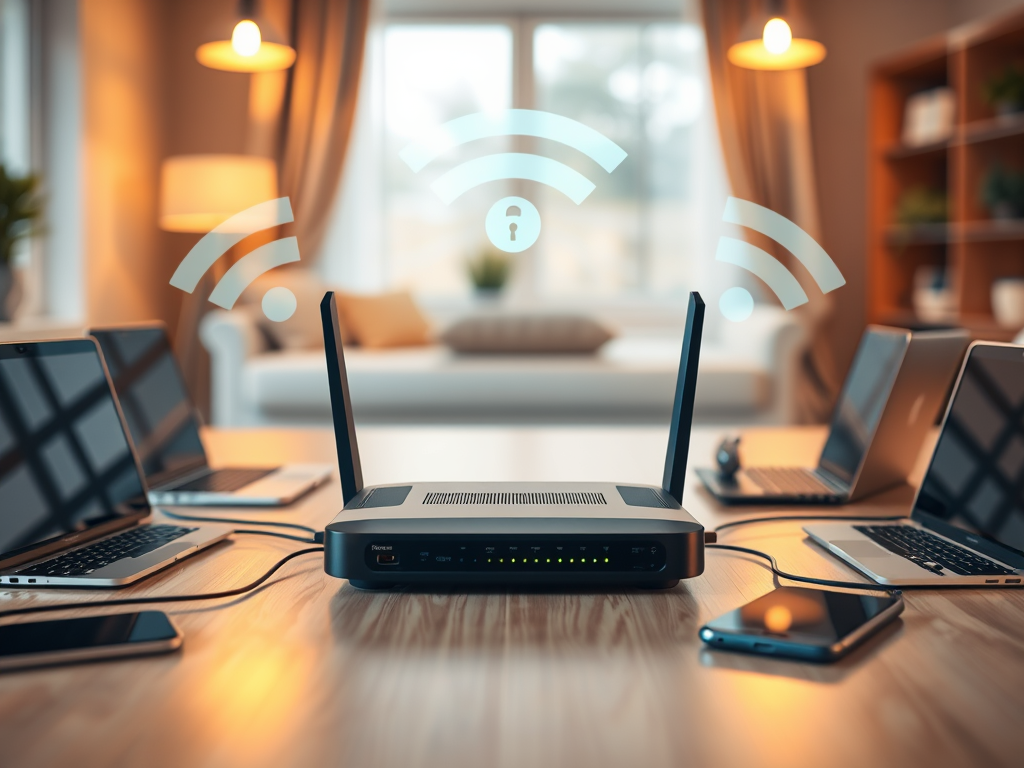
Understanding WPA Personal Authentication Methods for Secure Wi-Fi
In our increasingly wireless world, securing a home or small business network is more important than ever. Wi‑Fi Protected Access (WPA) Personal, also known as WPA‑PSK (Pre‑Shared Key), serves as a powerful yet user‑friendly encryption protocol, balancing protection and accessibility. Whether you manage your own network or support clients, understanding WPA Personal authentication methods will help ensure safe, stable, and compliant wireless connectivity.
Exploring WPA Personal Mode Authentication Basics
WPA Personal Mode authentication is primarily designed for home users, small businesses, and environments that do not rely on a centralized authentication server. Unlike WPA‑Enterprise, which uses 802.1X with a RADIUS server, WPA‑Personal employs a pre‑shared key (PSK) authentication process. This means that all authorized devices use the same password to access the network. The PSK acts as both a network passphrase and a cryptographic seed, supporting encryption protocols such as TKIP or the newer and stronger AES‑based CCMP.
This method combines simplicity with robust encryption, making it highly suitable for households, cafés, and small offices that do not have enterprise‑grade infrastructure. However, because every authorized device shares the same key, security depends heavily on the strength and secrecy of that passphrase. A weak password—like “password123”—could be easily compromised, leading attackers to decrypt Wi‑Fi traffic or hijack network sessions.
Statistically, over 60% of home networks use WPA2‑Personal, according to Wi‑Fi Alliance reports. With WPA3 now slowly rising, WPA‑Personal modes remain pivotal in modern network setups, particularly for devices that need legacy support.
Key Takeaways:
- WPA‑Personal uses a pre‑shared key (PSK) system.
- No RADIUS server is required, offering simplicity for small networks.
- Security strength depends heavily on the passphrase’s complexity.
Summary: WPA Personal authentication is straightforward and widely supported, enabling secure access without the complexities of enterprise‑grade infrastructure.
How WPA Personal Protects Your Wireless Network
WPA‑Personal protects your network using advanced encryption techniques that scramble data as it travels between devices and the router. The PSK authenticator verifies the password during the four‑way handshake—a process that establishes encryption keys without transmitting them openly. As a result, even if data packets are intercepted, they remain unreadable without the proper cryptographic keys. This makes it one of the most effective deterrents against casual eavesdropping and unauthorized access.
The introduction of WPA3‑Personal further strengthens this with Simultaneous Authentication of Equals (SAE), replacing the older PSK model. SAE resists offline password‑guessing attacks by using unique session keys each time a device connects. For older networks, WPA2‑Personal still provides dependable security if configured correctly. However, outdated firmware or a reused password across multiple systems could create vulnerabilities, as highlighted by NIST’s wireless security guidelines.
Pros:
- Easy setup—no external server required.
- Strong encryption when using AES and complex passwords.
- Broad device compatibility.
Cons:
- Shared key among users can reduce individual accountability.
- Simple or reused passwords may compromise security.
- Firmware bugs may weaken protection if not updated.
Summary: WPA‑Personal offers effective data confidentiality through encryption, but its security relies on thoughtful configuration and password management.
Troubleshooting and Enhancing WPA‑Personal Performance
A common issue users face with WPA‑Personal setups involves plugin or device compatibility, especially when mixing old routers with new smart devices. Some IoT systems may not support AES encryption or modern WPA3 protocols, leading to connection failures. To troubleshoot this, verify firmware updates on your router and ensure the encryption mode is set to WPA2 (AES)—the most broadly compatible configuration currently.
Another problem is intermittent connection drops caused by key renewal mismatches or overlapping channels. Tools like WiFi Analyzer can help identify interference sources. Adjusting broadcast channels manually can significantly improve stability. For advanced setups or remote diagnostics, you can contact Archer IT Solutions at support@archer-its.com or submit a ticket via www.archer-its.com/ticket.
If your network supports WPA3‑Personal but you’re upgrading from WPA2, test device compatibility first. Gradual migration minimizes connection loss and downtime. Remember that strong passwords and regular router updates remain the simplest yet most effective protection methods.
Summary: Regular maintenance, firmware updates, and compatibility checks are vital to maintaining the integrity and performance of WPA‑Personal networks.

Illustration of WPA2 encryption process — Source: Wikipedia Commons
WPA Personal remains a reliable choice for most small networks due to its excellent balance of security and ease of use. By embracing best practices—like using long, complex passwords and timely firmware updates—you can maintain a safe and stable Wi‑Fi environment. If you’re uncertain about your configuration or need professional support, Archer IT Solutions can help assess your current wireless security and optimize your setup. Visit www.archer-its.com to learn more or contact their team directly for personalized assistance.
Take a moment to evaluate your own network—are your wireless defenses ready for tomorrow’s threats?
Discover more from Archer IT Solutons
Subscribe to get the latest posts sent to your email.


No responses yet