Understanding WiFi Low Frequency Transmission Wavelength
SEO Title: Understanding WiFi Low Frequency Transmission Wavelength
SEO Description: Learn how low-frequency WiFi impacts transmission range, wavelength behavior, and network performance. Explore pros, cons, and troubleshooting tips.
In a world increasingly dependent on wireless connectivity, understanding how WiFi functions at different frequencies is key to optimizing performance. One often-overlooked element is the wavelength of WiFi signals, which plays an important role in how far the signal travels and how effectively it penetrates obstacles. This article explores how low-frequency transmission affects WiFi range and examines the behavior of wavelengths in low-frequency networks.
How Low Frequency Affects WiFi Transmission Range
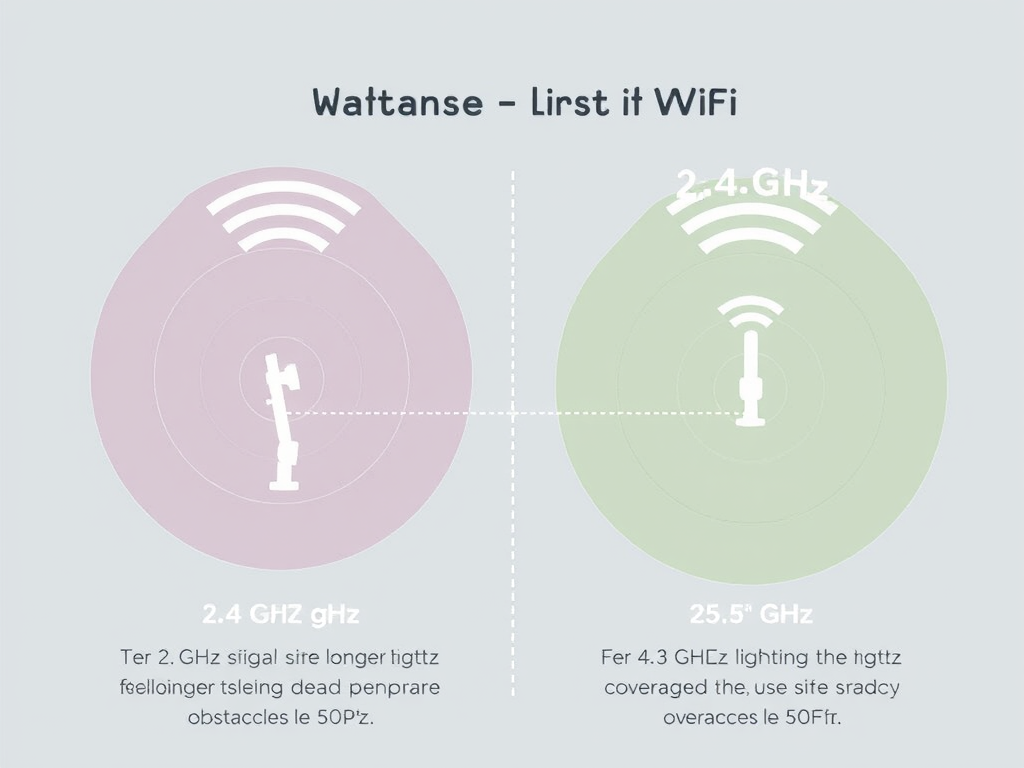
Lower frequency WiFi signals—such as those around 2.4 GHz—tend to travel farther than higher frequency signals like 5 GHz or 6 GHz. The reason lies in the physics of radio wave propagation. At lower frequencies, the wavelength is longer—about 12.5 cm for a 2.4 GHz signal—allowing the wave to bend around walls and objects more easily. This makes low-frequency WiFi ideal for residential buildings or large indoor areas where obstacles can impede signal strength.
However, while lower frequencies improve range and penetration, they typically offer slower data rates compared to higher frequencies. This trade-off is a fundamental aspect of WiFi design. For example, 5 GHz WiFi provides faster throughput but struggles to pass through walls, whereas 2.4 GHz WiFi gives better coverage but with potential limitations on speed due to interference from common household devices.
From a practical standpoint, understanding this range-frequency relationship helps users place routers effectively. To get the best of both worlds, many routers today are dual-band, supporting both 2.4 GHz and 5 GHz signals to balance performance and coverage. Users can also rely on strategically placed range extenders or mesh systems to amplify the lower frequency signals without compromising stability.
📸 Visual Example
Image Suggestion: A diagram comparing 2.4 GHz and 5 GHz WiFi signal coverage areas.
Non-selling resource: Wikipedia – Wi-Fi Frequency Bands
Exploring Wavelength Behavior in Low-Frequency WiFi
The wavelength of WiFi signals determines how those signals interact with the environment. A longer wavelength, as seen in low-frequency WiFi, allows signals to diffract or bend around objects, reducing dead zones. This is why 2.4 GHz WiFi often covers an entire apartment or small office more effectively than a 5 GHz counterpart. The relationship between wavelength and frequency is inversely proportional—when one increases, the other decreases. Thus, as WiFi moves into higher frequency territories (like 6 GHz WiFi 6E), wavelengths become shorter, and signal reach decreases.
In addition to physical propagation, wavelength also influences system design, from antenna size to signal strength. Longer wavelengths require slightly larger antennas for optimal performance, which is often factored into router engineering. Moreover, when paired with modern modulation techniques, lower-frequency signals can maintain consistent quality even in complex structures filled with interference points, such as metal surfaces or concrete walls.
Yet, low-frequency WiFi isn’t without its drawbacks. The 2.4 GHz band, for example, is crowded with other common technologies like microwaves and Bluetooth devices, leading to signal overlap and interference. This can cause slow connections or occasional dropouts. Balancing the wavelength advantages against interference risks is crucial when planning a WiFi network—especially for businesses or remote setups relying on stable connectivity.
Pros and Cons of Low-Frequency WiFi
| Pros | Cons |
|---|---|
| Greater range and wall penetration | Lower data speeds |
| Requires fewer access points | More prone to interference |
| Ideal for large coverage areas | Limited channel availability |
Troubleshooting Low-Frequency WiFi
If you are experiencing slow connections on a 2.4 GHz network, start by checking for congestion on nearby channels using a WiFi analyzer app. Switching to a less crowded channel can improve performance significantly. Adjusting your router’s placement—elevating it or ensuring it’s in a central location—can also reduce signal loss. For environments with excessive interference, consider upgrading to a dual-band router to alternate between 2.4 GHz and 5 GHz as needed.
For advanced support or network configuration, Archer IT Solutions offers professional troubleshooting for both residential and business networks. You can submit a support ticket at www.archer-its.com/ticket/ or contact the team directly at support@archer-its.com.
🌐 Additional Learning Resources
Understanding WiFi low-frequency transmission wavelengths helps both casual users and IT professionals optimize connectivity for speed and coverage. In essence, the longer wavelengths of low-frequency WiFi offer better range and stability, though at the cost of bandwidth. Whether you’re setting up home WiFi or managing a business network, a balance of low and high frequencies typically delivers the most efficient performance. For professional configuration, management, and hosting support, reach out to Archer IT Solutions at www.archer-its.com.
📞 Call to Action:
Need expert help optimizing your WiFi performance? Contact Archer IT Solutions via info@archer-its.com or visit www.archer-its.com/managed-it-services for professional guidance today.
Discover more from Archer IT Solutons
Subscribe to get the latest posts sent to your email.


No responses yet