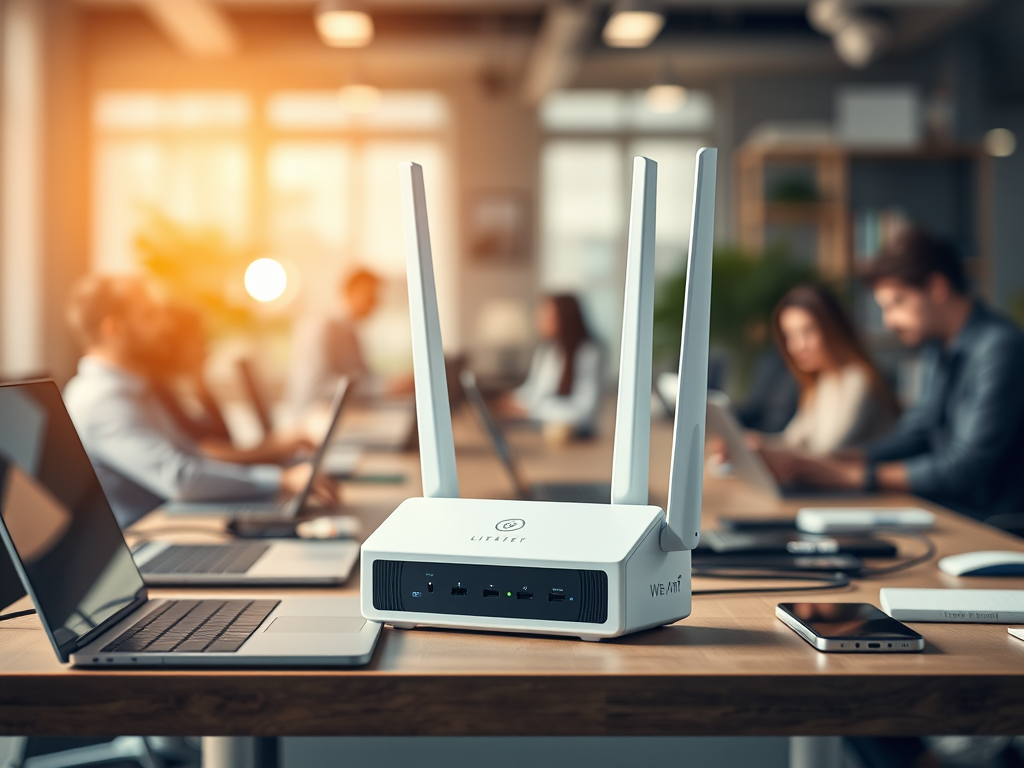
Understanding What an Access Point Is and How It Works
In today’s connected world, reliable wireless access isn’t just a convenience—it’s a necessity. Whether you’re running a business, managing a smart home, or building a guest network, understanding what a wireless access point (WAP) is can help you make more informed decisions about your network infrastructure. This guide breaks down what an access point does, how it works, its benefits, and some common troubleshooting steps.

Exploring the Core Functions of a Wireless Access Point
A wireless access point (AP) is a networking device that allows wireless devices like laptops, smartphones, and tablets to connect to a wired network using Wi-Fi. Functionally, it acts as a bridge between wireless clients and the main router or switch. In professional or business environments, multiple access points are often deployed throughout a building to ensure full wireless coverage, particularly in large or multi-story spaces.
Access points can either operate as standalone devices connected to a router or be managed as part of a broader network through controllers or cloud-based platforms. For many organizations, access points are preferred over simple Wi-Fi routers because they support better load distribution, multiple SSIDs, and seamless roaming as users move from one spot to another. Modern APs also integrate advanced encryption protocols and tools for network traffic management to reduce interference and maximize security.
In simpler terms, think of an access point as an “extension” of your Wi-Fi—strengthening and expanding the wireless signal so more users can connect simultaneously. For more technical insight, you can explore guides from Cisco Networking Basics or NetworkLessons.com.
Summary: Access points act as Wi-Fi bridges, extending connectivity between wireless devices and a wired network, improving performance and coverage.
Key Benefits, Troubleshooting, and Practical Use Cases
One of the main advantages of deploying access points is their ability to scale and manage multiple devices efficiently. In small offices or large enterprises, access points can handle dozens or even hundreds of connections simultaneously. This makes them essential for online learning centers, hotels, and co-working spaces. Beyond scalability, APs often come with centralized management interfaces—allowing IT professionals to monitor usage, apply updates, and adjust signal channels remotely.
⚙️ Common Troubleshooting Steps
A frequent issue users face involves plugin or firmware compatibility—especially when integrating older APs with newly updated routers or controllers. Incompatible firmware can lead to dropped connections, configuration errors, or authentication issues. The best fix is to update all relevant firmware, reset the device, and ensure consistent network protocols (like WPA3 or 802.11ax standards) are supported. For plugin-based management apps, ensure compatibility with your operating system version and permissions are granted properly.
📶 Practical Use Cases and Pros & Cons
Pros:
- Enhanced signal coverage
- Supports multiple users simultaneously
- Centralized management and scalability
Cons:
- Requires network configuration knowledge
- Higher upfront cost than standalone routers
- Vulnerable to interference if poorly positioned
You can find detailed configuration and placement guides on sites like HowToGeek or NetworkWorld.
Summary: The key to a smooth AP experience lies in compatibility checks, firmware updates, and strategic deployment.
Whether you manage a business or simply want stronger Wi-Fi at home, understanding how access points work empowers you to optimize your network’s performance. Take time to consider your space size, user demand, and technical knowledge level before choosing an AP solution.
For professional help or ongoing support, Archer IT Solutions provides expert assistance in IT support, web hosting, and network optimization. Visit www.archer-its.com or submit a support request at www.archer-its.com/ticket. You can also email their support team at support@archer-its.com—responses typically arrive within 24 hours.
If this article helped clarify how wireless access points function, take a moment to evaluate your own network setup and consider if upgrading your AP solution could help deliver more stable, consistent connectivity.
Discover more from Archer IT Solutons
Subscribe to get the latest posts sent to your email.


No responses yet