Understanding the Standard Form of WEP Explained
Wireless network security has evolved significantly over the years, yet many still encounter the term “WEP” — short for Wired Equivalent Privacy. Understanding the standard form of WEP is crucial for IT professionals, cybersecurity learners, and network administrators aiming to improve or troubleshoot older wireless systems. In this article, we’ll explore what the standard form of WEP entails, its technical foundation, common challenges, and solutions — while showing how Archer IT Solutions can support your IT security needs.
Key Concepts Behind the Standard Form of WEP
The standard form of WEP was developed as a security protocol for wireless networks, designed to offer a level of privacy comparable to a wired connection. Implemented under the IEEE 802.11 standard, it uses the RC4 encryption algorithm along with a shared key authentication mechanism. The standard form originally relied on either a 64-bit or 128-bit encryption key, composed of a 24-bit initialization vector (IV) and a secret key. This structure aimed to ensure confidentiality and prevent unauthorized access to Wi-Fi networks.
However, over time, vulnerabilities in WEP became apparent. The repetition of initialization vectors made it easier for attackers to identify patterns and potentially decrypt the security key. This weakness led to the introduction of more advanced protocols such as WPA (Wi-Fi Protected Access) and WPA2. While WEP served as the foundation for wireless encryption, it’s now considered obsolete for protecting modern networks.
Despite its age, understanding the standard WEP form remains valuable. Many older routers, legacy devices, and archived systems still operate under WEP security, particularly in industrial settings or outdated wireless infrastructures. For IT managers, recognizing these environments is essential for risk mitigation and seamless system upgrades.
Pros of WEP:
- Easy to set up for small networks
- Compatible with older hardware
- Provides basic encryption for low-security environments
Cons of WEP:
- Highly vulnerable to attacks
- Inefficient encryption method
- No longer supported in modern security standards
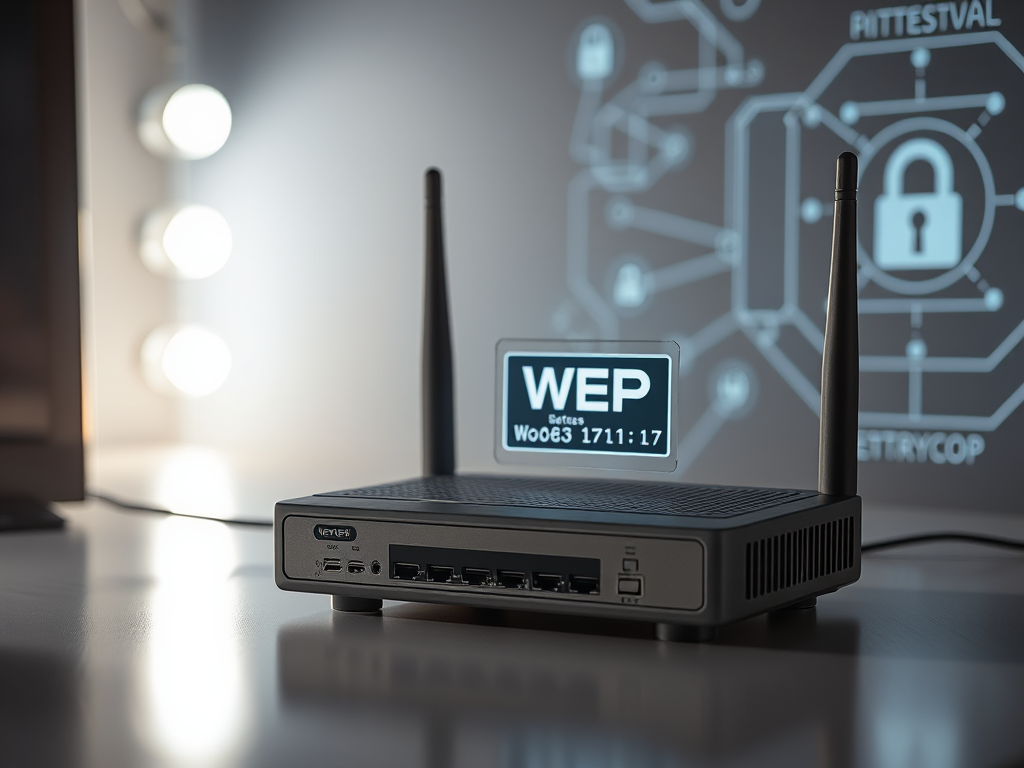
Caption: Early wireless routers often used WEP encryption by default.
Common Issues and Troubleshooting Tips for WEP
One of the most common issues with WEP is unauthorized access due to its weak encryption model. Attackers can capture traffic and use penetration tools to retrieve the WEP key within minutes. If you’re still using WEP, the first troubleshooting tip is a security upgrade — either move to WPA2 or WPA3, or consider isolating legacy systems that depend on WEP in a segmented network. This approach limits risk exposure while maintaining functionality.
Another regular problem lies in device compatibility. Some older devices only support WEP and cannot connect to WPA-enabled networks. To resolve this, it’s recommended to set up a guest or transitional wireless network, bridging older technologies with today’s stronger encryption methods. Archer IT Solutions offers remote and onsite computer support to help migrate these devices safely.
Lastly, authentication failures often occur due to incorrect key entries or manually configured parameters that don’t match the router’s encryption key length (64-bit or 128-bit). Always verify key formats and network authentication settings before re-establishing a connection. If persistent problems arise, reach out to Archer IT Solutions Support or email support@archer-its.com for expert network troubleshooting.
Additional Resource: How WEP Works at Network Encyclopedia
Understanding the standard form of WEP is more than revisiting outdated technology — it’s about learning from the evolution of wireless security. While WEP once provided foundational protection, its vulnerabilities highlight the importance of adopting stronger encryption and maintaining proactive IT support.
Archer IT Solutions stands ready to guide businesses in transitioning from outdated wireless protocols to secure, modern infrastructures. For secure hosting, IT management, or technical assistance, visit www.archer-its.com or email info@archer-its.com. Empower your network with reliable solutions and trusted expertise.
Discover more from Archer IT Solutons
Subscribe to get the latest posts sent to your email.

No responses yet