Understanding the Seven Layers of the OSI Model
The OSI (Open Systems Interconnection) Model is a fundamental concept for understanding how data travels across a network. Whether you’re setting up a home office or managing enterprise-level IT systems, knowing the seven OSI layers can help you troubleshoot connection issues, design efficient networks, and optimize performance. This guide breaks down each layer, showing you how they work together to ensure smooth communication across devices and systems.

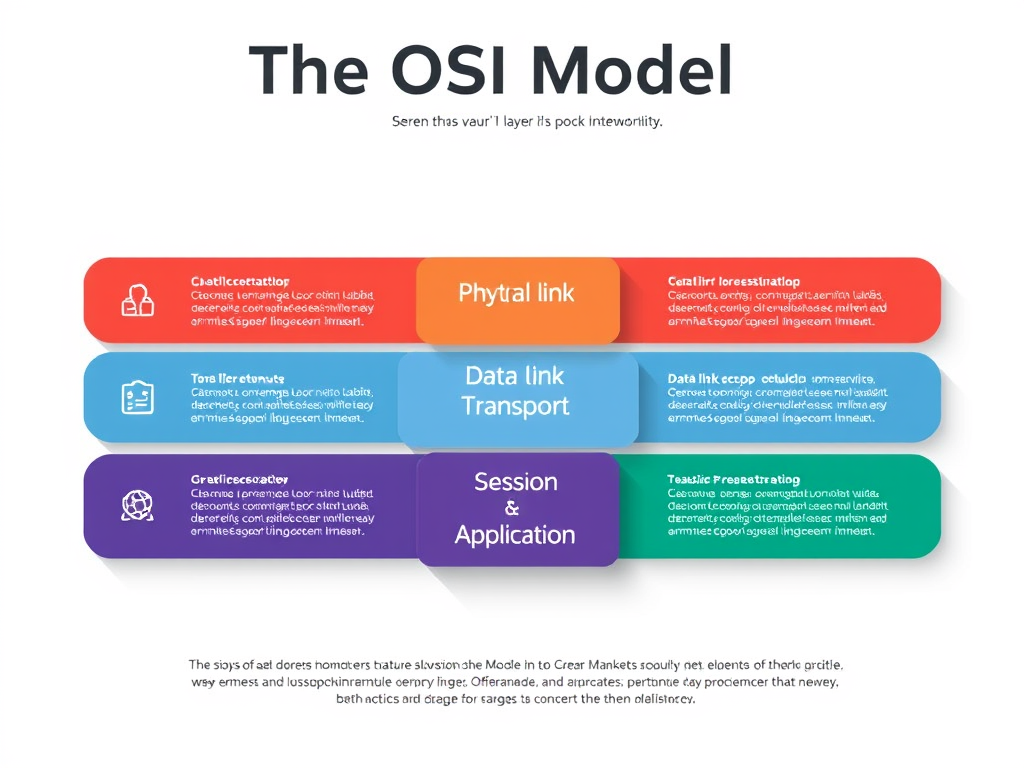
Image: Simplified OSI Model diagram showing seven communication layers.
Exploring How the Seven OSI Model Layers Connect
The OSI model consists of seven layers that each handle a specific part of network communication: Physical, Data Link, Network, Transport, Session, Presentation, and Application. Starting from the bottom, the Physical layer deals with the hardware—cables, switches, and signals—while the Data Link layer organizes data into frames for reliable transfer. The Network layer, often involving IP addresses, routes data between different networks.
Moving up, the Transport layer ensures data integrity through flow control and error checking. The Session layer manages sessions between applications, keeping them active and organized. Next, the Presentation layer translates data formats, such as encrypting or compressing files. Finally, the Application layer connects network services to end-user applications like browsers or email clients.
Understanding how each layer communicates with the one above and below provides clarity when diagnosing problems. For instance, if you can ping a device but can’t access a website, you might narrow it down to an issue in the upper layers (Application or Presentation). This layered approach makes troubleshooting more systematic and effective.
Pros and Cons of the OSI Model
Pros:
- Offers a universal framework to understand complex networking.
- Helps pinpoint problems efficiently by isolating layers.
- Supports interconnectivity between different hardware and software systems.
Cons:
- The OSI model is conceptual and not always directly applied in practice.
- Some protocols blend layers, creating overlap.
- Can be overly complex for smaller or simplified networks.
Example: When setting up a company’s remote access VPN, engineers may troubleshoot at the Transport layer for TCP/UDP errors or at the Application layer for authentication problems—knowing the structure accelerates resolutions.
Practical Insights into Network Troubleshooting Steps
Effective network troubleshooting often follows the OSI model structure. Start with Layer 1 (Physical) by checking cables, power, and hardware connections. If the network is physically sound, move to Layer 2 (Data Link) to examine switches, MAC addresses, and network interface cards. Layer 3 (Network) troubleshooting includes verifying IP configurations, gateways, or routing issues.
At Layer 4 (Transport), confirm connectivity using tools like ping or traceroute. Higher layers—Session, Presentation, and Application—typically involve analyzing configuration files, credentials, and application logs. Using the OSI model helps define clear diagnostic boundaries, saving time and minimizing confusion.
For professional environments, like those managed by Archer IT Solutions, applying these troubleshooting steps ensures that downtime is minimized. Their onsite and remote IT support services can assist in diagnosing issues across any OSI level—from physical cabling faults to web application errors—keeping networks reliable and secure.
Helpful External Resources
- Cisco Networking Basics: OSI Model Explained
- NetworkLessons: OSI Model Overview
- CompTIA: Understanding the OSI Model

Image: Troubleshooting network layers within a data center.
Contact and Support
If your business needs help navigating network challenges, Archer IT Solutions provides a range of managed IT support and hosting solutions:
- Web Hosting: www.archer-its.com/web-hosting
- Remote Support: www.archer-its.com/onsite-service
- Web Design: www.archer-its.com/web-design-services
- Email: support@archer-its.com | sales@archer-its.com | info@archer-its.com
The OSI model remains a cornerstone of networking knowledge. By breaking communication into seven digestible layers, it simplifies complex systems and aids in faster troubleshooting. Whether you’re an IT professional, developer, or business owner, mastering the OSI model enhances your ability to diagnose issues and optimize performance. For personalized support or network optimization, reach out to Archer IT Solutions—your trusted partner for seamless IT and networking operations.
Discover more from Archer IT Solutons
Subscribe to get the latest posts sent to your email.


No responses yet