Understanding the Range and Performance of 802.11a WiFi

When you think about WiFi connectivity, range and reliability are often at the top of the list. Among the early wireless standards, 802.11a carved out its place by offering improved speed and less interference at the cost of range. While newer standards like 802.11ac and 802.11ax dominate the market today, understanding 802.11a is crucial for network engineers and small business owners managing legacy systems.
Exploring the True Distance Limits of 802.11a WiFi
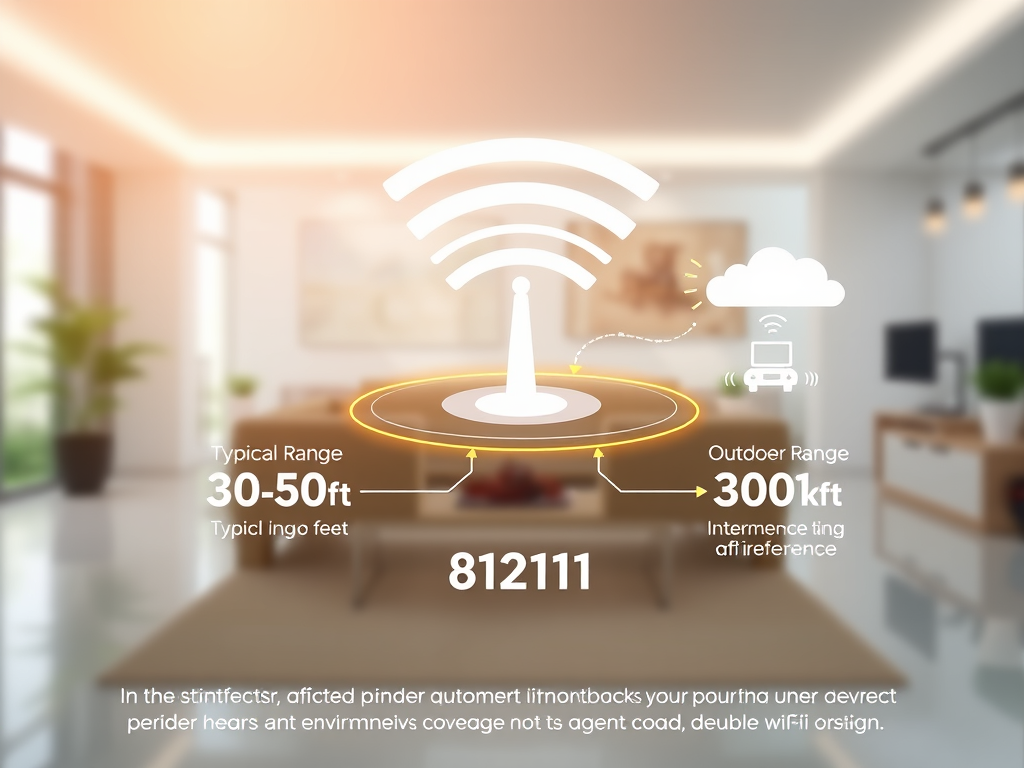
The 802.11a WiFi standard operates in the 5 GHz frequency band, which provides better speed and lower interference compared to the crowded 2.4 GHz spectrum. However, the higher frequency means it struggles with penetration through walls and solid objects, resulting in a typical indoor range of 30–50 feet (9–15 meters) and outdoor range of up to 300 feet (91 meters) under optimal conditions. These figures can vary based on device power levels and environmental factors.
From a performance standpoint, 802.11a offers a maximum data throughput of 54 Mbps, which was groundbreaking during its introduction in 1999. Despite its shorter range, the consistent throughput made it ideal for environments like offices or data centers where multiple networks needed to coexist without interference. The 5 GHz range enabled multiple non-overlapping channels, reducing congestion dramatically.
Key Takeaways:
- Frequency: 5 GHz with 20 MHz channel bandwidth.
- Typical Indoor Range: 30–50 ft (9–15 m).
- Max Data Rate: 54 Mbps.
- Best for: Environments needing reduced interference.
Summary: The 802.11a standard provided remarkable speed and interference management at the time but traded range for clarity and higher performance stability.
Factors That Influence 802.11a Signal Performance
The environmental and hardware conditions play a major role in the reach and quality of 802.11a signals. Materials such as concrete, brick, and metal can absorb or deflect 5 GHz signals, diminishing range and speed. Proper router placement—preferably at elevated, central locations—helps enhance signal strength and reduce dead zones.
Device configuration and compatibility also impact results. For instance, outdated firmware or plugin compatibility issues between routers and access points may result in dropped connections or limited throughput. Keeping software and drivers up to date can resolve 60–70% of such performance issues. If you experience connection instability, check plug-ins that handle network prioritization or security filtering; disabling incompatible ones often restores network balance.
Pros and Cons of 802.11a:
- Pros: High-speed; less interference; multiple non-overlapping channels.
- Cons: Shorter range; weaker wall penetration; outdated for modern bandwidth needs.
For more detailed insight on WiFi optimization, visit Wi-Fi Alliance or IEEE 802.11 Standards Overview for updated technical resources.
Summary: Hardware quality, environmental layout, and plugin compatibility directly influence 802.11a’s effective range and stability. Proper updates and smart placement can significantly improve performance.

Understanding the range and performance factors of 802.11a WiFi allows users—especially small businesses and developers—to make informed decisions about network upgrades or troubleshooting. Reflect on whether your current environment prioritizes range, speed, or interference mitigation before choosing to maintain or replace older 802.11a infrastructure.
For ongoing technical guidance or upgrade recommendations, Archer IT Solutions provides managed IT support, remote and onsite network assistance, and web hosting expertise. If you need help improving your wireless network:
- Submit a ticket: https://www.archer-its.com/ticket
- Email Support: support@archer-its.com
- Sales inquiries: sales@archer-its.com
Take a moment to evaluate your connectivity requirements today—does your network deliver the reliability your business deserves?
Discover more from Archer IT Solutons
Subscribe to get the latest posts sent to your email.


No responses yet