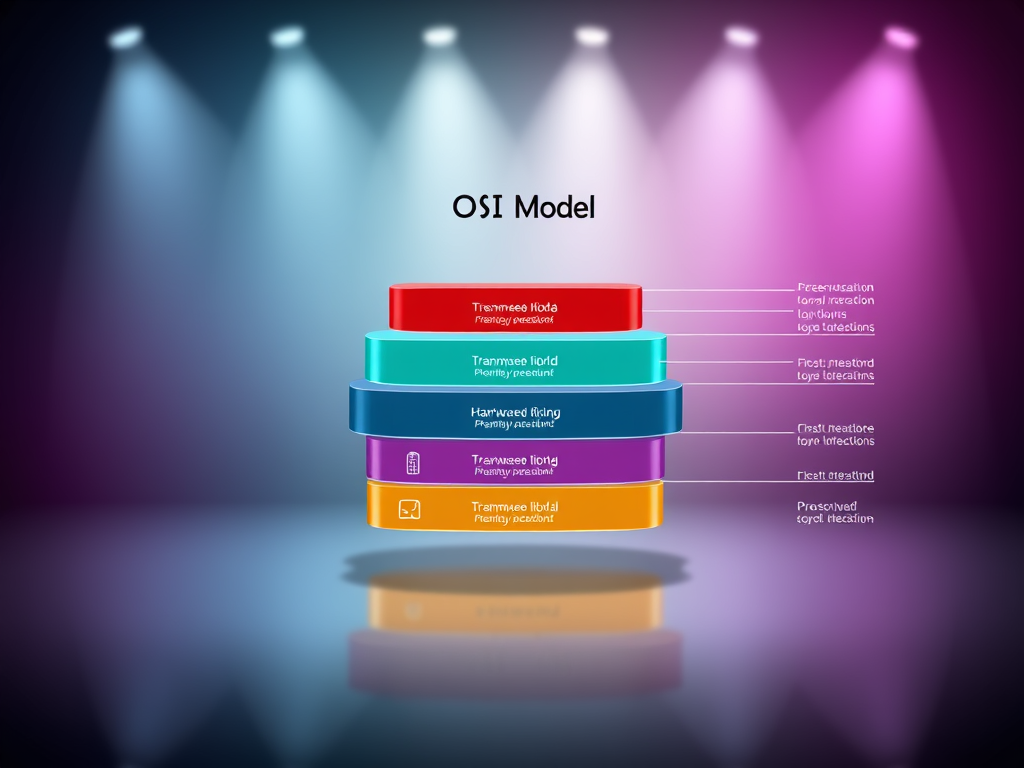
Understanding the OSI Model for Better Network Design
The Open Systems Interconnection (OSI) Model is the foundation of modern networking, providing a structured framework that helps IT professionals design, analyze, and troubleshoot complex systems. By understanding each layer’s role, network engineers can create more efficient, secure, and scalable networks. This guide will help you grasp the significance of the OSI model and how applying it can improve your network design.

Image Source: Wikimedia Commons – OSI Model Layers Diagram
Exploring the Seven Layers of the OSI Framework
The OSI Model breaks network communication into seven layers, each with specific responsibilities. Starting from the bottom, the Physical Layer deals with hardware transmission—cables, switches, and signals—ensuring that data physically moves between devices. The Data Link Layer adds MAC addressing and error correction, playing a vital role in local network communication. Together, these two layers form the backbone of connectivity, making sure bits get transmitted correctly.
Moving up, the Network Layer handles routing through IP addressing, while the Transport Layer guarantees reliable data delivery using protocols like TCP and UDP. These middle layers ensure that data reaches its destination accurately, managing retransmissions or flow control as needed. Without proper design here, network congestion and slow performance can quickly arise.
At the top, the Session, Presentation, and Application Layers focus on user interaction. The Session Layer manages communications between applications, the Presentation Layer translates data formats (such as encryption and compression), and the Application Layer interfaces directly with users through programs like email or browsers. For example, when a web developer uploads a file to a server, all seven layers participate in that transmission seamlessly—even though the user only sees the front-end response.
How the OSI Model Improves Network Design Efficiency
A strong grasp of the OSI model allows engineers to isolate and diagnose problems quickly. When a network issue occurs, knowing which layer to test—such as verifying cables (Physical Layer) or inspecting IP configurations (Network Layer)—helps reduce downtime. IT support teams, including those at Archer IT Solutions, rely on this layered approach to deliver fast, accurate technical support both onsite and remotely.
Pros and Cons of Using the OSI Model
Pros:
- Provides a clear structure for network design and training
- Simplifies troubleshooting and communication among IT engineers
- Supports scalability and modularity in system architecture
Cons:
- Can be overly theoretical for some real-world networking scenarios
- Not all protocols align perfectly with the OSI layers
- Often requires translation when integrating with hybrid or cloud systems
Troubleshooting with the OSI Model
One of the most valuable uses of the model is systematic troubleshooting. For instance, if a website is unreachable, start from the bottom up—checking physical connections, ensuring IP settings are valid, then moving to application configurations. This hierarchical method prevents wasted time guessing and enables technicians to pinpoint root causes effectively. For more help, Archer IT Solutions customers can open a support ticket at www.archer-its.com/ticket/.

Image Source: Wikimedia Commons – Example Troubleshooting Steps
Example Application and Resources
Network administrators designing large office systems or multi-location environments depend on the OSI model to optimize traffic flow and reliability. For example, managed IT services from Archer IT Solutions leverage OSI-based diagnostics to maintain uptime for small to medium-sized businesses. Learn more about network standards and the benefits of structured design on TechTarget for further reading.
The OSI model remains essential to creating efficient, secure, and scalable networks. It offers a universal language for IT professionals, making collaboration, problem-solving, and innovation smoother. For businesses looking to enhance their IT environments through expert guidance, Archer IT Solutions provides managed IT services, web hosting, and remote support—all built upon the same layered principles that keep modern networks running smoothly. Reach out today at support@archer-its.com to strengthen your network design strategy.
Call to Action:
🔹 Need expert advice on network design or support? Visit www.archer-its.com or email info@archer-its.com to connect with our technicians.
Related Resource:
Discover more from Archer IT Solutons
Subscribe to get the latest posts sent to your email.

No responses yet