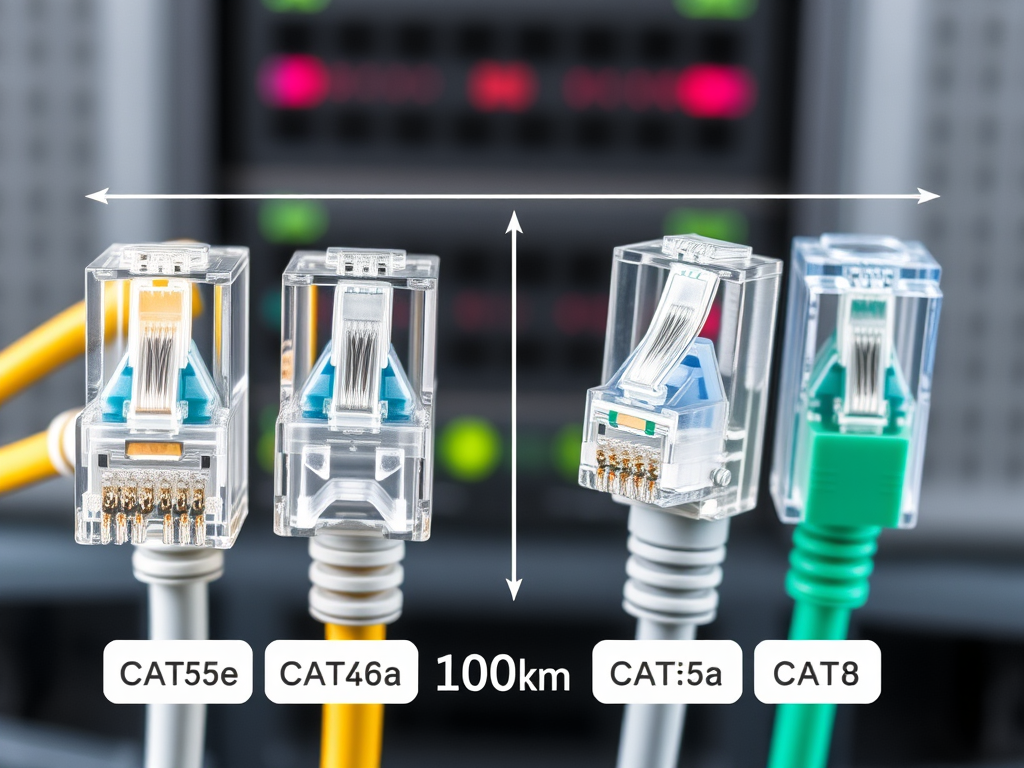
Understanding the Maximum Length of Ethernet Cable
In modern networking, wired Ethernet connections remain one of the most reliable and stable methods of transmitting data. Yet, one question often arises among home users and IT professionals alike: *What is the maximum length of an Ethernet cable before performance is affected?* Understanding the limits of Ethernet cables is crucial for maintaining signal quality, reducing data loss, and ensuring consistent network speeds.
---
## Factors That Determine Ethernet Cable Length Limits
When it comes to Ethernet connections, the maximum recommended length for a standard cable (Cat5e, Cat6, and Cat6a) is **100 meters (328 feet)**. This limit is set by networking standards such as IEEE 802.3, which ensures that data transmission remains efficient and free from unnecessary signal degradation. Beyond this distance, the potential for data errors and dropped packets increases significantly unless specialized equipment like switches or repeaters is introduced.
However, not all Ethernet cable types perform equally. Shielding, cable grade, and data rate specifications all influence how far your network can stretch without performance hiccups. For instance, **Cat6 cables** can maintain 10 Gbps speeds up to 55 meters, while **Cat6a cables** extend that range to the full 100 meters thanks to improved insulation and reduced crosstalk. Environmental factors like temperature and electromagnetic interference can also play a role in signal decay.
In terms of real-world performance, shorter cables are nearly always more reliable — especially for high-speed connections such as gigabit or 10-gigabit networks. For installations exceeding 100 meters, implementing **Ethernet extenders, fiber optics**, or **active network switches** can help maintain signal integrity without sacrificing speed. For more technical details, resources like [Network Engineering Stack Exchange](https://networkengineering.stackexchange.com/) and [Ethernet FAQs by IEEE](https://www.ieee.org/) provide excellent background.
**Summary:** The maximum Ethernet cable length is typically 100 meters, affected by cable type, interference, and network speed requirements.

---
## How to Choose the Right Ethernet Cable for Your Setup
Choosing the right Ethernet cable depends on both your **networking goals** and your **environment**. For home networks, **Cat5e** cables are generally sufficient for speeds up to 1 Gbps, while **Cat6** and **Cat6a** are ideal for businesses or users transferring large files frequently. If you're future-proofing a network or setting up a data center, **Cat7 or Cat8** may be worth considering because they support higher frequencies and data rates up to 40 Gbps, though they can be more expensive.
Consider the **length of the run** and how the cable will be routed. Long runs near electrical cables or heavy machinery may benefit from **shielded (STP)** cables to prevent interference, while shorter, simple installations often perform just fine with **unshielded (UTP)** cables. Additionally, Ethernet patch panels or wall outlets may slightly add resistance, so allowing margin within the 100-meter limit is good practice.
**Troubleshooting Common Issues:** One issue users often encounter is performance drop-offs when combining cables through couplers or plugin adapters. This can cause loss in signal strength or even break compatibility between devices. To mitigate these problems, ensure connectors are of high quality and cables are not bent or coiled tightly. Check that connected devices’ network interfaces support the cable category in use. For more detailed troubleshooting, visit educational sources like [HowStuffWorks Networking Guide](https://computer.howstuffworks.com/ethernet.htm).
**Summary:** Choose cables that fit your speed, distance, and environment needs — and avoid chaining or bending cables to preserve performance.

---
### Pros and Cons of Different Ethernet Cable Categories
| Cable Type | Pros | Cons |
|-------------|------|------|
| **Cat5e** | Affordable, supports up to 1 Gbps | Not ideal for long, high-speed runs |
| **Cat6** | Faster data rates, backward compatible | Limited to ~55m for 10 Gbps speeds |
| **Cat6a** | Full 10 Gbps at 100m, great shielding | Slightly thicker and less flexible |
| **Cat7/8** | Very high speed, future-proofing | Expensive and not necessary for most users |
**Summary:** Each cable category balances cost, performance, and flexibility. Selecting the right one ensures optimal signal transfer and network reliability.
---
Understanding Ethernet cable length limitations helps ensure a stable and efficient network setup, whether for home or business use. If your organization needs expert guidance or installation support, **[Archer IT Solutions](https://www.archer-its.com)** provides professional IT and networking services including [on-site or remote support](https://www.archer-its.com/onsite-service) and [web hosting](https://www.archer-its.com/web-hosting).
If you have technical questions or require immediate assistance, reach out to **support@archer-its.com** or open a ticket at [www.archer-its.com/ticket](https://www.archer-its.com/ticket). Their support team typically responds within 24 hours.
✨ Before you upgrade or extend your network, take a moment to reflect on your current needs — do you need more speed, reach, or reliability? Choosing the right Ethernet cable is a small decision that can have a big impact on performance.
---
**Further Reading:**
- [IEEE Ethernet Standards Overview](https://standards.ieee.org/)
- [TechTarget: Ethernet Cable Categories Explained](https://www.techtarget.com/)
- [Network World: How to Optimize Your Ethernet Setup](https://www.networkworld.com/)Discover more from Archer IT Solutons
Subscribe to get the latest posts sent to your email.


No responses yet