Understanding the Layers of the TCP/IP Model
The TCP/IP model is the foundation of how data is transmitted over the Internet and modern networks. Understanding its structure allows IT professionals and businesses to troubleshoot, design, and optimize network systems effectively. In this article, we’ll explore the four main layers of the TCP/IP model, including practical examples and troubleshooting guidance, while showing how Archer IT Solutions can support your network management needs.
Exploring the Four Key Layers of the TCP IP Model

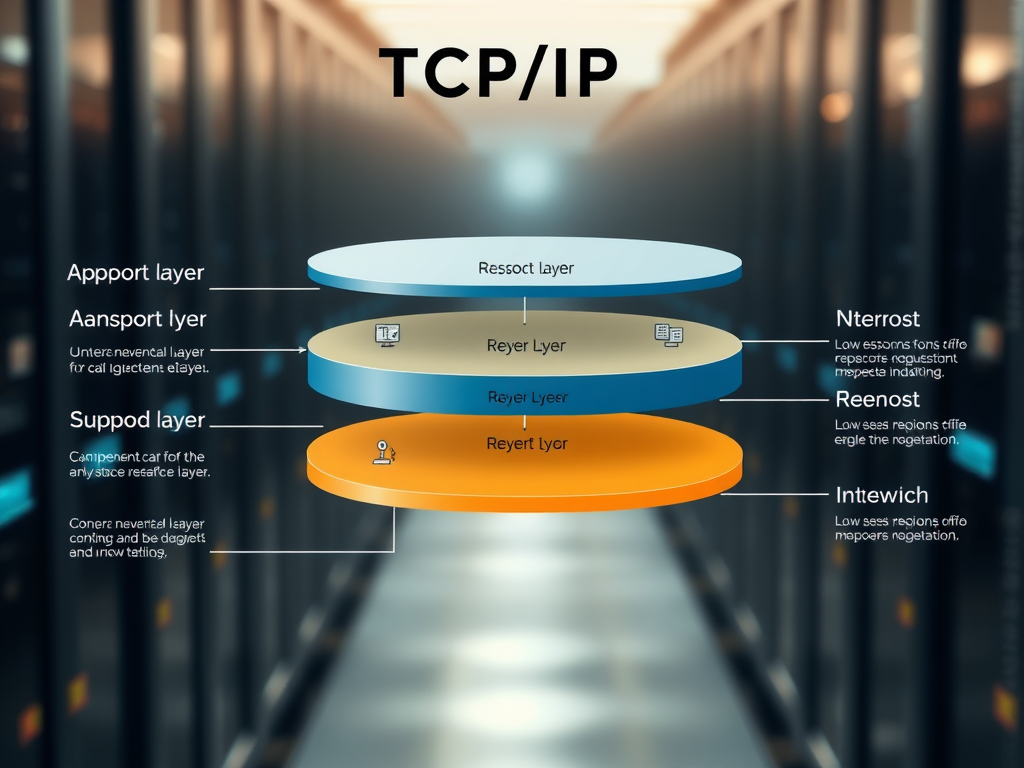
The TCP/IP model consists of four essential layers that work together to ensure seamless communication across networks: the Application Layer, Transport Layer, Internet Layer, and Network Interface Layer. Each layer handles specific tasks, allowing data to move efficiently between devices, even across long distances. Understanding these layers provides clarity in network behavior, performance, and design.
- Application Layer: Interfaces with the end-user and enables software applications to communicate over networks.
- Transport Layer: Handles data delivery and reliability using protocols like TCP (Transmission Control Protocol) and UDP (User Datagram Protocol).
- Internet Layer: Routes packets across different networks using IP addressing.
- Network Interface Layer: Connects the software-driven layers to the physical hardware and network signaling.
A major benefit of the TCP/IP model is its flexibility and scalability. However, its complexity can lead to misconfigurations. For example, incorrect IP routing or firewall issues can block communication between layers. At Archer IT Solutions, our network experts diagnose these issues using layered troubleshooting approaches to restore seamless connectivity across infrastructure.
Pros of TCP/IP Model:
- Highly scalable and reliable
- Interoperable with multiple network technologies
- Built-in support for global internetworking
Cons of TCP/IP Model:
- Complex configuration for new systems
- Limited support for real-time performance tuning
- Requires detailed technical understanding for troubleshooting
Practical Examples and Troubleshooting Tips Explained

Consider an example: when a user sends an email through a client application, the data first resides in the Application Layer. It is then segmented in the Transport Layer, addressed in the Internet Layer, and finally transmitted over physical media via the Network Interface Layer. Each layer contributes to ensuring data accuracy and direction.
When network issues arise—such as slow connectivity or failed data transmission—professionals often trace problems layer by layer. Checking connection cables or adapter configurations can fix Network Interface issues, while inspecting routing tables helps address Internet Layer concerns. Protocol analyzers like Wireshark are commonly used to monitor traffic at the Transport and Application Layers for precise insights.
At Archer IT Solutions, our technicians rely on this layered model to isolate and correct networking faults efficiently. Whether through onsite or remote support or managed IT services, customers benefit from reduced downtime and quicker problem resolution. For immediate network issues, reach our support team via support@archer-its.com or submit a service ticket—responses are guaranteed within 24 hours.
Understanding the four layers of the TCP/IP model empowers users to identify, analyze, and resolve network issues efficiently. Whether you manage web servers, configure routers, or simply seek stronger performance across your business network, mastering these layers ensures data flows smoothly from sender to receiver. For advanced network diagnostics, IT management, or web hosting solutions, the experts at Archer IT Solutions offer professional support tailored to your environment.
Call to Action:
Ready to optimize your network? Visit www.archer-its.com or email sales@archer-its.com to speak with an IT specialist today.
External Learning Resources:
- Cisco Networking Basics
- Network Protocols Explained by Cloudflare
- IETF RFC 1122: Requirements for Internet Hosts
Discover more from Archer IT Solutons
Subscribe to get the latest posts sent to your email.


No responses yet