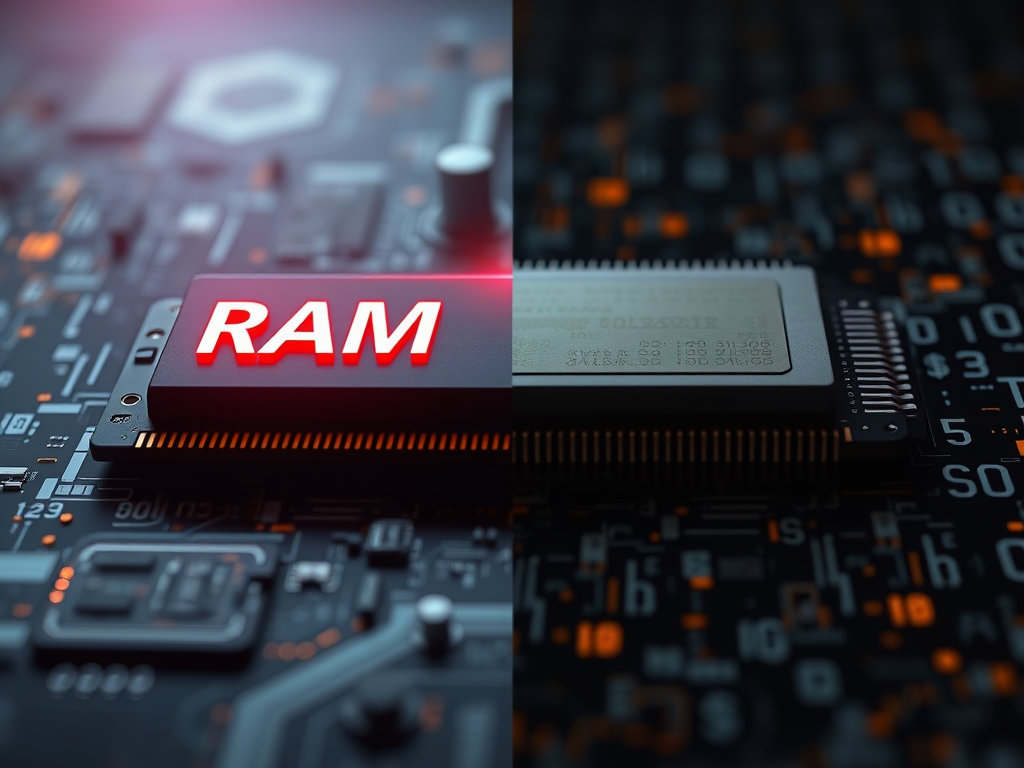
Understanding the Key Differences Between RAM and ROM
In today’s tech-centered world, knowing the distinction between RAM (Random Access Memory) and ROM (Read-Only Memory) can dramatically improve your understanding of your computer’s performance. Whether you’re a small business owner maintaining servers, or an everyday user wanting your PC to run smoothly, understanding these two critical components is essential.
Exploring the Core Functions of RAM and ROM
RAM and ROM both serve as types of memory in digital systems, but they fulfill entirely different roles. RAM is temporary, volatile memory — it stores data only while the system is active. Once powered off, all information within RAM disappears. ROM, however, is non-volatile. It holds permanent instructions essential for starting and managing your device, such as the BIOS in your computer.
RAM provides quick access to data to enhance multitasking speed and responsiveness. Common tasks, like running multiple browser tabs or using graphic design software, depend on how much RAM your system can utilize. By contrast, ROM contains embedded data written during manufacture or firmware updates. These instructions are not meant to be changed regularly, ensuring stable and reliable startup processes.
A 2023 study by Statista showed that users with at least 16GB of RAM reported a 45% faster application load time compared to systems with 4GB. This highlights how essential memory capacity can be for productivity and efficiency.
Key Takeaways:
- RAM is volatile and temporary; ROM is permanent.
- RAM enhances system speed; ROM ensures device stability.
- Both work together to optimize performance during startup and operation.
Summary: Understanding the distinction helps users make informed decisions about system upgrades or troubleshooting performance issues.
How RAM and ROM Impact System Speed and Storage
RAM’s impact on system speed is immediate. The more RAM available, the quicker your computer can access and process data. This is why upgrading from 8GB to 16GB can lead to noticeably snappier multitasking. ROM, while not enhancing speed, ensures your device’s firmware functions correctly from the first boot-up, preventing startup failures and maintaining essential system integrity.
Storage-wise, RAM doesn’t permanently store data, but acts like a high-speed workspace. On the other hand, ROM acts like a permanent library that keeps critical program instructions. Think of RAM as the short-term memory of your computer, and ROM as its long-term knowledge base.
Pros and Cons:
- RAM Pros: Increases performance, supports multitasking.
- RAM Cons: Loses data on shutdown.
- ROM Pros: Permanent, reliable data retention.
- ROM Cons: Limited flexibility for updates.
Troubleshooting Common Issues:
- Plugin Compatibility: Some software plugins might fail due to limited available RAM. Freeing up memory or upgrading RAM often resolves performance drops.
- ROM Corruption: If firmware issues occur, reflashing the ROM (by professionals) can restore functionality.
Summary: Investing in quality memory components can prevent slowdowns and crashes — ensuring smooth plugin operations and fast, stable performance.

Understanding the differences between RAM and ROM goes beyond simple tech theory — it can be the key to faster computers and more reliable devices. Whether you’re troubleshooting plugin issues or optimizing server performance, balancing both memory types ensures smoother operations.
If your system or website suffers from lag or startup errors, Archer IT Solutions offers managed IT support, web hosting, and onsite or remote computer services that can help diagnose and resolve memory-related issues efficiently.
📧 Contact us at:
- Support: support@archer-its.com or visit www.archer-its.com/ticket
- Sales: sales@archer-its.com
- Info: info@archer-its.com
- Website: www.archer-its.com
For more on computer architecture and memory structure, visit:
Reflect on your own system needs — could more RAM or firmware support enhance your operations? If so, let Archer IT Solutions help you optimize your technology for peak performance and reliability.
Discover more from Archer IT Solutons
Subscribe to get the latest posts sent to your email.


No responses yet