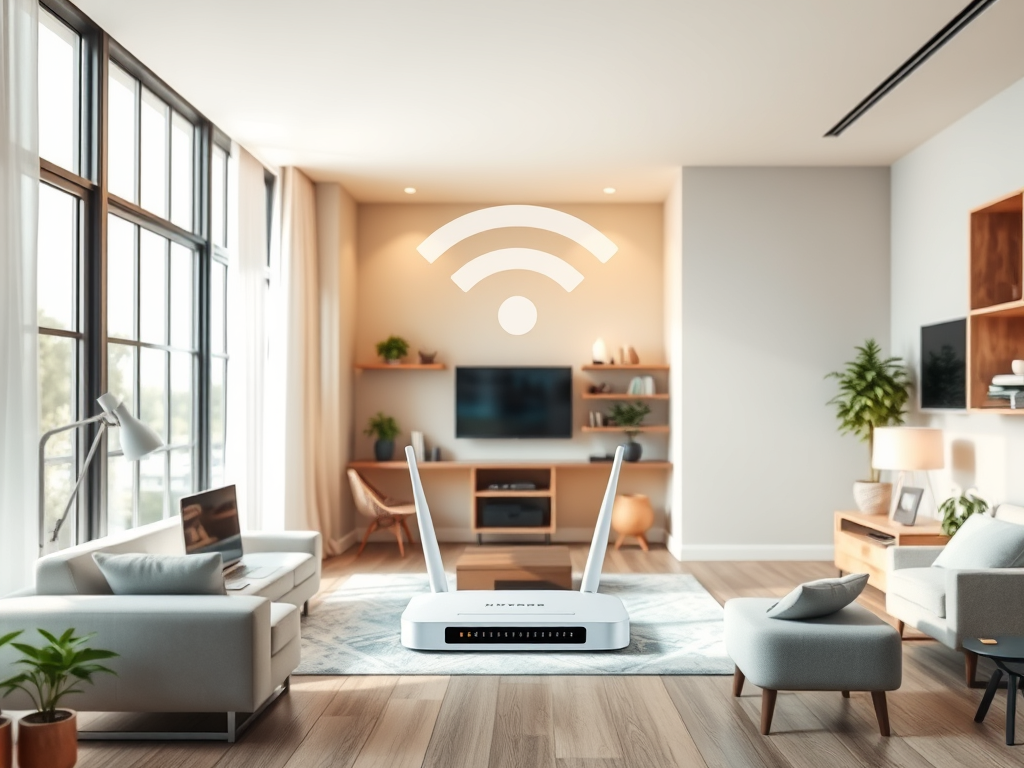
Understanding the Indoor Range of WiFi 5 Performance
The evolution of wireless networking has transformed how we connect within our homes, offices, and commercial spaces. WiFi 5, or IEEE 802.11ac, remains one of the most commonly used standards for delivering fast, stable connections across indoor environments. However, understanding what influences its indoor range and how to maximize its performance can make a major difference in productivity and user experience.
Factors Influencing Indoor WiFi 5 Signal Strength
WiFi 5 offers impressive speed capabilities—reaching theoretical speeds of up to 3.5 Gbps. However, in real-world use, its indoor range typically spans around 35 meters (115 feet) under optimal conditions. Several environmental and hardware-related factors influence actual signal strength and range performance indoors. These include wall density, interference from electronic devices, and even router placement.
One of the biggest challenges with WiFi 5 is signal attenuation caused by physical barriers such as concrete, brick, and metal surfaces. Each obstacle between your router and connected device weakens the overall signal. Household appliances like microwaves and cordless phones also emit frequencies that can interfere with the 5 GHz band. As a result, even high-end routers may experience degraded signals across multiple floors or enclosed rooms.
Additionally, interference from neighboring networks can reduce performance. This is especially noticeable in apartment buildings or commercial offices where multiple networks overlap. To diagnose these issues, users can employ free WiFi analyzer tools like NetSpot or Acrylic Wi-Fi Home to visualize their signal strength and identify dead zones.
Key Takeaways:
- Average indoor range: ~35 meters for 5 GHz frequency.
- Walls, furniture, and appliances can significantly reduce signal power.
- WiFi analyzer tools are great for troubleshooting weak signal areas.
Summary: Multiple environmental factors play a critical role in WiFi 5 strength indoors. Understanding these limitations helps users plan better router placement and network optimization strategies.
Maximizing Coverage and Performance Indoors
Achieving optimal WiFi performance indoors involves more than just upgrading hardware. Router positioning is crucial—placing it centrally and elevated above furniture minimizes interference and enhances coverage. Adjusting antenna angles and ensuring line of sight between devices can further boost reliability and signal consistency.
Employing dual-band operation is also beneficial. The 2.4 GHz band covers longer distances with lower speeds, while the 5 GHz band provides faster data rates at shorter ranges. Many modern environments benefit from using mesh networking to eliminate dead zones, where multiple nodes work together to deliver seamless coverage across all rooms.
When it comes to troubleshooting performance issues, ensuring firmware updates and checking for plugin compatibility issues in network management software can make a significant difference. Outdated drivers or third-party plugins may cause network instability or signal loss. If problems persist, contacting support at Archer IT Solutions can provide quick, professional assistance. Their team offers both onsite and remote troubleshooting services within 24 hours of your request.
Pros:
- Faster throughput and efficient device handling.
- Reduced latency ideal for streaming or gaming.
- Compatibility with modern devices.
Cons:
- Shorter range compared to older WiFi standards.
- Sensitive to physical obstructions.
- Dependent on proper router configuration.
Summary: By strategically improving placement, using mesh networks, and updating system software, users can significantly extend the reach and performance of WiFi 5 indoors.

WiFi 5 remains a reliable and high-performing choice for most indoor wireless setups when properly optimized. Understanding the limitations and implementing performance-enhancing strategies can improve connectivity and stability across your space.
For users needing professional guidance, Archer IT Solutions offers expert-managed IT support, onsite assistance, and web hosting services tailored to small businesses and developers. Whether you’re troubleshooting a weak signal, need help configuring routers, or managing plugin compatibility, their support team is ready to assist.
Reflect on your own space—is your WiFi performing at its potential? If not, now is the perfect time to assess your setup and reach out to Archer IT Solutions for a tailored improvement plan.
Contact:
- 📧 Support: support@archer-its.com
- 📧 Sales: sales@archer-its.com
- 🌐 Archer IT Solutions Managed IT Services
Discover more from Archer IT Solutons
Subscribe to get the latest posts sent to your email.


No responses yet