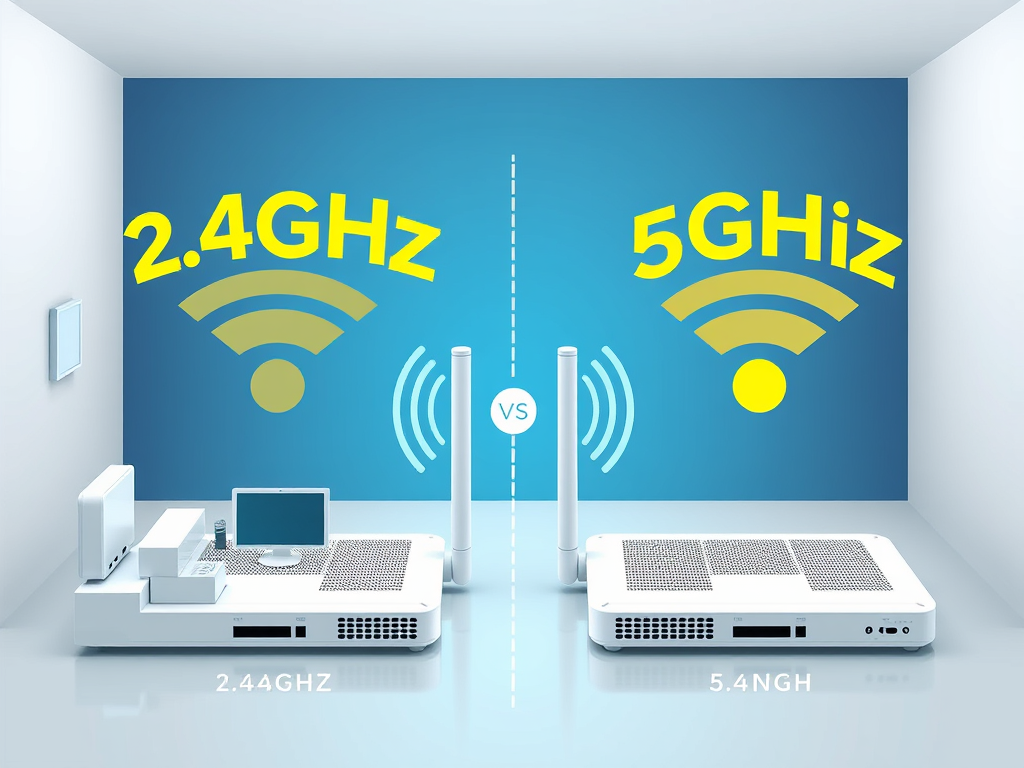
Understanding the Difference Between 2.4GHz and 5GHz WiFi
WiFi is the backbone of our digital world, yet many users are unaware that their routers often broadcast on two separate frequency bands: 2.4GHz and 5GHz. Understanding how these two bands differ can dramatically improve your network’s speed, coverage, and reliability. Whether you’re streaming, gaming, or hosting business applications, knowing which band suits your needs can optimize performance and minimize frustration.
Comparing Speed, Range, and Interference Differences
The 2.4GHz band has been around longer and is more widely used. Its main advantage is its greater range since lower frequencies travel further and penetrate obstacles like walls more effectively. However, it’s also more prone to interference due to congestion — many household devices, such as Bluetooth speakers or microwaves, operate in the same frequency range. As a result, 2.4GHz networks may experience slower speeds in busy environments.
The 5GHz band offers faster speeds and lower latency, making it ideal for high-bandwidth activities like HD streaming, online gaming, or large file transfers. Because it operates at a higher frequency, 5GHz signals are less congested and have more available channels, reducing interference. The trade-off is range; 5GHz WiFi has a shorter distance coverage and struggles to penetrate solid objects.
In practical use, many modern routers—like those managed through Archer IT Solutions’ managed IT services—broadcast both frequencies simultaneously, allowing your devices to connect automatically to the most suitable one. If your router supports “band steering,” it can intelligently shift devices between 2.4GHz and 5GHz for optimal performance.
Pros and Cons Overview
2.4GHz Pros:
- Greater range and wall penetration
- More compatibility with older devices
2.4GHz Cons:
- Greater interference
- Lower maximum speeds
5GHz Pros:
- Higher speeds and less congestion
- Ideal for modern, high-data applications
5GHz Cons:
- Shorter range
- Reduced performance through walls or floors
Choosing Between 2.4GHz and 5GHz for Your Network
Choosing the right frequency depends on how and where you use your network. If you’re in a small apartment or office where devices are close to the router, 5GHz is your best option for optimal speed. On the other hand, in larger spaces or environments with thick walls, 2.4GHz may be preferable for sustaining connectivity across longer distances.
For business owners and remote workers, Archer IT Solutions provides expert local IT support to assess your network environment and recommend the most effective setup. Their web hosting and WordPress hosting services also integrate advanced WiFi configurations to maintain seamless connectivity for website owners and developers.
Real-Life Example: A client using multiple VoIP devices in an open office saw frequent call drops on 2.4GHz. After switching to a balanced dual-band configuration managed by Archer IT Solutions’ network specialists, their call quality stabilized, and their team experienced uninterrupted communication across all endpoints.
Troubleshooting Common WiFi Issues
If your device frequently disconnects or the speed fluctuates, check that:
- Your router firmware is up to date.
- Devices are switched to the proper band based on location.
- There’s minimal interference from other 2.4GHz devices.
In case of persistent issues, contact Archer IT Solutions Support at support@archer-its.com or open a ticket via www.archer-its.com/ticket/.
For further reading about frequency interference and WiFi optimization, you may visit Lifewire’s guide on WiFi frequency bands for external insight.
Understanding the difference between 2.4GHz and 5GHz WiFi can significantly improve both your speed and coverage. Consider your space, device compatibility, and interference factors before choosing which band to prioritize. For personalized network assessment, Get a Free IT Consultation through Archer IT Solutions to ensure your home or business runs at peak performance. If you’re exploring reliable hosting solutions, remember our 15-day refund policy for Web Hosting for complete peace of mind. For any general questions, email us at info@archer-its.com — our team responds within 24 hours to support your needs.
Discover more from Archer IT Solutons
Subscribe to get the latest posts sent to your email.


No responses yet