Understanding the Core Principles and Visual Flow of CSS
Meta Description: Learn the essential CSS principles and design flow.
Meta Topic: Explore CSS fundamentals, visual hierarchy, and techniques for a seamless web design experience.

CSS (Cascading Style Sheets) serves as the foundation for modern web design, defining how HTML elements appear and interact visually across devices. For small businesses and web developers, understanding CSS goes beyond aesthetics—it ensures performance, consistency, and accessibility. In this article, we’ll explore the core principles and visual flow of CSS, touching on best practices, troubleshooting, and how expert support from Archer IT Solutions can keep your website running smoothly.
Grasping the Fundamentals and Core Logic of CSS
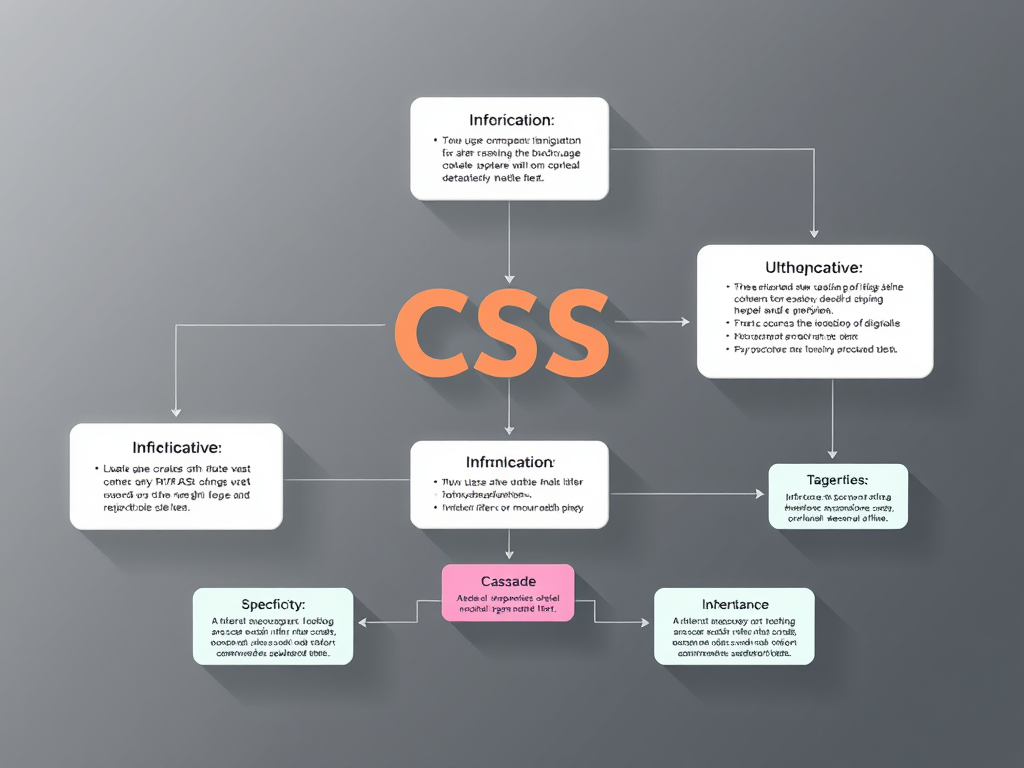
CSS operates on three main principles—the cascade, specificity, and inheritance. These determine how styles are applied to elements and which rules take precedence when conflicts occur. Understanding these helps prevent inconsistent layouts and ensures styles behave consistently across browsers. For instance, new designers often overlook inheritance, leading to redundant code that affects site performance. Efficient coding minimizes redundancy and results in faster load times, enhancing the user experience.
Beyond syntax, CSS’s power lies in its separation of content from presentation. This allows designers to apply global styles across multiple pages, reduce maintenance costs, and improve branding consistency. According to W3Schools, nearly 95% of developers use CSS frameworks to fast-track design standardization. Whether through Flexbox, Grid, or media queries, learning CSS logic promotes responsive, adaptable designs that suit various screen sizes and devices.
Pros and Cons of Working with CSS:
- ✅ Pros: Flexibility, scalability, reusable code, responsive layouts
- ❌ Cons: Steeper learning curve for complex designs, browser compatibility issues
Summary:
CSS isn’t just a tool for styling—it’s a logic-based system for controlling layout, design, and user engagement effectively. Mastering the core logic means fewer errors and more cohesive branding.
Mastering Visual Flow and Hierarchical Design in CSS
The human eye scans a webpage following natural reading patterns—most notably the F-pattern and Z-pattern. Designers use these to create visual flow, strategically guiding attention using size, color, and spacing. Placing headlines at the top-left and keeping crucial buttons within the user’s main focus area increases engagement. For example, with strategic white space, users can easily locate content blocks, improving readability by nearly 30%, as noted in Nielsen Norman Group’s research.
A good CSS structure establishes visual hierarchy—making important elements stand out through typography, color contrast, and spatial grouping. The deliberate use of font-weight, line-height, and z-index directs the viewer’s gaze and clarifies the flow between components. Designers often rely on CSS Grid to bring rhythm and proportion to layouts, maintaining balance across desktop and mobile views. Similarly, variables and custom properties (--primary-color, --accent-font) make future adjustments smoother and more scalable.
Troubleshooting Common Issues:
- Plugin or theme conflicts can override custom CSS—use developer tools like Chrome DevTools to trace and resolve style overrides.
- Always verify that plugin updates maintain CSS integrity.
- Consider professional support from Archer IT Solutions Support to fix layout conflicts quickly.
Summary:
Visual flow in CSS is more than decoration—it’s a psychological guide that helps visitors navigate content effortlessly. Effective hierarchy turns casual visitors into engaged users.
Key Takeaways
- Understand CSS logic: cascade, inheritance, specificity.
- Plan your layout with visual flow principles in mind.
- Troubleshoot conflicts early—especially when integrating plugins.
- Use professional support if complex issues persist.
- Explore additional learning resources such as MDN Web Docs for deeper examples.
As you refine your web design approach, consider how CSS fundamentals and visual hierarchy define user experience. Whether you’re a business owner, designer, or developer, maintaining structured, responsive designs can directly impact customer perception. If you encounter technical challenges, Archer IT Solutions provides reliable technical support, web hosting, and managed IT services tailored to your goals.
For assistance, contact support@archer-its.com or submit a ticket via https://www.archer-its.com/ticket. Most inquiries receive a response within 24 hours. Reflect on your site’s design flow—and when you’re ready to enhance performance and stability, let Archer IT Solutions help you achieve your next milestone.
Discover more from Archer IT Solutons
Subscribe to get the latest posts sent to your email.


No responses yet