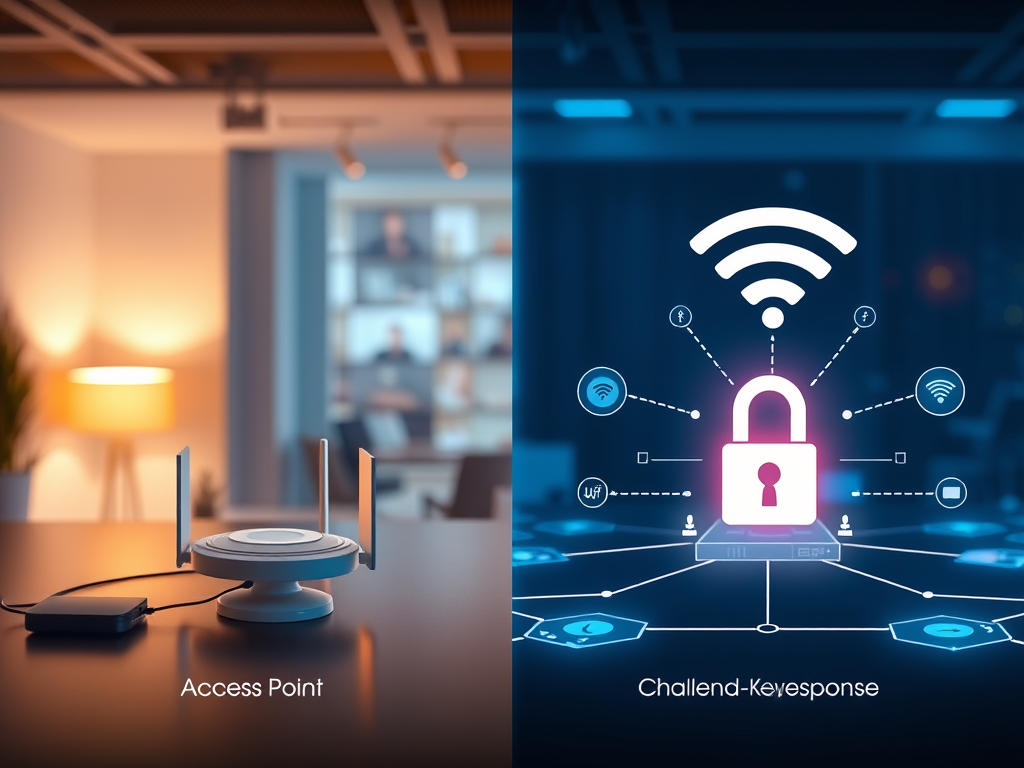
Understanding IEEE 802.11 Authentication Modes
Wireless networking is at the core of modern communication. From home offices to enterprise campuses, Wi-Fi connectivity is powered by IEEE 802.11 standards that define how devices communicate securely. One of the fundamental aspects of these standards is authentication—determining how a device proves its identity to join a wireless network. Understanding IEEE 802.11 authentication modes helps IT professionals and users choose the right level of security and efficiency for their environment.
Exploring IEEE 802.11 Authentication Mode Basics
IEEE 802.11 defines two primary authentication modes: Open System and Shared Key. These methods determine how a wireless device (client) gains access to a network via an access point. Open System is the simplest form of authentication, where even if authentication is requested, the communication may still occur without verifying credentials. Shared Key, on the other hand, involves a challenge-response process where both parties must prove they know a shared secret. Recognizing the differences between these modes is essential for configuring secure Wi-Fi connections.
Both modes operate at the MAC layer (Layer 2), ensuring that authentication happens before data is transmitted across the network. This process plays a vital role in network security, especially when integrated with encryption protocols like WEP, WPA, or modern WPA2/WPA3 standards. The authentication exchange ensures that only legitimate devices participate in the wireless communication, minimizing the risk of unauthorized access.
Example: In a corporate setting, administrators might prefer a more secure mode supported by WPA2 Enterprise, while home users may rely on simpler methods for convenience.
Pros of IEEE 802.11 Authentication Modes:
- Enable secure access control at the network entry point.
- Simple configuration for basic security scenarios.
- Compatible with a wide range of hardware.
Cons:
- Open System provides little real security.
- Shared Key relies on static keys that can be compromised.
- Older methods may not align with modern encryption needs.
Comparing Open System and Shared Key Methods
In Open System Authentication, the access point allows all connection requests to proceed without verifying identity. Although this seems insecure, it’s commonly used with advanced encryption protocols, where encryption—not authentication—provides security. It’s often the default for public Wi-Fi hotspots since it allows users quick access while maintaining compatibility.
By contrast, Shared Key Authentication introduces a challenge-response sequence. When a client requests access, the access point sends a random challenge text. The client encrypts this text using a pre-shared key and returns it to the AP, which decrypts the response to verify the key. While this approach adds a verification step, it’s flawed when used with older WEP encryption, as the challenge-response exchange can actually expose the key through packet analysis.
Troubleshooting Tips:
- Ensure both client and access point share the same key when using Shared Key.
- Check if network security policies require upgrading to WPA2/WPA3 for better encryption.
- Use network diagnostic tools like Wireshark or NetSpot to detect handshake issues or authentication failures.
- For technical support, contact Archer IT Solutions support team if persistent connection errors occur.
Useful references:
IEEE 802.11 authentication modes form the foundational trust mechanism of Wi-Fi networks. Understanding the difference between Open System and Shared Key methods gives IT professionals the knowledge to build stronger, more efficient, and appropriately secured wireless networks. While these modes exist primarily for historical and compatibility reasons, modern implementations favor newer protocols like WPA3 that integrate authentication with robust encryption.
For reliable Wi-Fi configuration, website hosting, or managed IT support, explore Archer IT Solutions Managed Services.
Need help securing your wireless environment? Contact support@archer-its.com for expert assistance within 24 hours.
With the right knowledge and support, achieving a secure and functional wireless network is well within reach.
Discover more from Archer IT Solutons
Subscribe to get the latest posts sent to your email.

No responses yet