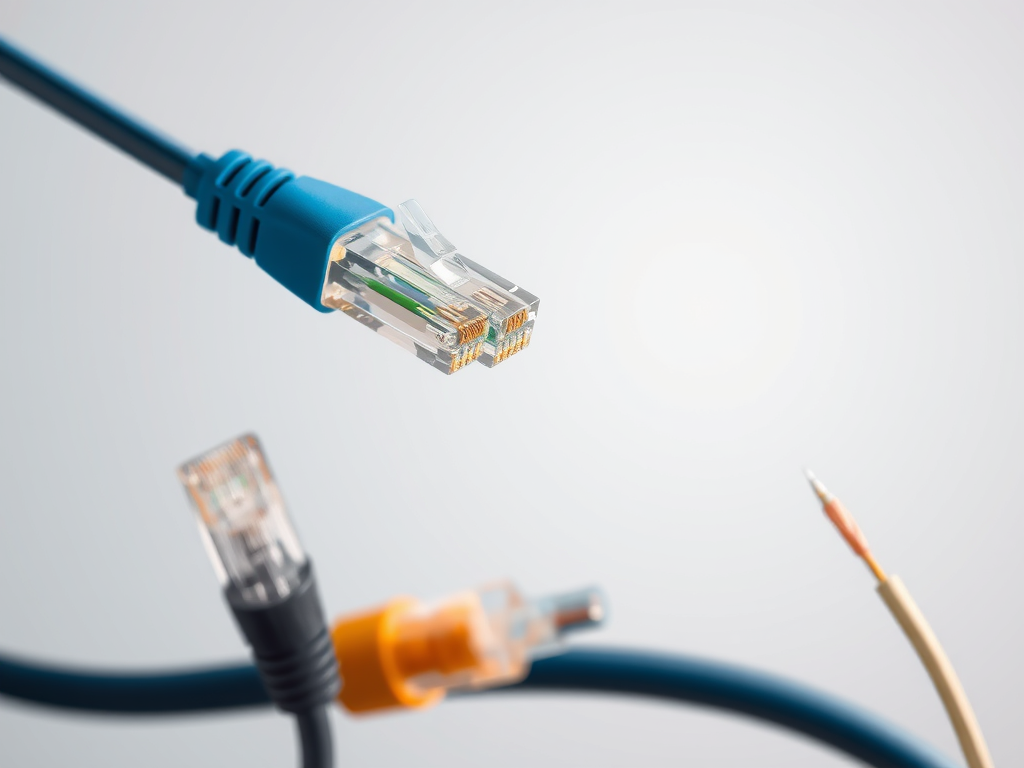
Understanding How Network Cables Work and Connect
etwork cables are the silent workhorses of every digital connection, ensuring smooth data transmission between devices. Understanding how these cables work and connect can help users troubleshoot issues, improve performance, and choose the right equipment for modern networking demands. Whether at home or in a business environment, knowing the basics of cable functionality can make all the difference in maintaining a stable digital connection.
Exploring the Basics of How Network Cables Function

Network cables, such as Ethernet, fiber optic, and coaxial cables, serve as the physical medium that carries data signals between devices. Ethernet cables—like Cat5e, Cat6, or Cat7—use twisted copper pairs to transmit electrical signals that represent binary data. These twists help reduce interference and crosstalk, maintaining data integrity across short to moderate distances.
Fiber optic cables, on the other hand, carry data as pulses of light through ultra-thin glass strands. This allows them to transmit data at much faster speeds over longer distances. Coaxial cables, though less common for networking today, are still used for specific applications like cable internet or CCTV systems. Each cable type offers unique trade-offs depending on performance needs and installation environments.
Pros and Cons of Network Cable Types
- Ethernet (Copper): Cost-effective, easy to install, ideal for most LANs.
Cons: Limited distance (up to 100m) and susceptible to EM interference. - Fiber Optic: Extremely fast, long-distance, and secure.
Cons: More expensive and fragile during installation. - Coaxial: Durable and good shielding.
Cons: Lower speed compared to Ethernet and fiber options.
Understanding the Connections That Keep Data Moving
When data moves through a network, cables connect to devices via RJ45 connectors, switches, and routers. Each end of an Ethernet cable must be properly crimped and aligned to ensure seamless communication. Mismatched pairings, damaged wires, or incorrect pinouts can result in packet loss or connection failures. A well-terminated cable following standards like TIA/EIA-568A or 568B helps maintain performance and minimizes downtime.

Troubleshooting Network Cable Issues
When your connection drops or slows, the problem may lie within the cable or its connections. Start by checking for physical damage such as kinks, cuts, or frayed ends. Use a cable tester to verify continuity and correct pinout alignment. If signals are weak, ensure connectors are properly seated and that cables aren’t running alongside power cords, which can cause interference. For persistent issues, upgrading to shielded cables (STP) or higher-category wiring may solve the problem.
Example Scenario:
A small business experiences slow file transfers over its local network. Upon inspection, older Cat5 cables are found to be mixing with newer Cat6 ones, causing inconsistent speeds. Upgrading all cables to Cat6 and correctly terminating them with RJ45 connectors restores consistent gigabit performance—an example of how understanding cable types and connections directly impacts efficiency.
Related External Resources
Network cables might not get much attention, but they’re the backbone of modern connectivity. A properly selected and maintained cable system ensures that data flows securely, quickly, and efficiently across networks. Whether you’re wiring a home office or managing enterprise infrastructure, understanding how these cables work and connect is essential for smooth digital operations.
For expert network planning, installation, and IT support, Archer IT Solutions offers professional services that enhance reliability and performance. Explore more at www.archer-its.com, or reach out directly:
- Support: support@archer-its.com
- Sales: sales@archer-its.com
- Onsite or Remote Support: www.archer-its.com/onsite-service
- Web Hosting: www.archer-its.com/web-hosting
Call to Action:
If you’re seeking dependable network configuration, hosting, or IT consulting, contact Archer IT Solutions today and experience seamless connectivity that keeps your business moving forward.
Discover more from Archer IT Solutons
Subscribe to get the latest posts sent to your email.


No responses yet