Understanding and Preventing WiFi Interference in Modern Networks
In today’s digital landscape, WiFi connectivity has become essential for both home and business operations. Yet, users often experience sluggish connections, frequent dropouts, or weak signals—all pointing toward one common issue: interference. Understanding what causes WiFi interference and how to minimize it can significantly improve your network experience.
Understanding How WiFi Signals Face Interference
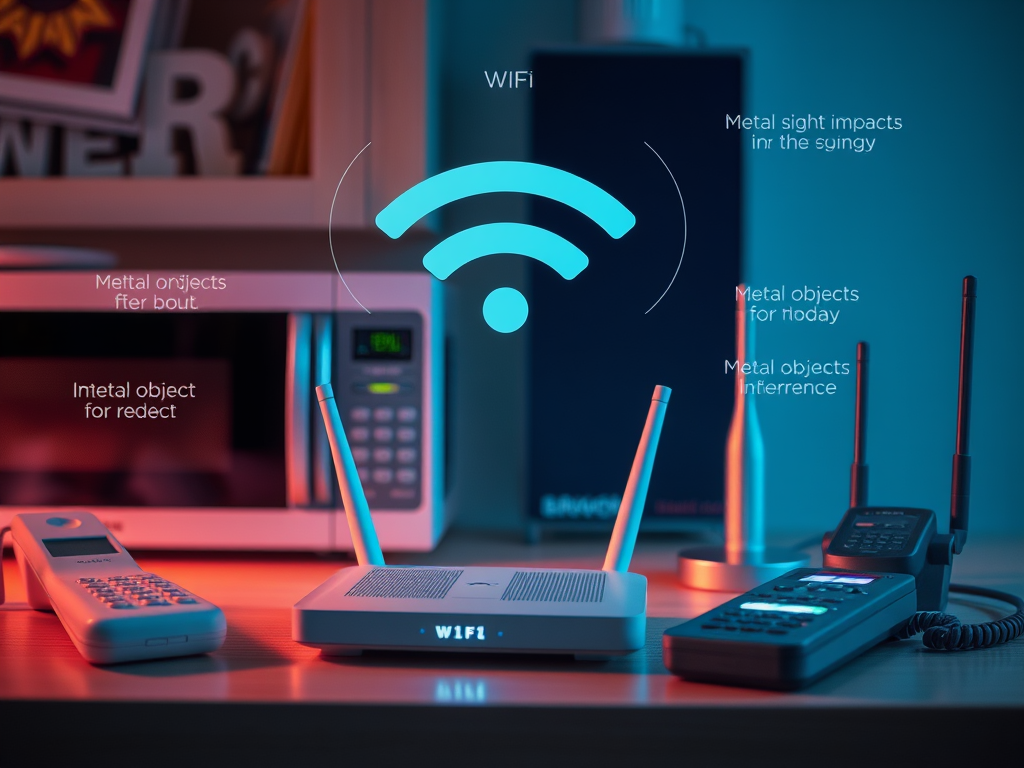
WiFi operates using radio frequency (RF) waves to transmit data between routers and devices. Much like radio or television signals, these waves can overlap or clash with other frequencies in the environment. Common household devices such as microwaves, cordless phones, and Bluetooth devices can emit frequencies around 2.4GHz, which is the same as many WiFi networks, leading to reduced performance.
Environmental factors also play a significant role. Thick walls, metal surfaces, and reinforced concrete can absorb or reflect WiFi signals, creating “dead zones” where connectivity drops. Even decorative items like mirrors can interfere with signal propagation, reflecting signals away from their intended path. According to a 2023 Cisco networking study, over 40% of WiFi performance issues are attributed to physical or electronic interference.
Pros and Cons of WiFi Environments Affected by Interference:
- Pros: Flexible connectivity, mobility, minimal cabling.
- Cons: Reduced speed, unreliable connection, increased latency.
Summary:
Interference in WiFi networks is common and often caused by overlapping frequencies, environmental barriers, or nearby electronic devices. Recognizing these factors is the first step in managing network disruptions.

Simple Ways to Reduce WiFi Signal Disruptions
There are several strategies to minimize WiFi interference and improve performance. First, identifying your WiFi frequency band is crucial. While 2.4GHz networks offer greater range, they are more prone to interference. Switching to a 5GHz band can improve speed and stability. Using a WiFi analyzer, such as those available on NetSpot, can help locate the least congested channels in your area.
Router placement also matters. Position your router in a central, elevated location free from obstructions or large metal objects. Regularly updating your router’s firmware ensures that it operates efficiently and securely. For larger spaces, consider installing WiFi extenders or mesh network solutions to reduce dead zones.
Troubleshooting Plugin or Device Compatibility Issues:
- Check for outdated drivers on connected devices.
- Disable or move USB 3.0 devices away from routers—they can leak interference.
- For smart home plugins, verify whether their hubs use Zigbee or Bluetooth frequencies that overlap with your WiFi channel.
Summary:
To minimize interference, optimize your WiFi setup by choosing the right frequency band, properly positioning your router, and ensuring device compatibility. Simple tweaks can lead to noticeable performance improvements.

In essence, yes—WiFi does experience various forms of interference, but most issues are manageable with awareness and proactive adjustments. Whether you’re a small business owner managing web hosting or a remote worker relying on stable internet, improving network configuration can have measurable benefits.
If you need professional help optimizing your network environment or troubleshooting complex connectivity issues, Archer IT Solutions provides onsite or remote IT support, including web hosting and managed IT services.
- Contact Support: support@archer-its.com
- Open a support ticket: www.archer-its.com/ticket/
Reflect on your specific connectivity needs: Do you require help setting up your network or resolving slow speeds? Reach out to Archer IT Solutions for tailored assistance and ensure your WiFi performs at its best.
Key Takeaways:
- WiFi interference is common but can be minimized with correct placement and configuration.
- Physical barriers and overlapping frequencies are top causes.
- Professional IT services can help manage and prevent recurring signal disruptions.
Further Reading:


No responses yet