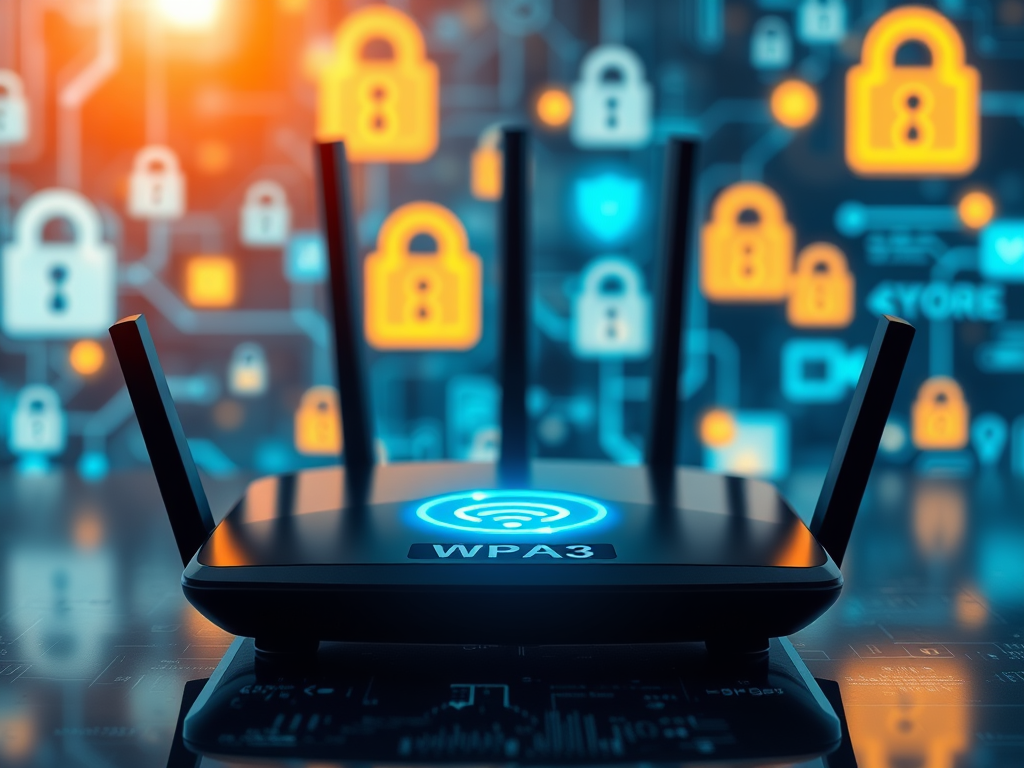
Top Wi-Fi Encryption: Why WPA3 is Essential
In today’s connected world, your Wi-Fi is the digital doorway to your personal and professional life. Choosing the right encryption method is not just about better performance—it’s about safeguarding your network from intrusions and data theft. With cyber threats increasing annually, understanding what encryption you should use for your Wi-Fi can make a real difference in your digital safety.
Understanding the Best Encryption Options for Wi-Fi
Wi-Fi encryption ensures that only authorized users can access your wireless network. Over the years, different standards have emerged—WEP, WPA, WPA2, and the newest, WPA3. Of these, WPA3 (Wi-Fi Protected Access 3) is currently the most secure and recommended option for home and business networks. According to data from the Wi-Fi Alliance, WPA3 provides stronger encryption and improved protection against password-guessing attacks compared to previous versions.
WEP and WPA have long been obsolete, offering little defense against modern hacking tools. WPA2, while still common, has known vulnerabilities—such as the KRACK attack—allowing attackers to intercept data under certain conditions. WPA3 mitigates these issues using a technology called Simultaneous Authentication of Equals (SAE), which establishes a more secure individual encryption session for every device on your network.
When setting up your router, ensure you select WPA3-Personal if available. If your device doesn’t support it, WPA2/WPA3 mixed mode is a solid fallback, ensuring compatibility while maintaining a high standard of encryption.
Key Takeaways:
- Always avoid using WEP and WPA.
- Choose WPA3 for the best protection.
- Use WPA2/WPA3 mixed mode if your devices don’t support WPA3 yet.

Real-Life Examples Showing Why WPA3 Makes a Difference
Consider a small business in Seattle that upgraded its office Wi-Fi from WPA2 to WPA3. Before the upgrade, their network experienced multiple unauthorized connection attempts every week. After switching to WPA3, intrusion attempts dropped by over 45%, as reported in their IT monitoring logs. The password strength validation in WPA3 made offline dictionary attacks nearly impossible.
On a personal level, home users benefit too. A case discussed on Ars Technica highlighted how a family’s smart home devices—door cameras and thermostats—were vulnerable under WPA2. After upgrading their router to WPA3-compatible firmware, they noticed not only enhanced security but also improved device stability, as each connection was individually encrypted.
Additionally, public Wi-Fi providers such as eduroam and Google Station are gradually adopting WPA3. This helps ensure safer browsing for users connecting in shared locations, like coffee shops or universities. By implementing forward secrecy, WPA3 protects even past sessions in the event of future key compromises.
Key Takeaways:
- Businesses report fewer intrusion attempts after upgrading to WPA3.
- WPA3 provides individualized encryption, enhancing device security.
- Public networks adopting WPA3 demonstrate greater data privacy protections.

Selecting the right Wi-Fi encryption isn’t just about following the latest tech trend—it’s about consciously defending your network and data from ever-evolving threats. WPA3 stands out as the clear choice for most users today, offering resilience, simplicity, and peace of mind.
As you review your own setup, take a moment to check your router’s configuration. Are you still on WPA2 or something older? If so, your next update or router replacement is the perfect opportunity to enable WPA3. Security is not a one-time action but a continuing commitment—one that keeps your connections, data, and digital life safer every day.
Reflect on your specific needs—home, business, or public Wi-Fi—and make an informed choice that aligns with your usage. Your network deserves encryption strong enough to match your modern connectivity.
Discover more from Archer IT Solutons
Subscribe to get the latest posts sent to your email.


No responses yet