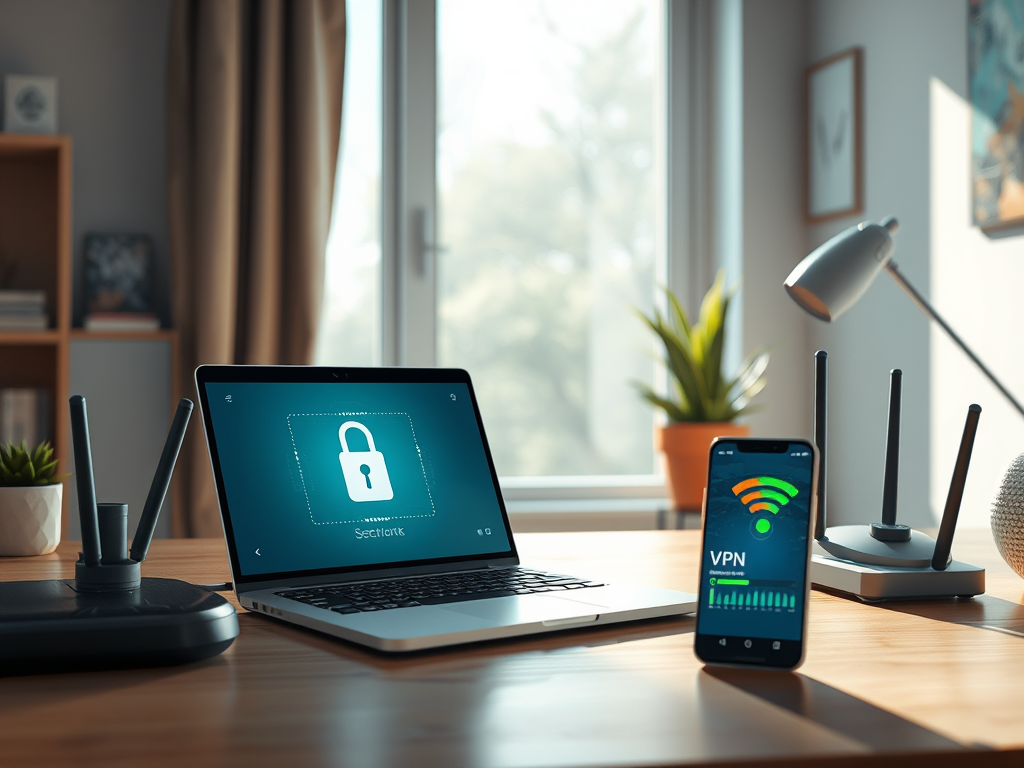
Security Risks: Protect Your Data
Wi-Fi networks, while convenient, are often vulnerable to security breaches. Unsecured networks can be easily accessed by hackers, putting your personal and sensitive data at risk. This includes passwords, banking information, and private communications. To protect your data, it’s crucial to use strong, unique passwords and enable encryption protocols like WPA3. Regularly updating your router’s firmware can also help patch security vulnerabilities. For those seeking additional protection, consider using a Virtual Private Network (VPN) to encrypt your internet traffic. By taking these precautions, you can significantly reduce the risk of unauthorized access to your data.
Interference and Connectivity Issues
Wi-Fi signals are susceptible to interference from various sources, such as other electronic devices, walls, and even neighboring Wi-Fi networks. This interference can lead to connectivity issues, resulting in slow internet speeds and dropped connections. To mitigate these problems, position your router in a central location, away from potential sources of interference. Additionally, using dual-band routers that operate on both 2.4 GHz and 5 GHz frequencies can help minimize interference. For those experiencing persistent issues, consider investing in a mesh Wi-Fi system to ensure consistent coverage throughout your home or office.
Limited Range and Coverage
One of the significant drawbacks of Wi-Fi is its limited range and coverage. Wi-Fi signals weaken as they travel through walls and other obstacles, leading to dead zones in larger homes or buildings. To extend your Wi-Fi coverage, consider using range extenders or powerline adapters. These devices can help boost your signal and eliminate dead zones. Alternatively, upgrading to a more powerful router with better range capabilities can also improve coverage. For businesses or larger spaces, implementing a professional-grade network with strategically placed access points can ensure comprehensive coverage.
Bandwidth Limitations
Wi-Fi networks often face bandwidth limitations, especially in environments with multiple connected devices. This can result in slower internet speeds and reduced performance during peak usage times. To optimize your Wi-Fi network, prioritize bandwidth for essential devices and applications using Quality of Service (QoS) settings on your router. Additionally, regularly monitoring your network for unauthorized devices can help free up bandwidth. For households or businesses with high data demands, upgrading to a higher-speed internet plan or investing in a more advanced router can alleviate bandwidth constraints.
Health Concerns: Understanding the Risks
There is ongoing debate about the potential health risks associated with prolonged exposure to Wi-Fi radiation. While current research has not conclusively proven any harmful effects, some individuals report experiencing symptoms like headaches and fatigue. To minimize exposure, consider reducing the time spent near Wi-Fi routers and using wired connections when possible. Additionally, turning off your Wi-Fi router at night can help reduce exposure. Staying informed about the latest research and guidelines from health organizations can help you make informed decisions about your Wi-Fi usage.
Summary
While Wi-Fi offers unparalleled convenience, it’s essential to be aware of its potential drawbacks. Security risks, interference, limited range, bandwidth limitations, and health concerns are all factors to consider when using Wi-Fi networks. By implementing security measures, optimizing your network setup, and staying informed about potential health risks, you can enjoy the benefits of Wi-Fi while minimizing its disadvantages. For more information on improving your Wi-Fi experience, consider visiting resources like
Discover more from Archer IT Solutons
Subscribe to get the latest posts sent to your email.


No responses yet