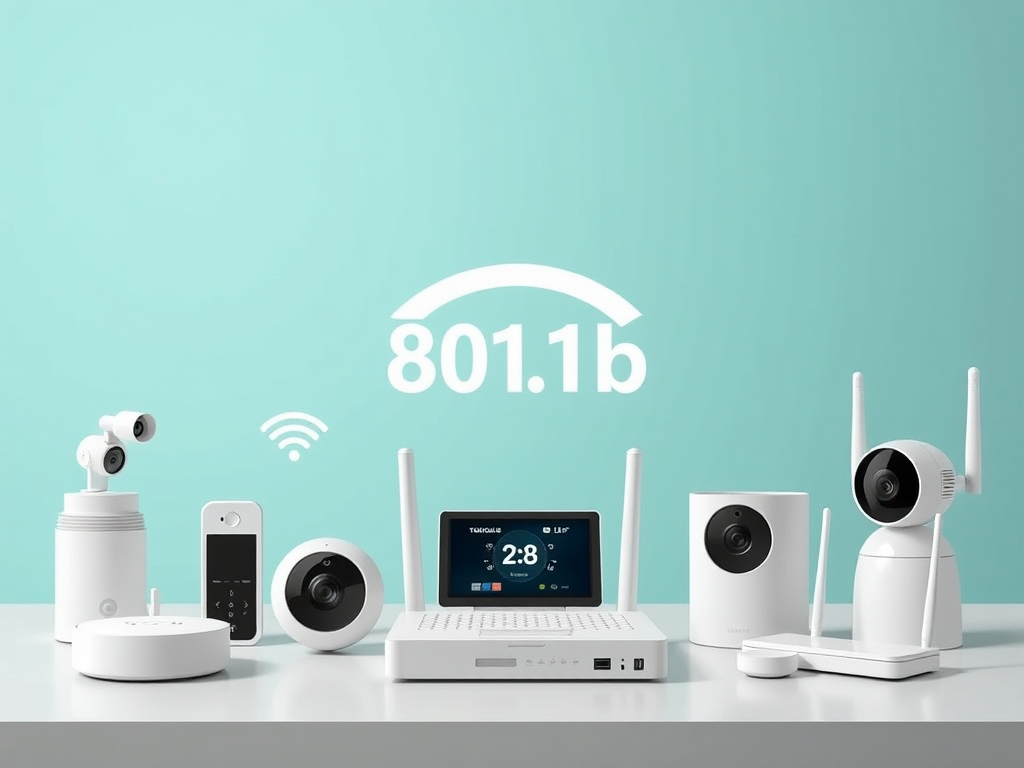
The 802.11b standard, one of the earliest Wi‑Fi technologies, revolutionized how wireless data was transmitted over short distances. Operating primarily around the 2.4 GHz frequency range, 802.11b delivered convenience, flexibility, and accessibility to millions of early internet users. This article explores how the 2.4 GHz band functions, where it’s used today, and what technical considerations and troubleshooting approaches apply when working with networks that leverage this frequency range.
Understanding the 802.11b Frequency Range and Its Role
The 802.11b Wi‑Fi standard, ratified by the IEEE in 1999, operates almost exclusively within the 2.4 GHz ISM (Industrial, Scientific, and Medical) band. This non‑licensed spectrum—specifically between 2.400 GHz and 2.4835 GHz—supports data transfer rates up to 11 Mbps under ideal conditions. The 2.4 GHz band provides greater range than higher‑frequency bands like 5 GHz since its radio waves can penetrate walls and obstacles more effectively. However, the trade‑off is often signal interference, especially from Bluetooth devices, microwave ovens, and cordless phones, which also occupy similar frequencies.
From a visual perspective, the frequency range can be represented as channels, typically numbered 1 through 14, though most regions utilize channels 1–11. This subdivision gives technicians flexibility to avoid overlapping frequencies that cause signal degradation. When properly optimized, the connection remains stable enough for basic web browsing, video streaming, and small‑business operations—ideal when paired with reliable hosting and IT support provided by services such as Archer IT Solutions.
Pros and Cons of 802.11b Frequency Range:
- Pros:
- Excellent wall and obstacle penetration.
- Broad compatibility with older devices.
- Cost‑effective for small networks.
- Cons:
- Limited data throughput compared to modern standards.
- High susceptibility to interference.
- Limited non‑overlapping channels leading to congestion.
Summary:
The 802.11b frequency range remains a foundation for understanding modern wireless networks. Despite slower data rates, its simplicity, reliability, and affordability make it valuable in educational and small business environments.
Real‑Life Applications and Case Studies of 2.4 GHz Wi‑Fi Networks
In practice, 2.4 GHz networks still operate globally thanks to their universal hardware support and robust reach. Many IoT (Internet of Things) devices, from smart thermostats and cameras to printers and routers, rely on this frequency band. For instance, in a smart‑home study by Statista (2023), over 63% of IoT devices continued using 2.4 GHz Wi‑Fi due to better range and lower energy requirements compared to 5 GHz. This demonstrates how the standard, even decades later, influences daily connectivity and digital convenience.
Businesses, especially small and mid‑sized enterprises, often find the 2.4 GHz band sufficient for typical office tasks, point‑of‑sale systems, and web hosting management tools. For example, a small retail store might host its sales and inventory systems through a managed service provider like Archer IT Solutions’ web hosting, leveraging consistent Wi‑Fi coverage to enable transactions, data flow, and employee collaboration. To learn more about networking standards and performance comparisons, visit neutral educational sources such as IEEE.org, Wi-Fi Alliance, or Cisco Networking Learning Resources.
Troubleshooting and Compatibility Tips:
Common issues with plugin compatibility or router configurations often stem from channel overlaps or interference within the same 2.4 GHz spectrum. Steps to mitigate these include:
- Change Channel Frequency: Switch to channels 1, 6, or 11 for minimal overlap.
- Update Router Firmware: Ensure compatibility with newer encryption (WPA2/WPA3).
- Check Plugin Compatibility: Some WordPress or CMS‑based plugins communicating over Wi‑Fi APIs may need updated network dependencies or caching adjustments.
- Engage Professional Support: Reach out to experts through Archer IT technical support or email support@archer-its.com for troubleshooting guidance.
Summary:
Real‑world implementations confirm that 2.4 GHz networks remain reliable workhorses for both personal and professional use, provided they are optimized and maintained systematically.

Image Source: Wikimedia Commons — Public Domain
Understanding the frequency of the 802.11b standard—centered around the 2.4 GHz range—remains essential for anyone managing a wireless network, developing IoT solutions, or building web‑based infrastructures. Despite newer technologies offering higher speeds and lower latency, the 802.11b frequency’s reliability continues to serve countless devices worldwide.
If you experience network inefficiencies or plugin issues affecting your hosted sites, consider professional assistance through Archer IT Solutions’ Managed IT Services. Their team typically responds within 24 hours and provides onsite or remote support tailored to website owners, developers, and small businesses.
Finally, take a moment to reflect on your specific networking needs. Could your operations benefit from stable long‑range connectivity, or is it time to explore newer standards? Assess these questions carefully—your wireless infrastructure is often the key to sustainable digital performance.
Discover more from Archer IT Solutons
Subscribe to get the latest posts sent to your email.


No responses yet