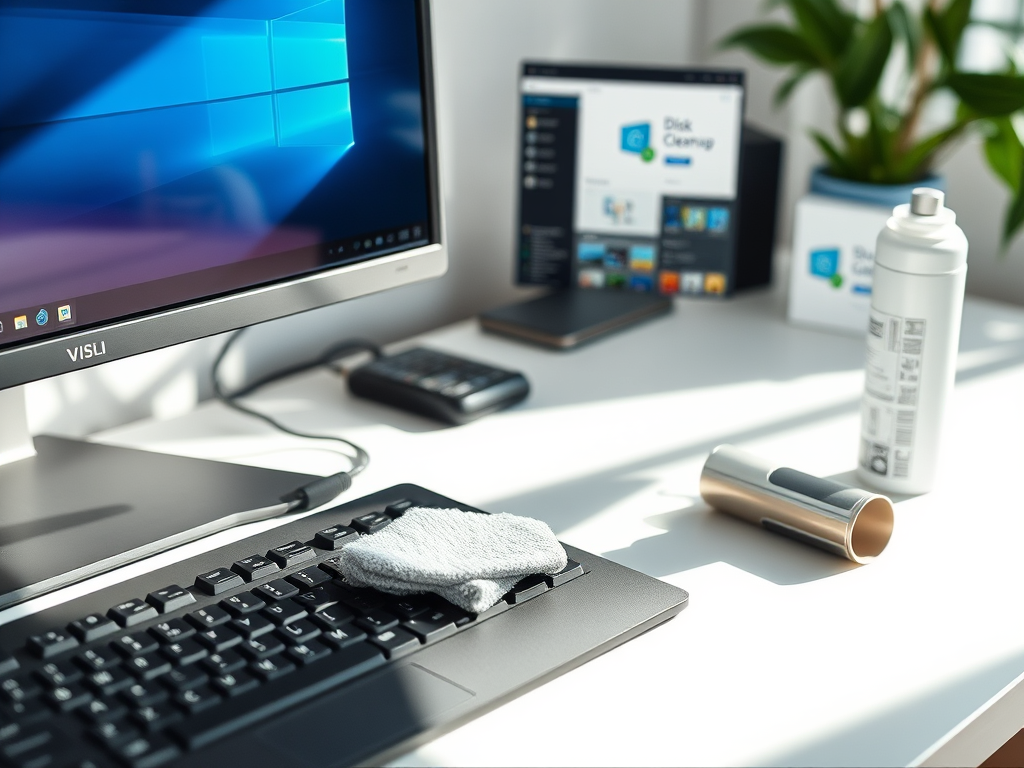
Smart Ways to Clean Up and Speed Up Your Computer
Keeping your computer clean and fast is essential for productivity, efficiency, and security. Over time, junk files accumulate, slowing down performance and even risking your system’s health. This guide explores practical ways to clean up and speed up your computer, along with troubleshooting advice and smart IT service solutions from Archer IT Solutions.
Essential Tips to Clean Up Your Computer Fast
Cleaning your computer goes beyond wiping the screen or keyboard—it means optimizing your software and freeing hard drive space. Start by running a disk cleanup tool to remove temporary files, browser cache, and unnecessary system logs. Applications like CCleaner or built-in system utilities are simple ways to clear clutter without harming essential files. Regularly emptying your recycle bin also helps reclaim valuable disk space.
Another effective method is to uninstall unused programs. Many users download software for one-time use, which then idles in the background using memory resources. Access your control panel or system settings, review installed apps, and remove what you no longer need. This can immediately free storage and improve performance, especially on older machines. If you need assistance with this process, Archer IT Solutions offers remote support for guided cleanups.
Don’t forget the hardware cleanup—dust buildup can cause overheating and lag. Shut down your computer, unplug it, and use compressed air to clean vents and fans. Beyond cleanliness, this also extends hardware lifespan. For those managing networks or multiple systems, Archer IT’s Managed IT Services can ensure your devices operate efficiently without downtime.
Smart Techniques to Boost Computer Performance
Once your system is clutter-free, it’s time to boost speed using software and settings optimization. Disable startup programs that launch automatically when you boot up—these delays are often caused by unnecessary applications initiating at startup. Tools like Task Manager on Windows or Login Items on macOS allow you to manage these settings easily.
Next, keep your operating system and drivers updated. Software updates often include bug fixes, better resource management, and security improvements. Running outdated versions increases vulnerability and slows performance. Donations of old hardware are common among small businesses, but upgrading RAM or switching to an SSD can deliver instant performance boosts. For further advice, Archer IT Solutions provides onsite and remote local IT support to optimize your system setup.
Troubleshooting and Real-Life Example
If your computer continues to lag after a cleanup, try running a malware scan—hidden software can drain resources and compromise privacy. Free tools like Malwarebytes help identify and remove infections. You may also test your hardware performance through system diagnostics available on most operating systems.
For example, a local business client using outdated PCs reported sluggish performance affecting customer service. After Archer IT Solutions performed a deep system cleanup, upgraded their RAM, and implemented WordPress hosting for their online services, response times improved by over 60%. It highlights how professional support and regular maintenance go hand in hand.
Pros: Faster speed, more storage, improved security.
Cons: May require time or paid tools for deeper optimization.
Additional Resources
- Microsoft Disk Cleanup Guide – step-by-step details on freeing disk space.
- Apple Support: Optimize your Mac storage – official Apple support documentation.
- Lifewire: How to Make Your Computer Faster – tips on improving system speed.
Cleaning and speeding up your computer doesn’t have to be complicated. By regularly removing unwanted files, optimizing startup items, and maintaining both hardware and software, you can extend your system’s lifespan. For professional help, contact Archer IT Solutions at support@archer-its.com or get a Free IT Consultation for managed, remote, or onsite services. If you’re looking for reliable and secure web hosting with a 15-day refund policy, visit Archer IT Solutions Web Hosting. Keeping your computer clean is more than maintenance—it’s an investment in performance, security, and peace of mind.
Discover more from Archer IT Solutons
Subscribe to get the latest posts sent to your email.


One response
Exactly what I needed