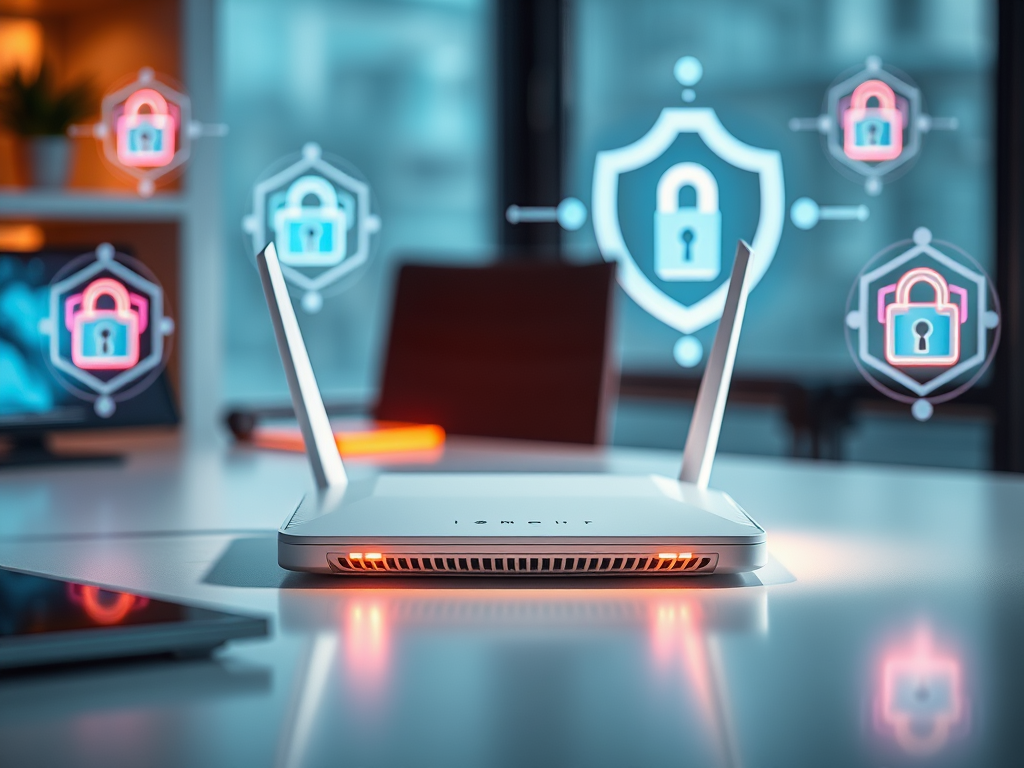
Prevent Unauthorized Access to Your Router Settings
Modern households and businesses rely heavily on Wi-Fi routers to maintain connectivity, but with such convenience comes a critical responsibility—protecting your router settings from unauthorized access. Unsecured routers are potential gateways for hackers, who can steal bandwidth, intercept data, or even compromise connected devices. In this article, we’ll explore actionable ways to safeguard your router settings, ensuring your network remains secure and efficient.
Strengthen Your Router Security Against Intruders
A strong foundation in router security begins with changing default login credentials immediately after setup. Many routers come with generic usernames and passwords like “admin,” which attackers can easily guess. Choose a complex, unique password that includes uppercase and lowercase letters, numbers, and special symbols. Updating these details prevents quick, unauthorized entry to your router control panel. You can usually make these updates by typing your router’s IP address into a web browser and accessing the admin console.
Next, ensure your router’s firmware is always up to date. Manufacturers release firmware updates that often address vulnerabilities and enhance performance. Failing to update leaves your router exposed to known exploits that attackers can easily leverage. Set your router to update automatically if possible, or check monthly for new updates from your router’s manufacturer. The process is simple and can be completed within minutes directly through your router’s web interface.
Adding extra layers of protection like firewalls, network encryption (WPA3 preferred), and disabling remote management add further deterrents for potential intruders. Consider also setting up a guest network for visitors, isolating them from your main network. By segregating traffic, you reduce exposure and keep your personal or business devices shielded from unexpected threats. Archer IT Solutions can help configure these settings professionally through their Managed IT Services, ensuring total security compliance for small and medium-sized businesses.
Simple Steps to Keep Your Network Settings Protected
Regularly reviewing your router activity logs can help identify suspicious devices or unusual traffic patterns. Most modern routers allow you to see connected devices, helping you spot any unrecognized access attempt quickly. If you detect inconsistencies, immediately change your Wi-Fi password and notify your ISP or IT support provider. For personalized technical guidance, you can reach Archer IT Solutions’ support center—their team typically responds within 24 hours.
Disabling unnecessary features like WPS (Wi-Fi Protected Setup) and UPnP (Universal Plug and Play) significantly reduces your network’s attack surface. While these functions offer convenience, they are often exploited by attackers to gain access to router settings. If your router offers advanced settings for access control, use MAC address filtering to whitelist known devices. Though not infallible, it adds another hurdle for would-be intruders.
Pros: Enhanced data protection, improved user privacy, and prevention of bandwidth theft.
Cons: Some added complexity during setup, possible compatibility issues with older devices.
If you encounter complications configuring security protocols, reach out to Archer IT Solutions’ onsite or remote services for step-by-step troubleshooting. Common issues like firmware compatibility or difficulty accessing router pages can often be resolved quickly with professional assistance.
Troubleshooting Common Router Security Issues
- Problem: Forgot the router admin password.
Solution: Reset your router to factory settings and reconfigure with a new, strong password. - Problem: Firmware update fails repeatedly.
Solution: Check for correct firmware versions on the manufacturer’s official website or seek help from managed IT providers. - Problem: Devices disconnect frequently after changing security settings.
Solution: Try updating your network drivers or consult Archer IT Solutions for diagnostic support.
Protecting your router settings from unauthorized access is not just about securing a device—it’s about maintaining the integrity of your entire digital network. By following these steps, you’ll decrease the risk of cyber intrusions and enjoy a stable, private connection. For additional guidance or custom security configurations, contact info@archer-its.com or explore Archer IT Solutions’ Web Design Services and other professional IT offerings. Keep your network safe, and take control before hackers do.
Ready to secure your network? Visit www.archer-its.com today to discover personalized IT protection solutions.
Discover more from Archer IT Solutons
Subscribe to get the latest posts sent to your email.


No responses yet