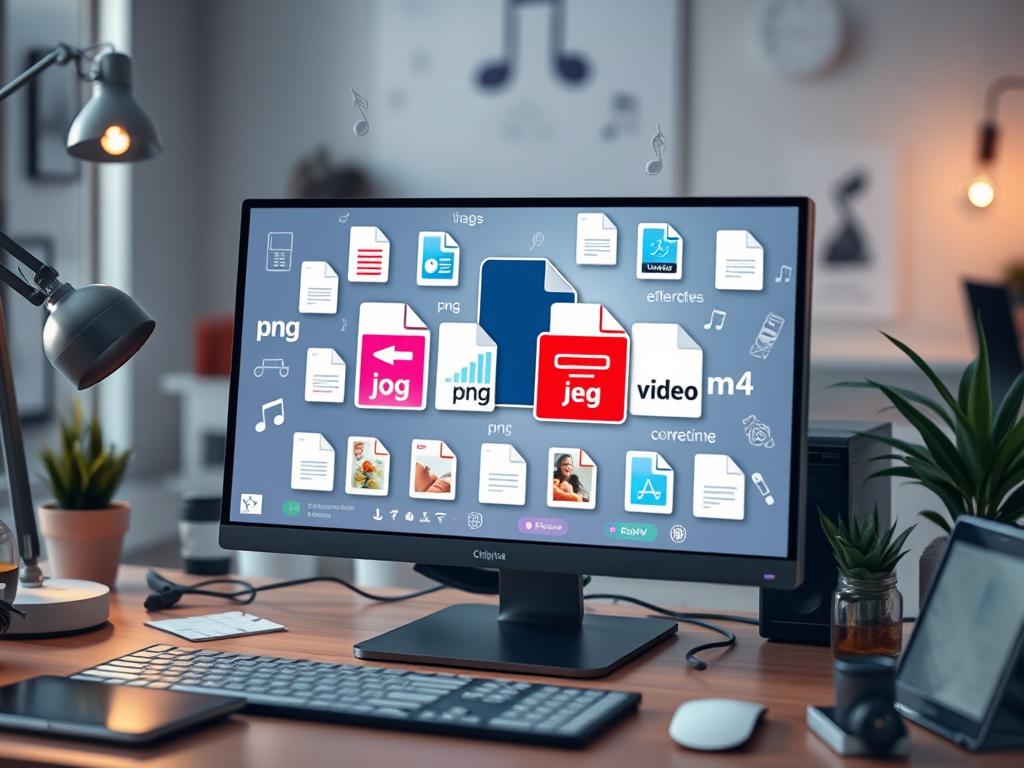
In today’s fast-paced digital environment, proper handling of nontext files—like images, videos, and audio—is fundamental to maintaining an efficient workflow, sustainable web performance, and strong cybersecurity. While many users focus on written content optimization, nontext files require just as much attention to ensure they’re stored, shared, and displayed correctly. Choosing and maintaining the proper file types isn’t just about saving space—it’s about ensuring compatibility, accessibility, and consistent digital experiences across devices and platforms.
Understanding Proper File Types for Nontext Files
Nontext files, such as .jpg, .png, .mp4, or .wav, each serve specific purposes. Using the correct file type ensures that digital assets load correctly and are easily managed by various systems. For example, JPEG is optimized for photos with smooth color transitions, while PNG supports transparency and crisp design elements like icons. Selecting the wrong file type may result in poor quality, large file sizes, or even unreadable data. It’s a simple technical choice that affects everything from website performance to user engagement.
Choosing the best file type often depends on the intended use. For web designers or developers—such as the typical clients of Archer IT Solutions—knowing whether to export graphics in vector (SVG) or raster formats (PNG, JPG) can determine site speed and visual quality. Likewise, in video editing, using formats like MP4 or MOV can directly influence playback compatibility across browsers or devices. These small strategic decisions help ensure professional user experiences while reducing unnecessary storage strain.
Technically, the “proper file type” standard is also influenced by metadata and MIME types—the information that tells a browser or system what kind of file is being handled. When misconfigured (for example, renaming a .jpg image to .png without conversion), the system may fail to interpret the data correctly. Tools like FileInfo.com or W3Schools provide helpful references for correct file structures.
Key Takeaways:
- Always choose file types based on end use and platform requirements.
- Verify metadata and MIME type accuracy before deployment.
- Use compression wisely to balance quality and performance.
Section Summary:
Understanding and selecting the proper nontext file type enhances efficiency, reduces technical errors, and maintains professional quality throughout digital projects.
Real-World Cases and Tools for File Type Management
In a real-world example, a small business revamped its image-heavy website using proper file types and compression tools recommended by Archer IT Solutions’ Web Design Services. By converting heavy BMP images to optimized JPEG and WebP formats, they achieved a 47% reduction in page load time, leading to better SEO ranking and user retention. Proper file type management often creates measurable outcomes like improved performance metrics and smoother collaboration across digital teams.
There are several free and non-commercial tools that help users verify or convert file types with ease:
- CloudConvert – an online converter supporting over 200 formats.
- Convertio – for quick file conversions within browsers.
- TinyPNG – for compressing PNG and JPEG files without visible quality loss.
These resources allow both technical and non-technical users to manage nontext files properly without relying on expensive software.
Troubleshooting common issues such as plugin incompatibility or unsupported file types in web design can often be solved by verifying MIME configurations or using extensions compatible with your host’s preferred format. For instance, a website that refuses to display .webp images may simply need a plugin update. MDN Web Docs provides coding-related troubleshooting tips for such errors.
Pros and Cons of Proper File Type Management:
Pros:
- Faster load speeds and improved accessibility.
- Reduced storage costs and bandwidth use.
- Greater compatibility across devices and browsers.
Cons: - Time required to learn and apply standards.
- Occasional compatibility issues with legacy systems.
Section Summary:
Real-world applications show that correct file types are crucial for digital optimization and technical reliability. By combining tools, formats, and troubleshooting techniques, small businesses and developers can significantly enhance performance and compatibility.
Your nontext files are just as vital as your written content in defining your brand’s digital experience. Whether you’re running a small online business, designing websites, or managing extensive data systems, understanding proper file types pays off in speed, reliability, and professionalism. Take time to explore tools, keep metadata clean, and test compatibility regularly.
For technical guidance or custom IT services, reach out to Archer IT Solutions, or submit a support request at www.archer-its.com/ticket/. Their teams specialize in holistic solutions for web hosting, onsite or remote support, and managed IT services, responding to most inquiries within 24 hours.
Reflect on your own projects—do your nontext files truly use the proper file types? Ensuring that they do can lead to stronger user engagement, faster performance, and a polished, professional edge across all digital touchpoints.
Suggested Image Ideas:
- A visual comparison chart of JPG vs PNG vs WebP.
- A flowchart of file type decision-making for content creators.
- Screenshot examples of metadata verification tools.
Fast, Reliable Web Hosting — Starting at $1.99/month
|
🔥 Most Popular Standard Plan | Domain Only | |
|
$1.99/month Limited-time offer | Secure your business name online | |
|
Affordable yearly pricing Easy setup Works with any hosting | |
Reseller Hosting (For Agencies & Developers)Start your own hosting business or manage client sites | ||
| Reseller 1 | Reseller 2 | Reseller 3 |
| $20/month | $37.50/month | $50/month |
|
|
|
| ✔ 99.9% uptime • ✔ Secure • ✔ Easy setup • ✔ Local support | ||
Stop settling for slow, unreliable hosting. With Archer IT Solutions, get a website hosting plans that deliver speed, security, and 99.9% uptime guarantee. Grab your domain and hosting package in one seamless plan, optimized for WordPress users, small and medium size businesses, and personal websites.
Enjoy affordable web hosting plans without compromises unlike the big guys. Complete with professional email, one-click CMS installs, and round-the-clock hosting support. Perfect for WordPress users.
Built for Real Businesses
Whether you’re launching your first blog or scaling a growing business, Archer IT gives you:
+ Speed that keeps visitors engaged
+ Reliability you can count on
+Tools that actually make sense
Launch your first personal blog or scale a growing small business site with hosting optimized for performance. Get the best web hosting for plus simple setup — all powered by secure Linux servers and easy Plesk control panel.
Why Choose Archer IT Hosting?
🔒 Free SSL Certificates (Security + SEO Boost)
📧 Professional Email Accounts Included
⚡ Fast Linux Servers (Optimized Performance)
🧩 One-Click WordPress, Joomla & Drupal Installs
💬 Real 24/7 Support — No Bots, Just Help
💾 Automatic Backups for Peace of Mind
Risk-Free Guarantee
Try it with confidence.
If it’s not right for you, get your money back within 15 days.🔥 Don’t Wait — Launch Your Website Today
Stop overpaying for slow hosting.
Get everything you need in one simple plan.
Your website stays online with uptime, protected by a free SSL certificate, and supported by real people around the clock. And if it’s not right for you? Our 15-day money-back guarantee makes it a no-risk choice. Take your business or personal project online with hosting that’s secure, affordable, and built to perform.
💬 Real Support. No Runaround.
Unlike big hosting companies, you get:
- Direct help from real people
- No ticket delays
- No upsell traps
Discover more from Archer IT Solutons
Subscribe to get the latest posts sent to your email.
Discover more from Archer IT Solutons
Subscribe to get the latest posts sent to your email.


No responses yet