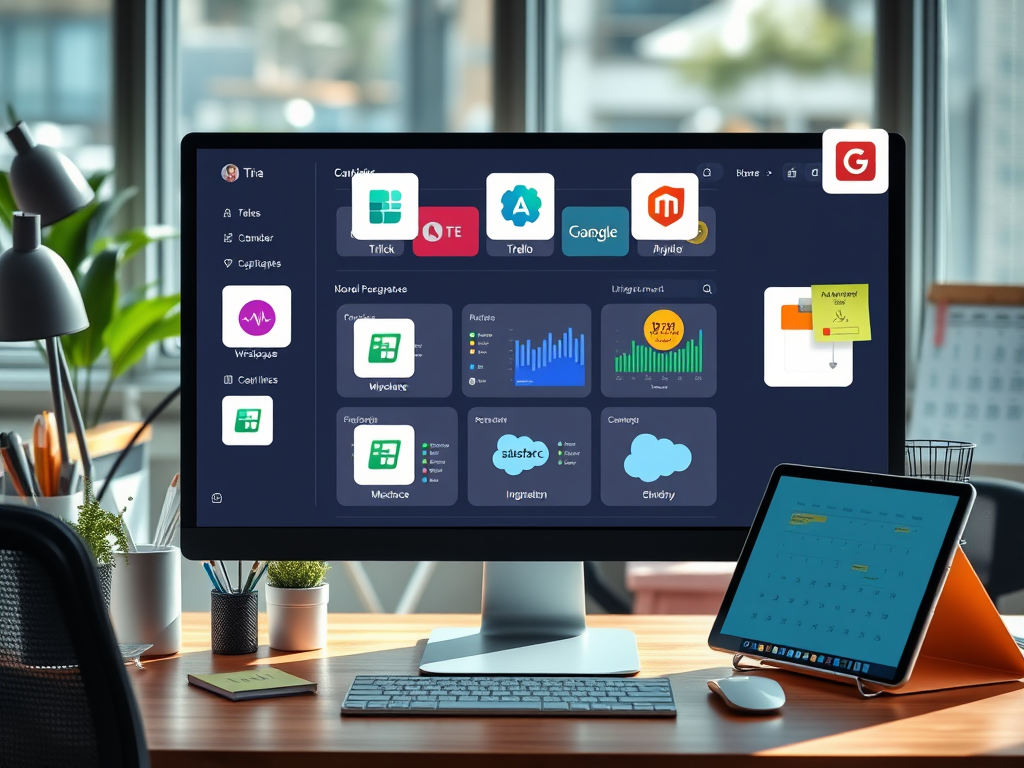
In today’s interconnected digital landscape, the question “Will there be any third‑party applications that will need to be integrated?” is one that almost every business faces. Integration of third‑party systems—such as CRMs, accounting tools, or social platforms—can transform how teams communicate and how efficiently workflows operate. However, the decision to integrate must balance benefits, complexity, and compatibility across various platforms and tools.
Integrating third‑party applications allows businesses like Archer IT Solutions’ customers—website owners, developers, and small businesses—to extend native functionalities without starting from scratch. This article explores real-world cases, technical considerations, and common troubleshooting issues while emphasizing design and usability principles that make integrated systems effective.
Exploring Third‑Party App Integrations for Better Workflow
Modern workflows depend heavily on interoperability between tools. Rather than operating in isolated silos, teams can now connect platforms like Slack, Trello, Salesforce, and Google Workspace through application programming interfaces (APIs) or plugins. These integrations help eliminate repetitive tasks while ensuring data consistency across systems. According to a Workato 2023 Automation Report, organizations using third‑party integrations save an average of 35% in manual processing time annually.
From a visual and usability perspective, ensuring clear navigation—using visual hierarchy and top‑left focus areas—improves how users experience these integrations. For example, a dashboard combining Trello and Google Calendar in one interface allows seamless scheduling and task tracking. At Archer IT Solutions, clients using managed IT services often benefit from connecting analytics dashboards (e.g., Google Analytics or Matomo) to web hosting platforms, allowing real-time monitoring of visitor patterns.
Pros and Cons of Third‑Party Integrations:
- Pros: Increased productivity, reduced redundancy, improved reporting accuracy, scalability.
- Cons: Compatibility conflicts, data privacy concerns, need for continuous maintenance.
Summary:
Third‑party integration can significantly enhance workflow efficiency, provided that usability, design clarity, and compatibility are properly managed.
Real‑World Benefits and Case Studies of Seamless Integration
A good example of seamless integration can be found in small businesses linking QuickBooks Online to their e-commerce platforms such as Shopify. This link automates inventory, tax, and customer data management. Similarly, Zapier enables non-developers to connect over 3,000 applications, making workflow automation accessible without advanced coding. Case studies from Buffer and HubSpot highlight measurable increases in efficiency—marketing teams reduced manual report generation by over 50% after implementing automated integration strategies.
These integrations are not limited to marketing or sales; technical teams also benefit greatly. A web developer using Archer IT Solutions’ web hosting services might integrate GitHub for version control alongside security plugins such as Wordfence or Sucuri. The integration ensures that the hosting environment remains secure while making deployment faster and more reliable. Reliable integrations like these improve productivity while aligning with usability design principles—organized information flow, logical reading patterns, and clearly labeled navigation paths.
Sites to Explore for Further Learning:
- Zapier Blog – Real-world automation guides.
- Workato Resources – Insights into enterprise-level integrations.
- Smashing Magazine – Articles on user experience and design integration best practices.
Summary:
Real-world use cases and cross-platform solutions demonstrate that integrating external tools can drive measurable results, particularly when visual design supports user flow and accessibility.
Troubleshooting Common Plugin Compatibility and Integration Issues
Even the best integrations occasionally run into challenges. Incompatibility often occurs due to mismatched API versions, outdated plugins, or security restrictions. For example, an e-commerce plugin may fail if the hosting PHP version doesn’t align with the plugin’s requirements. At Archer IT Solutions, clients using managed IT or web-hosting support can seek quick help at www.archer-its.com/ticket/ or via email at support@archer-its.com, receiving responses within 24 hours.
Common Troubleshooting Steps:
- Check version compatibility between the main platform and the plugin.
- Disable conflicting extensions and test them one by one.
- Inspect API keys and credentials to ensure proper authentication.
- Backup your system before applying updates or changes.
- Contact professional support, such as Archer IT Solutions, for remote diagnostics or on‑site troubleshooting.
From a technical standpoint, integrations rely on API endpoints—think of them as secure bridges transferring data between systems. Understanding how these bridges work helps users identify where issues may arise. Maintaining a minimalist dashboard layout, adequate white space, and structured error messages also improves user experience during troubleshooting.
Summary:
Understanding the integration process, maintaining compatibility, and seeking expert support when needed ensures long-term reliability and system harmony.
Integrating third‑party applications has become a defining factor in modern business efficiency. From workflow automation to seamless digital experiences, properly managed integrations empower users to work smarter, not harder. While challenges such as compatibility and data security exist, the long-term benefits far outweigh the risks when guided by good design principles and professional IT support.
If you’re considering integrating third‑party tools into your current setup, reflect on your business needs and resources. Ask yourself: Which apps truly add value to my workflow? For expert assistance or to strengthen your hosting foundation, visit www.archer-its.com/web-hosting or Managed IT Services at Archer IT Solutions. Support is just a click away at www.archer-its.com/ticket/.

Image Credit: Wikimedia Commons – API Integration Model
Fast, Reliable Web Hosting — Starting at $1.99/month
|
🔥 Most Popular Standard Plan | Domain Only | |
|
$1.99/month Limited-time offer | Secure your business name online | |
|
Affordable yearly pricing Easy setup Works with any hosting | |
Reseller Hosting (For Agencies & Developers)Start your own hosting business or manage client sites | ||
| Reseller 1 | Reseller 2 | Reseller 3 |
| $20/month | $37.50/month | $50/month |
|
|
|
| ✔ 99.9% uptime • ✔ Secure • ✔ Easy setup • ✔ Local support | ||
Stop settling for slow, unreliable hosting. With Archer IT Solutions, get a website hosting plans that deliver speed, security, and 99.9% uptime guarantee. Grab your domain and hosting package in one seamless plan, optimized for WordPress users, small and medium size businesses, and personal websites.
Enjoy affordable web hosting plans without compromises unlike the big guys. Complete with professional email, one-click CMS installs, and round-the-clock hosting support. Perfect for WordPress users.
Built for Real Businesses
Whether you’re launching your first blog or scaling a growing business, Archer IT gives you:
+ Speed that keeps visitors engaged
+ Reliability you can count on
+Tools that actually make sense
Launch your first personal blog or scale a growing small business site with hosting optimized for performance. Get the best web hosting for plus simple setup — all powered by secure Linux servers and easy Plesk control panel.
Why Choose Archer IT Hosting?
🔒 Free SSL Certificates (Security + SEO Boost)
📧 Professional Email Accounts Included
⚡ Fast Linux Servers (Optimized Performance)
🧩 One-Click WordPress, Joomla & Drupal Installs
💬 Real 24/7 Support — No Bots, Just Help
💾 Automatic Backups for Peace of Mind
Risk-Free Guarantee
Try it with confidence.
If it’s not right for you, get your money back within 15 days.🔥 Don’t Wait — Launch Your Website Today
Stop overpaying for slow hosting.
Get everything you need in one simple plan.
Your website stays online with uptime, protected by a free SSL certificate, and supported by real people around the clock. And if it’s not right for you? Our 15-day money-back guarantee makes it a no-risk choice. Take your business or personal project online with hosting that’s secure, affordable, and built to perform.
💬 Real Support. No Runaround.
Unlike big hosting companies, you get:
- Direct help from real people
- No ticket delays
- No upsell traps
Discover more from Archer IT Solutons
Subscribe to get the latest posts sent to your email.
Discover more from Archer IT Solutons
Subscribe to get the latest posts sent to your email.


No responses yet