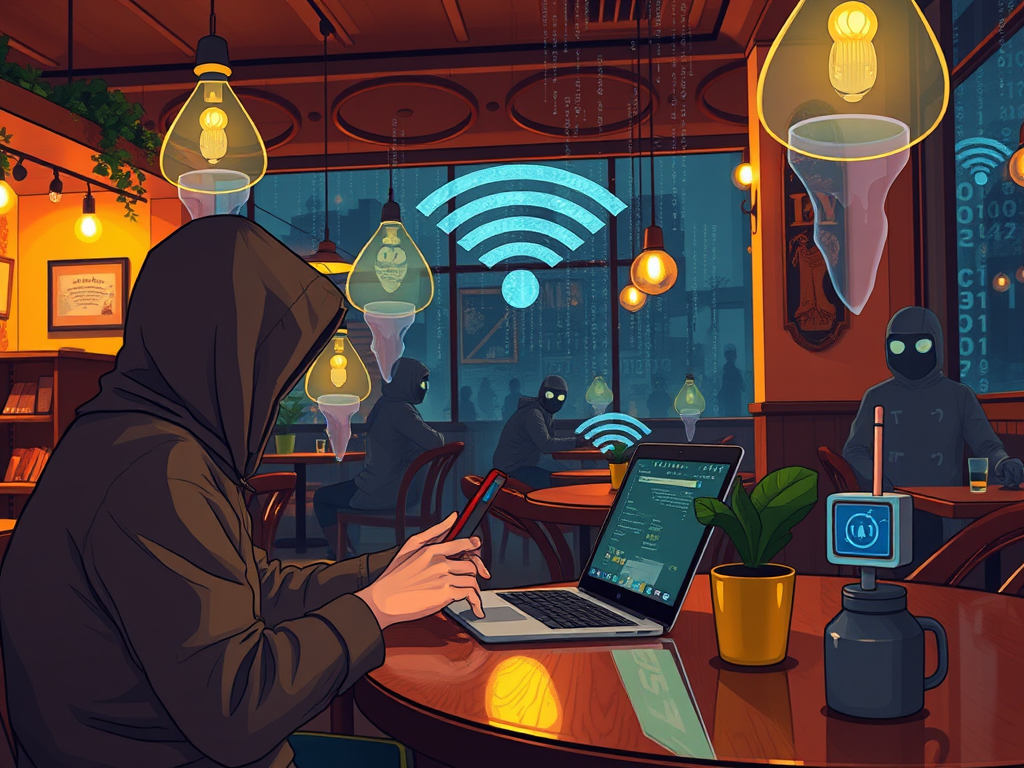
Picture yourself sitting in a cozy café, waiting for your latte, and connecting your phone or laptop to the free Wi-Fi. It’s convenient, quick, and feels harmless — yet behind that welcome screen could be lurking unseen cybersecurity threats. The growing ubiquity of public Wi-Fi networks in airports, coffee shops, and hotels has made online access easier than ever, but with this convenience comes a new set of privacy and security risks.
In this article, we’ll unpack whether it’s truly safe to use free public Wi-Fi, explore real-life incidents that reveal potential dangers, and outline simple, effective ways to protect yourself online.
Real-Life Lessons: How Public Wi-Fi Risks Unfold

Public Wi-Fi networks often lack encryption, allowing hackers to intercept data like login credentials and credit card information. In 2019, a Symantec report revealed that more than 53% of public Wi-Fi users engage in sensitive activities such as banking or shopping while connected to unsecured networks. This behavior increases exposure to risks like “man-in-the-middle” attacks, where cybercriminals secretly relay and alter communications between users and websites.
A well-known case occurred in London’s bustling train stations. A cybersecurity firm set up a “honeypot” Wi-Fi network to test public vulnerability. Within minutes, over 250 users had connected, unknowingly agreeing to terms that required them to give up their firstborn child (thankfully, it was just a social experiment). This humorous yet eye-opening test demonstrated how easily people trade privacy for convenience.
Another lesson comes from small businesses offering free Wi-Fi to customers without implementing proper security settings. For instance, a café chain in Toronto experienced data breaches that exposed customer payment information. The connection point was an unsecured router configured with default admin credentials. Real-world stories like these remind us that no connection is truly “free” when personal data is at stake.
Key Takeaways:
- Public Wi-Fi can expose private data to interception.
- Hackers often exploit weak or open network security.
- Even reputable venues may have poorly configured routers.
Staying Secure on Free Wi-Fi: Practical Tips and Tools

While it may sound alarming, public networks aren’t off-limits if you adopt smart safety measures. One of the first steps is to turn off automatic Wi-Fi connections on your device to prevent connecting to unverified networks. When browsing, always look for the “https://” prefix, which ensures data encryption between your browser and the website.
Using a Virtual Private Network (VPN) adds another essential layer of protection. VPNs encrypt your traffic, shielding your activities even on untrusted networks. Free and reputable options like Proton VPN or Windscribe are widely used by privacy-conscious travelers. Additionally, enabling your system firewall, antivirus software, and OS updates can block unauthorized access attempts.
When possible, consider using your mobile hotspot instead of public Wi-Fi. Mobile data networks use encrypted cellular standards, making them more secure. If you must use public Wi-Fi, avoid banking or making sensitive transactions. Combining awareness with secure tools empowers you to stay connected without putting your information at unnecessary risk.
Key Takeaways:
- Always verify that websites use HTTPS encryption.
- Use VPNs for safer browsing on public Wi-Fi.
- Disable auto Wi-Fi connections and prefer personal hotspots.
Free public Wi-Fi offers undeniable convenience — whether it’s checking flight details or sharing travel photos. But convenience should never come at the cost of security. The stories and stats highlight that awareness and proactive habits are your best shields against cyber threats.
Next time you’re about to connect to a café network, pause and ask yourself: Is this connection worth the risk? By understanding how attacks unfold and adopting protective tools like VPNs, you can browse confidently while keeping your personal information safe.
Reflect on your own tech habits — how often do you rely on public Wi-Fi without protection? Take this chance to upgrade your digital hygiene and remind friends and colleagues to do the same. Ultimately, security isn’t about giving up convenience; it’s about using it wisely.
Discover more from Archer IT Solutons
Subscribe to get the latest posts sent to your email.


No responses yet