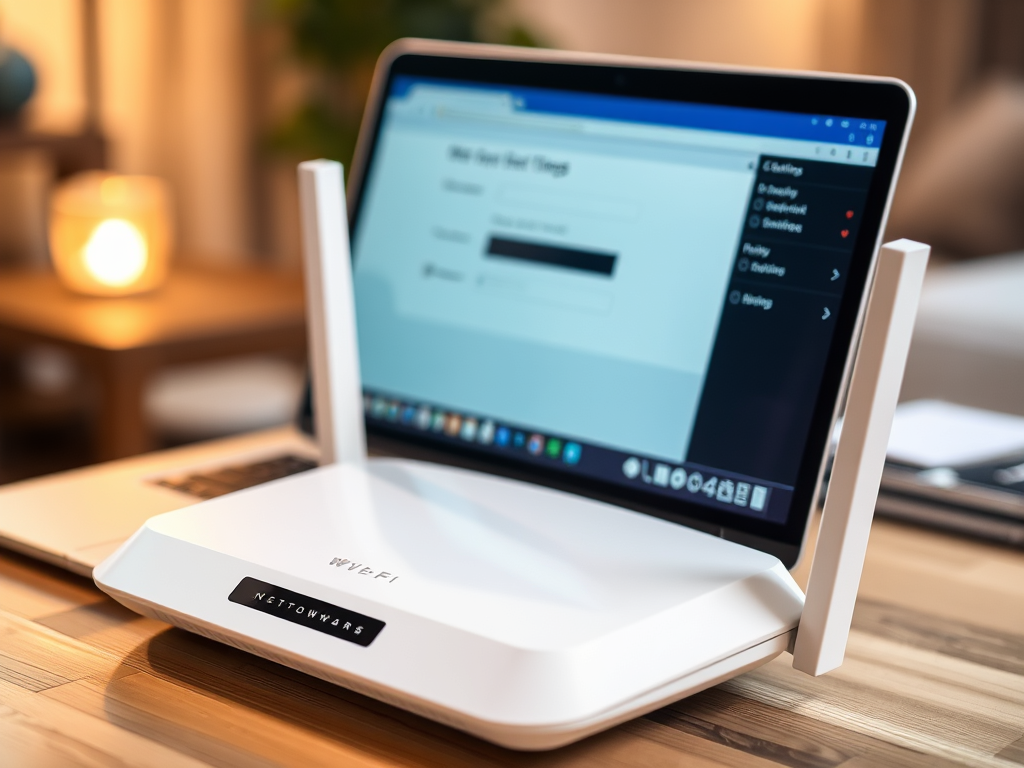
How to Recover Your Wi‑Fi Password Easily and Securely
In today’s connected world, remembering every Wi‑Fi password across multiple networks can be a challenge. Whether you’ve recently changed your router, replaced your device, or simply forgotten your credentials, recovering your Wi‑Fi password safely and securely is essential. In this article, we’ll guide you through quick and easy steps to regain access while also protecting your network.
Simple Steps to Recover Your Wi‑Fi Password Safely

For most users, the quickest way to recover your Wi‑Fi password is by checking the devices already connected to your network. On Windows, go to Network & Internet Settings → Network & Sharing Center → Manage Wireless Networks, and select your Wi‑Fi network to view its properties. On Mac, you can find saved networks through Keychain Access under the “Passwords” tab. Similarly, smartphones often store saved networks under Wi‑Fi settings, making recovery straightforward.
If you’ve misplaced your router details, you can often find the login credentials printed directly on the back or underside of your router. Once logged in via your web browser using your router’s IP address (such as 192.168.1.1), navigate to Wireless Settings or Security to view your current password. Be cautious — never share this information publicly, and always store it in a secure location, such as a password manager.
Troubleshooting Tip: If you cannot access your router’s interface or have forgotten the administrator credentials, perform a factory reset (held for about 10 seconds on most routers). This will revert the settings to default, allowing you to reset a new password safely. For step-by-step support, you may contact Archer IT Solutions Onsite or Remote Computer Support or open a service ticket at www.archer-its.com/ticket/.
Secure Ways to Protect and Manage Your Network Access

Once you’ve recovered your Wi‑Fi password, the next essential step is to secure your network. Use a strong passphrase containing letters, numbers, and special characters, and avoid using personal information like birthdays or names. Change the default admin password of your router to reduce the risk of unauthorized access. Consider using two-factor authentication (2FA) if it’s supported by your router for added protection.
Pros: Simplified network recovery, enhanced connection management, improved password control.
Cons: Possible temporary disconnection, router reset risks, and minor technical learning curve for beginners.
For small business web hosting clients and home users managing multiple devices, consider consolidating network credentials in an encrypted password manager. Archer IT Solutions’ Managed IT Services can help businesses streamline this by offering secure configuration and proactive support. If you host your website via WordPress hosting for small business, keeping your network credentials secure is essential to prevent unauthorized website access.
Example in Practice: A local coffee shop once faced repeated Wi‑Fi downtime due to lost credentials and unsecured routers. With Local IT support from Archer IT Solutions, they implemented a managed approach with router monitoring, password encryption, and routine password change reminders — enhancing both security and customer satisfaction.
For additional insights on protecting home networks, visit this helpful non-commercial resource by the Cybersecurity & Infrastructure Security Agency (CISA).
Calls to Action:
- ✅ Get a Free IT Consultation for onsite, remote, or managed services — Contact Archer IT Solutions
- 🌐 15-day refund policy for Web Hosting — Learn more
- 📧 Have questions? Email info@archer-its.com for quick assistance within 24 hours.
Recovering your Wi‑Fi password doesn’t have to be stressful when handled securely. By using your devices’ saved settings or your router’s admin interface, you can recover credentials in minutes while keeping your network protected. Always remember to store your passwords safely, apply updated security measures, and seek expert help when needed. For tailored assistance, Archer IT Solutions offers reliable Managed IT Services, Local IT Support, and Small Business Web Hosting that ensure your network runs securely and efficiently.


No responses yet