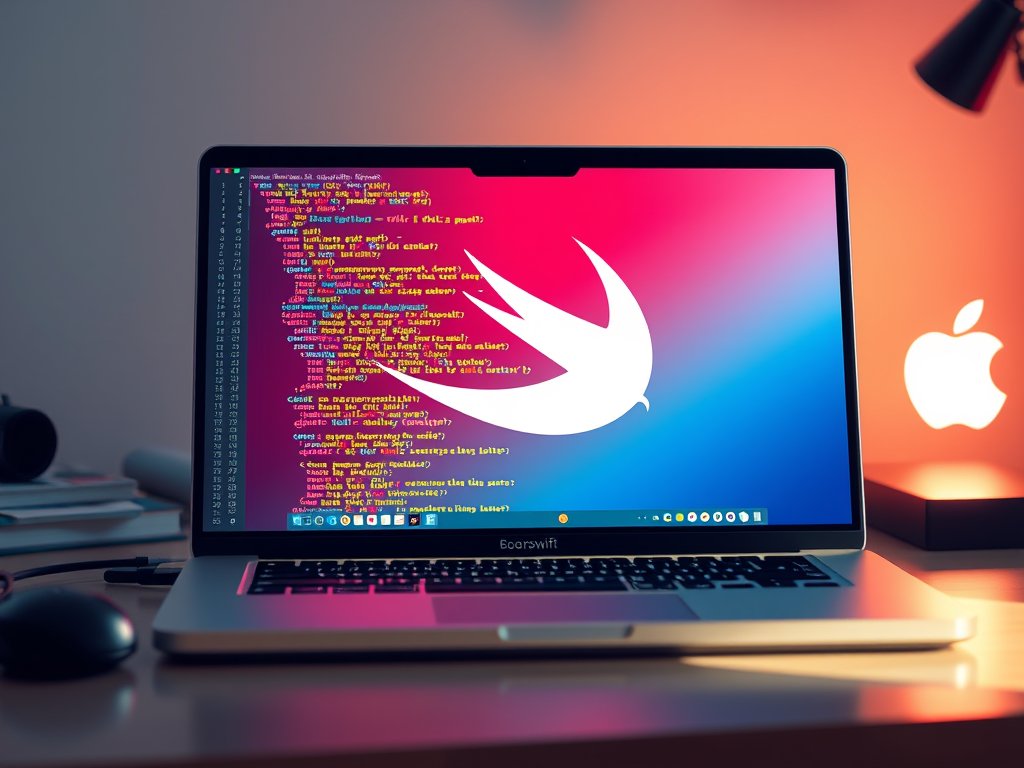
Getting Started with the Basics of Swift Programming
Swift has become one of the most loved programming languages for iOS and macOS development, appreciated for its speed, safety, and simplicity. Whether you are new to coding or transitioning from another language, getting started with the basics of Swift programming can unlock countless opportunities in app development. This guide aims to simplify your entry into Swift by walking you through essential syntax, core concepts, and the right tools to begin coding confidently.
Understanding Swift Syntax and Core Programming Concepts
Swift’s syntax is designed to be both expressive and beginner-friendly. Unlike older languages such as Objective-C, Swift removes unnecessary symbols and encourages readable code. Variables in Swift are declared using var for mutable values and let for constants, while data types such as String, Int, Double, and Bool provide strong type safety. This means Swift will help you catch potential errors early in development, which saves both time and frustration.
Another unique trait of Swift is optionals, represented by a question mark (?) after a type. Optionals indicate that a variable may contain nil, or no value, helping prevent crashes from unexpected data. Control flow structures like if, switch, for-in, and while loops operate similarly to other C-based languages, yet Swift’s switch statements are more powerful and flexible—allowing pattern matching and even value binding. Understanding this syntax foundation allows developers to create safe, efficient, and readable code from the beginning.
Pros: Swift enforces safety and offers great integration with Apple’s frameworks. Cons: It’s primarily limited to Apple platforms (though it’s expanding to Linux and Windows). For developers who prefer interactive learning, tools like Swift Playgrounds provide a great way to experiment with syntax. If you find certain commands or results confusing, remember that the Swift compiler provides detailed, beginner-friendly error messages to guide troubleshooting.
Setting Up Your Swift Environment for Success
Before you can dive into building iOS apps, you’ll need the right environment. Swift development is most efficient using Xcode, Apple’s integrated development environment (IDE). Download and install it from the Mac App Store. Once installed, Xcode automatically includes Swift tools like the compiler, simulator, and debugging utilities. For cross-platform exploration or lightweight coding, you can also use swift.org to install the Swift command-line tools.
To ensure a smooth experience, make sure your macOS is up-to-date, and verify that all Xcode command-line tools are installed by running xcode-select --install in the Terminal. Beginners often face common setup issues, like outdated SDKs or missing simulators. In those cases, reopening Xcode or clearing derived data usually resolves these errors. For compatibility concerns, you can review the Swift version release notes directly from Apple’s documentation to avoid deprecated functions.
At Archer IT Solutions, we understand how crucial stability and efficiency are for developers. Whether you need reliable web hosting for deploying Swift-based web services or onsite or remote support for system setup, our team can assist you. For any technical issues, submit a ticket at www.archer-its.com/ticket. Archer IT Solutions offers managed IT services, web design, and technical support tailored to developers and small businesses aiming to enhance their digital presence.
Mastering the basics of Swift programming sets you up for future success in app development. By understanding its syntax and establishing a solid development environment, you can confidently tackle projects for iOS, macOS, and even watchOS. Keep your tools updated, leverage community resources for learning, and seek professional support when needed—like the team at Archer IT Solutions—to stay productive and ahead in your Swift programming journey.
Discover more from Archer IT Solutons
Subscribe to get the latest posts sent to your email.


No responses yet