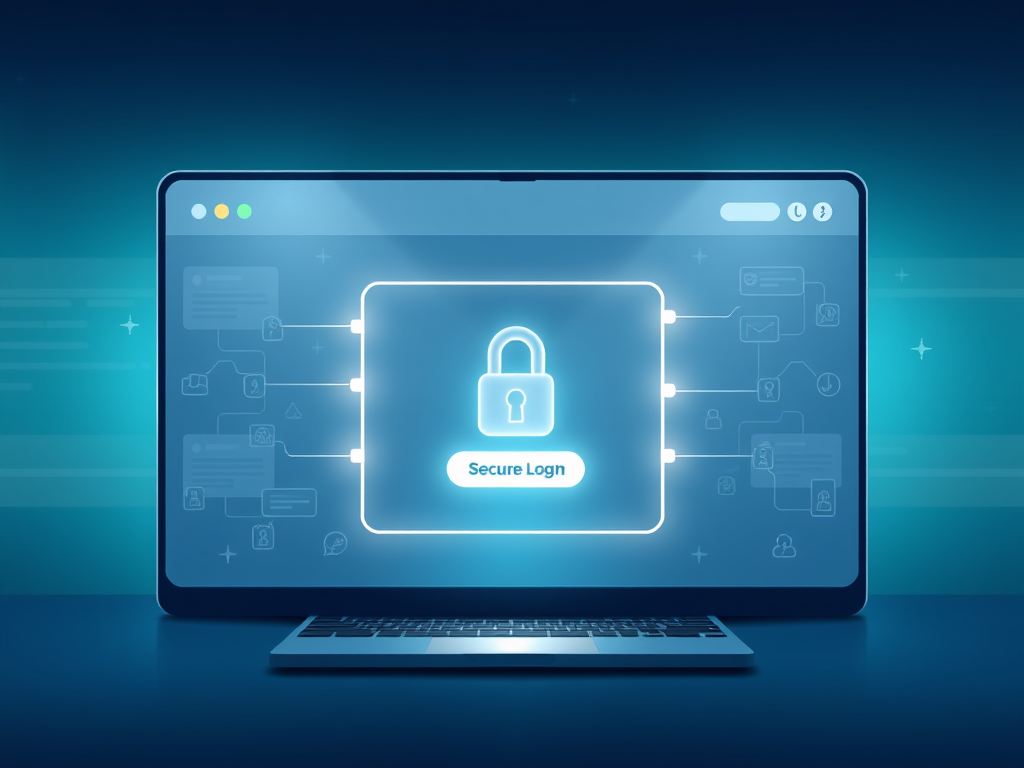
Do You Need CProtected Areas for Security
In today’s digital world, data security is no longer an option—it’s a necessity. Whether you’re managing a business website, client portal, or hosting confidential files, password-protected areas play an essential role in maintaining privacy and integrity. Understanding when, why, and how to use them can help protect your users and strengthen your brand’s credibility.
Below, we’ll explore the importance of password protection, how to balance security with usability, and ways to troubleshoot common issues—all through a user-focused lens optimized for clarity and engagement.
Understanding Why Password Protected Areas Matter
Password-protected sections on websites serve as digital barriers, allowing only authorized users to access sensitive or private data. For example, member-only dashboards, client file repositories, and internal documentation areas all rely on password gates to maintain confidentiality. Without them, even the most minor data leaks could expose personal details or compromise business transactions.
The advantages are clear—password protection fosters trust, limits access to key resources, and prevents unauthorized changes or downloads. However, it’s equally important to enforce strong password policies, utilize HTTPS protocols, and combine password systems with additional verification methods such as two-factor authentication. This enhances reliability and guards against the growing sophistication of cyber threats.
On the flip side, password protection can create friction if implemented poorly. Users may forget credentials or experience login delays, reducing engagement. By choosing intuitive authentication systems and providing easy password recovery options, you can maintain both user satisfaction and robust digital safety.
Visual Tip:
Add a graphic illustrating how a secure login area separates public and private zones of a website.
Pros and Cons Summary:
- ✅ Pros: Improved security, privacy, and control over data access.
- ❌ Cons: Possible user frustration, increased support needs, administrative overhead.
Balancing Security Needs with User Accessibility
Security must never come at the cost of usability. A well-designed password-protected section should guide users seamlessly from login to content access. By using clear layout hierarchy, consistent button styles, and logical login prompts, you create a more intuitive experience. Archer IT Solutions offers web design services that ensure security features are integrated elegantly without compromising user experience.
Consider implementing “remember me” options, single sign-on (SSO) protocols, or role-based access control for staff and clients. These solutions simplify user interaction while keeping sensitive material safe. It’s not just about passwords—it’s about system architecture that adapts to both protection and ease of navigation.
If your website handles client data, financial records, or development projects, Archer IT Solutions’ managed IT services can provide scalable solutions tailored to your specific requirements. Their team ensures all password-protected areas are compliant with the latest security standards while remaining accessible for authorized users.
Troubleshooting Common Issues
Even the most secure systems face occasional login difficulties or credential management problems. Common issues include users forgetting passwords, browser auto-fill conflicts, or malfunctioning CAPTCHA systems. When this happens, having a streamlined reset process or support system is critical. Clients of Archer IT Solutions can reach the team via support@archer-its.com for prompt troubleshooting assistance.
Also, regularly update authentication plugins and perform security audits to catch vulnerabilities early. For web hosting clients, ensuring that your hosting environment is updated and encrypted through services like Archer IT Solutions Web Hosting can significantly reduce downtime or breach attempts.
For deeper insights on web security practices, the OWASP Foundation provides excellent tutorials and resources for website owners. Keeping informed about current threats and adopting proactive mitigation strategies ensures your password-protected areas remain efficient and dependable.
Password-protected areas remain one of the most effective ways to guard valuable online data. When implemented thoughtfully, they create a harmonious blend of privacy and performance. By balancing security measures with accessibility, updating regularly, and working with reliable providers like Archer IT Solutions, businesses build stronger, more trustworthy online ecosystems.
Call to Action:
If your organization needs help setting up or improving password-protected systems, visit www.archer-its.com or contact info@archer-its.com for tailored security solutions.
Related Resource:
By maintaining a balance between secure frameworks and user-centered design, you’ll ensure your password-protected areas serve as both a gatekeeper and enabler for your digital success.
Discover more from Archer IT Solutons
Subscribe to get the latest posts sent to your email.


No responses yet