“`html
Understanding the Role of Web Forms on Your Site
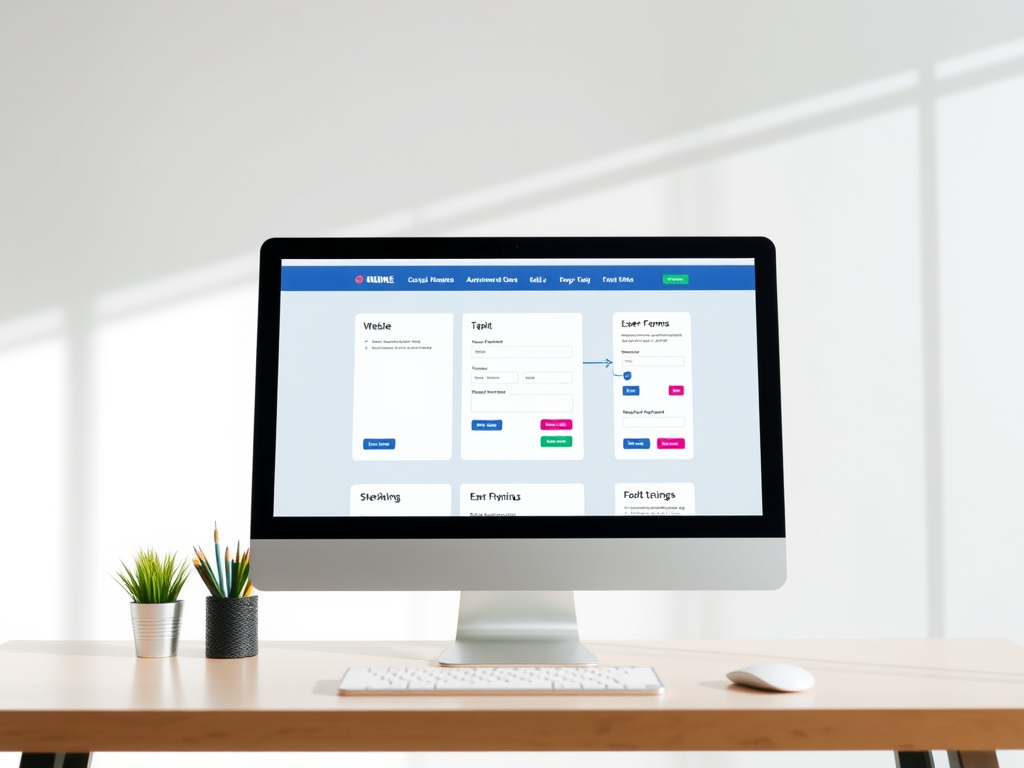
Web forms are the digital gateways through which users interact with your site, providing a crucial link between your business and its audience. They serve multiple purposes, from capturing leads and facilitating customer inquiries to processing transactions and gathering feedback. The effectiveness of these forms can significantly impact user engagement and conversion rates. Therefore, understanding their role is essential for optimizing your site’s performance. By strategically implementing web forms, you can streamline user interactions and enhance the overall user experience, ultimately driving more meaningful engagement with your brand.
However, the role of web forms extends beyond mere data collection. They are instrumental in building relationships with your audience by offering a personalized experience. When designed thoughtfully, web forms can guide users through their journey on your site, providing them with the information and support they need at each stage. This not only improves user satisfaction but also fosters trust and loyalty. As such, it is crucial to consider the purpose and placement of each form to ensure it aligns with your site’s objectives and meets the needs of your users.
Why Too Many Web Forms Can Hurt User Experience
While web forms are essential, an overabundance can lead to a cluttered and overwhelming user experience. Too many forms can distract and frustrate users, causing them to abandon your site altogether. This is particularly true if forms are lengthy, intrusive, or irrelevant to the user’s needs. A site overloaded with forms can appear disorganized and unprofessional, diminishing the perceived value of your brand. Therefore, it is vital to strike a balance between providing necessary forms and maintaining a clean, user-friendly interface.
Moreover, excessive web forms can slow down your site’s performance, leading to longer load times and a higher bounce rate. Users today expect fast, seamless interactions, and any delay can result in lost opportunities. By minimizing the number of forms and optimizing their design, you can enhance site speed and improve user satisfaction. Prioritizing user experience by reducing form overload not only benefits your audience but also contributes to achieving your business goals by increasing conversions and retention rates.
Finding the Balance: Optimal Web Form Count
Determining the optimal number of web forms for your site requires a strategic approach that considers both user needs and business objectives. Start by identifying the primary goals of your site, such as lead generation, sales, or customer support, and assess which forms are necessary to achieve these goals. It’s important to focus on quality over quantity, ensuring each form serves a specific purpose and adds value to the user experience. By carefully selecting and placing forms, you can create a streamlined and efficient site that meets the needs of both your business and its audience.
To find the right balance, consider conducting user testing and gathering feedback to understand how users interact with your site. This can provide valuable insights into which forms are most effective and which may be redundant or unnecessary. Additionally, analyzing site analytics can help identify patterns in user behavior, allowing you to make informed decisions about form placement and design. By continuously evaluating and optimizing your web forms, you can maintain a user-friendly site that supports your business objectives and enhances user satisfaction.
Maximize Conversions with Strategic Form Placement
Strategic form placement is key to maximizing conversions and ensuring users have a seamless experience on your site. Placing forms in prominent, easily accessible locations can significantly increase their visibility and effectiveness. Consider positioning forms above the fold, where users are most likely to see them without scrolling. Additionally, integrating forms into relevant content, such as blog posts or product pages, can encourage users to engage with them naturally as they explore your site.
Another effective strategy is to use contextual triggers to display forms at the right moment in the user journey. For example, exit-intent popups can capture leads before users leave your site, while time-delayed forms can engage users who have spent a certain amount of time on a page. By aligning form placement with user behavior and intent, you can create a more personalized and persuasive experience that drives conversions. Remember, the goal is to make forms feel like a natural part of the user journey, rather than an intrusive obstacle.
How to Determine Essential Web Forms for Success
To determine which web forms are essential for your site’s success, start by identifying the key actions you want users to take. This could include signing up for a newsletter, requesting a quote, or completing a purchase. Once you have a clear understanding of your goals, you can prioritize forms that directly support these actions. It’s important to focus on forms that provide the most value to both your business and its users, ensuring they are easy to complete and relevant to the user’s needs.
Consider the user journey and how forms can facilitate each stage, from awareness to conversion. For example, a simple contact form can help capture leads at the top of the funnel, while a detailed checkout form is crucial for completing transactions at the bottom of the funnel. By mapping out the user journey and aligning forms with each stage, you can create a cohesive and effective site that guides users towards your desired outcomes. Regularly reviewing and updating your forms based on user feedback and analytics can also help ensure they remain relevant and effective.
Streamline User Interaction with Fewer Forms
Streamlining user interaction by reducing the number of forms on your site can lead to a more enjoyable and efficient user experience. By focusing on essential forms and eliminating unnecessary ones, you can create a cleaner, more intuitive interface that encourages users to engage with your content. This approach not only simplifies the user journey but also reduces the cognitive load on users, making it easier for them to complete desired actions.
To streamline interactions, consider consolidating multiple forms into a single, multi-step form that guides users through the process. This can help reduce form fatigue and increase completion rates by breaking down complex tasks into manageable steps. Additionally, using smart forms that dynamically adjust based on user input can further enhance the user experience by providing a personalized and relevant interaction. By prioritizing simplicity and efficiency, you can create a site that meets user needs while supporting your business objectives.
Boost Engagement by Reducing Form Overload
Reducing form overload is a powerful way to boost user engagement and improve the overall effectiveness of your site. By minimizing the number of forms and focusing on those that truly matter, you can create a more inviting and user-friendly environment. This approach not only enhances the user experience but also increases the likelihood of users completing forms and taking desired actions. By prioritizing quality over quantity, you can foster a deeper connection with your audience and drive meaningful engagement.
To effectively reduce form overload, consider implementing alternative methods of engagement, such as chatbots or interactive content, that can complement your web forms. These tools can provide users with the information and support they need without overwhelming them with forms. Additionally, regularly reviewing and optimizing your forms based on user feedback and analytics can help ensure they remain relevant and effective. By taking a user-centric approach, you can create a site that not only meets your business goals but also delights and engages your audience.
Achieve Site Goals with the Right Number of Forms
Achieving your site goals requires a thoughtful approach to web form implementation, ensuring you have the right number of forms to support your objectives without overwhelming users. By carefully selecting and placing forms, you can create a site that effectively guides users towards desired actions, whether it’s signing up for a newsletter, making a purchase, or requesting more information. The key is to focus on forms that provide the most value to both your business and its users, ensuring they are easy to complete and relevant to the user’s needs.
Regularly reviewing and optimizing your web forms based on user feedback and analytics can help ensure they remain effective and aligned with your site goals. By continuously evaluating the performance of your forms and making data-driven decisions, you can create a site that not only meets your business objectives but also provides a seamless and enjoyable user experience. Ultimately, the right number of forms is one that supports your goals while enhancing user satisfaction, driving conversions, and fostering long-term engagement with your brand. “`
Fast, Reliable Web Hosting — Starting at $1.99/month
|
🔥 Most Popular Standard Plan | Domain Only | |
|
$1.99/month Limited-time offer | Secure your business name online | |
|
Affordable yearly pricing Easy setup Works with any hosting | |
Reseller Hosting (For Agencies & Developers)Start your own hosting business or manage client sites | ||
| Reseller 1 | Reseller 2 | Reseller 3 |
| $20/month | $37.50/month | $50/month |
|
|
|
| ✔ 99.9% uptime • ✔ Secure • ✔ Easy setup • ✔ Local support | ||
Stop settling for slow, unreliable hosting. With Archer IT Solutions, get a website hosting plans that deliver speed, security, and 99.9% uptime guarantee. Grab your domain and hosting package in one seamless plan, optimized for WordPress users, small and medium size businesses, and personal websites.
Enjoy affordable web hosting plans without compromises unlike the big guys. Complete with professional email, one-click CMS installs, and round-the-clock hosting support. Perfect for WordPress users.
Built for Real Businesses
Whether you’re launching your first blog or scaling a growing business, Archer IT gives you:
+ Speed that keeps visitors engaged
+ Reliability you can count on
+Tools that actually make sense
Launch your first personal blog or scale a growing small business site with hosting optimized for performance. Get the best web hosting for plus simple setup — all powered by secure Linux servers and easy Plesk control panel.
Why Choose Archer IT Hosting?
🔒 Free SSL Certificates (Security + SEO Boost)
📧 Professional Email Accounts Included
⚡ Fast Linux Servers (Optimized Performance)
🧩 One-Click WordPress, Joomla & Drupal Installs
💬 Real 24/7 Support — No Bots, Just Help
💾 Automatic Backups for Peace of Mind
Risk-Free Guarantee
Try it with confidence.
If it’s not right for you, get your money back within 15 days.🔥 Don’t Wait — Launch Your Website Today
Stop overpaying for slow hosting.
Get everything you need in one simple plan.
Your website stays online with uptime, protected by a free SSL certificate, and supported by real people around the clock. And if it’s not right for you? Our 15-day money-back guarantee makes it a no-risk choice. Take your business or personal project online with hosting that’s secure, affordable, and built to perform.
💬 Real Support. No Runaround.
Unlike big hosting companies, you get:
- Direct help from real people
- No ticket delays
- No upsell traps
Discover more from Archer IT Solutons
Subscribe to get the latest posts sent to your email.
Discover more from Archer IT Solutons
Subscribe to get the latest posts sent to your email.


No responses yet