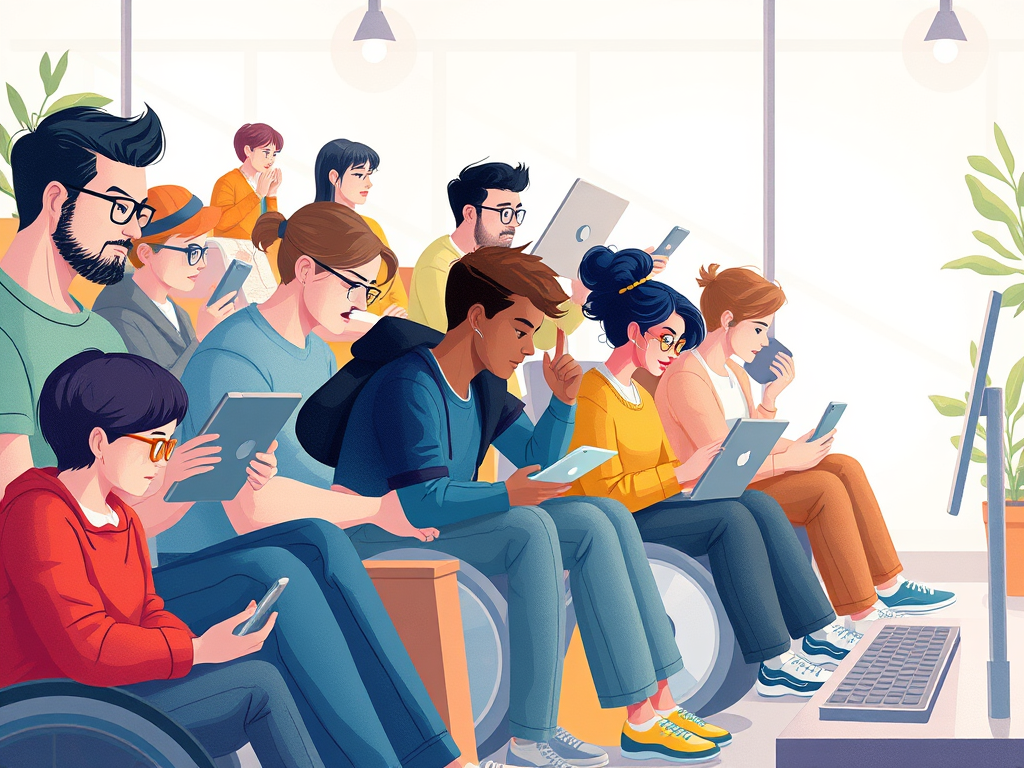
Creating a website that welcomes all visitors goes beyond aesthetics and clever content—it means making it accessible to everyone, including those with disabilities or unique usability needs. Key questions like “Will my visitors need accommodations such as screen reader support or larger fonts?” are essential for providing an inclusive digital experience. Accessibility is not just a technical requirement; it’s about empathy and usability for every visitor.
Understanding Accessibility Needs for Every Visitor
Accessibility considerations extend beyond visual impairments. Visitors may face physical, auditory, cognitive, or temporary limitations affecting their site interaction. For example, someone browsing on a bright day may need more contrast, while another may rely on a screen reader. According to the World Health Organization (WHO), over 16% of the global population experiences some form of disability, highlighting the urgency of inclusive design.
A truly accessible website anticipates these needs by:
- Ensuring compatibility with screen readers like JAWS or NVDA.
- Allowing users to resize text or select high-contrast themes.
- Captioning videos and providing audio descriptions.
- Using semantic HTML elements for easy interpretation by assistive technologies.
By planning for accessibility, you comply with standards like WCAG 2.2 (Web Content Accessibility Guidelines) and create a smoother, more flexible experience for everyone. Research from WebAIM’s 2024 accessibility analysis found that 98% of the top 1 million homepages still have detectable accessibility errors, indicating room for improvement across the web.

Accessibility is about users—not just compliance. Focusing on inclusive practices builds trust and loyalty, making people feel seen and supported. Whether a visitor has low vision, motor disabilities, or different learning styles, your website becomes a bridge to participation instead of a barrier.
Real-Life Examples of Inclusive Web Design in Action
Real-world case studies highlight the impact of accessible design. When GOV.UK, the UK’s central government website, adopted accessibility-first policies, user satisfaction improved, and customer support requests dropped. Their designers implemented customizable text sizes, voice navigation compatibility, and simplified layouts, benefiting both users with disabilities and the general public.
Another example is Apple’s approach to universal design. Apple’s products and websites include features like VoiceOver for screen reading and adjustable display settings. This inclusive design philosophy makes the brand usable by anyone, from elderly users to people with visual impairments. Similarly, Microsoft’s “Inclusive Design Toolkit” offers free resources guiding teams toward empathy-led web design practices.
A smaller scale example comes from the education sector. The University of Washington applied accessibility audits and usability testing with actual assistive technology users. As a result, they improved readability, increased engagement, and helped thousands of students access learning materials without barriers. Their emphasis on accessibility not only met compliance requirements but enriched the entire learning environment.
Key takeaways from these examples include:
- Accessibility enhances user experience for all, not just those with disabilities.
- Inclusive design reduces bounce rates and increases engagement.
- Regular audits and testing with users who rely on assistive technologies provide valuable insights.

Digital accessibility isn’t a feature reserved for a subset of users; it’s a responsibility—and an opportunity—to create open, engaging experiences for all. Thinking critically about whether your visitors might need screen reader compatibility, larger fonts, or alternative navigation options invites empathy and inclusivity into your design process.
As you reflect on your own website or digital project, ask yourself: Could every visitor, regardless of ability, access this easily? By considering accessibility from the start, you ensure your message reaches everyone—and that’s what the web was truly meant for.
Discover more from Archer IT Solutons
Subscribe to get the latest posts sent to your email.


No responses yet