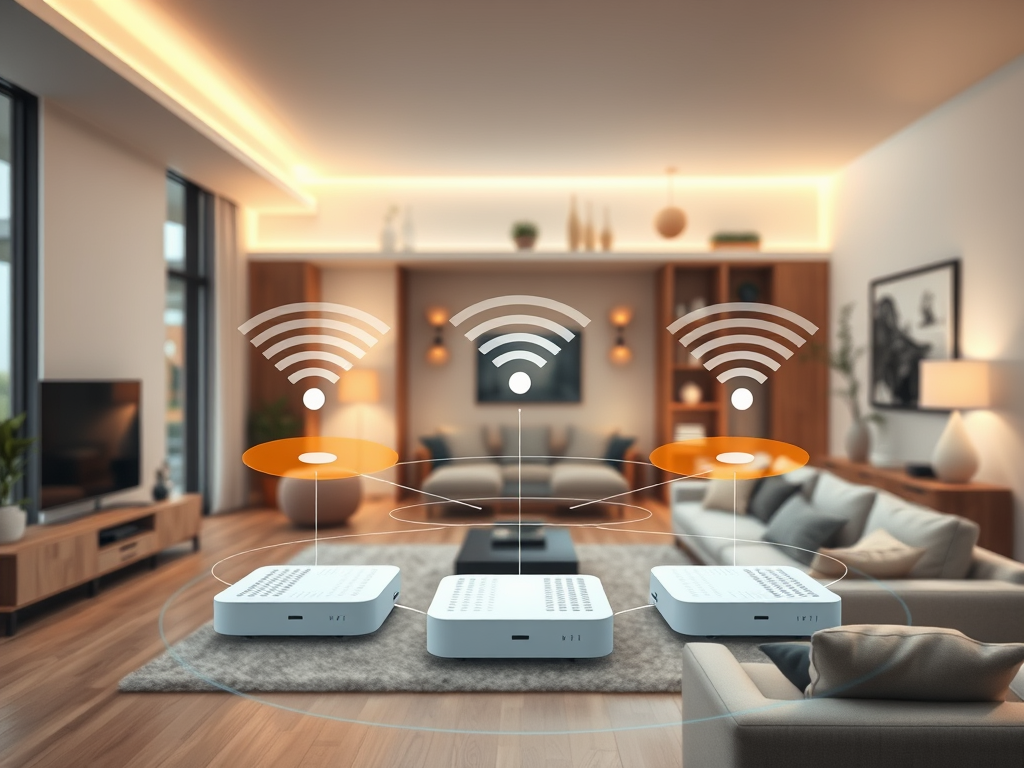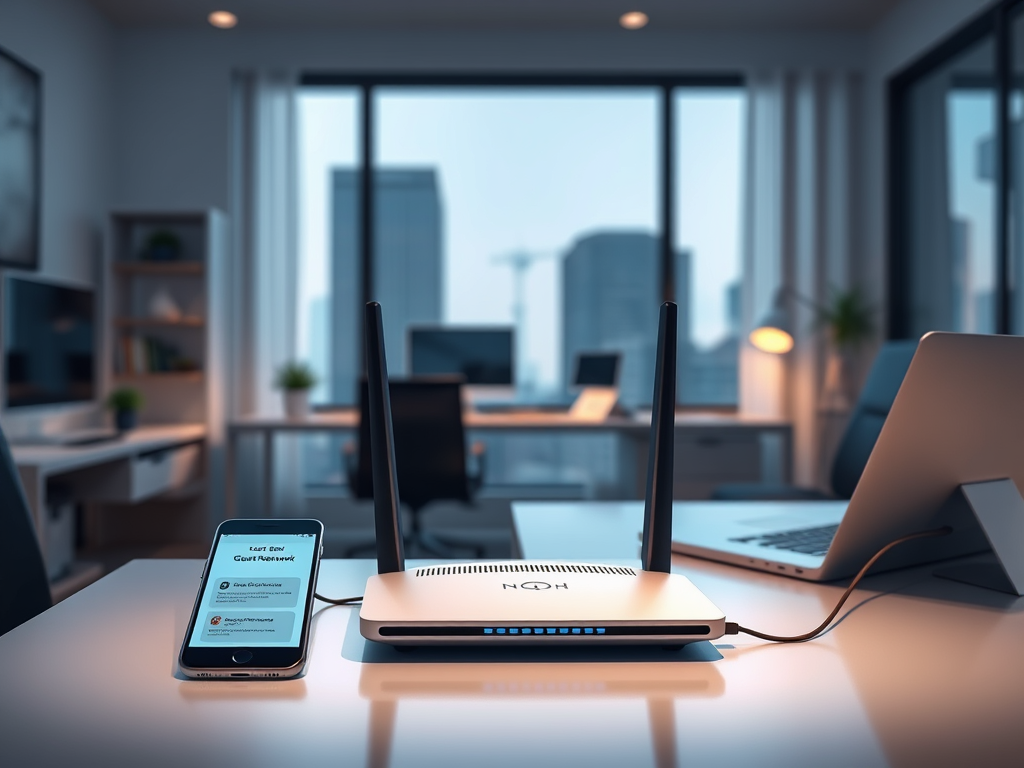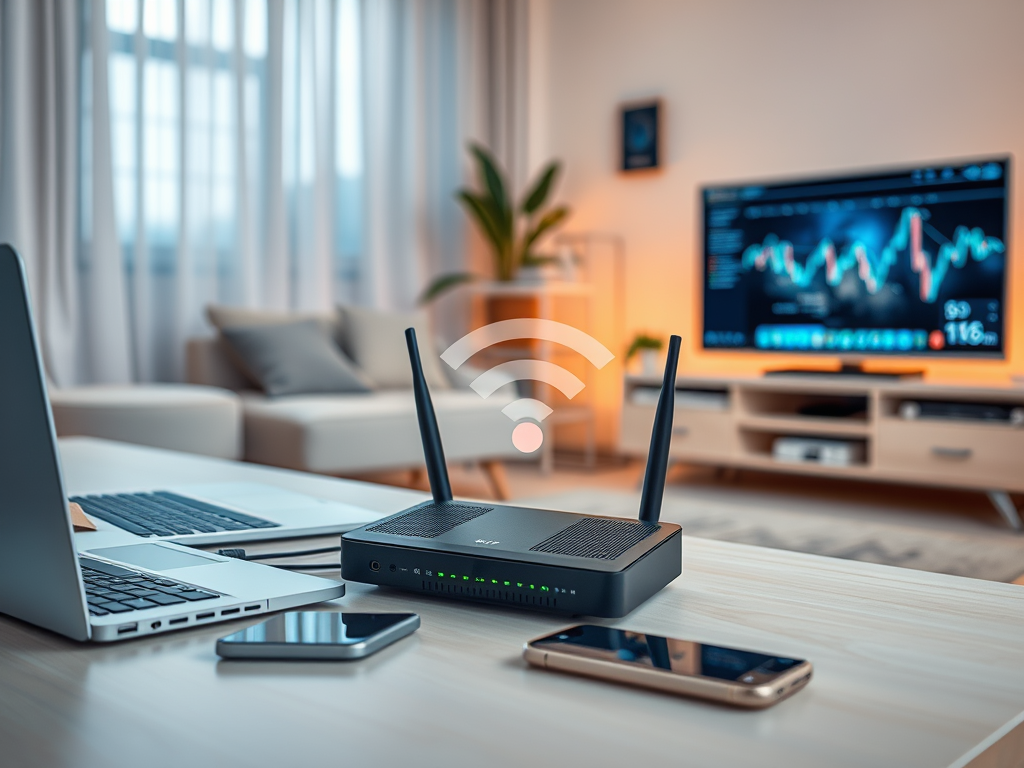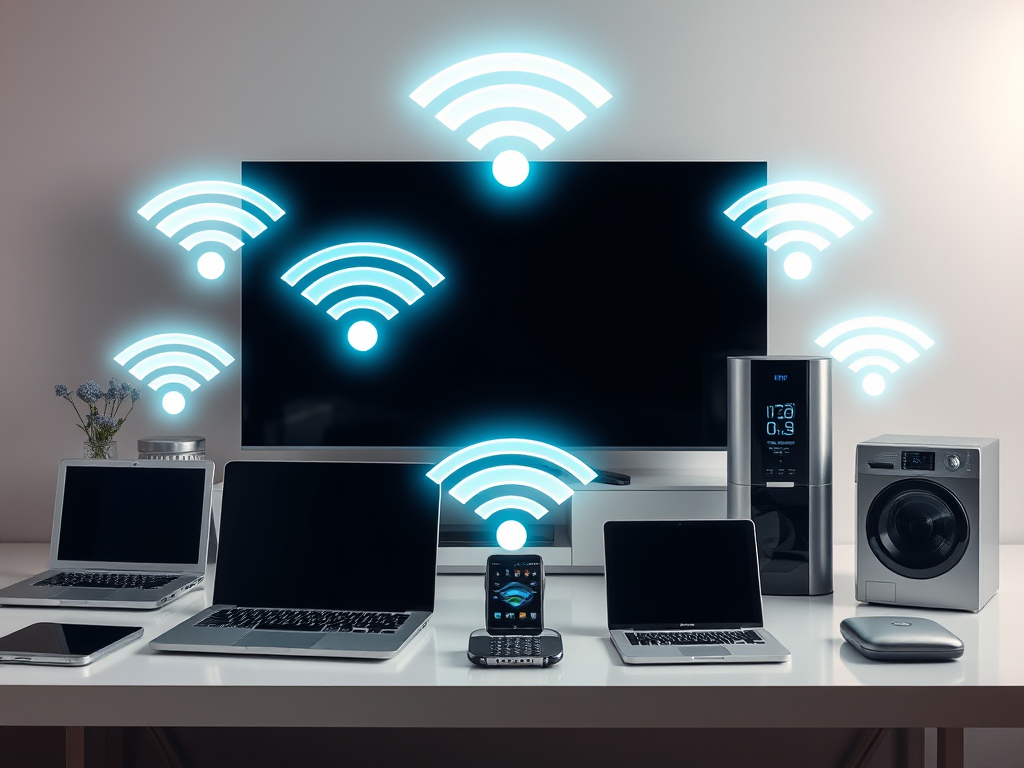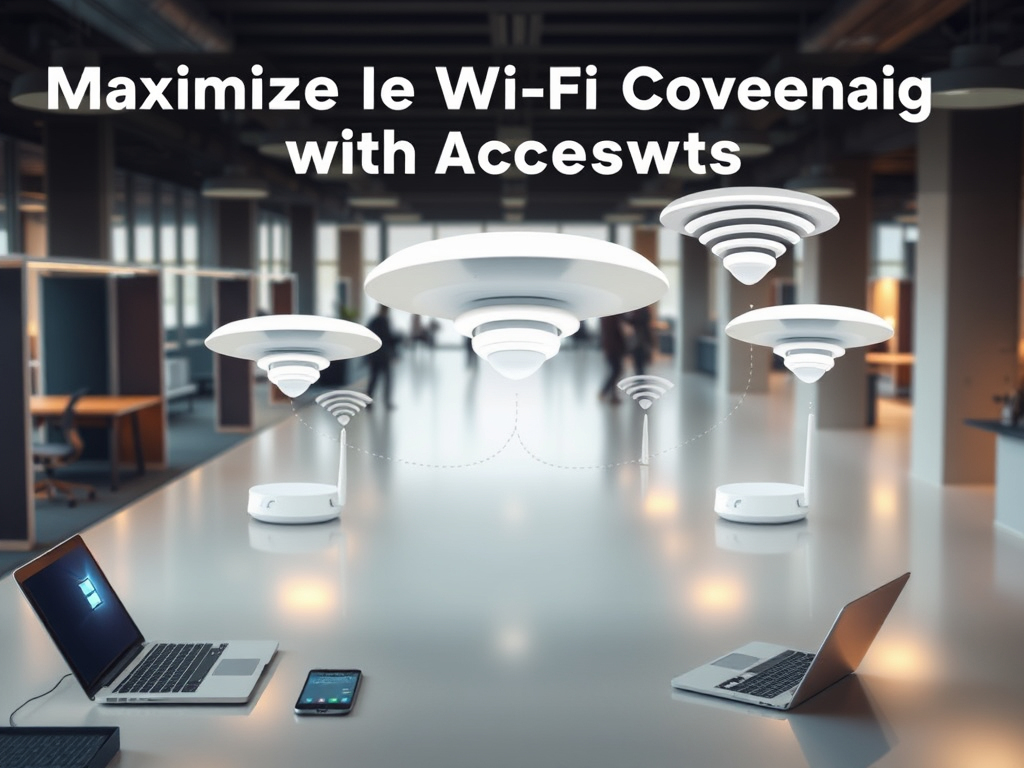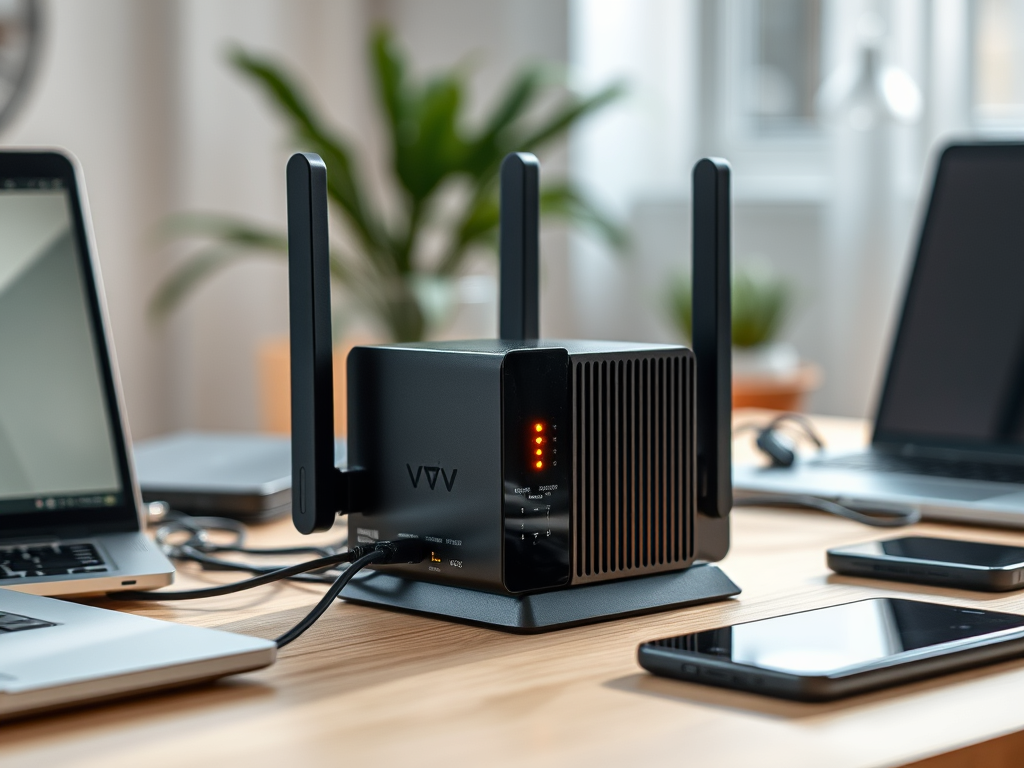
A Wi-Fi network consists of several key elements: an Access Point (AP) creates a wireless local area network (WLAN) for device connectivity, while a router[…]

Ultra high-frequency (UHF) transmission operates within a wavelength range of about 1 meter to 10 centimeters, corresponding to frequencies from 300 MHz to 3 GHz.[…]

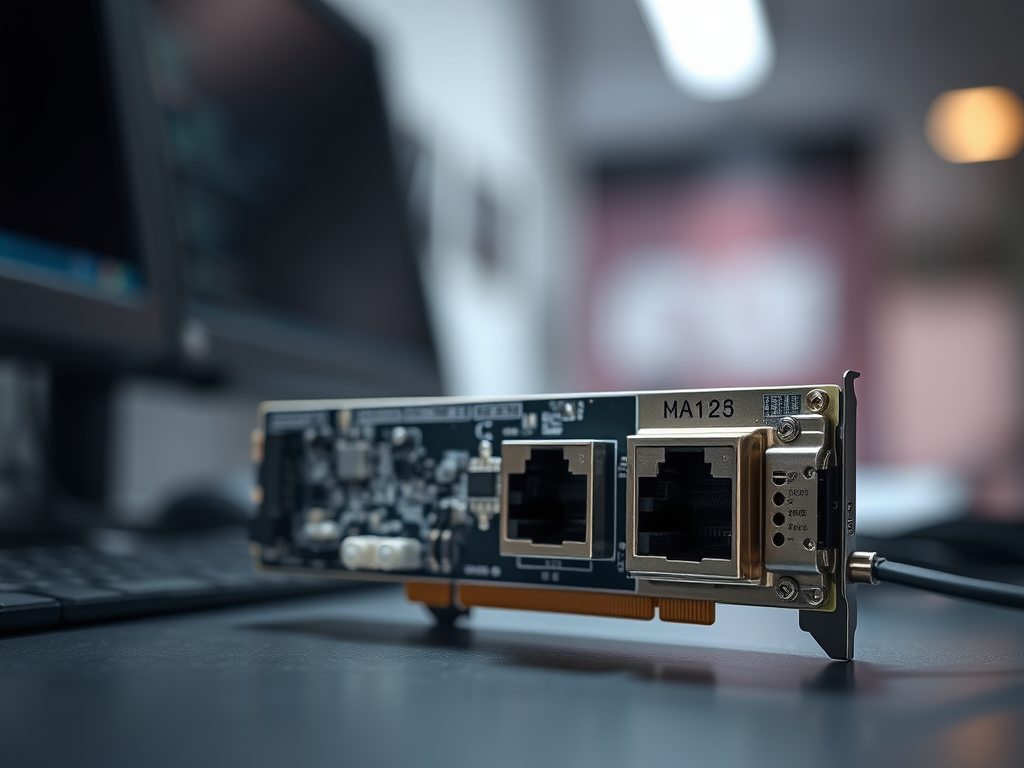
Choosing a network switch for your small network presents several advantages. Firstly, it increases the number of ports available, enabling connections for multiple devices such[…]

The internet is a global network composed of interconnected private, public, academic, business, and government networks. It includes various types of networks like LANs and[…]

The debate surrounding the health effects of Wi-Fi is ongoing, with some studies indicating potential biological impacts from long-term exposure to radiofrequency electromagnetic fields. However,[…]

The IEEE 802.11g standard has a theoretical maximum throughput of 54 Mbps under ideal conditions. In real-world situations, this throughput is generally reduced due to[…]

A router is a networking device that directs data packets between computer. It functions by analyzing the destination IP addresses of incoming data and determining[…]

Wireless technology 3G was developed in the late 1990s, culminating in the completion of initial standards by the International Telecommunication Union (ITU) in 1998. The[…]

WPA2 (Wi-Fi Protected Access II) is crucial for wireless network security, employing the Advanced Encryption Standard (AES) for high-level data encryption. It features two authentication[…]

Setting up an office network can be straightforward with a structured approach. Start by gathering essential equipment, including a router, modem, cables, and devices. Connect[…]

To connect to a Wi-Fi network, users should follow specific steps for their devices. On Windows, click the Wi-Fi icon in the system tray, select[…]

The very high-frequency (VHF) transmission range, which extends from 30 MHz to 300 MHz, is utilized in various applications, including television broadcasts, FM radio, and[…]

The range of the 802.11b standard is typically about 100 to 150 feet (30 to 45 meters) indoors and can extend up to 300 feet[…]

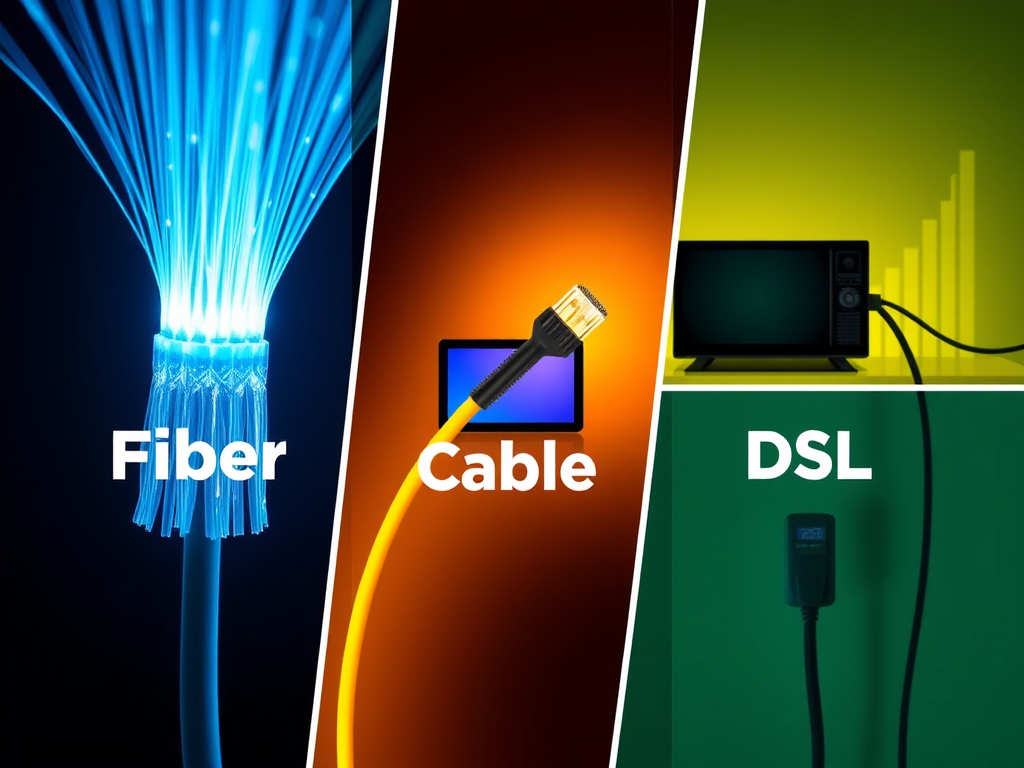
To set up an efficient, secure, and scalable network for a new office, choose a reliable ISP and connection type. Invest in high-performance routers, switches,[…]

Storing backups in multiple locations offers several advantages. It enhances disaster recovery by safeguarding data against local catastrophes like fires or floods. Redundancy ensures data[…]

The throughput of the IEEE standard 802.16d, known as WiMAX, can fluctuate based on factors like network configuration, signal quality, and user density. In ideal[…]

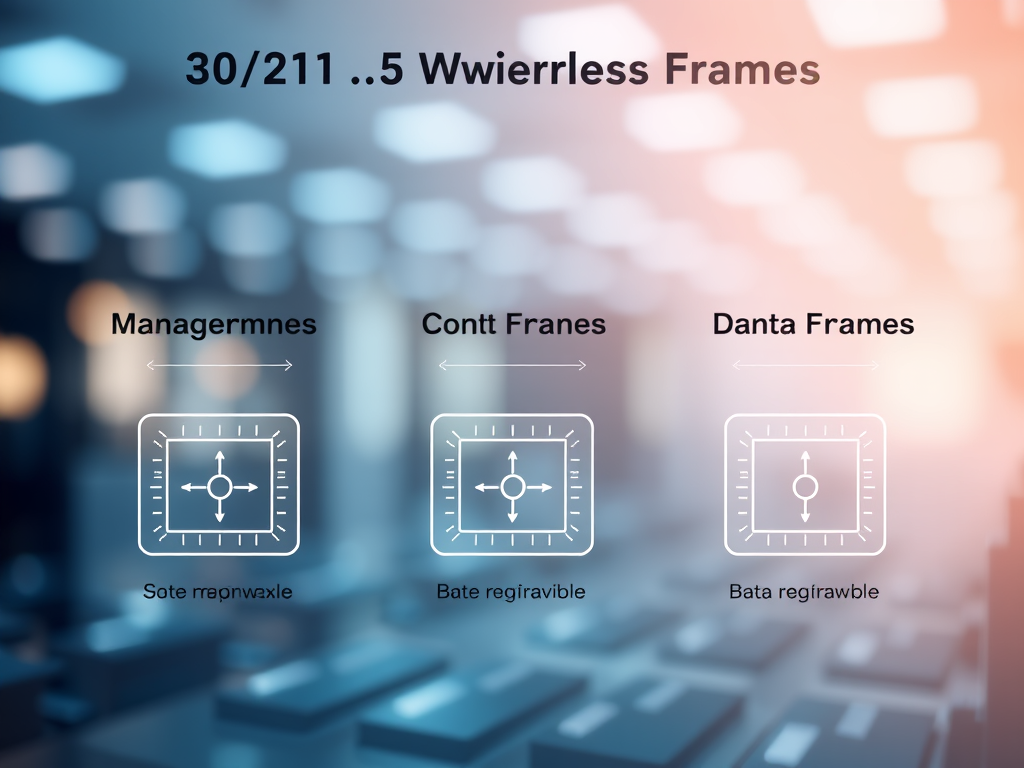
Wi-Fi technology operates on standards defined by the IEEE 802.11 family, supporting wireless local area networks (WLANs). The key standards include 802.11a (5 GHz, 54[…]
If your computer malfunctions after a software update, several troubleshooting steps can help. First, restart your computer to clear temporary glitches. Next, check for any[…]

Wi-Fi technology enhances connectivity but poses several risks. These include security vulnerabilities leading to data breaches, privacy concerns through user tracking, malware risks from compromised[…]
Wi-Fi technology has several notable limitations. Its range is typically confined to 30 to 100 feet indoors, decreasing further outdoors due to obstacles. Interference from[…]
To create an effective small office network, essential components include a reliable router with strong security features, a network switch for additional ports, Ethernet cables[…]

To minimize system downtime, it’s essential to implement effective backup and recovery strategies. Regular backups should include full, incremental, and differential types. Choose appropriate storage[…]

The most commonly used operating systems include: These operating systems cater to various user needs, from personal use to enterprise-level solutions.

This article outlines affordable point of sale (POS) systems for small shops. Key options include Square POS, which is free with transaction fees; Vend, starting[…]

To determine the appropriate internet speed for four users, consider their typical activities. For casual browsing and streaming, a speed of at least 25 Mbps[…]