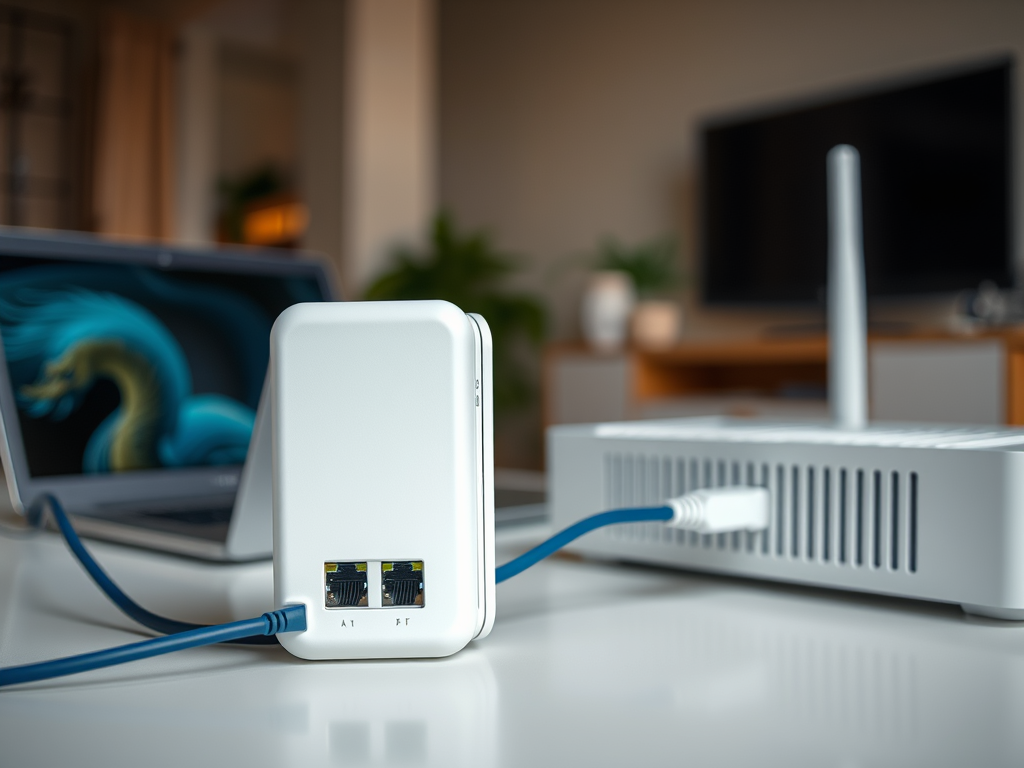
Can Wi-Fi Extenders Connect Using an Ethernet Cable
Wi-Fi extenders are commonly used to eliminate dead zones and strengthen wireless coverage throughout homes and offices. However, many users wonder whether these devices can connect using an Ethernet cable—and if doing so offers better stability and performance. Let’s explore how Wi-Fi extenders work with wired connections, the pros and cons of setting them up with Ethernet, and some troubleshooting tips to get your network running smoothly.
How Wi-Fi Extenders Work with Ethernet Connections
Wi-Fi extenders typically work by wirelessly rebroadcasting the router’s signal, but many models today also allow for Ethernet connection. When connected via Ethernet, the extender acts more like a wired access point. This setup ensures that data travels through a stable cable connection between the router and extender, reducing latency and wireless interference. In this case, the extender creates a new wireless access point using a wired backbone.
Using Ethernet for your Wi-Fi extender setup—sometimes known as “Access Point mode”—is ideal in environments where thick walls or multi-floor layouts block signals. By wiring the extender directly to the router, the extended network maintains higher speeds and reliability, which is perfect for small businesses, remote workers, or anyone using bandwidth-heavy applications like video calls or gaming.
At Archer IT Solutions, we often recommend Ethernet connections for clients who need dependable Wi-Fi across multiple office spaces. Our Managed IT Services can help configure these setups efficiently—especially when paired with network health monitoring or Local IT support. If you’re unsure how to start, our team can assist through remote or onsite services.
Benefits and Drawbacks of Using Ethernet with Extenders
Pros:
Using an Ethernet connection with your Wi-Fi extender brings a range of advantages. It enhances speed stability since wired communication avoids signal loss common with wireless-only ranges. Ethernet connections also reduce lag and are ideal for devices that require constant, uninterrupted connections such as servers, Smart TVs, or network-attached storage (NAS) systems. Moreover, business environments—especially those using Small business web hosting—can greatly benefit from such stable performance.
Cons:
However, using Ethernet also means running network cables throughout your space, which can be inconvenient and aesthetically challenging. If your setup isn’t properly configured, you could end up with overlapping networks or conflicting IP addresses. Some old extender models don’t support Ethernet backhaul, making them incompatible with this configuration. Regular firmware updates are recommended to avoid connectivity drops.
Troubleshooting Tips:
If your extender isn’t recognizing the Ethernet connection, first verify that the cable is securely connected at both ends. Restart both the router and extender to refresh IP assignments. Ensure that the extender is set to “Access Point” or “Ethernet backhaul” mode in its settings interface. Many configuration issues can be fixed by updating the extender firmware. For professional troubleshooting, you can submit a request through Archer IT Solutions Support Portal, or contact our help desk at support@archer-its.com.
Real-Life Example
A recent Archer IT Solutions client—a small accounting firm—experienced weak Wi-Fi on the second floor of their building. Our technical team installed a TP-Link Wi-Fi extender connected directly via Ethernet. The result? A 60% improvement in coverage speeds and more consistent connectivity for their cloud accounting software. This real-world application demonstrates why Ethernet-linked extenders are especially valuable for Managed IT environments and growing businesses relying on consistent network uptime.
For more guidance on network optimization, visit educational resources like How-to Geek’s guide on setting up Ethernet extenders or Lifewire’s step-by-step article on network configuration. These non-promotional resources provide detailed tips to ensure your configuration works properly.
💬 Need Help Setting Up Your Wi-Fi Extender?
- Get a Free IT Consultation: Archer Onsite or Remote Services
- Learn about our Web Hosting Plans with a 15-day refund policy: Small Business Web Hosting
- Have general questions? Email us at info@archer-its.com
In summary, Wi-Fi extenders can indeed connect using an Ethernet cable, transforming them into reliable wired access points. This approach enhances speed, minimizes interference, and ensures stable connectivity—making it ideal for business networks or homes with complex layouts. If you need technical setup assistance or wish to combine network optimization with other IT solutions, reach out to Archer IT Solutions for expert support and personalized recommendations to enhance your digital infrastructure.


No responses yet