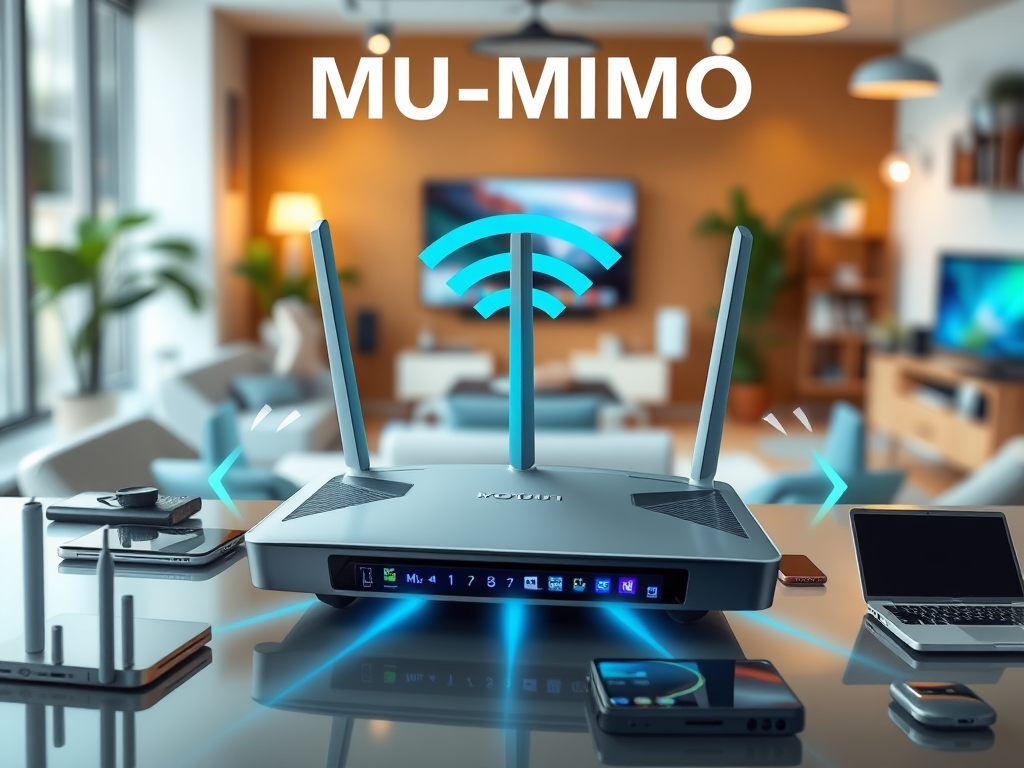
A Key to Faster and Smarter Wi-Fi
Have you ever noticed your Wi-Fi slowing down when too many devices connect at once? That’s where MU-MIMO—or Multi-User, Multiple Input Multiple Output—comes into play. It’s a wireless technology designed to manage bandwidth more efficiently, allowing multiple devices to receive data simultaneously rather than waiting in line. With the growing number of connected gadgets in homes and offices—from phones to smart TVs—MU-MIMO is becoming essential for maintaining smooth and fast internet performance.
MU-MIMO was first introduced as part of the 802.11ac Wave 2 Wi-Fi standard and is now a staple in modern routers. It can dramatically improve connection reliability and speed, particularly in high-demand environments. Understanding its role helps users make smarter decisions when upgrading their networking equipment or consulting IT services like those offered by Archer IT Solutions.
Let’s break down how MU-MIMO works, why it matters, and what you can do if things don’t seem to be working as efficiently as expected.
Understanding the Core Technology Behind MU-MIMO

At its core, MU-MIMO is a Wi-Fi technology that enables a router to communicate with multiple devices at once. Traditional routers using SU-MIMO (Single-User MIMO) can only talk to one device at a time, cycling through each connected gadget. This can lead to delays, particularly when multiple users stream, download, or play online games simultaneously. MU-MIMO removes that bottleneck by allowing data traffic to flow in parallel streams.
MU-MIMO works through multiple antennas on both the router and connected devices. Each antenna handles a unique data stream. Depending on your router, you might find configurations such as 2×2, 3×3, or 4×4 MU-MIMO, which indicate the number of transmit and receive antennas. The more antennas, the better the performance and multitasking capacity.
Key Takeaways:
- MU-MIMO = Multi-User, Multiple Input, Multiple Output.
- Allows simultaneous data transmission to multiple devices.
- Most effective when several users share a connection.
Summary:
MU-MIMO’s true power lies in its ability to create multiple dedicated data paths. It’s a feature that enhances efficiency and ensures a smoother internet experience for environments with high network demand.
How MU-MIMO Enhances Wi-Fi Speed and Stability

According to data from the Wi-Fi Alliance, routers with MU-MIMO can improve network capacity by up to 30–50% in busy households or office networks. Instead of forcing devices to “wait their turn,” MU-MIMO allows several to communicate at once, minimizing lag and buffering. This upgrade is particularly noticeable in video streaming, online gaming, and smart home environments.
However, to take full advantage of MU-MIMO, both the router and the connected devices must support it. Older hardware often lacks this compatibility. Common issues users face include reduced range or interference from non-MU-MIMO devices. The good news is that updates or configuration changes—like adjusting antennas or upgrading firmware—can often fix these problems. Users needing hands-on assistance can reach out to Archer IT Solutions support team, which typically responds within 24 hours.
Pros:
- Boosts data efficiency and reduces buffering.
- Optimizes performance in dense device environments.
- Increases total network throughput.
Cons:
- Only works if both devices support MU-MIMO.
- Limited improvement for single-device users.
- Requires proper router placement for best performance.
Summary:
MU-MIMO dramatically enhances user experience when used under the right conditions. With compatible devices, it creates a more stable and faster wireless connection tailored for today’s connected lifestyles.
Troubleshooting Common MU-MIMO or Plugin Compatibility Issues
Sometimes, despite all efforts, MU-MIMO networks encounter problems that stem from software or plugin compatibility, particularly with router firmware or Wi-Fi management tools. Many users report interruptions due to outdated firmware or incompatible browser-based plugins while configuring routers. This can cause delays in recognizing MU-MIMO-capable devices or cause inconsistent speeds.
Here are a few troubleshooting steps:
- Update router firmware to the latest version.
- Reset router and reconfigure MU-MIMO settings.
- Ensure all connected devices support the MU-MIMO standard.
- Disable third-party network plugins during configuration.
- Contact Archer IT Solutions Technical Support for assistance.
Online resources such as TechRadar’s Wi-Fi Guide or IEEE Spectrum’s wireless standards overview can also offer in-depth explanations.
Summary:
By keeping software up-to-date and verifying compatibility, most MU-MIMO challenges can be easily resolved, ensuring your network maintains peak performance.
MU-MIMO is more than just a tech buzzword—it’s one of the most impactful advancements for Wi-Fi users today. Whether you’re a small business managing dozens of devices or a homeowner frustrated by lag, understanding and leveraging MU-MIMO can make all the difference.
Before upgrading, consider how many devices you typically connect and whether your hardware supports the feature. If you’re still unsure, consulting professionals—like Archer IT Solutions—can help you determine the best path forward. Their team can provide onsite or remote support, tailored to your unique network setup.
Reflect on your Wi-Fi experience. Is it time to step into the next generation of efficient connectivity? With MU-MIMO-enabled equipment and expert IT support, you can ensure your digital environment is faster, stronger, and future-ready.


No responses yet