Understanding What a Folder Is on Your Computer
If you’ve ever asked yourself “what is a folder on a computer?”, you’re not alone. Whether you’re managing files for your business, web hosting projects, or simply organizing vacation photos, folders act as your digital filing cabinets. Understanding folders is essential for keeping your system — and your mind — clutter-free. In this article, we break down what a folder is, how it works, why it matters, and even how to troubleshoot common folder issues.
Exploring What a Folder Means on Your Computer
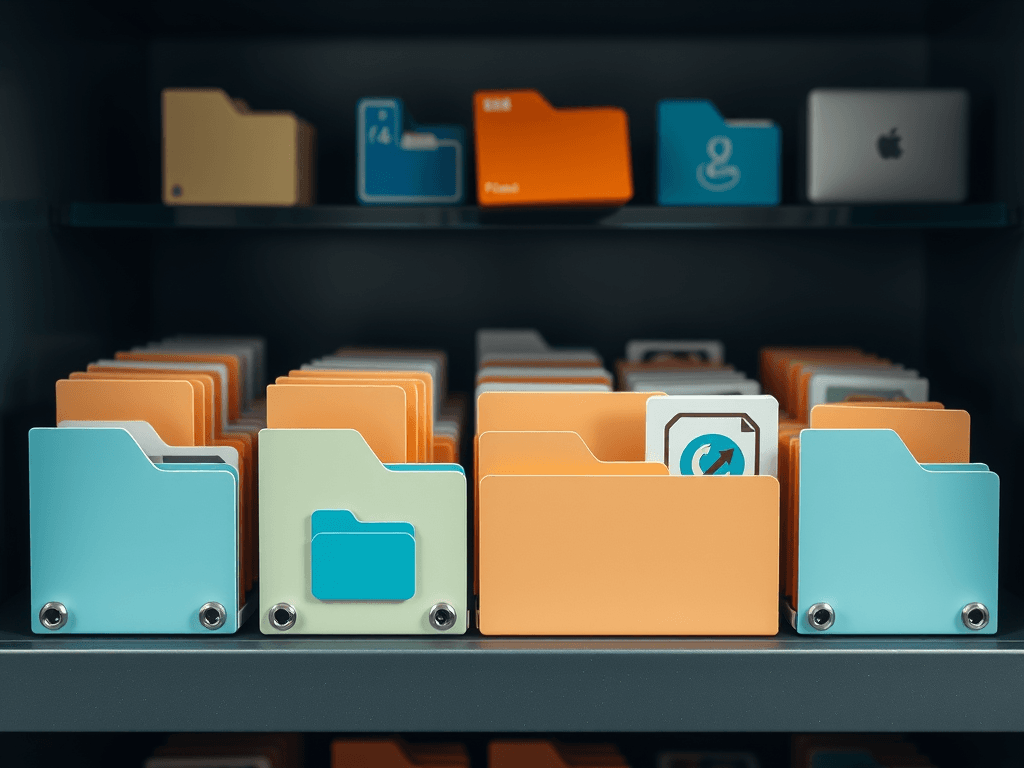
A folder, in simple terms, is a virtual container that stores files and other folders (called subfolders) on your computer. Think of it like a filing cabinet in your office. Each drawer (folder) can contain various paper files (documents, images, or software files), which helps keep things in order. On Windows, macOS, and Linux, folders are visually represented by small icons that resemble manila folders, making the concept familiar and intuitive.
Technically, folders are part of your computer’s file system — the structure that controls how data is stored and retrieved. Inside, each file or subfolder is tagged with a unique directory path so the operating system knows where to find it. When you access a document from your “Documents” folder, your computer simply follows that path to retrieve it. This is why maintaining a clear, logical folder structure is so important — it saves time and reduces digital clutter.
Here’s an example: web developers working with WordPress hosting files often create dedicated folders for templates, images, and scripts. This not only keeps their projects organized but also makes backups and migrations far more efficient. As your projects and data grow, well-organized folders become a huge time-saver.
Example Image (Visual Reference)

How Folders Keep Your Digital Files Organized Efficiently
Without folders, your computer’s desktop or main drive would become a chaotic dump of unsorted files. Folders offer a hierarchical organization structure that lets users group similar files together logically — documents with documents, pictures with pictures, and so on. For instance, a small business using Local IT support might organize their folders by departments like “Finance,” “Support Tickets,” and “Marketing Assets” to streamline operations.
There are additional benefits, too. Proper folder management improves data accessibility, reduces file search time, and enhances collaborative workflows. When sharing files through cloud storage, such as Google Drive or OneDrive, neatly organizing content into folders ensures that teams can locate and share documents efficiently. (Learn more about file management best practices at Microsoft Learn).
Tips for maintaining an efficient folder system:
- Use clear, descriptive names.
- Avoid deep nesting — two or three folder levels are usually enough.
- Regularly clean up and archive old files.
- Sync important folders to cloud backups or managed IT services.
- Implement consistent naming conventions across teams.
Problem & Solution: Folder Chaos
Problem: Users often store every file on their desktop, making the system slow and cluttered.
Solution: Create main categories like “Work,” “Personal,” or “Projects,” then place related subfolders within them. Use automation tools like Windows File History or macOS Time Machine to back up your organized directory.
Folder Troubleshooting Section
If you can’t locate a folder, try these methods:
- Use search functions (
Ctrl + ForSpotlight Search) to find your file name or extension. - Check if your folder is hidden — in Windows, toggle “Show Hidden Items”.
- For web hosting environments, use FTP or your cPanel File Manager to inspect directory visibility.
For more in-depth folder troubleshooting, explore this external guide by Lifewire.
The Role of Folders in Web Hosting and IT Services
For web developers and WordPress hosting managers, folders are essential not just for organizing files locally, but for deploying websites. Every web server uses a folder hierarchy that dictates where your HTML, CSS, and PHP files live. For example, the root folder (“public_html” or “www”) contains all content visible on a website. Misplacing files in this structure can cause errors or even complete website downtime.
At Archer IT Solutions, our web hosting and Local IT support teams assist clients with folder-related structure issues quite often. Whether you’re setting up a new site in cPanel or arranging directories for backups and emails, understanding folder hierarchy helps maintain both performance and security. You can learn more about this by visiting The Complete Guide to Web Hosting.
Folder management also supports data recovery and version control. By organizing files into structured backup folders, your IT support or web hosting provider can restore your system more effectively. Businesses that care about protecting their data should set automated folder synchronization with their managed IT solution — check out Managed IT Services.
Visual Learning Resource
📺 Video Resource: How File Systems Work (Computerphile)
This animation shows how folders map to structures in your system’s memory and storage layers.
Frequently Asked Questions (FAQ)
Q1: What is a folder on a computer?
A folder is a digital container used to organize and store files systematically on your computer or storage device.
Q2: Can a folder contain another folder?
Yes, and these are called subfolders. They help refine organization even further.
Q3: How do I rename or move a folder?
Simply right-click on the folder, choose “Rename” or “Move to,” and select the destination path.
Q4: Why are folders important for business users?
Organized folders reduce confusion, speed up file retrieval, and make backups easier.
Q5: Can I back up my folders automatically?
Absolutely. Use your OS’s built-in tools or managed IT solutions like those from Archer IT Solutions.
Related Reading
- How Cloud Storage Works (HowStuffWorks)
- File Systems Explained (Wikipedia)
- Best Practices for File Naming (Stanford University)
- Windows Support: File Explorer Help
Folders are the backbone of digital organization. Understanding what a folder on a computer is helps anyone — from casual users to advanced developers — manage their digital space efficiently. Whether you’re structuring your website hosting files, setting up backup systems, or simply decluttering your desktop, solid folder habits lead to smoother performance and better productivity.
For help organizing or maintaining your folder structures, contact Archer IT Solutions or explore their reliable web hosting and Local IT support options to keep your systems running clean, secure, and efficient.
Next Steps:
✅ Explore The Complete Guide to Web Hosting
✅ Visit Archer IT Solutions About Page
✅ Submit technical issues via Support Ticket
Discover more from Archer IT Solutons
Subscribe to get the latest posts sent to your email.

No responses yet